
We may earn a commission if you buy through links on this page. It never changes a score or a ranking. How we make money
The bottom line
A low-cost way to centralize channel listings and orders, with a tight free-plan order cap.
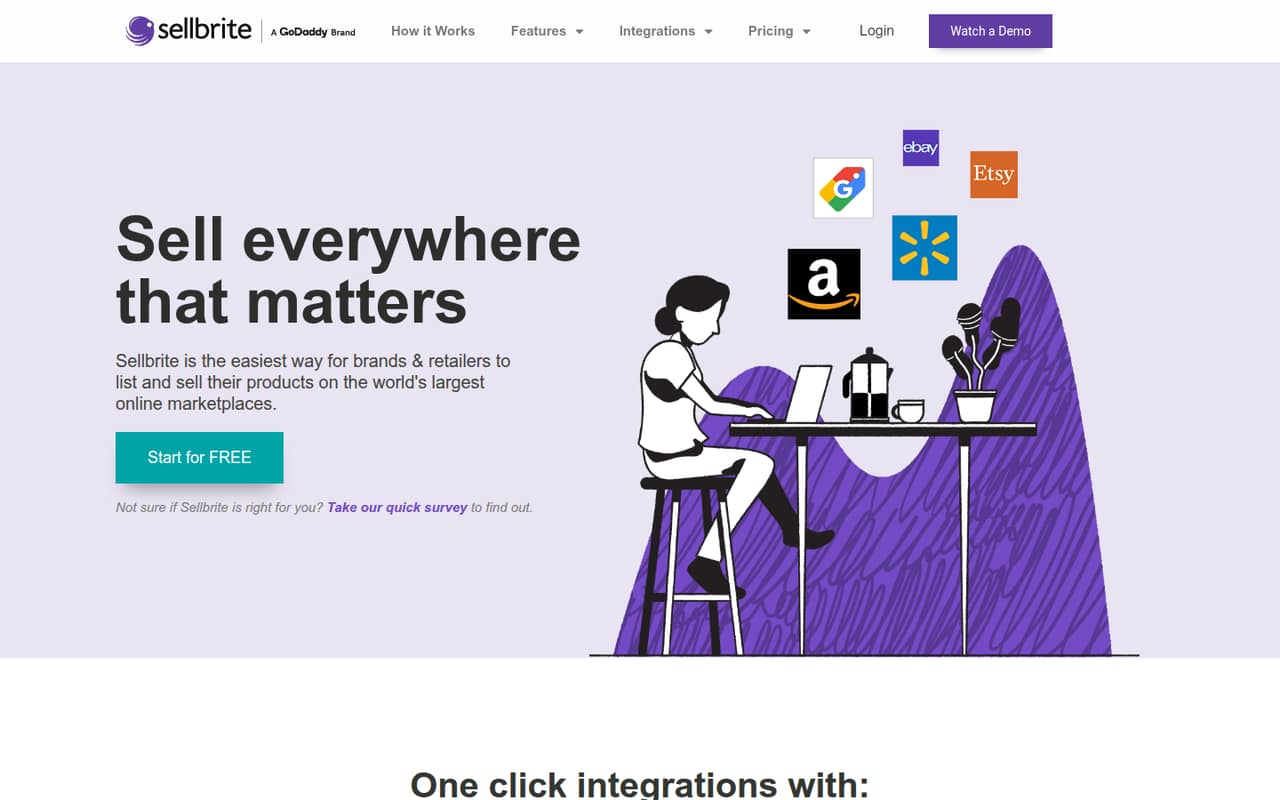
Sellbrite brings marketplace and web-store listings, inventory, and orders into one interface. Its Forever Free plan costs $0 and includes unlimited users, SKUs, and sales channels, but limits you to 30 monthly orders and syncs inventory every two hours.
That makes it worth considering for a small team trying multichannel sales without a subscription. Paid-plan prices aren't published, and Reddit users report order-title quirks and channel sync problems, so ask about your specific workflows before relying on it at higher volume.
Good fit if
- Small teams testing multichannel sales
- Sellers under 30 monthly orders
- Stores needing shared order management
Skip it if
- Teams needing frequent inventory updates
- Sellers above 30 monthly orders
- Stores needing trouble-free channel syncing
ScoresHow it rates
What works
- Free plan includes unlimited users, SKUs, and sales channels
- Centralizes orders from multiple sales channels
- Inventory adjusts after orders
- Supports bulk listings with templates
- Can route orders to Fulfillment by Amazon
What doesn't
- Free plan stops at 30 monthly orders
- FBA orders don't count toward that order limit
- Inventory sync runs every two hours on free
- Paid-plan prices and billing details aren't published
- Reddit users report listing and sync frustrations
01Who Sellbrite is for
Sellbrite is for small retailers and brands selling through more than one marketplace or web store. A one-to-ten-person team can use it to manage product listings, inventory, and orders in one interface rather than handling each channel separately. The pricing listing says the free plan allows unlimited users, SKUs, and sales channels, so a small team doesn't pay extra per seat on that plan.
The job it fits is coordinating multichannel selling: create listings with templates, update stock after orders, and manage orders across channels. It also offers shipping labels and automatic routing to Fulfillment by Amazon. We’d consider it for a team testing whether multiple channels bring enough sales to justify a dedicated tool. The catch is the free plan's 30-order monthly limit and two-hour inventory sync. If the team regularly sells more than that, check paid pricing and channel requirements before moving your operations into Sellbrite.
02Sellbrite free plan and trial
Sellbrite's Forever Free plan is listed at $0 per month and $0 annually. It includes unlimited users, SKUs, and sales channels, plus up to 30 orders per month. Amazon FBA orders are excluded from that cap. Inventory sync runs every two hours, which may be too slow for sellers who need stock updates more often.
The pricing listing doesn't include a free-trial offer. It also doesn't publish paid-plan prices, so a team that exceeds 30 counted orders should ask Sellbrite what plan fits and what it costs before depending on the service. The free plan is a meaningful way to start with multiple channels, but it isn't a no-limit option: order volume and sync frequency are the main constraints.
03What a small team pays for Sellbrite
The pricing listing shows Forever Free at $0 monthly and annually. That makes the total $0 for one person, three people, or five people; the plan includes unlimited users, so there’s no per-seat charge to multiply. Those figures apply only while your team stays within the plan's 30 monthly orders, excluding Amazon FBA orders, and accepts inventory sync every two hours.
Paid-plan prices and billing details aren't published, so we can't give a reliable monthly or annual total for a team that needs more order capacity. The listing doesn't name any add-ons either. Before you budget for a growing team, ask Sellbrite for the price at your order volume, whether there are channel or feature limits on paid plans, and whether shipping labels or FBA routing carry extra costs. Don't treat the free plan's unlimited users as proof that paid plans are priced per seat—or that they aren't; confirm the billing model with the vendor.
04Getting started with Sellbrite
Sellbrite's setup time isn't published, so a small team should budget time to connect its sales channels and decide which system owns product and inventory data. The listed features cover bulk listings with templates, inventory sync, orders in one interface, shipping labels, and FBA routing. Those workflows make channel connections and listing settings important parts of a practical rollout; ask the vendor which steps apply to your exact stores.
Reddit users describe using Shopify as their product and inventory hub, then using Sellbrite to list on Etsy and eBay. Another user reports that Etsy order titles passed into Shopify caused messy product names, while a commenter suggested adjusting order settings. That points to a real learning curve around order mapping, not just connecting accounts. Start with a small set of products and check how titles and variants appear in each destination before relying on a full catalog sync.
05When small teams outgrow Sellbrite
The clearest point to reassess is when the team regularly exceeds 30 monthly orders on Forever Free. The plan's two-hour inventory sync is another reason to ask about paid options if slower stock updates don't suit your sales volume. Sellbrite's paid prices and plan limits aren't published, so get a quote and confirm order caps, sync frequency, and channel support before you commit to an upgrade.
Reddit feedback is mixed and includes specific workflow complaints. One Etsy seller says Sellbrite changed product titles when importing orders into Shopify; another says repeated editing took longer than listing directly. Walmart sellers in a separate thread report timeouts and sync problems, while another commenter says their experience had improved. A Reddit user also says Sellbrite couldn't create a new Amazon ASIN, describing a workflow that began in Shopify instead. These reports aren't proof every account will hit the same issues, but they're good reasons to test your key channels and order flows before scaling.
From the threadsWhat users say
Reddit feedback is mixed, with some sellers describing a workable Shopify-led process and others reporting title changes, manual rework, or channel sync trouble. These individual accounts point to testing the exact channel workflows your team depends on.
SB has a special price/product for Shopify users
I'm done with Sellbrite for importing orders into my Shopify. Sick of it renaming product titles and other glitches
Yeah Sellbrite has been buggy af with Walmart lately. We switched away after constant sync/publish issues
What worked for me was changing Sellbrite order settings to map Shopify variant title only and disable custom option name appending
Questions people ask
What does Sellbrite do?
Sellbrite helps brands and retailers manage product listings, inventory, and orders across online marketplaces and branded web stores. Its listed features include bulk listing templates, inventory sync, shipping labels, and routing orders to Fulfillment by Amazon.
Is Sellbrite free?
Sellbrite lists a Forever Free plan at $0 per month and annually. It includes unlimited users, SKUs, and sales channels, but allows up to 30 monthly orders, excluding Amazon FBA orders. Inventory sync on the plan runs every two hours.
Does Sellbrite offer a free trial?
The pricing listing doesn't include a free-trial offer. It does list a Forever Free plan at $0, with a 30-order monthly limit and inventory sync every two hours. Confirm directly with Sellbrite if you need to know whether a trial is available for a paid plan.
How much does Sellbrite cost for a small team?
The Forever Free plan costs $0 monthly and annually and includes unlimited users, so one, three, or five users pay the same listed price. Sellbrite's paid-plan prices and billing details aren't published. Ask the vendor for a quote based on your order volume and required features.
Can Sellbrite import Etsy orders into Shopify?
A Reddit user describes using Sellbrite to import Etsy orders into Shopify, but also reports that product titles changed during the process. A commenter suggested adjusting order settings to control title mapping. Check the current options with Sellbrite and test a few orders before using this workflow at scale.
Sources
- Sellbrite homepage
- Sellbrite pricing, compiled via web search from g2.com
- Reddit: Sellbrite Vs Listing Mirror
- Reddit: Any alternatives to Sellbrite for Etsy-Shopify integration
- Reddit: Anyone use Sellbrite and not able to list to Walmart? Ever since their upgrade, everything times out and doesn't publish. Have any suggestions for another inventory management system?!?
- Reddit: Product titles being over-written when importing Etsy sales via Sellbrite