
We may earn a commission if you buy through links on this page. It never changes a score or a ranking. How we make money
The bottom line
Simpplr covers a lot of intranet needs, but small teams can't check the price before talking to sales.
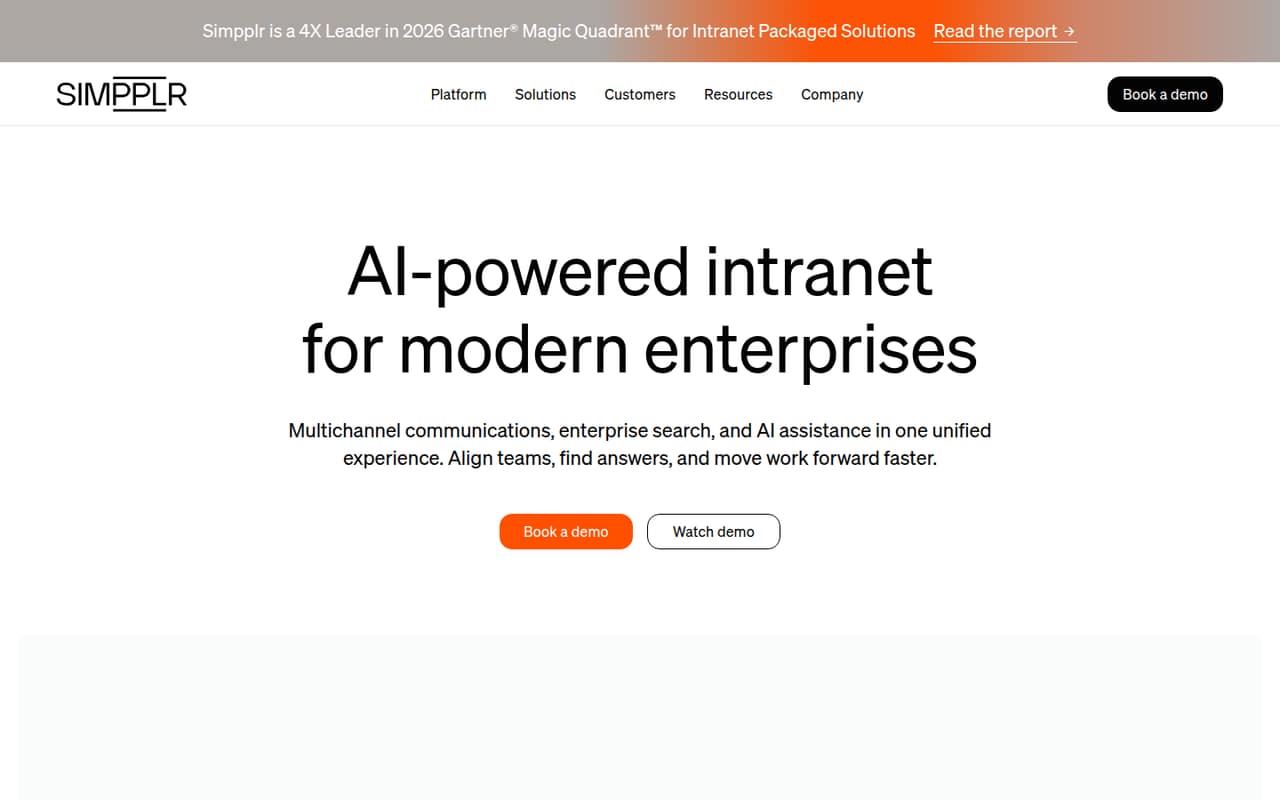
Simpplr combines employee communications, knowledge search, communities, and workflows in an AI-powered intranet. That breadth may suit a team trying to put internal information and everyday tasks in one place.
There’s no free plan, and the pricing page lists no monthly or annual rate. A 14-day trial is available only in limited cases, so a small team should ask for a quote and confirm trial access before investing time.
Good fit if
- Teams centralizing internal communications
- Organizations with scattered employee knowledge
- Companies connecting tasks to intranet content
Skip it if
- Teams needing a free intranet
- Buyers requiring public per-seat pricing
- Small groups avoiding sales-led setup
ScoresHow it rates
What works
- Combines communications, knowledge, people, and workflows
- Supports communities, recognition, feedback, and listening
- AI-powered search and answer generation
- App tiles connect employees to everyday tasks
- 14-day trial may be available
What doesn't
- No free plan
- Monthly and annual prices aren't published
- Seat limits aren't published
- Trial availability is limited
- Several support and implementation options cost extra
01Who Simpplr is for
Simpplr is an AI-powered intranet for organizations that want employee communications, knowledge, people, and workflows in one place. The pricing page positions Simpplr One for organizations seeking an employee experience platform, rather than publishing a small-team or per-seat package.
For a team of 1–10, it makes most sense when internal updates, trusted answers, employee communities, and everyday tasks are important enough to justify a dedicated platform. The product lists personalized communications, AI-powered search and answers, workflow automation, and app tiles for connecting to other systems. That’s a broad set of jobs for a small group; if all you need is a place to post occasional announcements, it may be more tool than you need. Before committing, ask for a quote based on your actual employee count and confirm which integrations and capabilities are included. The vendor lists volume discounts starting at 500 employees, so a team of ten should not assume it qualifies.
02Simpplr free plan and trial
Simpplr has no free plan. The pricing information lists a 14-day trial, but says availability is limited, so a small team should confirm it can get access before planning an evaluation. The trial’s seat limit, included features, and any restrictions are not published.
The cheapest way in is Simpplr One, the paid offering listed for organizations seeking an employee experience platform. Its monthly and annual rates are not published, and there is no public starting price to compare with a small-team budget. Ask the vendor whether a trial is available for your organization, how many people can join it, what happens when it ends, and whether the trial includes the features you need. Don’t assume the trial is a permanent free tier.
03What a small team pays for Simpplr
The pricing page lists Simpplr One but publishes neither a monthly nor an annual rate. That means we can’t calculate a reliable cost for one person, three people, or five people—or compare monthly billing with annual billing. The vendor also doesn’t publish seat limits, so ask whether there is a minimum purchase or a different rate for a small organization.
Volume discounts start at 500 employees, according to the pricing details; a team of 1–10 should not count on that discount. The page also lists possible extras: Premium products, Enhanced Customer Success, Global Support options, Smart Start implementation services, and Migration services. It does not publish prices for those add-ons. Ask for an itemized quote showing the subscription, required services, and any optional products, plus the total for your actual headcount. Without those figures, it’s difficult to judge whether Simpplr fits a tight budget.
04Getting started with Simpplr
Simpplr brings communications, knowledge, and workflows together, so setup is likely to involve more than creating a homepage: plan what information belongs there, who will publish it, and which tasks employees should access through app tiles. The product lists integrations and workflow automation, but specific integration names, setup steps, and implementation timelines aren’t published in the pricing information.
For day one, make a shortlist of the systems your team needs to reach from the intranet and ask Simpplr to confirm their integrations and any configuration work. One Reddit thread specifically asks about Microsoft Teams integration, including pinning the app and displaying the site; that question is not confirmation that the requested setup is supported. Simpplr lists Smart Start implementation and migration services as possible add-ons, but doesn’t publish their prices. Ask what your team can configure itself, what help costs extra, and what training is included.
05When small teams outgrow Simpplr
Simpplr’s listed feature set covers communications, search, employee engagement, and workflows, so a team may outgrow it if it needs capabilities or integrations that aren’t included in its quote. The vendor doesn’t publish seat limits or public plan tiers, making it hard to tell when an upgrade is required. Ask how the product and price change as headcount grows, and whether premium products or support options are necessary for your use case.
Budget can also become a reason to move on: there’s no free plan, no published per-seat rate, and volume discounts begin at 500 employees. One commenter on Reddit says their organization moved from Simpplr to SharePoint and did not regret it. That’s one team’s experience, not proof that another platform will work better for you. Still, it’s a useful reminder to compare the total quoted cost and required features with tools your organization already has before signing.
From the threadsWhat users say
The available Reddit feedback is sparse and mixed, with one commenter reporting a move away from Simpplr. Another commenter suggests considering SharePoint, while the original poster was weighing platforms for internal communications.
Both platforms look like they would achieve our business requirements well:
CMS for Internal Comms to craft beautiful newsletters/posts to employees
Why not use SharePoint?
we moved from Simpplr to SharePoint - do not regret it
Questions people ask
Does Simpplr have a free plan?
No. The pricing information lists no free plan. It mentions a 14-day trial, but availability is limited, and the trial’s seat limit and included features aren’t published. Ask Simpplr whether your organization can access the trial and what it includes before building an evaluation plan.
How much does Simpplr cost?
Simpplr doesn’t publish its monthly or annual rates, so there’s no public starting price or per-seat calculation. Request an itemized quote for your headcount, and ask whether there’s a minimum purchase. The vendor lists volume discounts starting at 500 employees.
What does Simpplr include?
Simpplr describes its intranet as a place for employee communications, knowledge, people, and workflows. Listed capabilities include personalized communications, communities, recognition, feedback, AI-powered search and answer generation, workflow automation, and app tiles for reaching tasks across systems.
Is a 14-day Simpplr trial available to every team?
Not necessarily. The pricing information says the 14-day trial is subject to limited availability. It doesn’t publish eligibility rules, seat limits, or which features are included. Contact the vendor to check access and confirm whether the trial covers your planned evaluation.
Does Simpplr work with Microsoft Teams?
A Reddit thread asks whether the site can integrate with Microsoft Teams, including pinning the app and displaying the website. That discussion doesn’t confirm the integration or those specific functions. Ask Simpplr to verify current Teams support and any setup requirements before you buy.