
We may earn a commission if you buy through links on this page. It never changes a score or a ranking. How we make money
The bottom line
Good prospecting basics and a real free plan; check seat and credit costs before scaling.
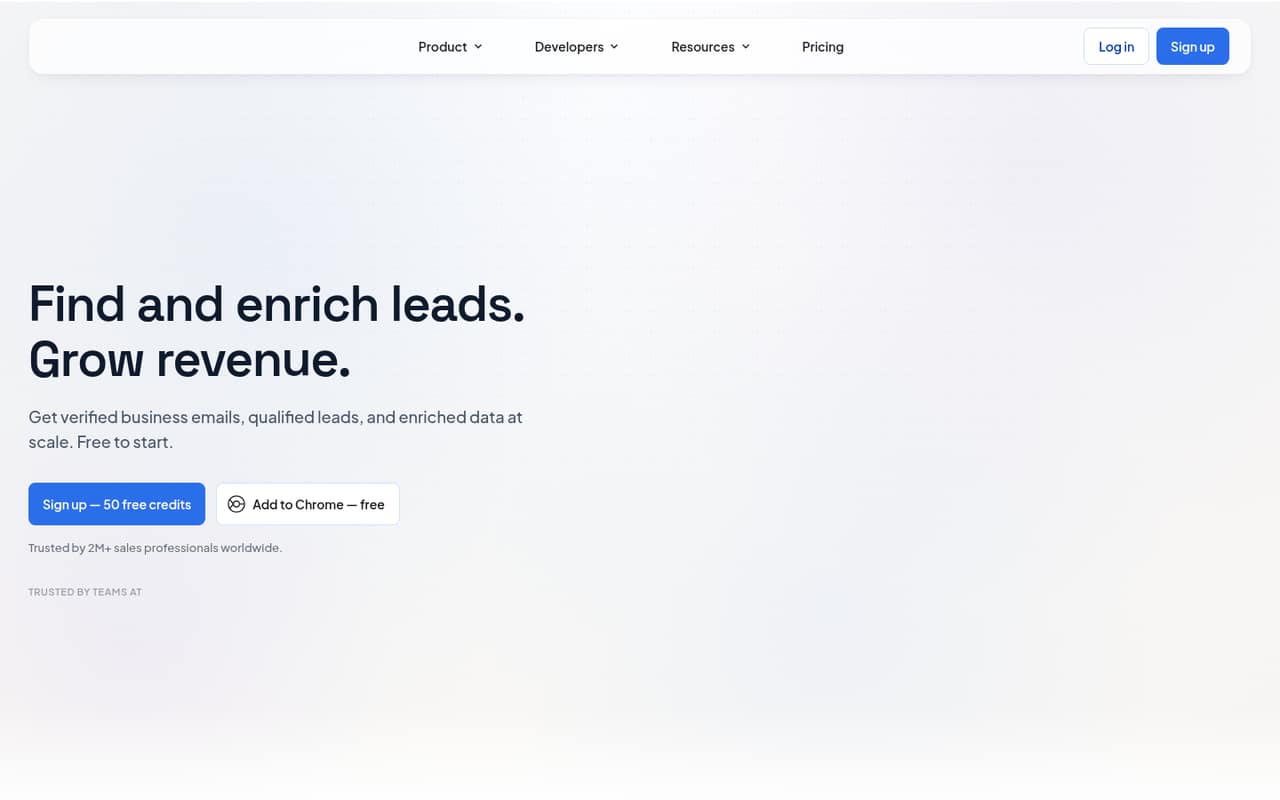
Skrapp.io finds and verifies professional email addresses from LinkedIn, company websites and its B2B contact database. It also enriches contact records and supports CSV exports and a REST API for integrations.
For a solo user, the free plan offers 50 credits and core email-finding tools. Teams that need more volume can start with Professional at $29 per month when billed annually, but that price includes two users; extra seats require a custom arrangement.
Good fit if
- Solo users testing email prospecting
- Two-person outbound teams
- Teams sourcing LinkedIn leads
Skip it if
- Teams needing fixed seat pricing
- High-volume prospecting on a tight budget
- Teams wanting published credit add-on prices
ScoresHow it rates
What works
- Free plan includes 50 credits
- Email finder and verifier included free
- Searches a database of 200M+ B2B contacts
- Finds leads from LinkedIn and company websites
- Professional plan includes two users
What doesn't
- Free plan is limited to one user
- Professional starts with only two users
- Extra seat pricing requires a sales arrangement
- Additional credit pricing is not published
- Credit usage rules are not listed in the plan details
01Who Skrapp.io is for
Skrapp.io is for small teams that need business email addresses to build outbound lists, rather than a broad sales platform. It finds professional emails from LinkedIn, company websites and a database of more than 200 million B2B contacts. It can also verify addresses and add details such as job title, seniority, department and company firmographics.
The free plan suits one person testing the core tools. For a team of two, Professional is the first paid plan with multiple users and more monthly credits. Its annual-billing rate works out to $29 per month; monthly billing is $39. That can fit a lean prospecting budget if two seats are enough. Teams of three to ten should ask Skrapp for an extra-seat quote before committing, because additional seat prices are not published. It is best suited to teams that can work with credit-based prospecting and straightforward CSV or API exports.
02Skrapp.io free plan and trial
Skrapp’s Free plan costs $0 and includes 50 credits, one user, Email Finder, Email Verifier and LinkedIn integrations. It gives a solo prospecting user a way to try the central workflow without a subscription, though the 50-credit allowance limits how much searching and verification a team can do. The plan details do not specify how many credits each action uses, so check that before planning a campaign around the free allowance.
A free trial is not listed. The next step is Professional, which starts at $39 per month with monthly billing or $29 per month when billed annually. It includes 2,000 credits per month and two users. The pricing page lists credit rollover on paid plans, but additional credit prices are not published.
03What a small team pays for Skrapp.io
Professional is the practical paid starting point for a small team: $39 per month with monthly billing, or $29 per month when billed annually. The annual rate is $348 for the year, compared with $468 at the monthly rate, and the pricing page says annual billing saves 25%. Both prices include two users and 2,000 credits per month.
For one person, Free costs nothing if 50 credits are enough. A solo user who wants Professional pays the full plan price: the included-seat arithmetic is $19.50 per seat monthly or $14.50 per seat per month on annual billing, but Skrapp does not list a one-seat paid option. For three or five people, the two-seat Professional plan is not enough. Additional seats require a custom arrangement through sales, so the total for either team size is not published; ask for a quote before budgeting.
Professional includes credit rollover, AI Enrichment and List CRM Sync. Extra credits can be purchased, but their price is not published. Enterprise lists 15 users and 50,000 credits monthly at $349 monthly or $262 per month billed annually.
04Getting started with Skrapp.io
The product’s listed ways to find contacts are LinkedIn, company websites and Skrapp’s lead database. Its Chrome extension is described as a way to find addresses from LinkedIn profiles and Sales Navigator. That gives a small team a clear starting point: choose a source, find prospects, verify addresses, then export results as a CSV or use the REST API for a custom integration.
The exact setup steps and time required are not published, so we would not assume a particular onboarding effort. For a basic workflow, a solo user can start with the free plan; a two-person team can use Professional, which includes LinkedIn integrations and 2,000 monthly credits. Teams that need CRM syncing should note that List CRM Sync is listed on Professional. Before a wider rollout, confirm how credits are counted and whether your preferred workflow needs any extra configuration.
05When small teams outgrow Skrapp.io
The first growth pinch is likely to be seats. Free has one user, and Professional includes two. A team of three or five needs extra seats arranged through sales, with no published seat price to use in a budget. Get that quote before moving prospecting work into Skrapp or making it part of a team-wide process.
Volume is the other constraint to watch. Professional includes 2,000 credits per month, with rollover, but additional credit prices are not published and the plan details do not explain the credit cost of each action. Teams should track usage and ask Skrapp what extra volume would cost before scaling campaigns.
Enterprise lists 15 users, 50,000 monthly credits, API Integration and SSO Authentication, at $349 per month or $262 per month billed annually. That may suit a larger operation, but it is a substantial jump from Professional. If a team needs a predictable price for three to ten seats, or clearer costs for high-volume use, Skrapp’s custom seat arrangement and unpublished credit add-on pricing could be reasons to compare other tools.
Questions people ask
What does Skrapp.io do?
Skrapp.io finds professional email addresses from LinkedIn, company websites and its B2B contact database. It verifies returned addresses and can enrich contacts with job title, seniority, department and company firmographics. Users can export search results as CSV or use the REST API for custom integrations.
How do you use Skrapp on LinkedIn?
Skrapp lists a Chrome extension for finding email addresses from LinkedIn profiles and Sales Navigator, as well as LinkedIn integrations on its Free plan. The exact installation and usage steps are not published in the available plan details, so check Skrapp’s current instructions before setting up a team workflow.
Does Skrapp.io have a free plan?
Yes. The Free plan costs $0 and includes 50 credits, one user, Email Finder, Email Verifier and LinkedIn integrations. It is a reasonable starting point for one person, but the credit allowance is small for ongoing prospecting. Skrapp does not list a free trial separately.
How much does Skrapp.io cost for a small team?
Professional costs $39 per month with monthly billing or $29 per month when billed annually, and includes two users and 2,000 monthly credits. Three- or five-person teams need additional seats arranged through sales; Skrapp does not publish the price for those seats.
Can Skrapp.io export leads or connect to other tools?
Skrapp lists CSV exports and a REST API for custom integrations. Professional includes List CRM Sync, while Enterprise lists API Integration. Check with Skrapp about the CRM or custom workflow you need, since the plan details do not list every supported integration or configuration requirement.