
We may earn a commission if you buy through links on this page. It never changes a score or a ranking. How we make money
The bottom line
Skynova covers everyday billing for $22 a month, but team pricing and trial length need confirming.
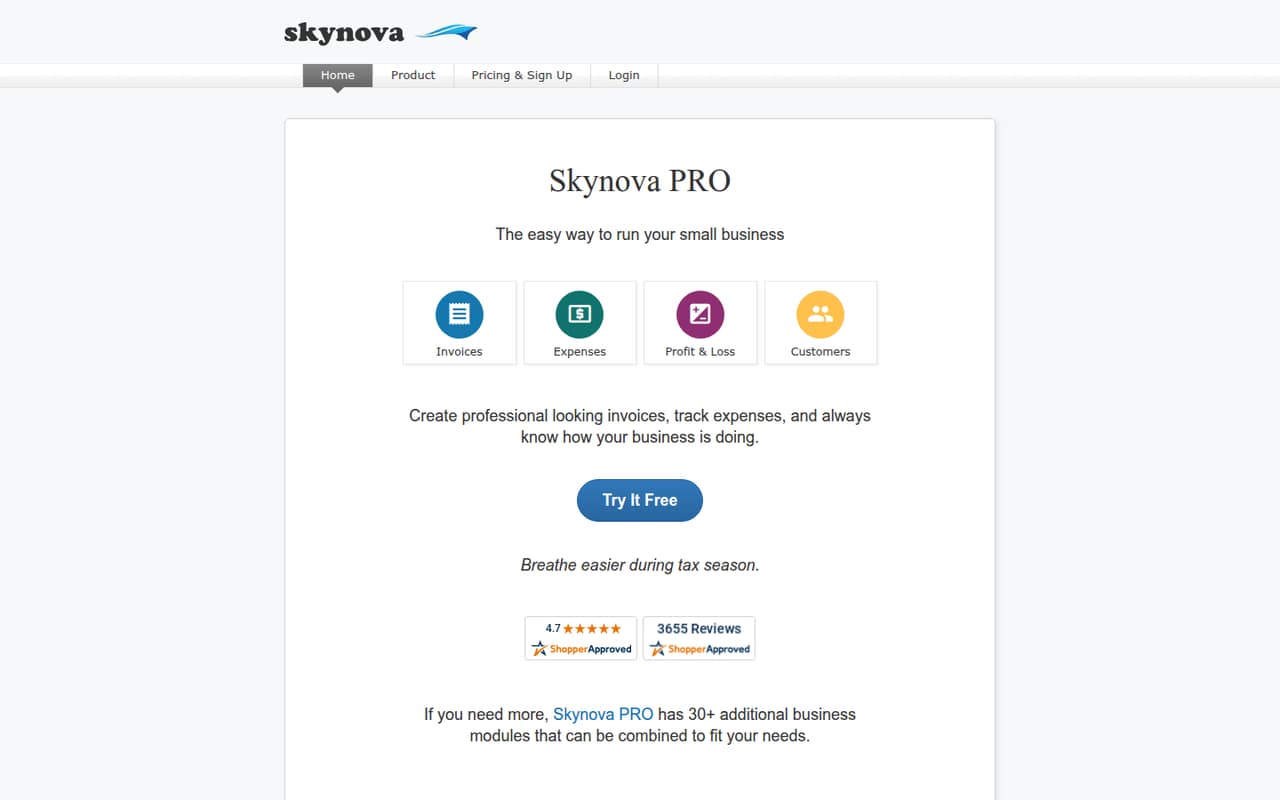
Skynova brings invoicing, expense tracking, payment reminders, and business documents into a browser-based service. It looks suited to small businesses that want billing tools without a full accounting suite.
The listed price is $22 per month for Skynova PRO, and there’s no free plan. A free trial is advertised, but its duration and how pricing works for multiple team members aren’t published.
Good fit if
- Freelancers and contractors
- Small teams with basic billing
- Businesses needing business documents
Skip it if
- Teams that need a free plan
- Buyers needing clear per-seat pricing
- Businesses seeking full-scale accounting
ScoresHow it rates
What works
- Custom invoices with logos and itemized services
- Tracks invoice opens and past-due balances
- Recurring invoices support several schedules
- Includes bookkeeping and business-document tools
- Card and PayPal payments are supported
What doesn't
- No free plan
- Trial duration isn’t published
- Annual-billing price isn’t published
- Per-seat pricing isn’t published
- No separate add-on prices are listed
01Who Skynova is for
Skynova is aimed at small businesses, freelancers, and contractors who need to bill customers and keep tabs on expenses without buying a full-scale accounting suite. For a one-person business or a small team with straightforward billing, it brings several everyday jobs together: creating invoices, tracking customer balances, recording expenses, and accepting payments.
The service also creates estimates, quotes, bids, proposals, orders, receipts, timesheets, and contracts with e-signatures. That breadth may suit a small operation that wants business documents alongside billing. The product description doesn’t specify a maximum team size or user roles, so a buyer with several staff members should confirm how access works. Skynova makes more sense when the main need is basic billing and bookkeeping; a team needing a deeper accounting system should compare it with full-scale options before settling on it.
02Skynova free plan and trial
Skynova doesn’t offer a free plan. The pricing information lists a “Try It Free” option, but the vendor doesn’t publish the trial’s duration or specify what features are available during it. Ask Skynova whether the trial includes the full PRO feature set and whether it requires payment details before signing up.
The cheapest listed way in is Skynova PRO at $22 per month. That plan includes 20+ add-ons, bookkeeping, estimates, quotes, receipts, recurring invoices, timesheets, and contracts with e-signatures. There’s no free tier to keep using after a trial, so budget for the subscription if you decide to continue. The listed monthly price is in US dollars; an annual-billing price isn’t published.
03What a small team pays for Skynova
The pricing page lists Skynova PRO at $22 per month. That’s the listed monthly price for one subscription; the vendor doesn’t publish whether it’s per user, per business, or how multiple team members are priced. If the $22 rate applies per seat, three seats would be $66 per month and five would be $110. Those are conditional calculations, not confirmed team quotes. Ask Skynova for the total before budgeting for several people.
The vendor doesn’t publish an annual-billing price, so we can’t compare monthly and annual costs. The plan lists 20+ add-ons as included, along with bookkeeping, estimates, quotes, receipts, recurring invoices, timesheets, and contracts with e-signatures. No separate add-on prices are listed. Confirm whether all the tools your team needs are included and whether any extra charges apply. With no free plan, the listed $22 monthly price is the starting point, but the real cost for a few seats remains unclear.
04Getting started with Skynova
Skynova is browser-based, and its main jobs are creating invoices and business documents, tracking expenses and customer balances, and receiving payments. The product description doesn’t publish setup steps, expected setup time, import options, or a list of integrations. It also doesn’t say how team invitations and permissions work.
For a small team, the practical setup questions are whether you can bring over customer and expense records, connect the payment methods you use, and give each staff member the right access. Skynova lists card and PayPal payments, plus recording cash or check payments, but that isn’t a complete integrations list. Ask the vendor about your current bookkeeping and payment tools before moving records. A Reddit poster described Skynova as looking simpler to get started with than QuickBooks, but that was an impression in a comparison question, not a report of completed setup.
05When small teams outgrow Skynova
Skynova may stop fitting when your team needs more than straightforward invoicing, expense tracking, and basic bookkeeping. The product is positioned as a basic billing option rather than a full-scale accounting suite. If you need deeper accounting features, more detail about staff permissions, or a clear per-seat budget, confirm those points with the vendor before committing. The published pricing doesn’t explain how costs change as more people join.
There’s no free plan to fall back on, and the vendor doesn’t publish an annual price or a trial duration. A Reddit thread comparing Skynova and QuickBooks raised the tradeoff between Skynova’s perceived simplicity and QuickBooks’ broader accounting features, but it didn’t provide a confirmed user account of switching or outgrowing Skynova. Treat that as a question worth investigating, not proof of a limitation. Ask for a team quote and check that the accounting features you expect are available before you build your process around it.
From the threadsWhat users say
The Reddit discussion is mostly a request for comparisons, not a set of firsthand Skynova reviews. One poster sees Skynova as simpler, while also recognizing that QuickBooks has more accounting features.
I mainly need invoicing, expense tracking, and simple bookkeeping without paying for a bunch of features I probably won’t use
Skynova looks simpler and easier to get started with
QuickBooks seems more established and has more accounting features
What are the pricing like ?
Questions people ask
What does Skynova do?
Skynova is a browser-based service for invoicing, expense tracking, customer balances, and payments. It also creates business documents such as estimates, quotes, receipts, timesheets, and contracts with e-signatures. The product is aimed at businesses looking for basic billing tools rather than a full-scale accounting suite.
How much does Skynova cost per month?
The pricing page lists Skynova PRO at $22 per month. An annual-billing price isn’t published. The vendor also doesn’t publish whether the listed rate is per user or per business, so ask for a quote if several people need access.
Does Skynova have a free plan?
No. Skynova doesn’t offer a free plan. It advertises a “Try It Free” option, but the trial duration and the features included during the trial aren’t published. The cheapest listed plan is Skynova PRO at $22 per month.
Can Skynova send recurring invoices and reminders?
Yes. Skynova lists recurring invoices on weekly, monthly, quarterly, biannual, or annual schedules. It also lists automated payment reminders for past-due balances and invoice tracking that shows whether and when a customer opens an emailed invoice.
What payment methods does Skynova support?
Skynova lists card and PayPal payments. It also lets businesses record cash or check payments and track expenses. If you need a particular payment provider or accounting integration, ask the vendor to confirm compatibility; a complete integrations list isn’t published.