
We may earn a commission if you buy through links on this page. It never changes a score or a ranking. How we make money
The bottom line
A focused CTA link tool, but the paid plans make small-team seat math matter.
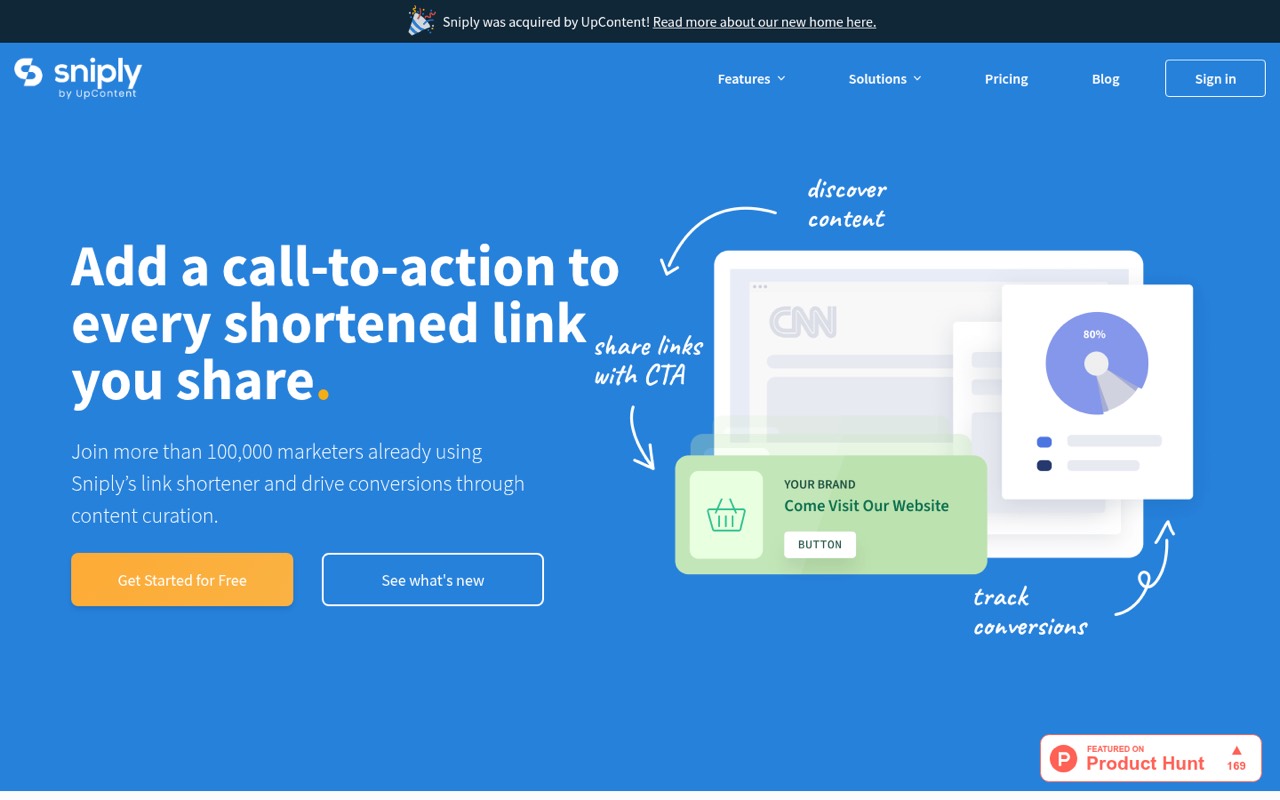
Sniply shortens links and adds a CTA to the page you share, with analytics for clicks, bounces and conversions. It also lists A/B testing, retargeting pixels and custom domains among its features.
There’s no free plan. The 14-day trial gives you a way to try it, while paid plans start at $9 monthly for one person. A team of five needs Business at $59 monthly.
Good fit if
- Small teams promoting shared content
- Marketers measuring CTA conversions
- Agencies managing several brands
Skip it if
- Teams that need a free plan
- People who only need short links
- Teams needing more than ten seats
ScoresHow it rates
What works
- Adds a custom CTA to shared pages
- Tracks clicks, bounces and conversions
- Includes A/B testing
- Supports Facebook, Twitter and Google Ads pixels
- Custom domains available on every listed paid tier
What doesn't
- No free plan
- Basic allows only one team member
- Basic caps links at 250 per month
- Five seats require the Business plan
- Enterprise pricing is custom
01Who Sniply is for
Sniply fits solo marketers, small teams and agencies that share links to other people’s pages but still want a route back to their own site. It shortens a link, places a custom message or button over the destination page, and tracks clicks, bounces and conversions. That makes it more specific than a basic shortener: its main job is to turn shared content into another chance to get a response.
For one person, Basic starts at $9 a month. A team of three can use Pro for $29 monthly, while a five-person team needs Business at $59 monthly. Those prices make the most sense when CTA activity is part of the team’s marketing work and the analytics are useful enough to justify a subscription. If all you need is a shorter URL, Sniply’s paid CTA features may be more than you need.
02Sniply free plan and trial
Sniply does not list a free plan. The pricing page lists a 14-day free trial, but does not publish trial limits or say whether a payment method is required. Ask Sniply to confirm those terms before signing up if they affect your decision.
The cheapest listed way to keep using Sniply is Basic: $9 per month with monthly billing, or $7.50 per month when billed annually. Basic includes 250 Sniply links a month, unlimited link clicks, five CTAs and 5,000 CTA impressions a month. It also allows one team member, one workspace and one custom domain. The trial is a short evaluation window, not a permanent free option; after it ends, continued use requires a paid plan.
03What a small team pays for Sniply
For one person, Basic costs $9 monthly or $7.50 per month billed annually. For three people, Pro costs $29 monthly, or $24.17 per month billed annually: about $9.67 or $8.06 per seat, respectively. A five-person team needs Business, at $59 monthly or $49.17 per month billed annually. That works out to $11.80 or about $9.83 per seat. Annual billing is listed with two months free.
Basic is limited to one team member, so it won’t cover a group. Pro supports three members, five workspaces and five custom domains; Business supports ten members, 20 workspaces and 20 custom domains. The pricing page lists no add-ons. Instead, the likely upgrade triggers are plan limits: more seats, CTAs, impressions, workspaces or domains. Basic includes five CTAs and 5,000 monthly impressions; Pro includes 30 and 20,000; Business includes 100 and 50,000. All listed plans include unlimited clicks.
04Getting started with Sniply
Sniply’s basic workflow is to shorten a link, choose a CTA message or button, then share the resulting link. The product description says its dashboard tracks clicks, bounces and conversions for each shortened URL. That gives a small team a clear starting point without needing to set up multiple workspaces or custom domains first.
The setup effort and learning curve are not published, so we wouldn’t promise a particular time to launch. A custom domain and retargeting pixels add configuration beyond the basic link-and-CTA flow. Sniply lists support for Facebook, Twitter and Google Ads pixels; those are the named integrations a team might need for retargeting. Whether you need them on day one depends on your campaign. If your priority is simply testing a CTA, start with a Sniply link and add pixels or a branded domain only when they serve a specific purpose.
05When small teams outgrow Sniply
The first upgrade point is team size. Basic includes one member, so a second teammate means moving to Pro, which supports three. Pro won’t cover a five-person team; Business starts at $59 monthly or $49.17 per month billed annually and supports up to ten members. That jump is worth weighing against how often the team uses CTA links and their reporting.
Usage limits can also push an upgrade. Basic caps links at 250 a month, CTAs at five and impressions at 5,000. Pro removes the link cap and raises the CTA and impression limits to 30 and 20,000; Business raises those to 100 and 50,000. The pricing page lists an Enterprise tier with custom pricing, API access and setup assistance for larger needs. Teams needing more than ten seats, or more than the listed Business allowances, should ask Sniply what Enterprise includes before committing.
Questions people ask
What does Sniply do?
Sniply shortens links and adds a custom message or button over the page the link leads to. Its dashboard tracks clicks, bounces and conversions. The product also lists A/B testing, retargeting pixels and custom domains, so teams can use it for more than creating shorter URLs.
Does Sniply have a free plan?
No. Sniply lists a 14-day free trial, but not a permanent free plan. After the trial, the cheapest listed option is Basic at $9 per month with monthly billing, or $7.50 per month billed annually. Trial limits and payment requirements are not published.
How much does Sniply cost for a small team?
Basic costs $9 monthly for one member. Pro costs $29 monthly for up to three members. A five-person team needs Business at $59 monthly. Annual billing lowers the listed monthly equivalents to $7.50, $24.17 and $49.17 per plan, respectively.
How many links can I make with Sniply?
Basic includes 250 Sniply links per month. Pro and Business list unlimited Sniply links per month, and all three plans include unlimited link clicks. Basic also has five CTAs and 5,000 monthly CTA impressions; higher tiers list larger allowances.
Can I use my own domain and retargeting pixels?
Yes. Custom domains are included in the listed paid plans: one on Basic, five on Pro and 20 on Business. Sniply also lists Facebook, Twitter and Google Ads retargeting pixel support. The pricing page does not specify separate add-on fees for these features.