
We may earn a commission if you buy through links on this page. It never changes a score or a ranking. How we make money
The bottom line
SOCi covers local marketing across locations, but custom pricing puts it out of reach for many small teams.
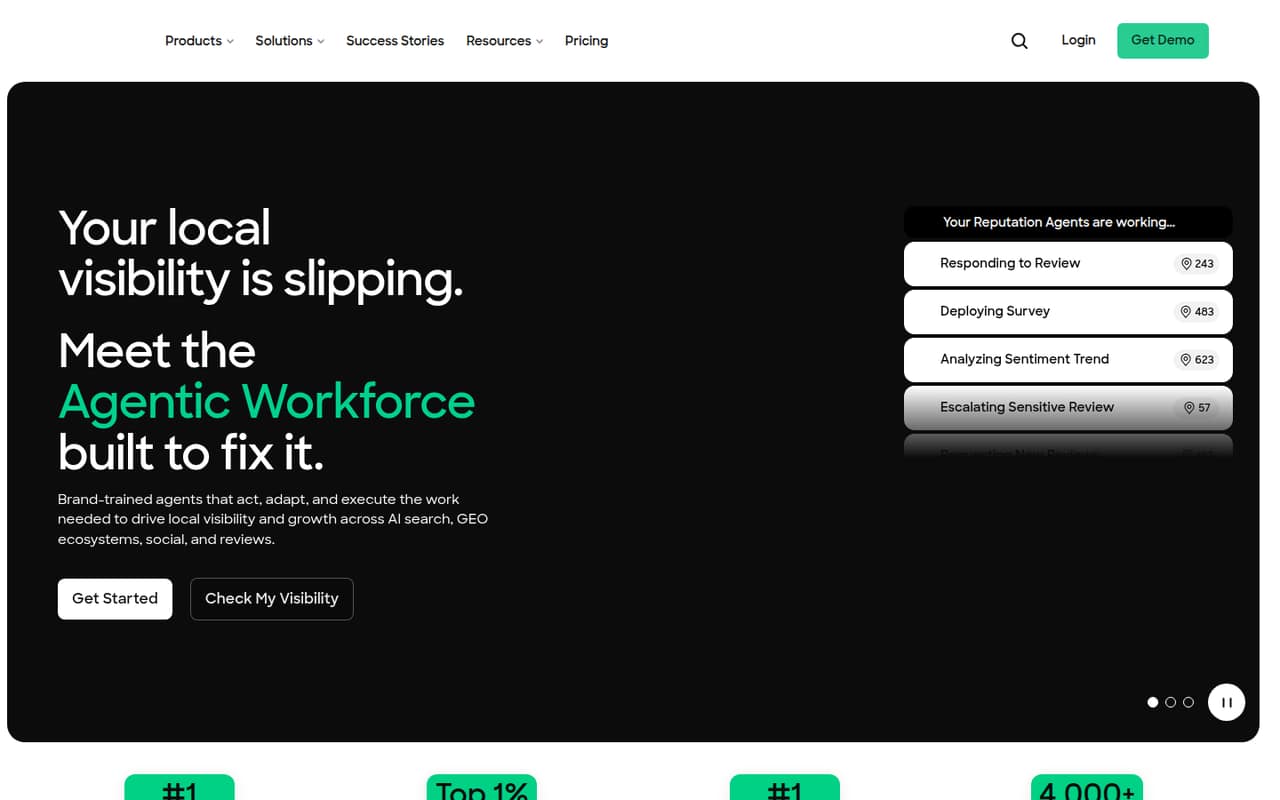
SOCi is built for multi-location brands that need to manage local search, social media, and customer reviews across many locations. Its brand-trained agents can handle work such as listings, posts, review responses, surveys, and chats.
There is no listed free plan, and the vendor does not publish a starting price or per-location estimate. Pricing depends on locations and selected agents or skills, so a small team will need a custom quote before it can judge the cost.
Good fit if
- Brands managing many local listings
- Teams centralizing social and reviews
- Businesses needing brand-trained workflows
Skip it if
- Small teams needing a free plan
- Buyers requiring published seat prices
- Single-location businesses with simple needs
ScoresHow it rates
What works
- Covers local search, social, and reputation work
- Agents can be trained on brand workflows
- Manages work across multiple locations
- No per-user fees listed
- Includes review responses and sentiment analysis
What doesn't
- No free plan is listed
- Starting price is not published
- Trial availability is not published
- Location-based quotes make budgeting difficult
- Some skills have package-based usage limits
01Who SOCi is for
SOCi is for brands managing marketing across multiple locations, rather than a small business that needs one social calendar. It brings local search, social publishing, and reputation management into one platform, with brand-trained agents carrying out work across locations and channels.
That could suit a lean central marketing team supporting many branches: agents can manage listings and local pages, publish Google Posts and social content, respond to reviews and engagement, and handle surveys or chats. The value depends on having enough locations and recurring local work to justify a custom quote. The vendor says there are no per-user or per-profile fees, but pricing depends on location count and selected agents or skills. A team of one to ten people may appreciate the centralized workflow, but should ask for a quote based on its actual location count and required skills before deciding whether it fits the budget.
02SOCi free plan and trial
The pricing information lists no free plan, and the vendor does not publish whether a free trial is available. That means a small team should not count on being able to explore the full platform at no cost before committing.
The cheapest listed way in is a custom quote for enterprise multi-location brands. There is no published minimum price, so we can't name a lowest-cost package or say what one location would cost. The quote depends on the number of locations and which agents or skills the team selects. Before asking for pricing, list the locations and tasks you need covered, such as listings, social publishing, or review responses. Also ask whether the proposed skills have usage limits and whether the vendor can offer a trial or guided evaluation.
03What a small team pays for SOCi
SOCi does not publish a starting price, and the pricing information does not give a per-location rate. It lists custom pricing based on locations and selected agents or skills, with no per-user or per-profile fees. So the cost for one person, three people, or five people is not published—and can't be calculated as a per-seat estimate.
Monthly and annual billing options are also not published. Ask the vendor for both billing terms and a quote covering your exact locations and required work. That is the only way to compare a one-person setup with a three- or five-person team; adding people is not listed as a direct price driver, but location count and selected skills are.
No add-on prices are listed. Some skills have package-based usage limits, so ask whether the skills in your quote include enough usage for your expected workload and what happens if you exceed it. Without those details, a small team can't confirm its total cost or budget for growth.
04Getting started with SOCi
The vendor does not publish a setup timeline, onboarding effort, or a list of required integrations, so we can't give a reliable estimate of how many hours a small team should set aside. The product description does indicate that agents are trained on a brand and its workflows, then deployed across locations and channels. That means a buyer should be ready to explain its brand standards and the work it wants agents to handle.
Before signing, ask what information and access the team must provide for listings, social accounts, review management, surveys, or chats. Confirm which channels and integrations are included in the quoted agents, who handles initial configuration, and how much staff review is expected for agent output. The platform covers several workflows, but the vendor does not publish enough setup detail to judge the learning curve or day-one integration work.
05When small teams outgrow SOCi
SOCi is more likely to be too much tool than too little for a small business managing only a handful of local marketing tasks. If the team needs just basic social publishing or a simple way to respond to reviews, the broad platform may not justify a custom quote. The vendor does not publish a starting price, so there is no public threshold at which the cost becomes worthwhile.
A growing brand may instead run into limits in the quote itself: pricing depends on locations and selected agents or skills, and some skills have package-based usage limits. Ask how the quote changes when you add locations, channels, or workload, and what usage each skill includes. There are no published seat prices or usage caps to use for forecasting, so a team should get those terms in writing before committing. SOCi may remain a fit as location needs grow, but the budget impact is not predictable from public pricing.
Questions people ask
Does SOCi have a free plan?
The pricing information lists no free plan. It also does not publish whether a free trial is available. Ask SOCi whether it offers a trial or guided evaluation before requesting a paid quote, especially if your team needs to confirm how its agents fit your brand workflows.
How much does SOCi cost?
SOCi does not publish a starting price. The listed pricing is a custom quote based on location count and selected agents or skills. There are no per-user or per-profile fees listed, but monthly and annual billing options are not published. Ask the vendor for a quote using your exact scope.
Does SOCi charge per user or location?
The pricing information says there are no per-user or per-profile fees. It also says price depends on locations and selected agents or skills, but does not give a per-location rate. Get a quote for your current locations and ask how it changes as you add more.
What can SOCi's agents do?
SOCi's brand-trained agents can manage listings and local pages, publish Google Posts and social content, and respond to reviews and social engagement. The platform also describes sentiment analysis, review solicitation, surveys, chats, and direct messages among its local marketing work.
Does SOCi publish setup requirements or integrations?
The vendor does not publish a setup timeline or a list of required integrations in the available pricing and product details. Ask what account access and brand materials are needed, which channels are included in your quote, and what onboarding support is available before you commit.