
We may earn a commission if you buy through links on this page. It never changes a score or a ranking. How we make money
The bottom line
Useful newsroom automation, with a steep starting bill and unclear costs for extra seats.
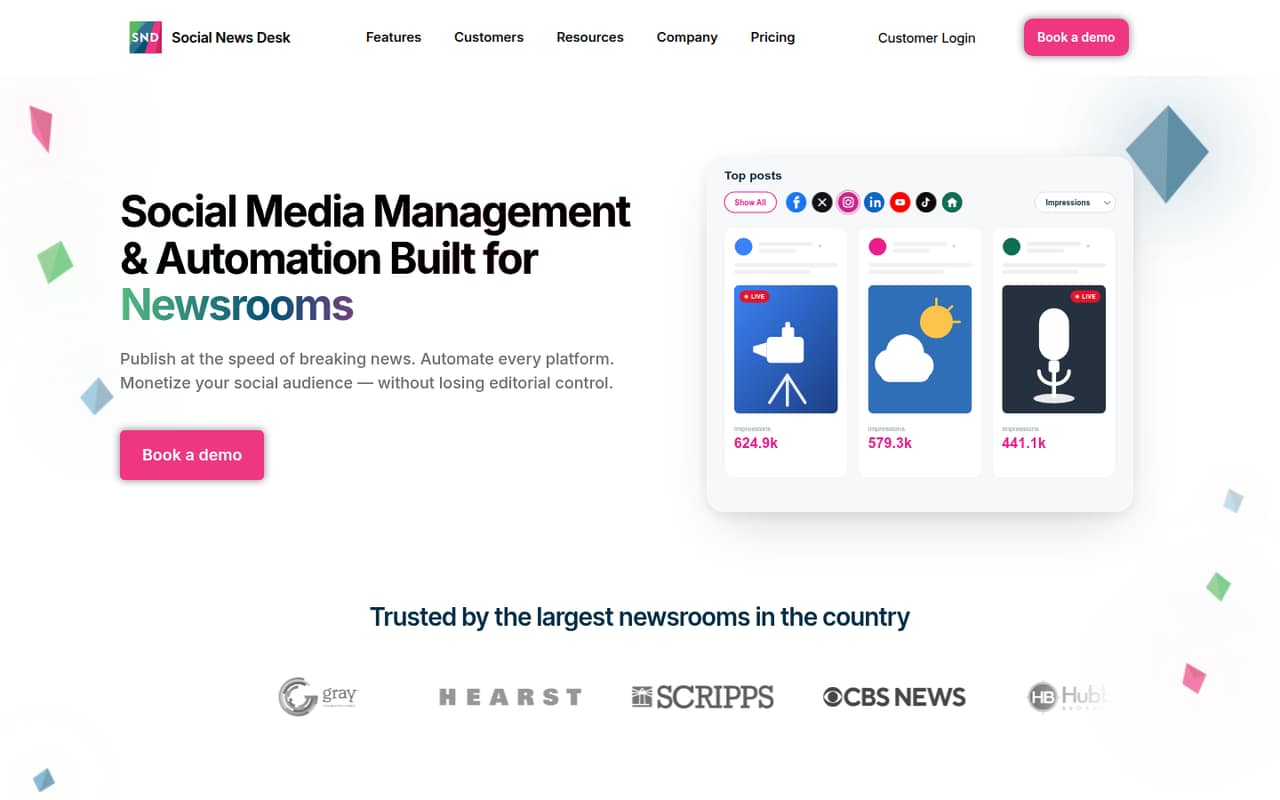
Social News Desk combines publishing, listening, engagement and analytics with newsroom-specific tools such as CMS-triggered workflows and On Air Display. Starter covers one user and up to five social accounts, but there’s no free plan.
The pricing page lists Starter at $99 per seat per month, billed annually and prepaid for 12 months. That’s $1,188 upfront for one seat at the listed rate. The FAQ says paid plans start at $299 per month, so confirm your quote and seat costs before committing.
Good fit if
- Newsrooms automating story distribution
- Teams managing several social properties
- Broadcasters bringing social posts on air
Skip it if
- Teams that need a free plan
- Small teams watching every seat cost
- Businesses needing published setup details
ScoresHow it rates
What works
- Starter includes unlimited publishing and monitoring
- One Starter user can manage up to five social accounts
- CMS-triggered workflows can distribute newsroom stories
- Pro includes a consolidated social inbox
- Pro lists 365-day US-based human support
What doesn't
- No free plan
- Trial availability is not published
- Starter includes only one user
- Extra seat pricing is not published
- FAQ starting price conflicts with plan cards
01Who Social News Desk is for
Social News Desk is built for newsrooms and agencies that need more than a place to schedule posts. It combines publishing, monitoring, listening, engagement and analytics, with workflows designed around newsroom content. A small editorial or social team can use it to distribute stories, watch conversations and manage several properties from one platform.
The Starter plan is aimed at smaller teams, but it includes one user and up to five social accounts. That makes the listed $99 per seat monthly rate a significant commitment for a solo social lead, and a team with several staff should confirm the cost of extra seats before budgeting. The product may make more sense when CMS-triggered publishing or newsroom-specific tools like On Air Display solve a real workflow need. For a small business that mainly wants basic scheduling, those newsroom capabilities may not justify the spend.
02Social News Desk free plan and trial
Social News Desk has no free plan. The pricing page lists Starter as the cheapest plan at $99 per seat per month, billed annually and prepaid for 12 months. It includes one user, up to five social accounts, unlimited publishing and monitoring, a content calendar, detailed post analytics and responsive email support.
Trial availability is not published, so ask Social News Desk whether your team can try the platform before paying for a year. The listed Starter rate works out to $1,188 upfront for one seat. There’s also a pricing wrinkle: the FAQ says paid plans start at $299 per month, which doesn’t match the $99 Starter plan card. Get a written quote that confirms the plan, billing total and seat allowance.
03What a small team pays for Social News Desk
The pricing page lists Starter at $99 per seat per month and Pro at $199 per seat per month. Both are billed annually and prepaid for 12 months. At the listed Starter rate, one seat is $99 monthly equivalent or $1,188 upfront for the year. Three seats would be $297 monthly equivalent or $3,564 upfront; five would be $495 monthly equivalent or $5,940 upfront. Those team totals are per-seat arithmetic, not confirmed quotes: Starter includes one user, and the cost of additional seats is not published.
Pro costs $199 per seat monthly equivalent: $2,388 per seat for a prepaid year. It adds unlimited social accounts, a consolidated inbox, search and listening including Nextdoor, performance reporting and 365-day US-based human support. Enterprise pricing is custom for organizations with 10 or more users. On Air Display is an additional premium solution, but its price is not published. Also ask about the pricing FAQ’s $299-per-month starting figure, which conflicts with the $99 Starter listing.
04Getting started with Social News Desk
The vendor describes CMS-triggered publishing, social account management, permissions and workflows across multiple properties, but doesn’t publish a setup-time estimate or a step-by-step onboarding checklist. The Enterprise plan does list white-glove onboarding and implementation; that service is not listed as a Starter inclusion. Starter lists responsive email support.
For day one, a team should identify which social accounts it needs to connect, who needs access, and whether it plans to publish from a newsroom CMS. The vendor’s feature list doesn’t name specific CMS integrations or publish a compatibility list, so confirm that your CMS and social channels are supported before buying. Ask for a walkthrough of account connections, permissions and any automation setup, plus a clear estimate of the work your staff will need to do. Without published setup details, we’d treat the learning curve as something to verify rather than assume.
05When small teams outgrow Social News Desk
The first limit to watch is Starter’s one-user allowance. If several people need access, ask for the additional-seat price before building a budget: plans are priced per seat, but the vendor doesn’t publish the cost of extra seats. Starter also caps its included account allowance at five, while Pro lists unlimited social accounts and adds the consolidated inbox, listening and performance reporting.
A team may need Pro when it wants those listed features, particularly Nextdoor listening or a shared inbox. At $199 per seat per month, a three-seat Pro team would be $597 monthly equivalent, or $7,164 prepaid for a year at the listed rate; five seats would be $995 monthly equivalent, or $11,940 upfront. These are rate-based calculations, not quotes. Organizations with 10 or more users are directed to customized Enterprise pricing. If your needs are basic scheduling or your budget can’t absorb annual seat costs, the price may be the reason to move on.
Questions people ask
Does Social News Desk have a free plan?
No. The pricing information lists no free plan. Starter is the cheapest listed option at $99 per seat per month, billed annually and prepaid for 12 months. Trial availability is not published, so ask the vendor whether a trial or guided evaluation is available before you commit.
How much does Social News Desk Starter cost?
The Starter plan card lists $99 per seat per month, billed annually. That equals $1,188 prepaid for one seat for 12 months. The pricing FAQ separately says paid plans start at $299 per month, so ask Social News Desk to confirm the applicable plan price and total before signing.
What does Social News Desk Starter include?
Starter includes one user and up to five social accounts, plus unlimited publishing and monitoring, a content calendar, detailed post analytics and responsive email support. The vendor doesn’t publish the price of additional seats, so teams with more than one user should request a quote.
What is the difference between Starter and Pro?
Starter lists one user and up to five social accounts. Pro lists unlimited social accounts, a consolidated social inbox, search and listening including Nextdoor, performance reporting and 365-day US-based human support. The listed rates are $99 and $199 per seat per month, respectively, billed annually.
Does Social News Desk offer onboarding or a trial?
Enterprise lists white-glove onboarding and implementation. Starter lists responsive email support, but onboarding is not listed as included. Trial availability is not published. Ask the vendor whether it can provide a trial, a product walkthrough or setup guidance, and confirm any onboarding fees in writing.