
We may earn a commission if you buy through links on this page. It never changes a score or a ranking. How we make money
The bottom line
Useful traffic and behavior tools at a low entry price, with tracking reliability concerns to weigh.
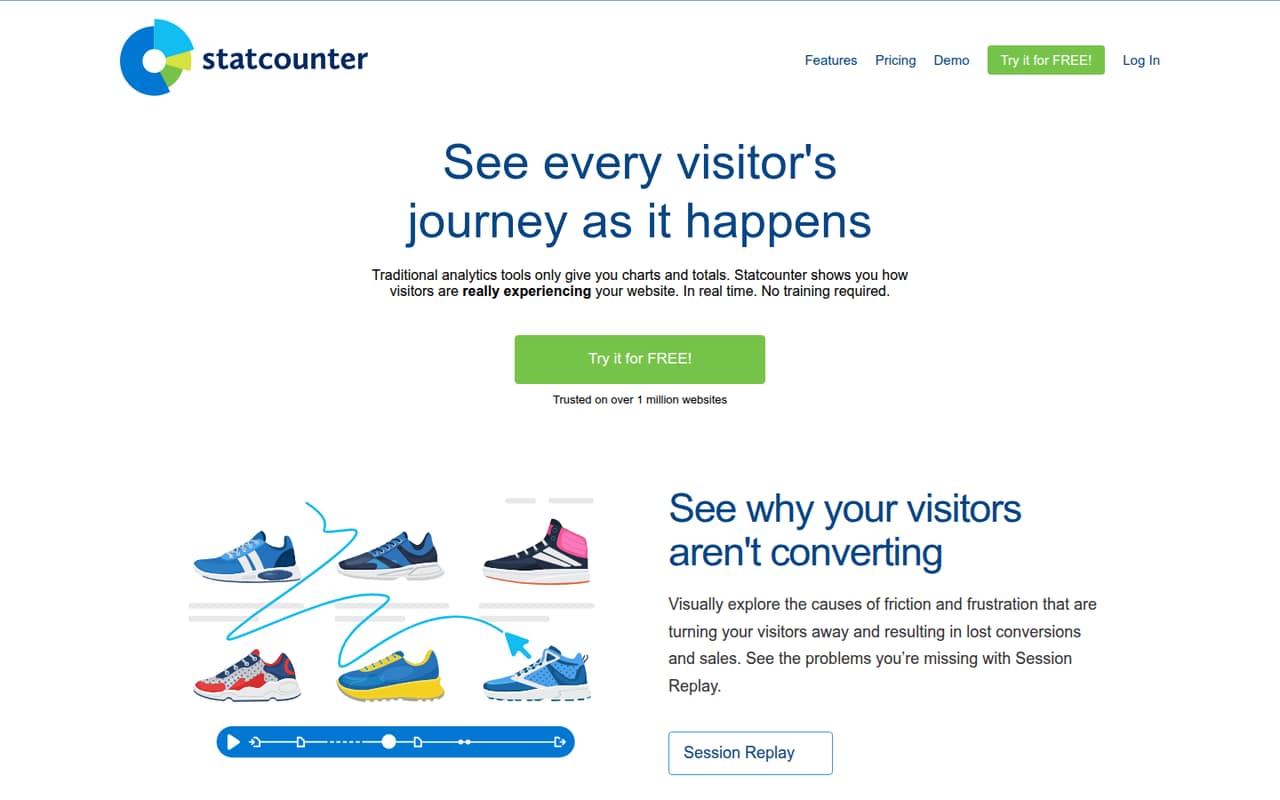
Statcounter gives small teams a free traffic dashboard and paid options for deeper analysis, heatmaps and session recordings. Its homepage says setup starts by adding a small piece of code to a website, and paid plans start at $9 per month in the pricing details.
The catch is that Reddit users question how complete Statcounter’s tracking is, with commenters pointing to browser tracking protection. We’d treat its numbers as a useful view of measured visits, not a guaranteed count of every visitor.
Good fit if
- Small sites tracking basic traffic
- Teams that want visitor behavior tools
- Budget-conscious marketers
Skip it if
- Teams needing guaranteed complete tracking
- Sites with more than five million sessions
- Teams needing published per-seat controls
ScoresHow it rates
What works
- Free Basic plan includes 5,000 sessions monthly
- Premium starts at $9 per month
- Offers visitor history and a live visitor feed
- Premium Plus includes heatmaps and UTM tracking
- Session Replay is available as a separate add-on
What doesn't
- Free plan has 14 days of data retention
- Basic includes zero session recordings
- Paid plan limits are based on sessions
- Recording add-ons raise the monthly bill
- Reddit users report browser tracking protection concerns
01Who Statcounter is for
Statcounter suits a one-to-ten-person team that needs a clear view of website traffic without starting with a large analytics subscription. The free Basic plan covers up to 5,000 sessions a month, so a small site can check traffic charts and its dashboard at no cost. Premium starts at $9 monthly for sites that need more sessions and deeper analysis.
In plain terms, Statcounter tracks visits and lets you inspect visitor activity. Its homepage lists a live visitor feed, visitor history, alerts, session replays and interactive heatmaps. Those behavior tools can help a marketer spot how people move around a site, while the summary dashboard gives a higher-level traffic view. Basic is limited to zero session recordings, and heatmaps are listed with Premium Plus, so the free plan is not a full behavior-analysis package. Teams should also keep in mind that Reddit commenters raise concerns about browser tracking protection affecting the numbers they see.
02Statcounter free plan and trial
The free Basic plan includes up to 5,000 sessions per month, 14 days of data retention, traffic charts and an analytics dashboard. It includes zero session recordings, so a team wanting replay analysis will need a paid recording add-on. The pricing details list Basic at $0 per month.
Statcounter also advertises a free 30-day trial, but the trial’s specific plan access and limits are not published on the vendor's site. Ask Statcounter what the trial unlocks before relying on it for a feature evaluation. For ongoing use, Basic is the cheapest way in. Its session cap and short retention window make it a fit for a small site’s basic traffic checks, not a long-term archive or a full recording workflow.
03What a small team pays for Statcounter
The pricing details list Basic at $0, Premium at $9 per month, and Premium Plus at $19 per month. Annual billing is listed at $8.08 and $17.08 per month respectively, with the page saying annual billing saves 10%. The homepage headline also advertises plans from €9 per month, so check the price shown for your billing region.
Statcounter prices these plans by session volume, not by published per-seat rates. On the listed entry tiers, one, three or five people would pay the same plan price if they share access: Premium is $9 monthly or $8.08 per month billed annually; Premium Plus is $19 monthly or $17.08 per month billed annually. The vendor does not publish a seat limit or separate seat price, so ask how team access works.
Session Replay costs extra: 1,000 recordings monthly is $9, 10,000 is $19, and 50,000 is $29. Premium and Premium Plus session-volume tiers go up to $399 and $499 monthly respectively.
04Getting started with Statcounter
The homepage describes installation as adding a small piece of code to a website. That is the stated setup path; the exact steps for each website platform and the time required are not published, so check Statcounter’s instructions for your site before choosing a launch date. A small team with someone who can edit site code should be able to plan around that basic requirement.
The starting dashboard focuses on traffic charts and aggregate trends, while the live feed and visitor history provide more detail about individual visits. Premium adds landing-page analysis, conversions and API access; Premium Plus lists heatmaps, Google Ads integration and UTM tracking. Those features are not all required on day one. The vendor does not publish enough setup detail here to assess the learning curve for each integration, so confirm what configuration is needed for your analytics and campaign workflow.
05When small teams outgrow Statcounter
The first reason to upgrade is hitting Basic’s 5,000-session monthly limit or needing more than 14 days of data retention. Premium starts at 20,000 sessions monthly and includes three years of retention, landing-page analysis, conversions and API access. Premium Plus starts at the same session volume, keeps five years of data, and adds heatmaps, Google Ads integration and UTM tracking. Larger session tiers cost more, reaching $399 monthly for Premium and $499 for Premium Plus at the listed maximum of five million sessions.
Recording needs can also push up the bill: Basic includes no recordings, and the replay add-on starts at $9 monthly for 1,000. Reddit users report that browser tracking protection can block Statcounter trackers, and other commenters question the reliability of its figures. That does not establish how much any one site is affected, but teams using analytics for high-stakes reporting should verify whether the data fits their needs. Published seat limits and seat controls are also not clear, so ask the vendor as a team grows.
From the threadsWhat users say
Reddit sentiment is wary, with commenters questioning Statcounter’s reliability and pointing to browser tracking protection as a possible cause of missing or distorted counts. The comments are user opinions, not proof that every site will see the same issue.
It may be because of tracking protection got updated and probably started blocking statcounter trackers
We need to remember that Firefox and other browsers, exept Chrome blocks statcounter trackers by default
It's not a secret that Statcounter is an unreliable source
The issue with your example is the scope, not the size
Questions people ask
Does Statcounter have a free plan?
Yes. Basic costs $0 per month and includes up to 5,000 sessions monthly, 14 days of data retention, traffic charts and an analytics dashboard. It includes zero session recordings, so teams that need replays must budget for a paid add-on. Statcounter also advertises a 30-day free trial.
How much does Statcounter cost for a small team?
The listed entry prices are $9 monthly for Premium and $19 monthly for Premium Plus. Annual billing is listed as monthly equivalents of $8.08 and $17.08. Pricing is based on session volume, not published per-seat rates, so the listed price does not change based on whether one, three or five people share access.
What does Statcounter’s free plan include?
Basic includes traffic charts and an analytics dashboard for up to 5,000 sessions a month, with 14 days of retention. It does not include session recordings. The pricing details do not list heatmaps as a Basic feature; those are listed with Premium Plus.
How do I install Statcounter on a website?
Statcounter’s homepage says installation involves adding a small piece of code to a website. The specific instructions and setup steps for each site platform are not published in the pricing details, so check the vendor’s instructions for your platform before setting up tracking.
Does Statcounter include session replay and heatmaps?
Statcounter lists both tools, but they are not included in the same way. Basic includes zero session recordings; Session Replay is sold as an add-on, starting at $9 monthly for 1,000 recordings. Heatmaps are listed with Premium Plus, which starts at $19 per month.
Sources
- Statcounter homepage
- Statcounter pricing page
- Reddit: Better sources than Statcounter
- Reddit: People really need to stop trusting StatCounter -- this is ridiculous
- Reddit: Latest steam and statcounter show linux at 3.5 - 4.5%
- Reddit: Piwik is an open source web analytics platform alternative to kissmetrics, comscore, statcounter,site meter, Google Analytics, Mint and more