
We may earn a commission if you buy through links on this page. It never changes a score or a ranking. How we make money
The bottom line
StayFi makes sense when guest WiFi is part of a real plan to build repeat bookings.
StayFi bundles branded guest WiFi with email and SMS marketing, a guest homepage, and network monitoring. The pricing page lists a starting price of $19/month, but no free plan or free trial, and it doesn’t publish whether that price changes with team size or properties.
We’d consider it if you’ll actually market to past guests and can make use of the contact list. Reddit hosts report mixed guest reactions, including fake email addresses and concerns about requiring information for WiFi.
Good fit if
- Hosts building direct bookings
- Vacation rentals with guest WiFi
- Operators wanting network alerts
Skip it if
- Hosts who need free software
- Teams avoiding guest data collection
- Operators who won’t email past guests
ScoresHow it rates
What works
- Starting plan includes unlimited guest data collection
- Branded splash pages can include upsells
- Free email marketing covers up to 200 contacts
- Email Essentials includes unlimited email sends
- Outage and occupancy alerts are included at starting price
What doesn't
- No free plan is listed
- Trial terms are not published
- Email Essentials and Email Plus prices are not published
- Pricing basis for seats or properties is not published
- Some guests may enter fake email addresses
01Who StayFi is for
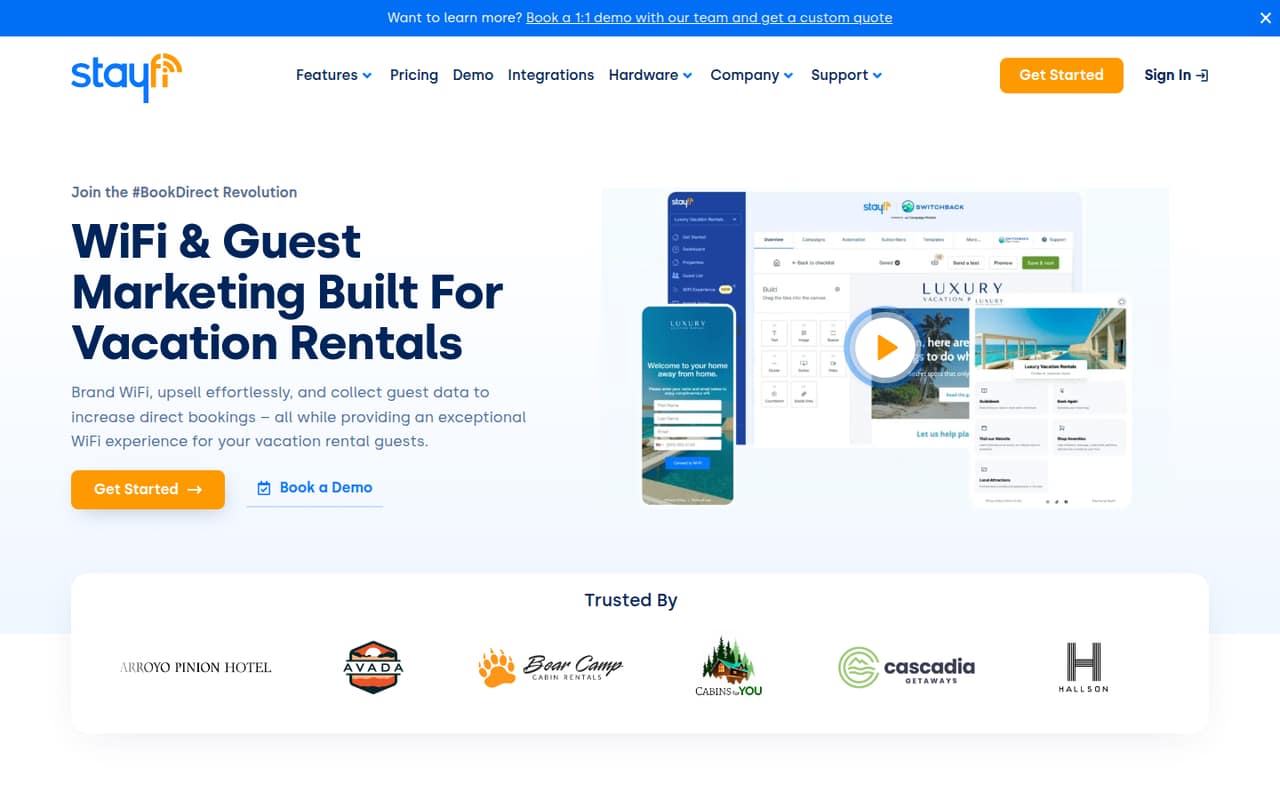
StayFi is for vacation rental hosts and small operators who want guest WiFi to do more than get people online. It combines branded WiFi pages that collect guest email addresses with email and SMS marketing, a guest homepage, WiFi monitoring, and occupancy alerts. The product also serves small hotels, multi-family properties, and operators using Ubiquiti UniFi equipment.
For a one-person host or a team of up to 10, the starting price of $19/month may be manageable if you plan to use the contacts you collect for repeat-booking campaigns. The pricing page doesn’t say whether that price covers one property, multiple properties, or a set number of users, so ask before budgeting for a portfolio. If you only want to give guests WiFi access and don’t plan to market to them, the monthly fee and data-collection step may be more than you need. Reddit hosts also raise concerns about making guests provide information to get online.
02StayFi free plan and trial
The pricing page doesn’t list a free plan or a free trial. The cheapest listed way in is StayFi (starting price) at $19/month. That plan includes unlimited guest data collection, branded splash pages with upsell integrations, outage and occupancy alerts, and free email marketing for up to 200 contacts.
The 200-contact allowance is for free email marketing; it isn’t a free version of the full product. If you need unlimited email sends and automated campaigns, StayFi lists Email Essentials, but doesn’t publish its price. Email Plus adds pre-arrival data collection, with its price also unpublished. Ask the vendor whether the $19 price applies per property or account, and whether a trial is available, before committing.
03What a small team pays for StayFi
The pricing page lists StayFi (starting price) at $19/month. That is the listed starting price for one buyer, but the vendor doesn’t publish whether it’s per user, property, or account. So we can’t give a reliable total for a team of three or five using per-seat math. Annual billing terms aren’t published either; the listed price is monthly.
The starting plan includes free email marketing up to 200 contacts. Email Essentials adds unlimited email sends, automated campaigns, a drag-and-drop builder, and analytics, but its monthly price is not published. Email Plus adds pre-arrival data collection, also at an unpublished price.
Text credits are extra: 100–499 cost $0.0425 each, with lower rates at larger tiers, down to $0.0175 each for 100,000 or more. Messages use one credit in the U.S. and Canada, two in listed countries, and three elsewhere. Hardware is also separate: StayFi Express is $99, and listed WiFi options range from $139 to $284, with a $264 option for outdoor coverage.
04Getting started with StayFi
A typical setup involves configuring a branded guest WiFi page, deciding what guest information to collect, and preparing the emails or messages you plan to send. StayFi also offers a guest homepage for property information, booking links, and upsells, plus WiFi monitoring and occupancy alerts. The product serves operators using Ubiquiti UniFi equipment, and the pricing page lists several hardware options, but setup steps and compatibility requirements aren’t published there.
We’d ask StayFi which hardware works with your existing network, what’s needed to connect your PMS booking details for occupancy alerts, and whether installation help is included. The pricing page lists PMS-integrated templates as coming soon for Email Plus; it doesn’t specify other integrations or a setup timeline. Learning effort is hard to judge without published setup instructions. Reddit hosts also flag a people side to setup: some guests object to giving information to get WiFi, while others report fake email entries.
05When small teams outgrow StayFi
StayFi may stop being a fit when you need predictable pricing across more properties or users. The pricing page lists a $19/month starting price but doesn’t publish seat or property limits, and it doesn’t publish the prices for Email Essentials or Email Plus. Custom quote is available for operators requesting a demo-based quote, but the listing options and their overlap make it worth asking which tier applies to your portfolio.
You may also need more than the starting plan’s free email marketing for up to 200 contacts. Email Essentials offers unlimited sends, while Email Plus adds pre-arrival data collection; confirm the cost before building those into your budget. Reddit hosts say the tool can be worthwhile if they follow up with guests, but some guests use fake addresses or dislike being asked to share details for WiFi. If your team won’t run campaigns or guests resist the sign-up step, you may outgrow the idea of WiFi-based lead capture before you outgrow the software.
From the threadsWhat users say
Reddit sentiment is mixed: some hosts see a path to direct bookings, while others dislike asking guests for information to access WiFi. Fake email entries are another reported drawback.
Probably worth it if you can convert 1-2 a year honestly lol
Guests should not have to sign up to have access to wifi
some guests also just put fake emails to get on WiFi, so that’s a thing too
It works good if you are willing to pay the $20 or so every month
Questions people ask
How much does StayFi cost?
The pricing page lists StayFi (starting price) at $19/month. It doesn’t publish whether that price is per property, account, or user, or give annual billing terms. Email Essentials and Email Plus prices are also not published. Text credits and hardware are additional costs.
Does StayFi have a free plan or trial?
The pricing page doesn’t list a free plan or a free trial. Its cheapest listed plan is StayFi (starting price) at $19/month. That includes free email marketing for up to 200 contacts, but it isn’t a free version of StayFi.
What does StayFi include?
The starting plan lists unlimited guest data collection, branded splash pages with upsell integrations, outage and occupancy alerts, and free email marketing up to 200 contacts. StayFi also offers paid email plans, SMS marketing, a guest homepage, WiFi monitoring, and hardware options.
Does StayFi work with my PMS?
StayFi describes occupancy alerts that compare guest counts with PMS booking details, but the pricing page doesn’t name supported PMS systems or explain connection requirements. Email Plus lists PMS-integrated templates as coming soon. Ask StayFi which PMS features are available for your system today.
Do I need to buy StayFi hardware?
The pricing page lists StayFi Express and several WiFi hardware options, but doesn’t say that every customer must buy new hardware. Ask StayFi to confirm compatibility with your existing network and whether installation or other equipment costs apply.