
We may earn a commission if you buy through links on this page. It never changes a score or a ranking. How we make money
The bottom line
Good coverage from research to video, if your team can justify at least $99 a month.
Small teams that only need occasional YouTube ideas probably don’t need an all-in-one production platform. Subscribr’s free plan covers basic channel planning and research, while paid plans bring scripts, thumbnails, and video production into the same workflow.
The first paid plan is Growth at $99 per month for up to three users and eight videos. That’s a notable bill for one creator, but a more workable per-seat cost for a small team publishing regularly.
Good fit if
- Small teams publishing weekly
- Creators needing research and scripts
- Teams producing videos in-house
Skip it if
- Creators who only need occasional ideas
- Teams on a strict $50 budget
- Businesses needing published support details
ScoresHow it rates
What works
- Free plan includes channel setup and research
- Covers ideas, scripts, thumbnails, and video generation
- Growth supports three channels and three users
- Pro supports up to ten users
- AI agents can connect through MCP and API
What doesn't
- Video publishing starts at $99 per month
- Free plan has no video production allowance listed
- Annual subscription prices are not published
- Setup time and learning curve are not published
- Support options are not listed in the pricing details
01Who Subscribr is for
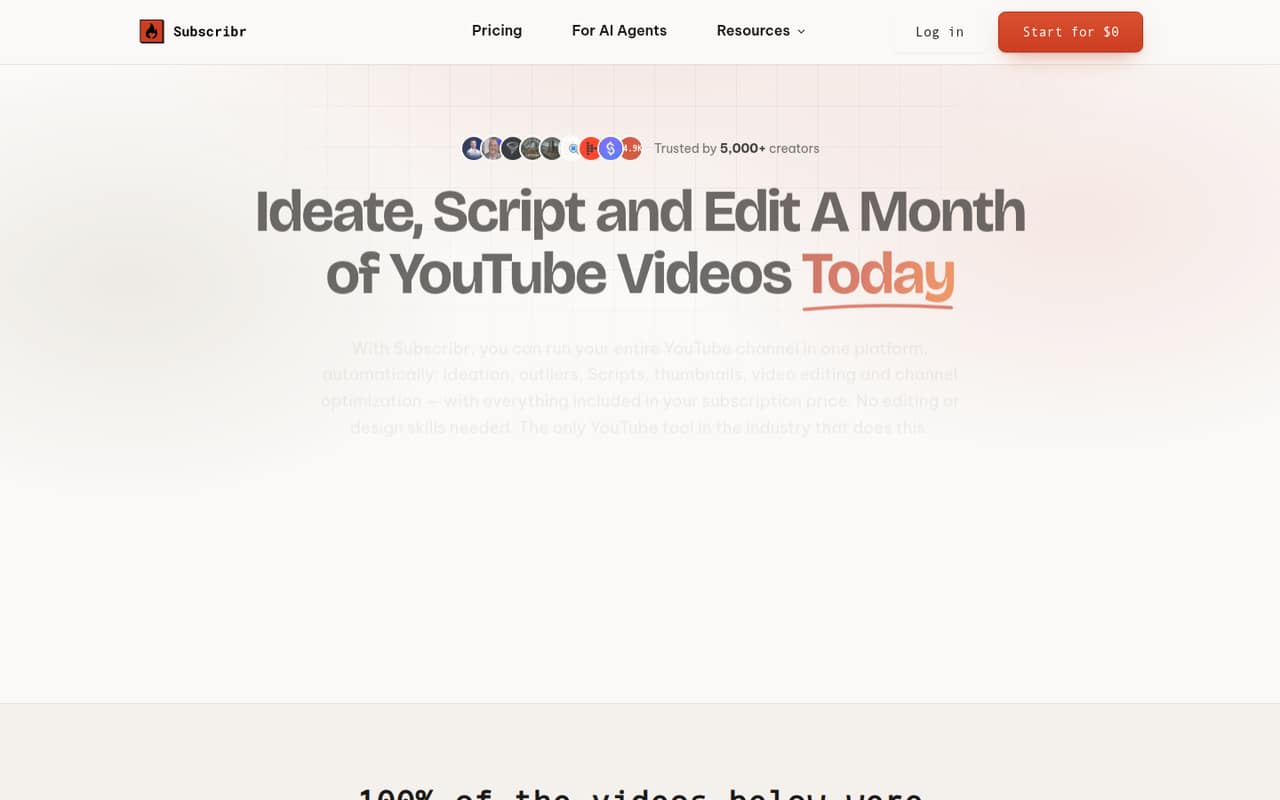
Subscribr fits creators and small teams that publish YouTube videos regularly and want one place for research, scripting, thumbnails, and production. A solo creator can use it, but the first paid plan costs $99 per month. Growth is aimed at weekly publishing and includes up to eight videos, three channels, and three users.
For a team of five, Pro is the first listed plan with enough seats: it costs $249 per month and supports up to ten users. The platform can support workflows using your own recording, an AI avatar, or a faceless format. Its tools include outlier research, niche-specific ideas drawn from a 35M-plus video database, script writing, thumbnail creation, and finished video generation. If your team only needs a place to collect ideas or make a few videos now and then, the free plan may be enough; the paid plans make more sense when you’ll use the broader production workflow.
02Subscribr free plan and trial
The pricing page lists a free plan for planning and research. It includes one YouTube channel, one team member, three idea batches per month, ten intel searches per month, a projects board, and channel setup. That gives a solo creator a way to organize a channel and explore ideas before paying.
The free plan’s listed allowances stop short of paid publishing capacity: it does not list video minutes, script credits, or thumbnail allowances. The pricing page lists no free trial. For video production, the cheapest listed option is Growth at $99 per month. That plan includes up to eight videos, 66 video minutes, 60 script credits, 150 thumbnails, three channels, and three users. Ask the vendor whether any production features are available on the free plan before building a workflow around them.
03What a small team pays for Subscribr
The listed monthly prices are $99 for Growth, $249 for Pro, and $499 for Max. One person pays the full $99 Growth bill even if the plan allows three users. At three users, Growth works out to $33 per seat per month. A five-person team needs Pro, which works out to $49.80 per seat at five seats; the bill stays $249 whether all ten available seats are used or not.
For context, Pro’s full ten-user capacity brings the seat cost to $24.90 per person per month. Max supports unlimited users and channels for $499 monthly, but that is a bigger commitment than most small teams need. Video-credit top-ups start at $20. The pricing page does not publish annual subscription prices, so we can’t calculate yearly plan totals. It does list lower video rates with annual billing: $1.25 per minute on Growth, $1.12 on Pro, and $1.00 on Max. Ask the vendor for the annual plan bill and top-up details before budgeting.
04Getting started with Subscribr
The free plan includes channel setup and a projects board, so a creator can begin with basic planning and research. The product is designed to connect research, ideas, scripts, thumbnails, and video production, but the vendor does not publish a setup-time estimate or a step-by-step onboarding description in the pricing details. We’d ask for a walkthrough if several people need to share a workflow from day one.
The listed AI-agent connection options are MCP and API, which can be used to research, write, create thumbnails, and generate videos. The product description does not list other third-party integrations, so ask the vendor which tools your team can connect before signing up. Setup effort and the learning curve are not published; expect to assess those against your team’s existing production process rather than assume everything will be configured automatically.
05When small teams outgrow Subscribr
Subscribr’s limits give teams a clear reason to move up: Growth allows up to eight videos and 66 video minutes per month, while Pro raises that to 23 videos and 185 minutes. Pro also increases the allowances to 180 script credits and 500 thumbnails, and supports ten users. Max goes to 52 videos, 415 minutes, 300 script credits, and 1,000 thumbnails, with unlimited channels and users.
That added capacity comes with higher listed bills: $249 per month for Pro and $499 for Max. If your team regularly exceeds its video allowance, needs more minutes, or is using up its script and thumbnail credits, compare an upgrade with the cost of video-credit top-ups, which start at $20. A team that only needs occasional research may be better off staying on the free plan. Before upgrading, check which specific allowance is holding up production and whether the next tier actually removes that constraint.
Questions people ask
Is Subscribr free to use?
Yes. The pricing page lists a free plan for one channel and one team member, with three idea batches and ten intel searches per month. It also includes a projects board and channel setup. The listed free allowances do not specify video minutes, scripts, or thumbnails, so check with the vendor if you need those features.
How much does Subscribr cost for a small team?
Growth costs $99 per month and supports up to three users, or $33 per seat if all three are used. Pro costs $249 per month and supports up to ten users; at five users, that’s $49.80 per seat. Annual subscription prices are not published, so ask the vendor for a yearly quote.
What is included in Subscribr Growth?
The pricing page lists up to eight videos and 66 video minutes per month on Growth, plus 60 script credits and 150 thumbnails. The plan also supports three channels and three users. Growth costs $99 per month. The listed plan price is billed monthly; an annual subscription price is not published.
Can Subscribr generate finished YouTube videos?
Yes. Subscribr’s video-generation feature creates finished videos with voiceover, B-roll, graphics, and captions. The product can work with a creator’s recording, an AI avatar, or a faceless format. Paid plans list different monthly video and minute allowances, so check your expected output against the plan limits.
Does Subscribr connect to AI agents?
Yes. Subscribr lists MCP and API connections for AI agents that can research, write, create thumbnails, and generate videos using channel data and voice. The product description does not specify setup time or list other third-party integrations. Ask the vendor about implementation details and any connection requirements for your team.