
We may earn a commission if you buy through links on this page. It never changes a score or a ranking. How we make money
The bottom line
SurgeGraph helps agencies report AI search visibility, but there’s no free way to try it.
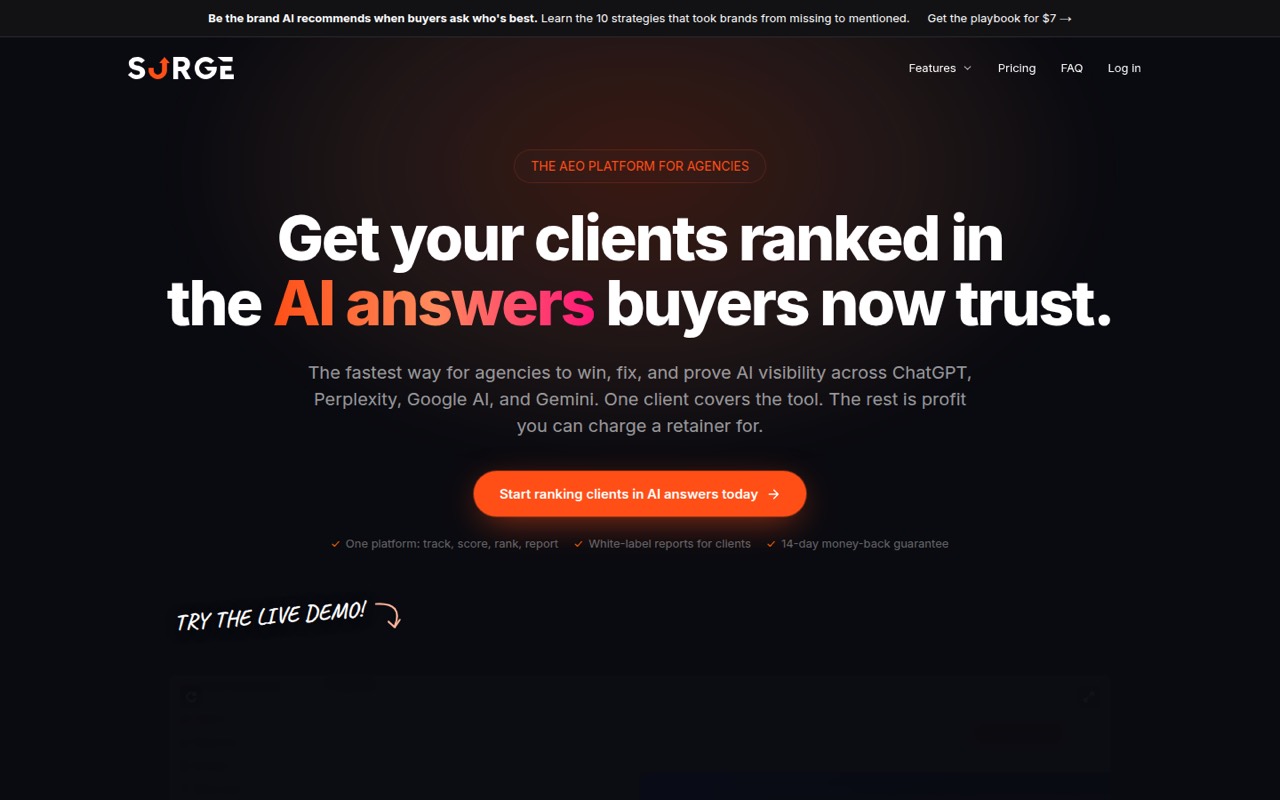
SurgeGraph is an AEO platform for agencies tracking brand mentions, citations and sentiment across AI search engines. It also scores pages, surfaces competitor gaps and creates white-label reports for clients.
Plans start at $29/month with annual billing, but that gets you two seats and two projects. For a three-person team, Scale is the practical fit at $79 month-to-month or $65.83/month on annual billing. There’s no free plan, and the vendor doesn’t list a free trial.
Good fit if
- Small agencies proving AEO results
- Teams producing client visibility reports
- Agencies tracking several client projects
Skip it if
- Solo users who need a free plan
- Teams focused only on content writing
- Agencies needing extensive setup guidance
ScoresHow it rates
What works
- Tracks citations, mentions and sentiment across AI search engines
- Scores pages for AI citations and Google rankings
- Surfaces competitor citation gaps and topic opportunities
- White-label PDF reports can be shared without client logins
- Scale includes five seats and ten projects
What doesn't
- No free plan, and a free trial isn’t listed
- Spark limits teams to two seats and two projects
- Spark rank tracking runs every five days
- Extra credits start at $1 per credit
- Setup steps and support terms aren’t published
01Who SurgeGraph is for
SurgeGraph suits agencies of one to ten people that need to show clients whether their brands appear in AI search. The main job is monitoring citations, mentions and sentiment across ChatGPT, Perplexity, Gemini and Google AI, then turning that visibility into client reporting. It also scores pages for AI citation-readiness and Google ranking, and surfaces competitor gaps.
The plans cover two, five or ten team seats, so a solo consultant can start small, while teams with three to five people will likely look at Scale. That plan includes white-label reports, which is useful when clients need branded results without another login. The entry price is $29/month with annual billing, but a team should budget for its actual seat needs and project count, not just the advertised starting price. If your main need is drafting SEO content rather than tracking AEO visibility, SurgeGraph’s agency reporting features may be more than you need.
02SurgeGraph free plan and trial
SurgeGraph doesn’t offer a free plan, and the vendor doesn’t list a free trial. That means there’s no free tier for a solo operator to test before deciding whether AI visibility tracking fits the agency’s workflow.
The cheapest way in is Spark: $29/month with annual billing or $39 month-to-month. It includes two seats, two projects, 3,000 monthly credits, two AI engines and rank tracking every five days. That’s enough for a small initial setup, but the seat and project caps leave little room for a team that immediately needs to cover several clients. Before paying, ask the vendor whether it can show you the reporting workflow and clarify what counts against monthly credits.
03What a small team pays for SurgeGraph
The pricing page lists Spark at $29/month with annual billing or $39 month-to-month. At the annual rate, that works out to $348 across 12 months. Spark includes two seats, so one person costs the same plan price: $29 or $39 per month, depending on billing.
A team of three needs Scale, which has five seats. It costs $65.83/month with annual billing ($790/year) or $79 month-to-month. That is $21.94 per active person per month on annual billing, or $26.33 month-to-month, if all three use it. A five-person team pays the same plan price, or $13.17 per included seat annually and $15.80 month-to-month. Scale also includes ten projects and white-label reports.
Extra credits start at $1 per credit. Content Vision image generation starts at $5/month for 500 credits. The pricing page lists Signature at $107.50/month with annual billing ($1,290/year) or $129 month-to-month, for ten seats and 50 projects.
04Getting started with SurgeGraph
The vendor doesn’t publish a setup checklist, typical setup time or learning-curve estimate, so we’d ask for a walkthrough before committing. The basic workflow is to track projects and brands, review citation and competitor data, and share reports with clients. White-label PDFs can be shared by link without requiring client logins.
One integration detail is published: the traffic impact dashboard uses a WordPress plugin to pull AI-platform visit data, with refreshes every five minutes. That matters if you want visit data alongside visibility tracking; confirm with the vendor what you can see without WordPress. The feature list doesn’t name other required integrations for starting citation tracking or making reports. For a small team, agree on which clients and engines to track first, then check how monthly credits are used before adding more projects.
05When small teams outgrow SurgeGraph
The first pressure points are seats, projects, credits and engine coverage. Spark stops at two seats and two projects, includes 3,000 monthly credits and tracks ranks every five days. A team adding a third person or more client work will need to compare that ceiling with Scale: five seats, ten projects, 8,000 credits and three AI engines. Signature raises the caps to ten seats, 50 projects and 15,000 credits, and includes all five AI engines.
Extra credits start at $1 per credit, so ask how typical client reporting affects usage before expanding. One Reddit commenter discussing SEO tools says many offer similar briefs, clustering and SERP scoring, and cautions against trusting templates blindly. That isn’t a SurgeGraph-specific user report, but it’s a reason to check whether its citation data and agency reports add enough to your current workflow. If you need features beyond the listed plans, ask the vendor; custom limits aren’t published.
From the threadsWhat users say
The Reddit signal is limited and mixed. One commenter sees useful overlap between competitor monitoring and AEO tracking, while another cautions that many SEO tools offer similar workflows and data.
That gives a broader view of brand visibility alongside dedicated AEO tracking, without treating it as the same kind of tool
most are basically doing the same stuff ,content briefs, keyword clustering, and some SERP scoring
the “best” depends on whether you want Surfer-style on-page guidance or Frase-style workflow for briefs
These alternatives aren’t magic, they’re just templates plus data
Questions people ask
Does SurgeGraph have a free plan or trial?
SurgeGraph has no free plan, and the vendor doesn’t list a free trial. The cheapest listed option is Spark at $29/month with annual billing or $39 month-to-month. It includes two seats and two projects. If you want to assess the reporting workflow before paying, ask the vendor for a walkthrough.
How much does SurgeGraph cost for a small team?
Spark costs $29/month with annual billing or $39 month-to-month and includes two seats. A three-person team needs Scale, listed at $65.83/month with annual billing ($790/year) or $79 month-to-month. Scale includes five seats, so a five-person team pays the same plan price.
Which AI search engines does SurgeGraph track?
The feature list names ChatGPT, Perplexity, Gemini and Google AI for visibility tracking. Engine allowances vary by plan: Spark includes two AI engines, Scale includes three, and Signature includes all five. The vendor doesn’t name the fifth engine in the plan details, so ask which one is included before choosing.
Does SurgeGraph support white-label client reports?
Yes. Scale includes white-label reports, and the feature list describes branded PDF reports that can be shared by link without a client login. Spark’s included features don’t list white-label reports. If client-ready reporting is a requirement, check whether Scale’s reporting options and branding match your agency’s needs.
Does SurgeGraph need WordPress?
The traffic impact dashboard pulls AI-platform visit data through a WordPress plugin and refreshes every five minutes. The vendor’s feature list doesn’t say that WordPress is required for citation tracking, page scoring or reporting. Ask the vendor what traffic data is available if your site doesn’t run on WordPress.