
We may earn a commission if you buy through links on this page. It never changes a score or a ranking. How we make money
The bottom line
A capable feedback toolkit, but check the Starter price and response limits before committing.
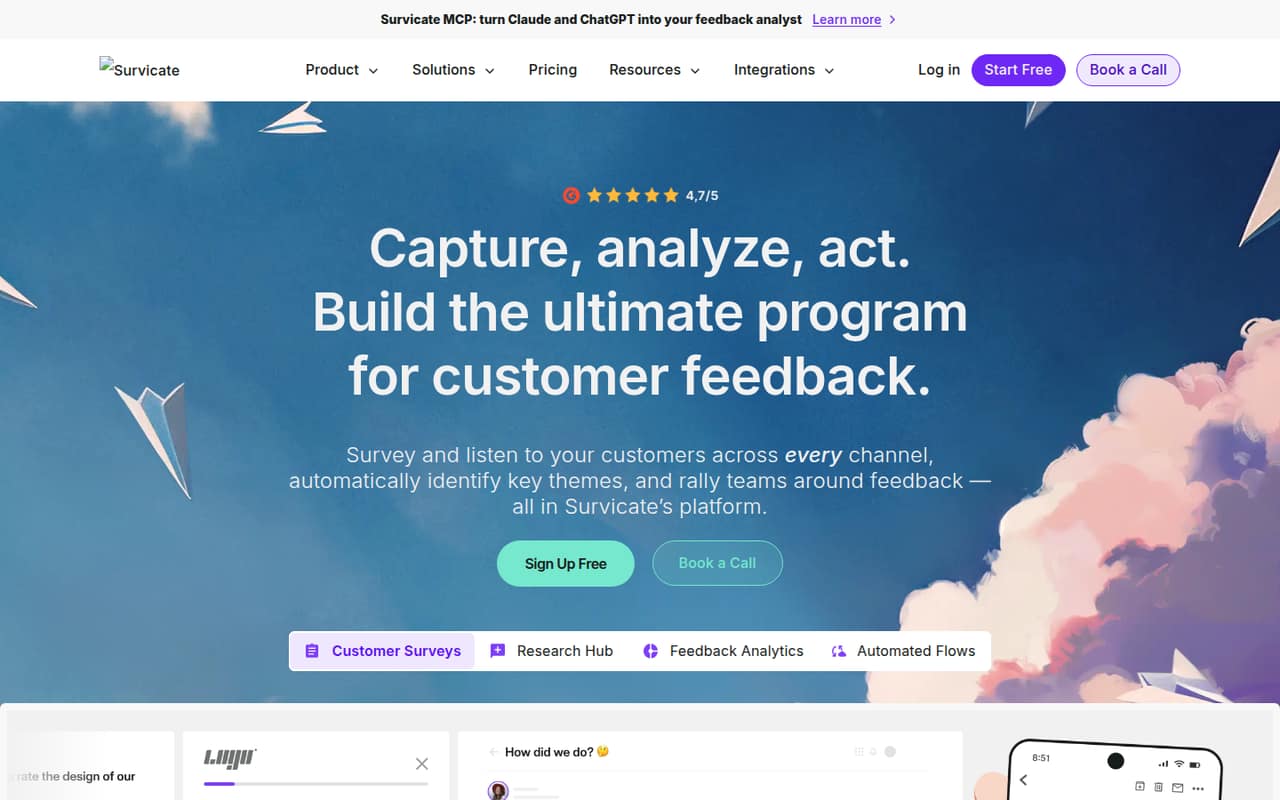
Survicate brings surveys and feedback analysis together across websites, apps, email and other channels. It can help a small team spot themes and share insights, with custom dashboards and audience targeting for more structured programs.
There’s no free plan, and the 10-day trial’s specific limits aren’t published. Starter has useful small-team limits, but no listed price; the lowest published price is Growth at $114 per month billed annually.
Good fit if
- Small teams gathering customer feedback
- Teams using several survey channels
- Businesses organizing feedback themes
Skip it if
- Teams that need a permanent free plan
- Budget owners needing clear Starter pricing
- Teams with high response volumes
ScoresHow it rates
What works
- Collects feedback across websites, apps and email
- Automatic analysis can surface feedback themes
- Starter includes five seats and two active surveys
- Growth includes ten seats and two teams
- Reddit users praised the setup as easy
What doesn't
- No permanent free plan is listed
- Starter’s price is not published
- Growth is capped at 250 responses monthly
- Response overage fees are not published
- The trial’s included limits are not published
01Who Survicate is for
Survicate fits a small team that wants to collect customer feedback in more than one place and turn responses into useful themes. The platform supports website, app and email surveys, plus analysis of feedback from sources such as support tickets, call recordings and reviews. Its audience targeting and dashboards can help a team move beyond a one-off survey.
For a team of one to five, Starter’s listed limits—five user seats, two active surveys and up to 500 responses a month—look relevant, though the price isn’t published. Growth gives up to ten seats, two teams and a dashboard, but lists a 250-response monthly limit. That makes it worth checking your expected volume before choosing a plan. Survicate is less appealing if a permanent free tool is essential or your team needs a clear price before talking to the vendor.
02Survicate free plan and trial
Survicate does not list a free plan. The pricing page lists a 10-day free trial, but doesn’t publish the trial’s response limits, seat count or feature restrictions. Ask Survicate what the trial includes before building a survey program around it.
Starter is the plan described for small teams starting with surveys. It includes up to 500 responses a month, 1,500 data points, two active surveys, five user seats and one team. Its price is not published, so a small team can’t tell from the listed pricing how much it costs to continue after the trial. Growth is the lowest plan with a published price: $114 per month billed annually, with 250 responses a month.
03What a small team pays for Survicate
The pricing page lists Growth at $114 per month when billed annually, or $1,368 for a year. It includes up to ten user seats, so the effective cost is $114 per occupied seat for one person, $38 each for three people, or $22.80 each for five. Those are cost-sharing calculations, not separate seat prices; the listed plan price stays the same. A monthly Growth price isn’t published.
Starter includes five seats, but its price isn’t published, so ask the vendor for a quote. It may suit a small survey program better on volume: it lists up to 500 monthly responses versus Growth’s 250. Pro starts at $349 per month and Enterprise at $569 per month; their annual rates aren’t published. Response overage fees apply after Starter and Growth limits, but the fee amount isn’t published. Check response needs and overage terms before choosing.
04Getting started with Survicate
A sensible first step is to pick one feedback channel, decide which audience should see the survey and choose what the team needs to learn. Survicate supports website, app and email surveys, along with targeting, automatic analysis and dashboards. Starting with a single survey and a clear question should keep the first pass manageable; adding channels and reporting can come later.
One Reddit poster called Survicate the easiest setup among the free options they tried, though that’s one team’s report, not a guarantee for every setup. The vendor's site describes integrations, but doesn’t name the specific connections a small team can use on each plan. Pro lists Pro integrations, while Enterprise lists 44+ integrations. Before choosing a plan, confirm that your essential tools are supported and whether setup requires help from your team or the vendor.
05When small teams outgrow Survicate
Response volume is an early pressure point: Starter lists up to 500 responses a month, while Growth lists 250. Both plans have response overage fees, and the fee amount isn’t published. If your team expects to exceed a limit, ask for the exact cost before sending surveys at scale. Growth adds seats, a second team and a dashboard, but its listed response cap is lower than Starter’s.
A team needing custom yearly response and data-point limits, custom seats or more dashboards may need to look at Pro or Enterprise. Pro lists ten dashboards; Enterprise lists a custom number and 44+ integrations. Reddit feedback is limited, but one commenter said teams needing more “recording depth” should pay for Survicate’s survey add-on. That’s a cue to confirm what the add-on covers and costs. If your needs are growing faster than the plan limits, compare the vendor’s quote with other feedback tools before upgrading.
From the threadsWhat users say
The available Reddit feedback is positive about setup and includes a caution that teams wanting more recording depth may need a paid add-on. It’s a small sample, so treat it as an individual report rather than a broad consensus.
This was the easiest setup among the free options I tried
It's a huge time-saver
if you need more recording depth, pay for Survicate's survey add-on
great free tools we've personally tested and loved
Questions people ask
Does Survicate have a free plan?
Survicate does not list a permanent free plan. The pricing information lists a 10-day trial, but doesn’t specify its response, seat or feature limits. Starter is described as the plan for small teams starting with surveys, but its price isn’t published.
How much does Survicate cost for a small team?
Growth is listed at $114 per month billed annually, with up to ten seats. That equals $38 per person for a three-person team or $22.80 per person for five people if you divide the plan price evenly. Starter’s price and Growth’s monthly-billing price aren’t published.
What response limits do Survicate plans have?
Starter lists up to 500 responses per month and Growth lists 250 responses per month. Pro and Enterprise have custom yearly response-pool limits. Survicate says response overage fees apply after Starter and Growth limits, but the fee amount isn’t published.
What can I do with Survicate?
Survicate collects feedback through website, app and email surveys, among other channels. Its features include automatic feedback analysis, auto-generated topics, custom dashboards, audience targeting and an AI research chatbot that summarizes feedback from multiple sources.
Does Survicate offer a trial?
Yes. Survicate lists a 10-day trial. The pricing information doesn’t specify the trial’s response allowance, number of seats or feature restrictions, so ask the vendor to confirm what your team can use during those ten days.