
We may earn a commission if you buy through links on this page. It never changes a score or a ranking. How we make money
The bottom line
A capable free entry point for secret scanning, with unknown costs and limits for growing teams.
A small team needs TruffleHog if exposed credentials are a real risk across its code and company systems—not just as another checkbox beside code scanning. Its feature set includes verification, identity analysis, monitoring, and remediation, beyond finding strings that look like secrets.
The open-source option is listed as free, but seat and usage limits are not published. Enterprise pricing and add-on costs are also not published, so teams that need a firm budget should ask for a quote before adopting it.
Good fit if
- Teams scanning code for leaked secrets
- Security teams needing credential verification
- Small teams starting with open source
Skip it if
- Buyers needing predictable per-seat pricing
- Teams wanting published usage limits
- Teams seeking a simple setup guide
ScoresHow it rates
What works
- Free open-source option
- Verifies secrets with providers
- Scans 800+ secret types
- Tracks remediation and secret status
- Automatically re-verifies fixes
What doesn't
- Free-plan limits are not published
- Enterprise pricing requires a quote
- Add-on prices are not published
- Setup steps are not specified
- Reddit opinions on detection vary
01Who TruffleHog is for
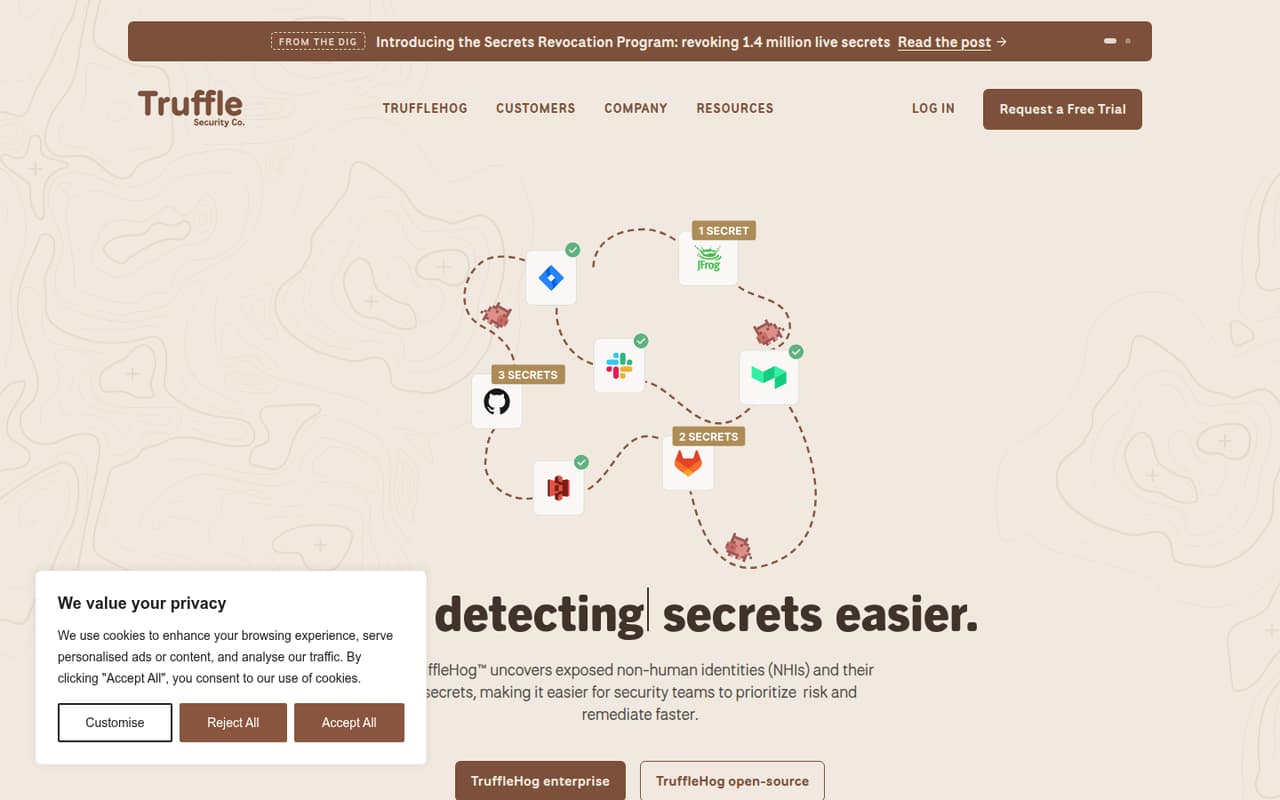
TruffleHog is for teams that need to find exposed credentials and respond to them, not simply flag suspicious text in a code review. It searches source code and other company systems, verifies secrets with providers, and helps teams assess the permissions and resources tied to non-human identities. The listed features also include monitoring, developer alerts, revocation workflows, and checks that a fix worked.
For a one-to-ten-person team, the free open-source option could suit a developer or security-minded founder who can own scanning and follow-up. It is less straightforward for a budget-conscious buyer who needs predictable costs: the vendor does not publish seat or usage limits for that plan, and Enterprise pricing is by contact. A Reddit discussion describes secret verification as a useful distinction, while another commenter says they did not see better false-positive rates than with other scanners. Treat it as a candidate to assess against your repositories and response process, rather than assuming it will eliminate triage.
02TruffleHog free plan and trial
The open-source plan is listed as free, making it the cheapest way in. The available pricing notes do not publish seat or usage limits, so a small team should confirm whether its intended use is covered before rolling it out. They also do not specify which features are included in the free option; do not assume that every Enterprise capability or Analyze add-on is part of it.
A free trial is not listed in the pricing notes. The paid Enterprise plan requires contacting the vendor for pricing. TruffleHog Analyze for SaaS, TruffleHog Analyze for Cloud, and Forager are listed as add-ons, but their prices are not published. If you need a trial, a clear feature comparison, or a limit in writing, ask the vendor before making this a team-wide dependency.
03What a small team pays for TruffleHog
For one person, three people, or five, the only published starting point is the open-source plan, listed as free. That does not establish whether those team sizes fall within its usage limits: the vendor does not publish seat or usage limits. The Enterprise plan is contact for pricing, so we cannot calculate a per-person cost or a total for three or five seats from the listed prices.
Monthly and annual billing terms are not published in the available pricing notes. There is no published annual discount to compare with monthly billing, either. For a small-team budget, the practical answer is to ask the vendor for a quote covering your seat count and expected usage, plus any support or feature requirements.
The named add-ons are TruffleHog Analyze for SaaS, TruffleHog Analyze for Cloud, and Forager for monitoring vast public datasets. Prices are not published for any of them. If an add-on is central to your use case, request its price separately instead of treating the free open-source option as the full cost.
04Getting started with TruffleHog
The product features suggest a workflow that involves scanning code and other company systems, reviewing verified findings, and following through on remediation. The listed capabilities include customized developer alerts, a process to revoke leaked secrets, and automatic reverification of fixes. Those functions could help a small team connect detection to response rather than leaving findings in a backlog.
The setup steps, supported integrations, and time required to get a first scan running are not specified in the available product details. We would ask the vendor which systems are supported, how scans are triggered, and what is needed to connect provider verification and alerts. Reddit discussions mention teams using CI pipelines, pull-request checks, and pre-commit hooks for secret prevention, but those comments do not establish TruffleHog’s exact setup requirements. Budget time for someone to own alerts and credential rotation, too; finding a leak is only one part of the response.
05When small teams outgrow TruffleHog
The first pressure point is scale and cost clarity. The open-source listing has no published seat or usage limits, while Enterprise requires a quote. As more teams, repositories, or systems depend on the scanner, ask the vendor when the free option’s limits apply and what an upgrade changes. The same goes for Analyze for SaaS, Analyze for Cloud, and Forager: their prices are not published, so expanding coverage could change the budget.
The second pressure point is operational ownership. TruffleHog’s feature list includes monitoring and automated remediation, but a team still needs a process for reviewing findings and revoking credentials. Reddit users describe different experiences: one commenter praised TruffleHog for deep-history sweeps, while another did not find better false-positive rates than with other tools. If alert volume, missed coverage, or workflow fit becomes a concern, compare results on your own repositories and clarify support and limits with the vendor before moving to a paid plan.
From the threadsWhat users say
Reddit discussion is mixed: users value secret verification and deep-history scanning, but detection results are not universally seen as better than competing tools. Comments also stress that finding a secret must lead to revocation or rotation.
trufflehog has updated their detection rulesets to 700+ and has more features like secret verification
For me trufflehog tends to be stronger for deep history sweeps
I don’t think I have better false-positive rates with either TruffleHog, GitLeaks, nor more expensive AppSec vendors
make a hit trigger the response path too: revoke or rotate the credential, record exposure scope, and verify the replacement
Questions people ask
Is TruffleHog free?
The open-source option is listed as free. The vendor does not publish its seat or usage limits in the available pricing notes, so confirm that your planned team size and scanning needs fit. Enterprise pricing requires contacting the vendor, and the listed add-ons do not have published prices.
What does TruffleHog scan?
TruffleHog is described as finding exposed secrets across source code and other company systems, including comments and pull requests. Its listed features include scanning 800+ secret types and verifying them directly with key providers. Ask the vendor which specific systems and integrations are supported for your setup.
Does TruffleHog verify secrets?
Yes. The listed features say TruffleHog verifies secrets directly with providers. It also identifies resources and permissions associated with non-human identities and secrets. A Reddit discussion describes verification as a useful feature, but buyers should check how it applies to their providers and workflows.
Does TruffleHog help fix exposed secrets?
Its listed features include an automated process for developers to revoke leaked secrets, continuous monitoring, customized developer alerts, and automatic reverification of fixes. Those capabilities support remediation, but teams should clarify the exact workflow and supported integrations with the vendor before relying on them.
How much does TruffleHog Enterprise cost?
Enterprise pricing is not published; the pricing notes say to contact the vendor. Monthly and annual billing terms are also not published. Ask for a quote that covers your seat count, expected usage, required features, and any Analyze or Forager add-ons so you can estimate the full cost.
Sources
- TruffleHog homepage
- TruffleHog pricing, compiled via web search from trufflesecurity.com
- Reddit: How are you catching hardcoded api keys from ai scaffolding before they hit the repo
- Reddit: Which is the best open source tool for secret scanning?
- Reddit: Secret Scanning
- Reddit: How are you handling secret prevention in production?