
We may earn a commission if you buy through links on this page. It never changes a score or a ranking. How we make money
The bottom line
Good for scheduled Twitter alerts; team seat details are thin outside the $97 Agency plan.
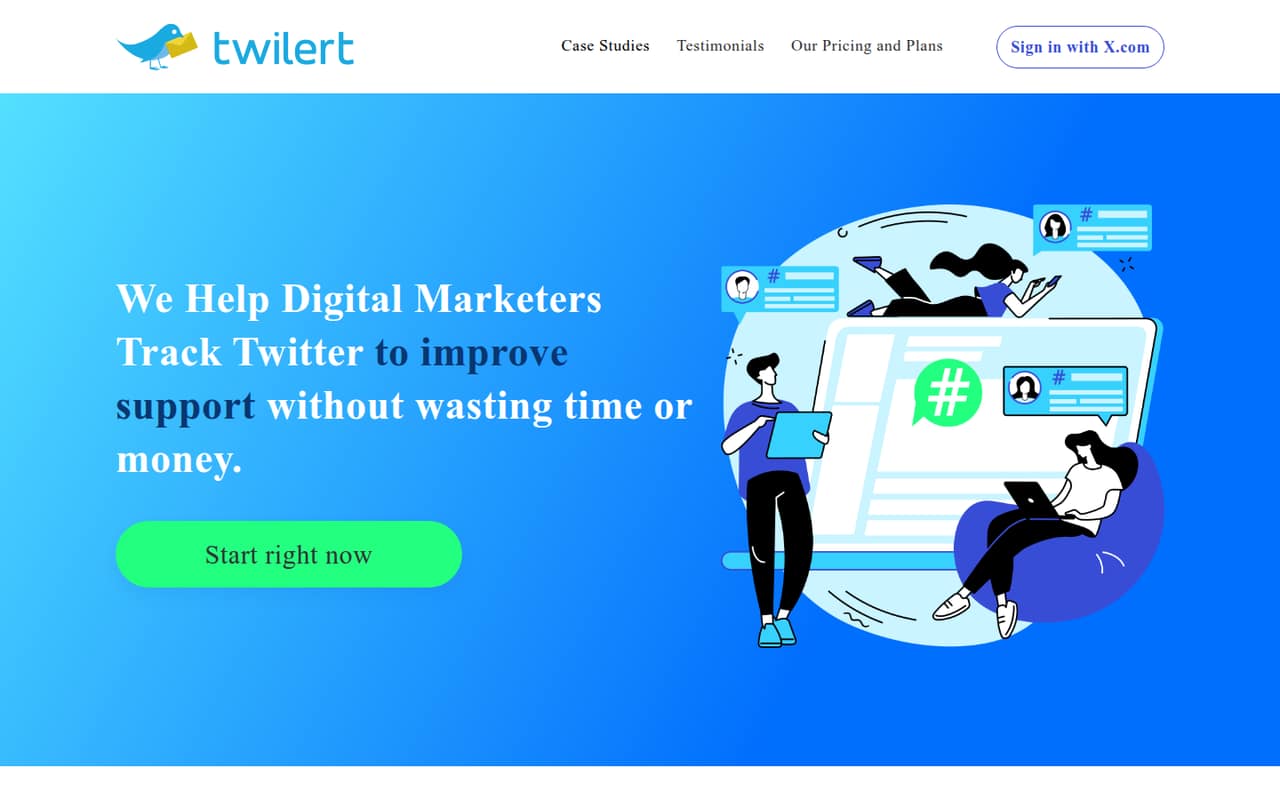
Twilert monitors Twitter searches and sends matching posts to your inbox on a schedule or in near real time. It supports Boolean searches, location filters, search history, and email groups, so a small team can track mentions without checking every search manually.
The free plan covers one daily alert, while paid plans start at $9 per month. The main catch for teams is seat clarity: the pricing page lists 10 users on Agency, but no user count for Solopreneur or Professional. Annual billing is not stated.
Good fit if
- Small teams tracking brand mentions
- Solo users monitoring search terms
- Agencies managing client alerts
Skip it if
- Teams needing broad social coverage
- Teams needing published seat pricing
- People looking for Twitter replacement apps
ScoresHow it rates
What works
- Free daily alert tracks any topic, term, hashtag, or account
- Boolean operators narrow searches
- Location filters use a map interface
- Professional includes searchable history and RSS/JSON feeds
- Agency lists 10 users and white-labeling
What doesn't
- Free plan only sends a daily alert
- Solopreneur is limited to five alerts
- Seat counts are not listed for two paid plans
- Annual billing details are not stated
- Monitoring is focused on Twitter searches
01Who Twilert is for
Twilert suits a solo operator or a small team of roughly 1–10 people that needs to keep an eye on Twitter mentions, customer questions, or topic-specific conversations. It monitors searches and emails matching tweets, so the basic job is straightforward: define what to watch, then decide when and where alerts should go.
The free daily alert can cover a basic need, while the $9 Solopreneur plan adds up to five alerts and hourly scheduling. Professional costs $19 per month and adds 20 alerts, near-real-time updates every five minutes, searchable history, and RSS/JSON feeds. For a team that needs named user capacity, the $97 Agency plan explicitly lists 10 users and white-labeling. We would check seat requirements before choosing a cheaper plan, since the pricing page does not list user counts for Solopreneur or Professional.
02Twilert free plan and trial
Twilert lists a free-forever plan with one daily alert. It can track any topic, term, hashtag, or account, which is enough for a basic once-a-day check on a brand name or a narrow subject. The pricing page does not list a free trial, and the free plan does not specify multiple alerts, hourly delivery, or near-real-time updates.
If one daily email is too slow or you need to watch several searches, the cheapest listed paid option is Solopreneur at $9 per month. It includes five alerts, up to 3,600 emails, and weekly, daily, and hourly scheduling. The page lists standard support for that plan. Annual billing is not stated, so budget using the monthly price unless Twilert confirms another billing option.
03What a small team pays for Twilert
The pricing page lists Solopreneur at $9 per month, Professional at $19, and Agency at $97. A solo user can start at $9 monthly; annual prices are not stated. Solopreneur includes five alerts, but its included user count is not listed. Professional includes 20 alerts and up to 172,800 delivered emails, but its user count is also not listed.
For three or five people, the total depends on whether each person needs a separate account. If each bought Solopreneur separately, that would be $27 or $45 per month, respectively, but the vendor does not publish whether one Solopreneur account can serve multiple users. The plan with a stated team allowance is Agency: $97 per month for up to 10 users. That works out to $32.33 per person for three users or $19.40 for five, if you divide the full plan price among them; all 10 seats would average $9.70 each. No add-ons are listed. Ask Twilert to confirm the right shared-seat setup before subscribing.
04Getting started with Twilert
To get useful alerts, a team needs to choose search terms, use operators to narrow results, set a delivery schedule, and direct emails to the right people or email group. Twilert also lists location filtering through a map interface. That gives teams practical ways to reduce noisy matches, though the vendor does not publish a setup-time estimate in the pricing details.
Email alerts are the central delivery method, so a team can start without choosing another integration. Professional also lists RSS/JSON feeds for teams that want to route or process search results elsewhere. The listed features do not name other integrations. We would start with one narrowly defined search, check the matches, then add alerts or recipients as needed. Exact setup steps and the learning curve are not published in the pricing details, so ask the vendor about onboarding if your searches need complex Boolean rules.
05When small teams outgrow Twilert
The first likely limit is the free plan's daily schedule. If a team needs hourly alerts, Solopreneur is the $9 monthly step up; if it needs updates every five minutes, the pricing page lists that on Professional and Agency. Alert volume is another breakpoint: Solopreneur includes five alerts, compared with 20 on Professional and 100 on Agency.
Seat planning is less clear. Agency lists 10 users, but the pricing page does not state how many people can share Solopreneur or Professional. A growing team should confirm this before relying on a lower plan. Professional stores up to 50,000 tweets per alert, and Agency lists the same storage limit; the published plan details do not show a higher storage tier. Teams needing more than 10 listed users, more storage, or monitoring beyond Twitter searches should ask Twilert about options before expanding their workflow.
Questions people ask
What does Twilert's free plan include?
The free-forever plan includes one daily alert and can track any topic, term, hashtag, or account. The pricing page does not list hourly delivery, multiple alerts, or near-real-time updates for free. If you need hourly scheduling, the lowest listed paid plan is Solopreneur at $9 per month.
How many alerts do Twilert's paid plans include?
The pricing page lists five alerts on Solopreneur, 20 on Professional, and 100 on Agency. The free plan is described as a daily alert rather than a stated alert allowance. Check the plan details with Twilert if you need to know whether an alert means one saved search or another unit.
Does Twilert send alerts in real time?
The pricing page lists near-real-time updates every five minutes on Professional and Agency. Solopreneur includes weekly, daily, and hourly scheduling. The free plan includes a daily alert. Twilert describes scheduled and real-time email alerts, but the paid plan details specify five-minute updates rather than instant delivery.
Can a team share one Twilert subscription?
The Agency plan explicitly includes 10 users. The pricing page does not state user counts for Solopreneur or Professional, so we would not assume those plans cover multiple teammates. Ask Twilert to confirm account sharing and access rules before budgeting for a small team.
Does Twilert offer annual billing?
Twilert's pricing page shows monthly prices, and annual billing is not stated. The listed prices are $9 for Solopreneur, $19 for Professional, and $97 for Agency per month. If your team prefers to pay annually, ask the vendor whether an annual option or discount is available.