
We may earn a commission if you buy through links on this page. It never changes a score or a ranking. How we make money
The bottom line
Worth a look for frequent asset buyers; harder to justify if your team needs occasional downloads.
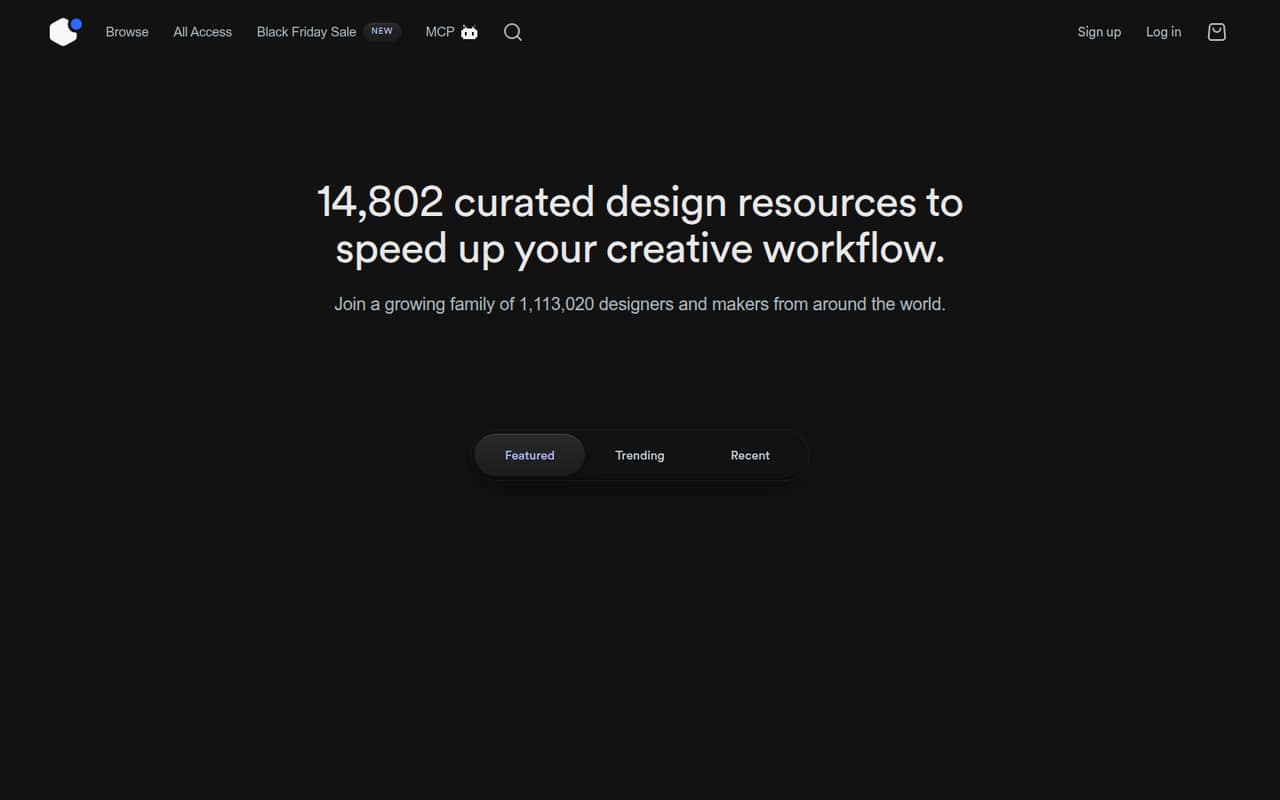
UI8 is a curated marketplace for UI kits, templates, illustrations, fonts, mockups, 3D assets, icons, and more. The homepage lists 14,802 resources, with new releases added daily, plus tools for design and polished screen capture.
There’s no free All-Access plan, and the listed subscriptions are aimed at solo designers. Pro is $112 every three months; UI8 doesn’t publish pricing for a 3- or 5-person team, so check licensing before buying.
Good fit if
- Designers who buy assets regularly
- Teams using Figma or Sketch
- Creators seeking varied asset formats
Skip it if
- Teams needing a free asset subscription
- Occasional buyers on tight budgets
- Teams requiring published seat pricing
ScoresHow it rates
What works
- Broad mix of design and creative assets
- Homepage lists 14,802 resources
- New releases are added daily
- Figma and Sketch UI kits are available
- Paid plans include daily downloads
What doesn't
- No free All-Access plan
- Team pricing and seat rules aren't listed
- Pro requires a three-month billing commitment
- UI kit customization can take extra work
- No setup-time estimate is listed
01Who UI8 is for
UI8 is a marketplace for small design teams that regularly need fresh starting points: UI kits, templates, illustrations, fonts, mockups, 3D assets, icon sets, and presentations. Its homepage lists 14,802 design resources and says new releases are added daily. UI kits are available for Figma and Sketch; templates cover React, HTML, CSS, JS, Framer, and Webflow.
For a team of one to ten, it makes most sense when several people can put a steady stream of assets to work. If you need one illustration or mockup once in a while, an All-Access subscription may be hard to justify. The listed plans are framed for solo designers, not teams, so ask about licensing and sharing before putting the bill on a company card. UI8 also features Forge, free for Mac, and Clap, which supports Mac and PC.
02UI8 free plan and trial
UI8 does not list a free All-Access plan or a free trial. The free option called out on the homepage is Forge for Mac, a creator tool; it isn't listed as a way to download the marketplace's full catalog. Clap supports Mac and PC, but the published plan details don't list it as free.
The cheapest listed route into UI8 is Hire at $8 per month. That plan is for client inquiries and profile visibility, not general asset access. It is also included with any All-Access Pass. For access to all products, the entry plan is Pro at $112 every three months, with 10 downloads per day and 500 MCP calls per day. Check the plan terms before purchasing if you need assets for a team.
03What a small team pays for UI8
UI8 lists Pro at $112 every three months, with a regular price of $188. That works out to $37.33 per month at the listed price, or $448 over 12 months if four three-month payments are made at that rate. Pro+ is $220 per year, equivalent to $18.33 per month, and lists 30 downloads and 1,000 MCP calls per day. Lifetime costs $399 once. Those All-Access plans include access to all products and full access to Clap Studio.
The listed All-Access plans are described for solo designers, and UI8 doesn't list a per-seat price or team total. We can't give a valid 3- or 5-person total without knowing whether each person needs a separate subscription and what the license allows. Hire is $8 monthly, or $96 for 12 monthly payments; it is included with any All-Access Pass. A yearly Hire option is listed, but its price isn't published. Ask UI8 for team licensing and total costs before committing.
04Getting started with UI8
UI8 is a marketplace rather than a project-management system, so the basic task is choosing a resource that fits your work and design tools. The catalog includes Figma and Sketch kits, plus coded and no-code templates for React, HTML, CSS, JS, Framer, and Webflow. That range gives a small team options for both design files and web projects.
The listed plan details don't give a setup-time estimate, onboarding steps, or a list of integrations. They also don't explain how a team should share downloads or manage licenses. Before purchasing, confirm which plan covers each teammate and whether the assets you want are compatible with your workflow. For a solo designer, getting started should be a matter of picking relevant assets; for a team, sorting out access and licensing is the part to clarify first.
05When small teams outgrow UI8
UI8 may stop fitting when your team needs clear seat management, shared asset libraries, or published business pricing. The listed All-Access plans are aimed at solo designers and set daily limits: Pro has 10 downloads and 500 MCP calls, Pro+ has 30 downloads and 1,000 calls, and Lifetime has 40 downloads and 2,000 calls. A team that hits those caps or needs more people covered should ask UI8 about options before upgrading; team terms aren't listed.
The catalog is broad, but purchased kits may still need changes to fit a team's design system. In one Reddit thread, a designer said bought systems can become outdated and messy to update. Other commenters said kits save time or help them study component construction, while some preferred customizing their own foundations. If your team repeatedly rebuilds assets to match its product, occasional purchases or an internal design system may make more sense than a recurring pass.
From the threadsWhat users say
Reddit comments are mixed: some designers value UI kits as a time-saver or source of ideas, while others say they need too much customization or can become outdated. The discussion reflects different workflows rather than a clear consensus.
Designers at every level use UI kits because it saves time, not because they can’t design
Every design system you buy is differently build and at some point outdated
I buy them just to see how they’re building their components and get ideas. I still wind up custom making all my own stuff
If an existing system fits your need it makes way more sense to work from that than spending time creating a new one
Questions people ask
Does UI8 have a free plan?
UI8 does not list a free All-Access plan or free trial. Forge is listed as free for Mac, but it is a creator tool, not a marketplace subscription. The cheapest listed marketplace-related plan is Hire at $8 per month; All-Access starts with Pro at $112 every three months.
How much does UI8 cost?
The listed All-Access options are Pro at $112 every three months, Pro+ at $220 per year, and Lifetime at $399 once. UI8 Hire is $8 per month and is included with any All-Access Pass. A yearly Hire price is not published. Confirm current prices and terms with UI8 before buying.
What does UI8 All-Access include?
The listed All-Access plans include access to all products, daily downloads, MCP calls, full access to Clap Studio, and daily new releases. Daily limits vary by plan: Pro lists 10 downloads and 500 MCP calls; Pro+ lists 30 and 1,000; Lifetime lists 40 and 2,000.
Can a small team share one UI8 subscription?
UI8's listed All-Access plans are described for solo designers, and the plan details don't specify team seats or sharing rules. Ask UI8 whether each teammate needs a separate plan and what the license permits. Without those terms, a reliable 3- or 5-person cost can't be calculated.
What types of assets are available on UI8?
UI8 lists UI kits, coded and no-code templates, illustrations, fonts, mockups, 3D assets, icon sets, and presentations. Its homepage lists kits for Figma and Sketch, and templates for React, HTML, CSS, JS, Framer, and Webflow. Check each product listing for the formats and tools it supports.