
We may earn a commission if you buy through links on this page. It never changes a score or a ranking. How we make money
The bottom line
Usersnap turns customer feedback into product decisions, but small teams pay €49/month to get started.
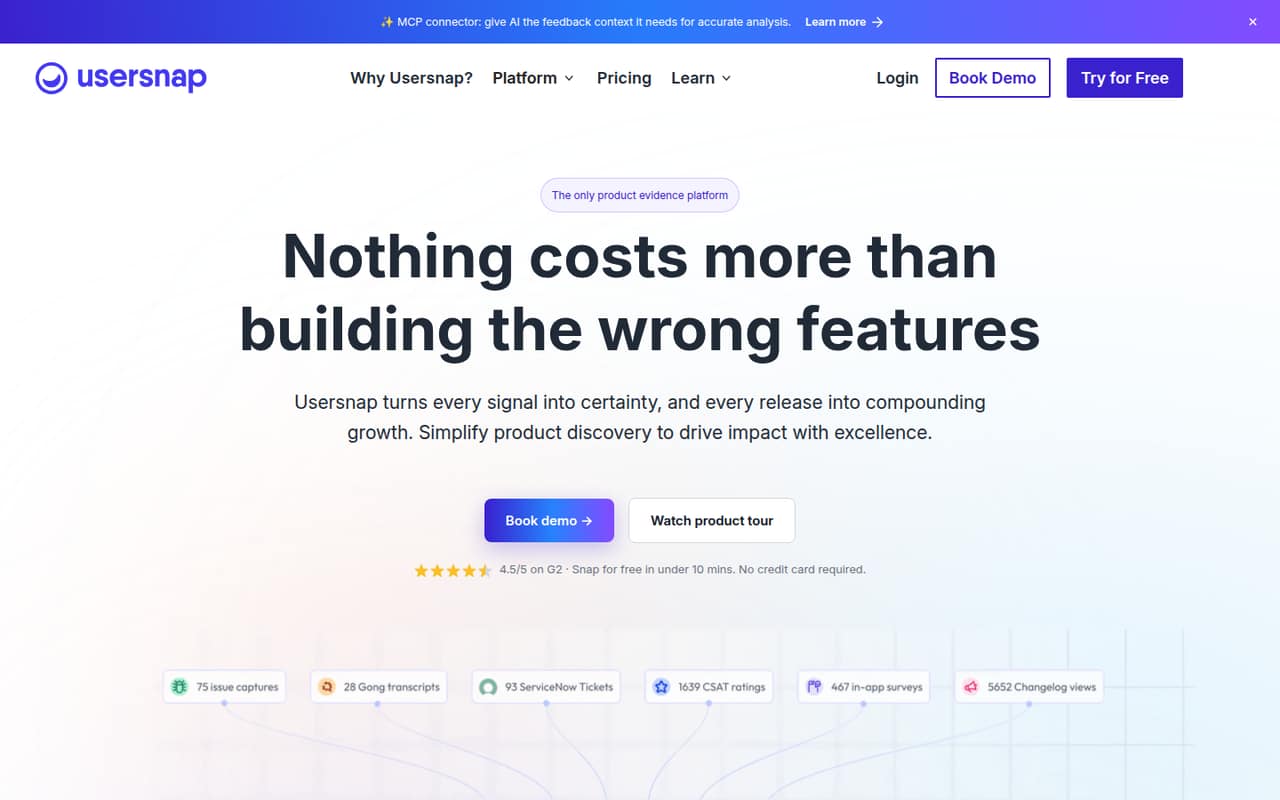
Usersnap brings feedback collection, AI analysis, roadmap planning, integrations, and customer updates into one product-evidence platform. It’s a fit if your team needs more than a way to report bugs and wants a process for acting on customer input.
There’s no free plan, and Starter costs €49/month for two seats. That’s a meaningful commitment for a small team; check that its feedback and roadmap features will replace enough separate work to justify the spend.
Good fit if
- Teams organizing feedback across channels
- Product teams planning from customer evidence
- Small teams needing in-app feedback
Skip it if
- Teams needing a free feedback tool
- Teams wanting a simple bug tracker
- Teams with a fixed existing tracker workflow
ScoresHow it rates
What works
- Collects feedback through surveys and in-product tools
- AI categorizes feedback and tracks sentiment
- Roadmaps include custom opportunity scoring
- Starter includes 50+ integrations
- Lists GDPR compliance and EU hosting
What doesn't
- No free plan or published free trial
- Starter costs €49/month, even for one person
- Starter is limited to two projects
- Annual rates are not published
- Some add-on prices are not published
01Who Usersnap is for
Usersnap is for product teams that need to collect customer input and turn it into decisions, not just capture bugs. It gathers feedback through surveys, screen-capture tickets, and an in-product menu, then uses AI to categorize it, track sentiment, and surface trends. Teams can use that evidence to score opportunities, plan a Now, Next, Later roadmap, and communicate updates.
For a team of one to five, it makes sense when feedback is arriving from several places and someone needs to organize it into product work. The price is less attractive if you mainly need a lightweight way for customers to flag issues: Starter is €49/month and includes two seats. A three- or five-person team needs Growth at €129/month for unlimited seats. That can work for a team with budget for a dedicated product tool, but it’s a harder sell for a small team that only needs screen captures or a basic feedback queue.
02Usersnap free plan and trial
Usersnap has no free plan, and the vendor does not list a free trial. There’s no free tier to use indefinitely or trial period with a published length, so ask Usersnap whether it can arrange a trial before you commit.
The cheapest listed option is Starter at €49/month. It includes two seats, two projects, two announcements, and 50+ integrations. That gives a solo buyer a second seat, but there’s no lower one-seat price listed. Starter is a reasonable entry point if you want to try feedback collection and product planning together; it’s not a free way to test whether customers will actually use your feedback process.
03What a small team pays for Usersnap
Usersnap lists prices per month in euros. One person pays €49/month for Starter, which includes two seats; the effective cost is €24.50 per included seat if both seats are used. For three or five people, Growth is the cheapest listed plan with enough seats: €129/month, or €43 per person for three and €25.80 per person for five. Those are monthly plan costs divided by seats, not separate per-seat rates.
Starter has two projects and two announcements. Growth raises those limits to 10 each and includes 20 channel sources. If your team needs more analysis capacity, Professional is €219/month with 20 projects, 20 announcements, 40 channel sources, and 200 sentiment processing. Premium is €459/month with 50 projects and announcements, 100 channel sources, and 300 sentiment processing.
The pricing page says yearly billing saves up to three months, but annual rates aren’t published. Discovery Lite, VOC Hub, Analysis Engine, and E2E Product Intelligence are also available as add-ons; their prices aren’t published.
04Getting started with Usersnap
Start by choosing where customers should leave feedback—surveys, screen-capture tickets, or an in-product feedback menu—and which team will review it. Then decide which integrations matter on day one. Starter lists 50+ integrations, but the specific tools included in that count aren’t detailed in the plan summary, so confirm that your existing workflow is covered before buying.
Usersnap has more to configure than a single-purpose feedback box: the platform also offers AI analysis, roadmap scoring, and customer announcements. One Reddit commenter said Usersnap made it easier for testers to report bugs, while another described its feedback input as more complicated and said it had more settings. Those are individual reports, not a guarantee of the current setup experience. We’d budget time to agree on feedback categories, ownership, and how requests reach the roadmap; the vendor doesn’t publish a setup-time estimate in its pricing details.
05When small teams outgrow Usersnap
The first pressure point may be project capacity, not seats. Starter includes two projects and two announcements; Growth increases both to 10 and adds 20 channel sources. Teams with more channels or analysis needs can look at Professional and Premium, which increase the listed limits and include 200 and 300 sentiment processing, respectively. Enterprise offers custom projects, channels, and analytics credits, plus a 99.9% uptime SLA.
A team may also outgrow Usersnap if it wants a simple reporting widget but doesn’t need AI analysis, roadmap planning, or customer updates. In a Reddit discussion, one commenter objected that a feedback tool required using its bug tracker, while another said Usersnap had more settings than a simpler option. Those comments are about user concerns, not proof that every current integration or workflow requires a switch. Before upgrading, check whether your existing tracker and must-have integrations fit; ask Usersnap about any integration that is central to your process.
From the threadsWhat users say
The Reddit comments lean positive about making feedback easier to submit, but opinions differ on complexity and tracker fit. They’re individual, older discussions, so treat them as useful cautions rather than a current consensus.
We're using Usersnap for our internal dev team and it's pretty awesome!
Usersnap has more settings
It's a more complicated feedback input, but seems like a higher quality product
The problem with this feedback system, and all the ones like it, is that it requires you to use their bug tracker
Questions people ask
Does Usersnap have a free plan?
No. Usersnap does not list a free plan or a free trial. The cheapest listed plan is Starter at €49/month, with two seats, two projects, two announcements, and 50+ integrations. Ask the vendor whether it can arrange a trial before you commit, since a trial length isn’t listed.
What does Usersnap Starter include?
Starter costs €49/month and includes two seats, two projects, two announcements, and 50+ integrations. It’s the entry-level option for product builders starting continuous discovery. The pricing page lists the price per month; annual billing may save up to three months, but the annual rate isn’t published.
Can a five-person team use Usersnap Starter?
Starter includes two seats, so it doesn’t cover a five-person team. Growth includes unlimited seats and costs €129/month. That works out to €25.80 per person for five people, based on dividing the plan price by the number of people; it isn’t a per-seat charge.
What integrations does Usersnap support?
Starter lists 50+ integrations. Usersnap describes integrations across sales, support, and DevOps, as well as connections for MCP-enabled AI. The published plan summary doesn’t name the specific integrations, so check with the vendor that your essential tools are supported.
Does Usersnap list security features?
Yes. Usersnap’s homepage lists EU hosting, GDPR compliance, AES-256 encryption, and SSO and SAML. Enterprise also lists custom projects, channels, and analytics credits, plus a 99.9% uptime SLA. Ask the vendor for details about which security controls apply to your plan.