
We may earn a commission if you buy through links on this page. It never changes a score or a ranking. How we make money
The bottom line
Strong calling and lead workflows, with a price that requires a sales conversation.
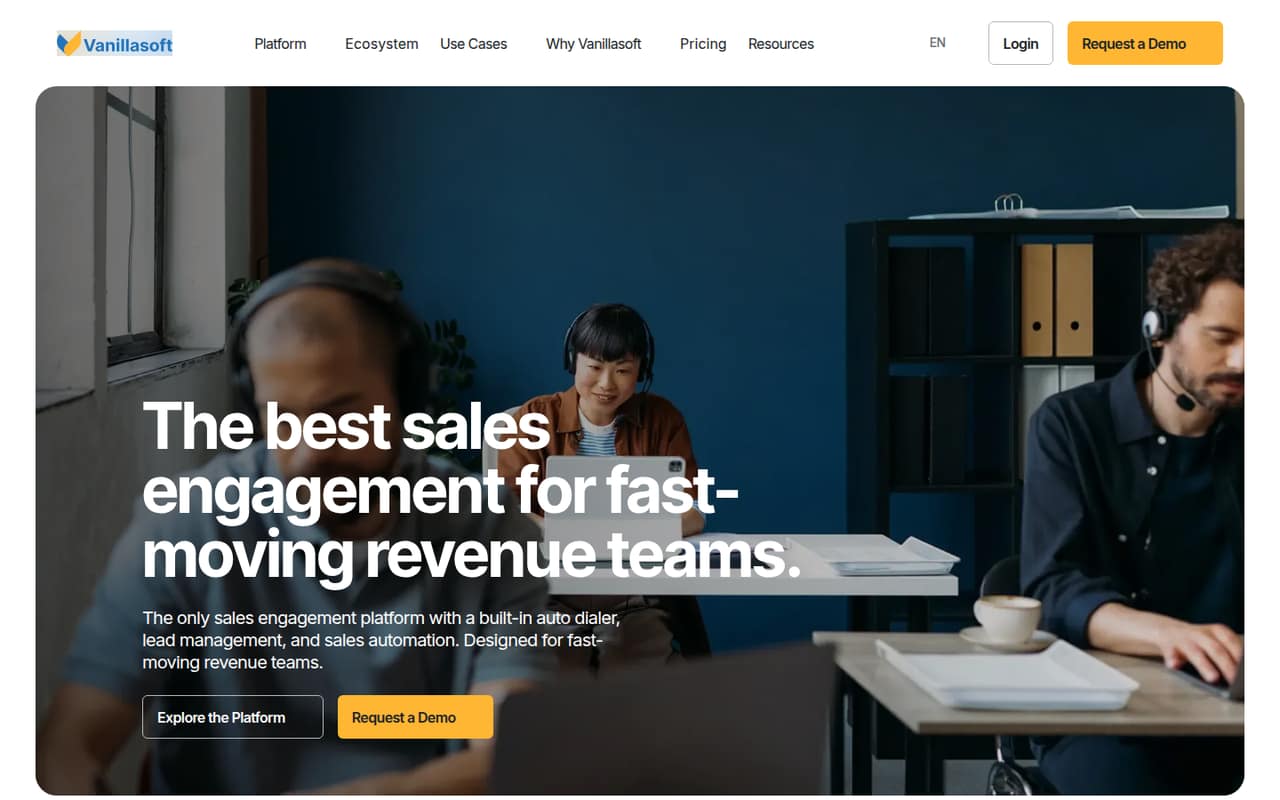
VanillaSoft brings auto dialing, lead management, outreach automation, email and SMS, and reporting into one sales engagement platform. That can suit a small team whose work centers on outbound calling and whose agents need a clear next lead or task.
The catch is budgeting: the pricing page describes annual bundles, but doesn’t publish prices or usage limits. Core includes the first five seats, but that doesn’t make it free. Ask for a quote and confirm the full cost, included usage, and any service fees before committing.
Good fit if
- Outbound sales teams with callers
- Teams needing guided lead workflows
- Small groups ready for a sales quote
Skip it if
- Teams that need a free plan
- Buyers requiring public per-seat pricing
- Teams wanting published usage limits
ScoresHow it rates
What works
- Auto dialing is built into the sales platform
- Guides agents to the next-best lead
- Automates outreach and sales workflows
- Includes email and SMS automation
- Core bundle includes the first five seats
What doesn't
- No free plan is listed
- Bundle prices are not published
- Usage limits are not published
- Extra Core seat costs require a sales inquiry
- Professional Services rates are not published
01Who VanillaSoft is for
VanillaSoft is for revenue teams that spend much of the day calling prospects and need a system to organize leads and outreach. Its homepage describes an all-in-one sales engagement platform, with auto dialing, lead management, automated outreach, and workflow coordination. In plain terms, it helps agents decide whom to contact and what to do next.
For a team of one to five, the Core bundle includes the first five seats, but the vendor doesn’t publish its price. That makes it difficult to tell whether it fits a tight budget without requesting a quote. Teams of six to ten should also ask about additional seat costs, which the pricing page says require contacting sales. VanillaSoft looks most relevant when calling and guided lead workflows matter more than a low, predictable subscription. If you mainly need a free tool or a clear per-seat bill, the pricing uncertainty is a real drawback.
02VanillaSoft free plan and trial
VanillaSoft does not list a free plan or a published free trial. The pricing page offers a free personalized demo, which lets a buyer see the product, but it is not a trial with stated access or duration. The vendor doesn’t publish trial terms.
The entry point for a team that wants to buy is the Core annual bundle, which includes the first five seats. Its price is not published, so there is no confirmed cheapest monthly or annual amount to budget. Ask sales for a quote and clarify what calling, messaging, and usage are included. A demo can help your team check whether its dialing and lead workflows fit, but it won’t answer the cost question unless you request the bundle price.
03What a small team pays for VanillaSoft
The pricing page lists annual bundles, but it doesn’t publish monthly or annual prices. Core includes the first five seats, and additional Core seats require contacting sales. That means we can’t calculate a reliable per-seat rate or a total bill for one, three, or five people: each team falls within the first-five-seat allowance, but the bundle price itself is unknown. The included seats are not a free plan.
Advantage and Fundraising are also listed as annual bundles, with prices not published. Enterprise is a custom annual bundle with a custom quote and implementation. The page doesn’t publish usage limits for these plans. Professional Services are listed as an extra, but rates aren’t published; overage costs also aren’t published. Before choosing a plan, ask for the annual total, whether billing is due upfront, what usage is included, and the price of extra seats or services. Without those details, comparing VanillaSoft with a per-seat budget is guesswork.
04Getting started with VanillaSoft
VanillaSoft describes tools for dialing, lead management, outreach automation, and coordinated workflows, so a team should plan to decide how its leads and contact steps will be organized before agents start using it. The available pricing details don’t specify onboarding steps, setup time, or a learning curve, so we can’t give a reliable estimate of the effort involved.
Integration details are not published in the available product and pricing information either. If your team needs a CRM connection, email or calendar sync, or a particular phone setup on day one, ask the vendor to confirm what is supported and whether it costs extra. Enterprise pricing includes custom implementation, but the vendor doesn’t describe what that covers or whether other plans include setup help. Request a demo using your team’s real workflow and get implementation responsibilities in writing.
05When small teams outgrow VanillaSoft
VanillaSoft’s published pricing doesn’t give a clear seat or usage threshold for moving up. Core includes the first five seats; additional seats require contacting sales, and the price of those seats isn’t published. A team growing from five to six people should ask for the revised annual total before adding a seat, rather than assuming the per-person cost stays the same.
The pricing page also leaves usage limits and overage costs unpublished. That can become a budgeting problem as calling and messaging activity grows, so ask sales for the included allowances and the cost of exceeding them. Advantage is described as an option for expanded capabilities, but its price and usage limits aren’t published either. Enterprise offers custom implementation, with custom pricing. If your team needs predictable per-seat costs, visible usage caps, or defined onboarding, compare those requirements against a written VanillaSoft quote before expanding.
Questions people ask
Does VanillaSoft have a free plan?
No free plan is listed. The pricing page offers a free personalized demo, but it does not publish a free trial with a stated duration or access level. Core is an annual bundle that includes the first five seats; its price is not published, so ask sales for the cost.
How much does VanillaSoft cost for a small team?
VanillaSoft’s pricing page describes annual bundles but doesn’t publish the price. Core includes the first five seats, so teams of one, three, or five are covered by that seat allowance, but their total bill is unknown until sales provides a quote. Additional Core seat costs aren’t published.
What does VanillaSoft Core include?
Core is listed for teams needing core calling tools, and its annual bundle includes the first five seats. The vendor doesn’t publish usage limits or the price. Ask sales to specify which dialing and usage allowances come with the bundle and what additional seats or overages cost.
Does VanillaSoft offer a free trial?
The pricing page lists a free personalized demo, not a published free trial. It doesn’t state trial access, duration, or terms. If your team needs time to work in the platform before buying, ask VanillaSoft whether it offers an evaluation period and what features or usage it would include.
Does VanillaSoft include setup or implementation?
Enterprise is listed with custom implementation. The pricing details don’t explain what that includes or whether implementation is part of other bundles. Ask the vendor about onboarding, data setup, integrations, training, fees, and which tasks your team would need to handle.