
We may earn a commission if you buy through links on this page. It never changes a score or a ranking. How we make money
The bottom line
Good value for cross-platform reporting, but check the source and account limits before you commit.
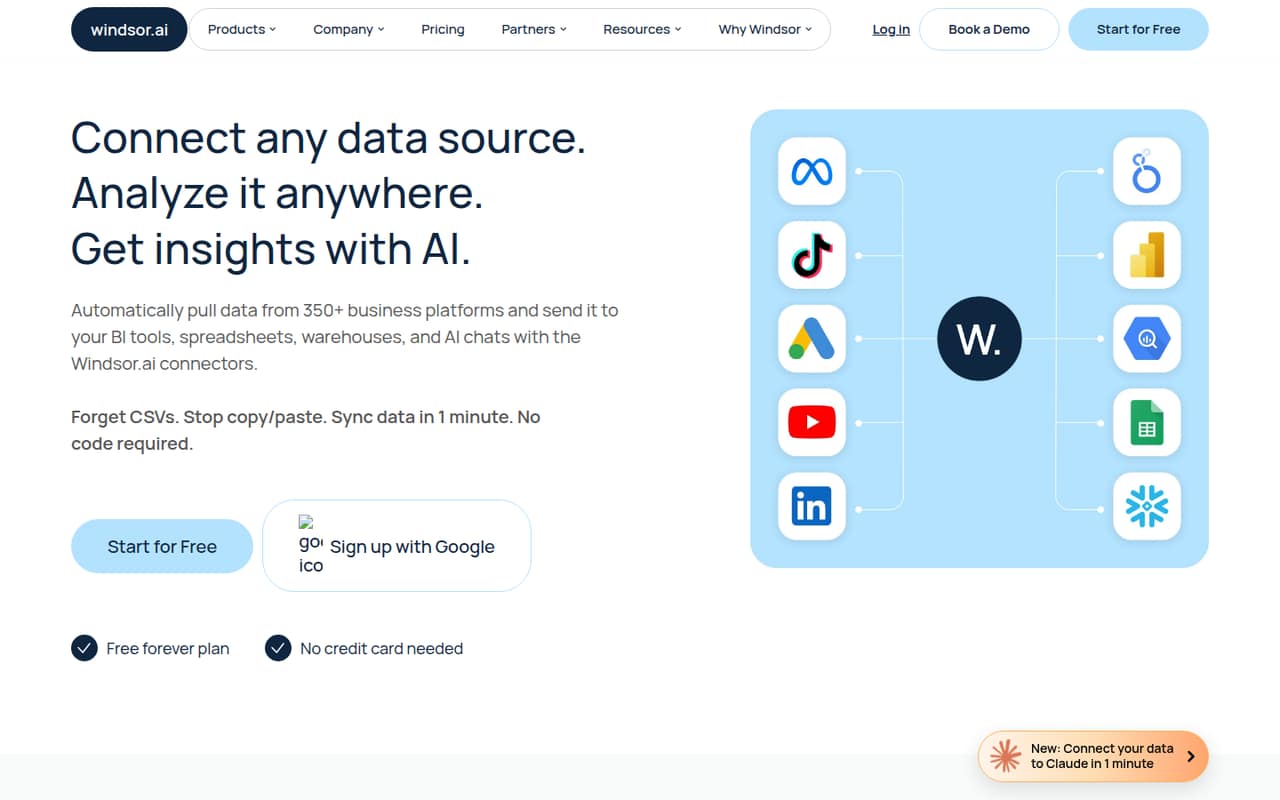
A small team does not need Windsor.ai unless it wants to bring data from several business platforms into one reporting workflow. The vendor describes a no-code service with 350+ connectors, scheduled data refreshes, data blending, dashboards, and AI chats.
The Free plan is genuinely free but limited to one user, one source, and one account. Basic is the practical starting point for a small team: $19 per month with annual billing or $23 month to month, with unlimited users but only three sources.
Good fit if
- Small marketing teams combining data
- Teams using AI for reporting
- Budget-conscious multi-account reporting
Skip it if
- Teams needing many data sources
- Teams requiring frequent free syncs
- Buyers needing published security details
ScoresHow it rates
What works
- Free forever plan for very light use
- Basic includes unlimited users
- 350+ connectors listed by the vendor
- Basic includes 75 accounts
- AI chat and dashboard use cases
What doesn't
- Free plan allows one source and account
- Basic syncs daily, not hourly
- Basic is capped at three sources
- Enterprise pricing is not listed
- Some reporting data needs manual interpretation
01Who Windsor.ai is for
Windsor.ai is aimed at teams that need business data to flow from several platforms into reports, spreadsheets, data warehouses, or AI chats. The vendor lists more than 350 connectors and describes no-code ETL/ELT workflows, scheduled refreshes, data blending, and dashboard templates.
For a team of one to ten, it makes sense when someone is spending too much time pulling marketing or business data together by hand. It is less compelling if you only need one source or already have a simple reporting setup. The Free plan can cover a small proof of concept, while Basic gives a team unlimited users for $19 per month with annual billing or $23 month to month. That price is flat rather than per seat, but Basic is limited to three data sources, 75 accounts, and daily scheduled syncs.
02Windsor.ai free plan and trial
Windsor.ai lists both a free trial and a Free plan. The 30-day trial includes one user, 10 sources, 15 accounts, five destination tasks, and 30 days of history. After the trial, the forever-free tier includes one user, one source, and one account. The trial’s higher limits do not carry over to the free plan.
That makes Free useful for checking whether a single connection meets your needs, but not for ongoing multi-source team reporting. It also does not suit a team that needs multiple accounts or users. If you need more than one source or account, Basic is the cheapest paid plan: $19 per month with annual billing, or $23 month to month. The vendor lists daily scheduled syncs on Basic.
03What a small team pays for Windsor.ai
The pricing page lists Basic at $23 per month with monthly billing or $19 per month with annual billing. It includes unlimited users, three sources, 75 accounts, five destination tasks, and daily scheduled sync. Since Basic is priced per plan, not per seat, one person pays $23 monthly or $19 per month on annual billing. For three people, that works out to about $7.67 or $6.33 per person monthly; for five, about $4.60 or $3.80 per person. Annual figures are monthly equivalents, billed annually.
The catch is capacity, not seats. If you need seven sources or unlimited destination tasks, Standard is $118 monthly or $99 per month with annual billing. Plus costs $299 monthly or $249 annually per month and allows 10 sources and 200 accounts. The pricing page lists no add-ons. Enterprise pricing is not published; ask the vendor for a quote if you need its custom connectors or SSO.
04Getting started with Windsor.ai
The vendor describes Windsor.ai as a no-code integration tool, so teams do not need to build custom ETL/ELT code for the listed connector workflows. You will still need to choose the sources and destination, decide which data and accounts belong in a report, and check that the resulting figures match your reporting definitions.
Reddit users describe connecting marketing data to AI tools and building reports, but the discussions also show that data interpretation can take work. In a WooCommerce thread, one user said they had to keep working on formulas for sales and refunds to get figures close to the platform’s report. That is a reminder to budget time for validating data, especially around refunds, discounts, and taxes. Specific setup time is not published, so ask the vendor what help is available for your connectors and destinations.
05When small teams outgrow Windsor.ai
The first pressure point is usually the number of sources or accounts, not the number of teammates: Basic includes unlimited users but stops at three sources and 75 accounts. Standard raises the source limit to seven and allows unlimited destination tasks; Plus covers 10 sources and 200 accounts. Professional adds 14 sources, 500 accounts, automatic account additions, and refreshes as often as every 15 minutes. Enterprise lists up to 200 sources and 50,000 accounts, with custom connectors and SSO, but its price is not published.
Reddit feedback is mixed but includes a positive Basic-plan report from a user who said they had used Windsor for around six months. Another commenter warned that connector refresh rates can be capped and platform API changes can cause problems. A separate WooCommerce user described needing to refine refund and sales calculations. Teams that need reliable figures across complex data may need more validation or a different pipeline as they grow.
From the threadsWhat users say
The Reddit comments we found here lean positive on basic reporting and the price, with some caveats. Users also describe data-matching work and raise concerns about refresh limits and connector changes, so the feedback is useful but anecdotal.
I have been using Windsor for around six months and it has been a good experience so far
It works pretty well in less than 2 mins to update what I need
I have it pretty close but still need to iron out some stuff
I found it fine for pacing, trends and budget
Questions people ask
How much does Windsor.ai cost?
Windsor.ai has a Free plan for one user, one source, and one account. Basic costs $23 per month with monthly billing or $19 per month with annual billing. Standard, Plus, and Professional cost $118, $299, and $598 monthly, respectively, or $99, $249, and $499 per month with annual billing.
Is Windsor.ai free?
Yes. The forever-free plan includes one user, one data source, and one account. The separate 30-day trial includes one user, 10 sources, 15 accounts, five destination tasks, and 30 days of history. The trial limits are temporary; the free plan is much smaller.
Can Windsor.ai connect to AI chats?
The vendor lists AI data insights that let users ask questions about connected data in Claude, ChatGPT, and other LLMs. The specific connectors and capabilities you need may depend on your data sources and workflow, so confirm those with Windsor.ai before choosing a plan.
Is Windsor.ai secure?
Before connecting advertising, customer, or business data, ask Windsor.ai about its security controls, data handling, retention, and access management. The Enterprise plan lists SSO, but that alone does not answer every security question a small team may have.
Who competes with Windsor.ai?
The right comparison depends on your sources, destinations, refresh needs, and account limits. One Reddit discussion compares Windsor.ai with Supermetrics, but it does not establish a full competitor list. Compare the connectors and plan limits you actually need, rather than choosing on headline price alone.