
We may earn a commission if you buy through links on this page. It never changes a score or a ranking. How we make money
The bottom line
Worth considering for endpoint control, but confirm pricing and setup needs before signing a prepaid contract.
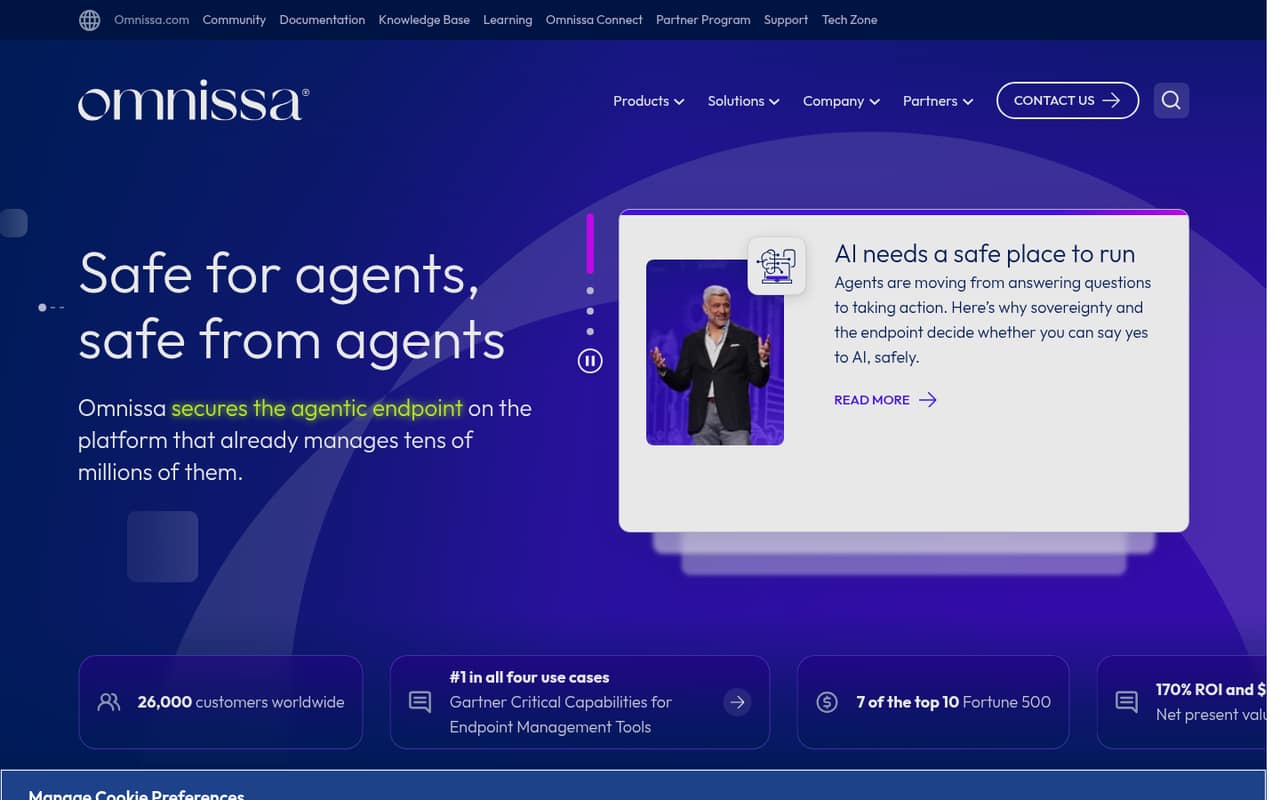
Workspace ONE UEM is Omnissa’s unified endpoint management product for organizations that want to manage and secure endpoints from one platform. Its listed capabilities include fleet patching, agent remediation, AI governance and a sovereign infrastructure option.
For a small team, the main drawbacks are no free plan, annual prepayment for the listed rates and a mismatch between the per-device prices and per-user prices shown. The Reddit discussions offer a few practical admin perspectives, but not enough to call user sentiment broadly positive or negative.
Good fit if
- Teams managing many endpoint types
- IT teams needing centralized endpoint controls
- Organizations with a defined security process
Skip it if
- Teams that need a free MDM tier
- Small teams avoiding annual commitments
- Owners seeking a simple self-serve setup
ScoresHow it rates
What works
- Central endpoint management and security
- UEM Essentials starts at $5.25 per device monthly
- Agent remediation can sequence and roll back actions
- Fleet patching is a listed capability
- Sovereign infrastructure option is available
What doesn't
- No free plan is listed
- No free trial is listed
- Listed per-device and per-user rates differ
- Standalone month-to-month pricing is not published
- Reddit admins describe reliance on scripts and API credentials
01Who Workspace ONE UEM is for
Workspace ONE UEM is for organizations that need to manage and secure endpoints from one platform. It is a better fit for a small team with someone responsible for IT and security than for a founder looking for a quick, lightweight device app. Omnissa lists endpoint management, fleet patching, agent remediation and AI governance among its capabilities.
For a team of 1–10, the key question is how many devices need management and whether centralized controls justify a paid, annually prepaid plan. The pricing page lists Employee Essentials, Mobile Essentials, Desktop Essentials and UEM Essentials, with UEM Essentials aimed at unified endpoint management. Before choosing, ask Omnissa to confirm whether your quote will be charged per device or per user: the listed rates use both units. If you only need to manage a handful of devices and do not have an IT owner, the setup and pricing questions may outweigh the benefits.
02Workspace ONE UEM free plan and trial
Workspace ONE UEM has no free plan or free trial listed in the available pricing information. That means a small team cannot use a free tier to manage a few devices before deciding whether the platform fits.
The cheapest listed entry is Employee Essentials at $1.67 per device per month on a 12-month prepaid subscription. The pricing information also says $3 per user per month with annual billing, so confirm which rate applies to your devices and users. Employee Essentials is described for employee device management; for unified endpoint management, UEM Essentials is the relevant listed plan, starting at $5.25 per device per month on annual prepayment. Ask Omnissa about eligibility, setup requirements and the exact charge before signing.
03What a small team pays for Workspace ONE UEM
For unified endpoint management, UEM Essentials is listed at $5.25 per device per month for a 12-month prepaid subscription. Assuming one managed device per person, that is $5.25 monthly equivalent for one person, $15.75 for three and $26.25 for five. The same plan description also says $9.45 per user per month with annual billing: that works out to $9.45, $28.35 and $47.25 for those team sizes. The pricing page does not explain the difference, so get a written quote using your device and user counts.
These are monthly equivalents on a prepaid annual subscription, not month-to-month rates. Standalone monthly prices and annual totals are not published. Other listed annual monthly equivalents are $1.67 for Employee Essentials, $3 for Mobile Essentials, $4 for Desktop Essentials, $10 for Enterprise Edition and $15.63 for Platinum Edition per device. No add-ons are listed in the pricing information. Ask whether there are minimum seats, implementation fees or other charges before budgeting.
04Getting started with Workspace ONE UEM
Omnissa’s listed features cover what the product can do, but the setup steps, expected implementation time and day-one integrations are not published on the vendor's site. A small team should ask Omnissa what it needs to configure before enrollment, who handles that work and whether onboarding or support costs extra.
There is some admin context in Reddit discussions. One Workspace ONE administrator described using PowerShell scripts and OAuth tokens to query the UEM REST API, and said sharing scripts with a team was painful. A commenter said junior admins were not familiar with running Python or PowerShell scripts and were worried about what might happen. That is not a measure of the product’s full setup experience, but it is a reason to ask about routine admin tasks, permissions and training before purchase. Confirm the integrations your team needs rather than assuming they are included.
05When small teams outgrow Workspace ONE UEM
Workspace ONE UEM’s listed plans span employee, mobile, desktop, unified and enterprise endpoint management, so a team may need to move up when its requirements exceed its current plan. The available pricing information does not spell out feature differences between tiers, device limits or seat minimums. Ask Omnissa to map the controls you need to a plan before you commit, especially if your device count is likely to change.
The bigger pressure for a small team may be cost and administration rather than a published device cap. There is no free tier, the listed rates are tied to a 12-month prepaid subscription, and the per-device and per-user prices do not match. In one Reddit thread, an administrator described scripts and API credentials as awkward to share with colleagues; a commenter said less technical junior admins were wary of running scripts. If your team needs a simpler admin workflow or cannot justify the annual commitment, compare alternatives before renewing.
From the threadsWhat users say
The Reddit discussion is mixed and limited: it includes practical interest in admin tooling as well as reports of script-sharing friction and a setup question. It does not establish broad customer satisfaction with Workspace ONE UEM.
It worked, but sharing them with the team was painful
my junior admins was not so familiar to run python or ps scripts and always scared what might happen
I’ll be giving this a shot
URL does not pop up nor in favorites
Questions people ask
Does Workspace ONE UEM have a free plan or free trial?
Neither a free plan nor a free trial is listed in the pricing information. The cheapest listed plan is Employee Essentials, at $1.67 per device per month on a 12-month prepaid subscription. Ask Omnissa whether it offers a trial or evaluation arrangement for your organization.
How much does Workspace ONE UEM cost for a small team?
UEM Essentials is listed at $5.25 per device per month on annual prepayment, or $9.45 per user per month with annual billing. For five people with one device each, those figures work out to $26.25 or $47.25 monthly equivalent. Confirm which billing unit applies to your quote.
Can I pay for Workspace ONE UEM monthly?
The listed rates are monthly equivalents for a 12-month prepaid subscription. Standalone month-to-month prices are not published. Ask Omnissa whether a shorter commitment is available and whether it changes the per-device or per-user rate.
Which Workspace ONE UEM plan covers unified endpoint management?
UEM Essentials is the plan listed for unified endpoint management. Its listed rate is $5.25 per device per month for a 12-month prepaid subscription, with a separate plan description showing $9.45 per user per month with annual billing. Confirm the applicable rate and included features with Omnissa.
What should a small team confirm before buying Workspace ONE UEM?
Ask Omnissa to confirm the price unit, any seat minimums, the plan features your team needs, setup responsibilities and whether onboarding or support costs extra. The published pricing information does not give standalone monthly prices, annual totals, plan limits or a detailed setup process.
Sources
- Workspace ONE UEM homepage
- Workspace ONE UEM pricing, compiled via web search from omnissa.com
- Reddit: Built a native macOS app to replace my PowerShell WS1 admin scripts.
- Reddit: Workspace ONE UEM vs Microsoft Intune Windows 2025
- Reddit: Microsoft Intune vs VMWare Workspace One UEM
- Reddit: Workspace One UEM: iPAD Kiosk mode