
We may earn a commission if you buy through links on this page. It never changes a score or a ranking. How we make money
The bottom line
Useful hiring-to-payroll coverage for hourly teams; no free plan or published rates makes budgeting difficult.
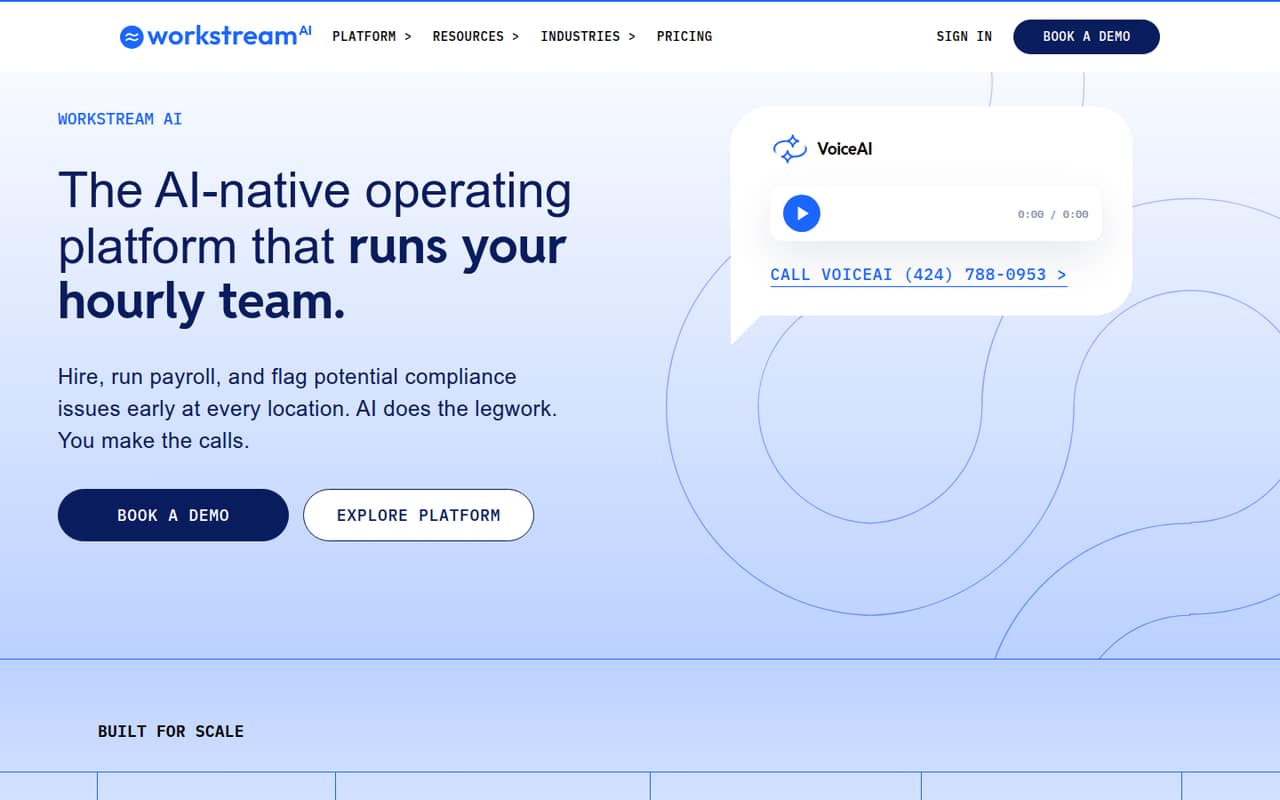
Workstream brings hourly hiring, payroll and compliance tools into one platform. Its AI features can handle applicant calls, video interviews, timecard checks and reports, while people make the decisions.
For a small team, the catch is cost clarity: there’s no free plan, and Workstream doesn’t publish plan rates or per-seat pricing. It may fit teams that need the full workflow, but ask for a quote before planning your budget.
Good fit if
- Hourly and multi-location employers
- Teams connecting hiring to payroll
- Businesses needing compliance alerts
Skip it if
- Teams requiring a free plan
- Buyers needing public per-seat rates
- Businesses hiring mostly salaried staff
ScoresHow it rates
What works
- Hiring, payroll and compliance in one platform
- VoiceAI answers applicant calls and sends summaries
- Video interviews work on applicants’ phones
- Payroll AI flags missed clock-outs and break issues
- AskAI can answer questions and schedule reports
What doesn't
- No free plan is listed
- Monthly and annual prices aren’t published
- Per-seat pricing isn’t published
- A free trial isn’t listed
- Time and scheduling add-on pricing isn’t published
01Who Workstream is for
Workstream is aimed at employers hiring hourly workers, particularly teams operating across multiple locations. It combines recruiting, onboarding, payroll and compliance tasks rather than focusing only on applicant tracking. That makes it worth considering if a small team wants applicants to move from hiring into payroll in one platform.
The feature set could suit a team of a few people managing a much larger hourly workforce, but the vendor doesn’t publish a minimum team size or per-seat rates. A team of 1–10 should ask for a quote based on its locations, hiring volume and which modules it needs. The Hiring plan lists AI-assisted hiring, unlimited Indeed job listings and distribution to 25,000+ job boards. Payroll and compliance are listed under All-in-one, while Essentials adds HRIS and team tools. If you only need a simple way to post jobs, this broader platform may be more than you need.
02Workstream free plan and trial
Workstream doesn’t list a free plan, and a free trial isn’t published. That means a small team can’t start with a no-cost tier to check whether the hiring workflow fits before budgeting for it.
The cheapest way in appears to be Hiring, the entry plan for employers hiring hourly workers. It lists AI-assisted hiring, unlimited Indeed job listings and distribution to 25,000+ job boards. The vendor doesn’t publish its price, billing unit or a trial offer, so the actual cost of starting with one person—or a larger team—needs to come from a quote. Ask whether the Hiring quote covers your locations and hiring volume, and whether moving applicants into onboarding or payroll requires another plan.
03What a small team pays for Workstream
Workstream’s pricing information says rates are custom and quote-based. It doesn’t publish monthly or annual prices, a billing unit or a starting price, so we can’t calculate what one person, three people or five people would pay. There’s also no reliable monthly-versus-annual comparison to make before requesting a quote.
The Hiring plan is the apparent entry point, but teams needing HRIS and team tools would look at Essentials. Payroll and compliance are listed under All-in-one; Premium adds benefits and custom options. The pricing information lists promotions of up to eight months free on payroll and 65% off the first year of payroll, but it doesn’t publish enough detail to calculate the resulting bill. Time & Scheduling is an add-on with no published price. Managed Services for payroll, bookkeeping, HR and staffing support is another add-on, also without a published price. Ask for an itemized quote for your headcount, locations, modules and any promotions.
04Getting started with Workstream
Workstream describes a workflow that carries applicants through onboarding and into payroll, with AI tools for calls, video interviews, timecard checks and reports. That gives a small team several connected processes to configure, rather than just a job posting account. The vendor doesn’t publish a setup timeline or the amount of staff time required, so we can’t say whether implementation takes hours or weeks.
The integration list and setup instructions aren’t published in the information available to us. Before signing, ask which payroll, job-board and scheduling connections are included in your quote, what data you’ll need to bring over, and whether Workstream helps with configuration. Also ask who sets up compliance alerts and payroll rules. A small team should get a walkthrough of the Hiring-to-payroll handoff and confirm which features are included in its selected plan before committing.
05When small teams outgrow Workstream
Workstream doesn’t publish user caps, hiring-volume limits or location limits, so there’s no clear seat threshold at which a team outgrows a plan. The more useful trigger is a change in what you need: Hiring lists recruiting features, Essentials adds HRIS and team tools, and All-in-one adds payroll and compliance. Premium is the listed tier for benefits and custom options.
That structure can mean moving up as your processes expand, but the vendor doesn’t publish the price difference between plans. Add-ons for Time & Scheduling and Managed Services can add further costs, also not listed publicly. For a growing team, ask for pricing at today’s headcount and at a realistic future size, along with the cost of each module and any location-based charges. If the quote becomes hard to justify for the features you use, or you need a clear public per-seat rate to forecast costs, compare alternatives before expanding your commitment.
Questions people ask
Is Workstream a legitimate hiring and payroll platform?
Workstream describes itself as an AI-enabled platform for hiring, payroll and compliance for hourly and multi-location teams. Its listed features include applicant calls, video interviews, payroll checks and compliance alerts. A buyer should confirm plan coverage, implementation support and the full quote directly with the vendor before signing.
What does Workstream do?
Workstream combines hiring, onboarding, payroll and compliance tools for hourly teams. Its AI features can answer applicant calls, support recorded video interviews, flag timecard issues, surface compliance alerts and answer report questions. The platform is intended to move applicants through hiring and into payroll.
Does Workstream have a free plan or trial?
Workstream doesn’t list a free plan, and a free trial isn’t published. The Hiring plan is the apparent entry point, with AI-assisted hiring, unlimited Indeed job listings and distribution to 25,000+ job boards. Its price is custom, so request a quote before budgeting.
How much does Workstream cost for a small team?
Workstream doesn’t publish monthly or annual rates, a starting price or a per-seat billing unit. Pricing is custom and quote-based, so the cost for one, three or five people can’t be calculated from published rates. Ask for an itemized quote covering your team size, locations and required modules.
Does Workstream include payroll and compliance?
Payroll and compliance are listed in the All-in-one plan, not the Hiring plan. Workstream says Payroll AI can flag missed clock-outs and break issues, while compliance alerts can flag missed breaks, pay below minimum wage and expiring I-9s. Confirm which features are in your quote.