
We may earn a commission if you buy through links on this page. It never changes a score or a ranking. How we make money
The bottom line
Workvivo brings communication and knowledge together, but small teams must request a quote to know the cost.
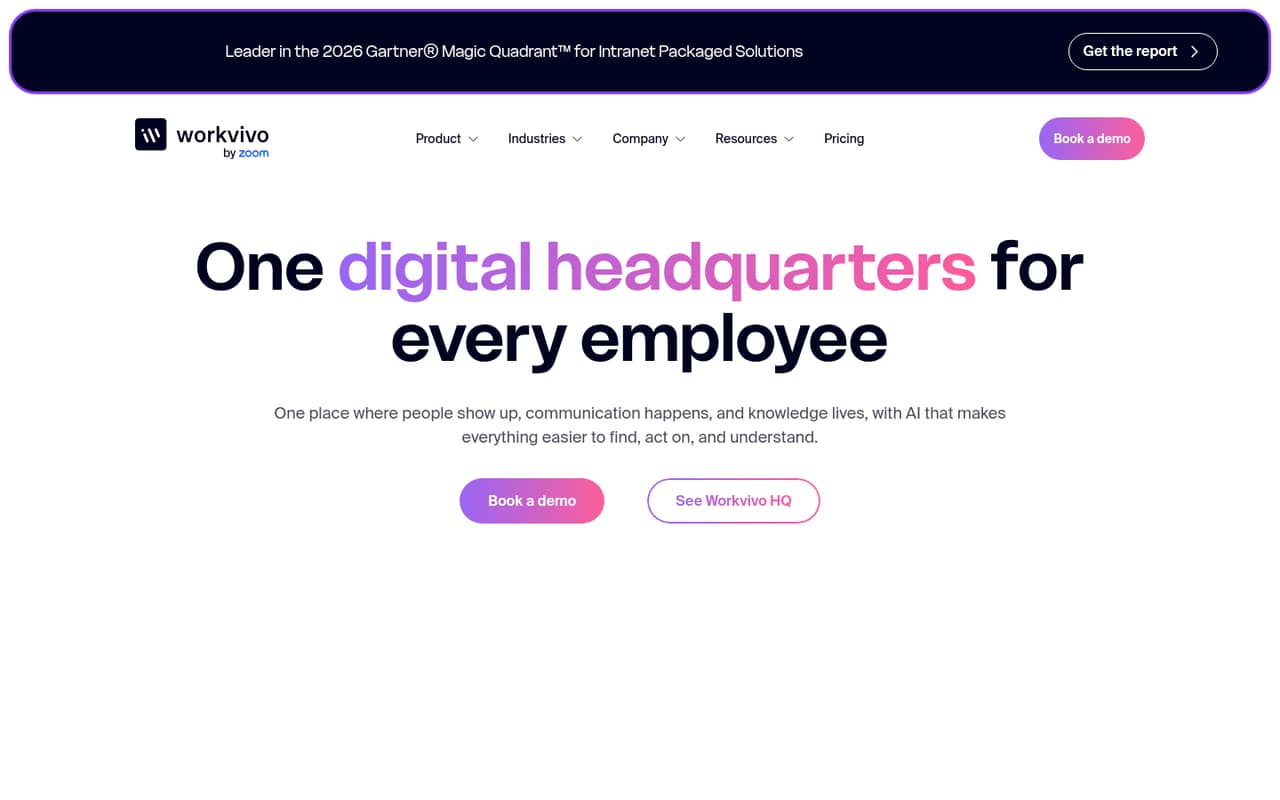
Workvivo combines company communications, searchable knowledge, feedback, chat and calls in one digital headquarters. Its AI features are designed to help employees find answers, catch up on updates and act on them.
For a 1–10-person team watching its subscription budget, the main drawback is pricing uncertainty: the pricing page lists custom quotes for Business and Enterprise, with no published starting price. There is no free plan listed, and trial terms are not published.
Good fit if
- Teams consolidating employee communications
- Companies building a searchable knowledge hub
- Leaders seeking employee feedback insights
Skip it if
- Teams needing a free starting tier
- Buyers requiring predictable per-seat pricing
- Teams with simple communication needs
ScoresHow it rates
What works
- Combines communications and knowledge in one destination
- Ask HQ searches company knowledge and conversations
- Catch Me Up summarizes missed activity
- Seer turns feedback into leader insights
- Chat and calls include AI assistance
What doesn't
- No free plan is listed
- Business and Enterprise prices require a custom quote
- Trial terms are not published
- Add-on prices are not published
- A Reddit user complained about finding information
01Who Workvivo is for
Workvivo is for organizations that want company updates, knowledge, employee feedback and workplace tools gathered in one digital headquarters. Ask HQ answers natural-language questions using company knowledge, conversations, documents and connected systems. Knowledge Hubs organize pages, policies and documents, while Catch Me Up summarizes updates employees missed. Seer is aimed at leaders who want insights from employee sentiment and feedback.
For a 1–10-person team, it makes most sense when keeping people informed and helping them find internal answers are real, recurring problems—not just nice-to-have extras. There is no published minimum team size, so ask the vendor whether a small group can buy the plan and what setup or support is included. The budget question is harder: the pricing page lists custom quotes rather than prices. If your team mainly needs basic chat and shared files, compare the quote with the cost and effort of tools you already pay for before adding another subscription.
02Workvivo free plan and trial
The pricing information lists no free plan. It also does not publish trial terms, so we can’t confirm whether Workvivo offers a trial, how long one might last or which features it would include. Ask the vendor directly before planning a rollout around temporary access.
The listed plans are Business and Enterprise, both for organizations seeking a custom quote. That makes a vendor quote the cheapest way in that we can identify; the actual entry price is not published. The feature descriptions cover Ask HQ, Catch Me Up, Knowledge Hubs, Seer, chat and calls, but the pricing information does not say which plan includes each feature. Get the package and any add-on costs in writing before deciding whether Workvivo fits a small-team budget.
03What a small team pays for Workvivo
The pricing page lists Business and Enterprise, with custom quotes for both. It does not publish monthly or annual prices, a starting price, or per-seat rates. That means we can’t calculate the cost for one person or compare the monthly and annual bill for a team of three or five. Ask for quotes at your actual seat count and confirm whether seats can be added or removed as your team changes.
The listed add-ons are HQ Agent, Chat, Workvivo TV and Seer; their prices are not published either. The feature description presents chat and calls as part of the Workvivo offering, but the pricing information lists Chat as an add-on, so clarify what is included in the plan you are quoted. Ask whether AI features, integrations, onboarding or support change the price. Without those details, a small team can’t tell whether the full setup fits its budget until it receives a quote.
04Getting started with Workvivo
Workvivo brings communications, knowledge, feedback and workplace tools together, so a useful rollout means deciding what belongs in the hub and who will keep it current. The vendor’s feature descriptions say Knowledge Hubs can organize pages, policies, documents and answers, and Ask HQ can use connected systems. They do not specify setup time, migration help or which integrations are available by plan.
Before signing, ask for a list of supported systems and confirm that the tools your team uses are included. One Reddit thread about choosing an intranet raised SharePoint integration, digital signage and mobile access as requirements, but it does not confirm Workvivo’s support for those needs. Workvivo TV is listed as an add-on; ask whether it covers your signage use case and what it costs. A user also described trouble finding things, so plan clear navigation and ownership for your knowledge pages.
05When small teams outgrow Workvivo
Workvivo may stop making sense when its broad set of communication, knowledge and engagement tools is more than your team needs—or when a custom quote stretches a tight budget. The pricing page does not publish seat limits, per-seat rates or the feature differences between Business and Enterprise, so there is no clear public threshold for when a growing team must upgrade. Ask the vendor how pricing and included features change as headcount rises.
A team may also need to reconsider the tool if its must-have integrations or add-on costs do not fit the quote. Workvivo lists HQ Agent, Chat, Workvivo TV and Seer as add-ons, but does not publish their prices. Reddit feedback shows some practical friction: one user said they could not find things, while a worker raised concerns about accessing the app off the clock. Those comments are individual experiences, not proof of a universal problem, but they are useful prompts for a demo and rollout plan.
From the threadsWhat users say
The available Reddit comments are mixed and limited: one post praises the social-style interface, while other users raise discoverability and access concerns. We would treat those as questions to check during evaluation, not as a verdict on every team’s experience.
I can't find anything on this new website
Social-media-like interface: Workvivo is designed like a social network, which makes it intuitive and engaging for employees to interact and stay connected
An important factor is that it needs to integrate with SharePoint, have a digital signage system, and be mobile-friendly
As an hourly associate, I can’t access Workvivo when I’m off the clock
Questions people ask
What kind of platform is Workvivo?
Workvivo is an employee communication and engagement platform described as a digital headquarters. It brings company communications, intranet knowledge, employee feedback and workplace tools together. Its listed features include Knowledge Hubs, chat and calls, and AI tools for finding answers, catching up on updates and taking action.
Does Workvivo have a free plan?
The pricing information lists no free plan. It also does not publish trial terms, so ask Workvivo whether a trial is available and what it includes. The listed paid options are Business and Enterprise, both of which require a custom quote.
How much does Workvivo cost?
Workvivo does not publish monthly or annual prices, a starting price or per-seat rates. The pricing page lists Business and Enterprise as custom-quote plans. Ask for a quote based on your team size and confirm whether add-ons such as HQ Agent, Chat, Workvivo TV or Seer affect the total.
What AI features does Workvivo include?
The listed AI features include Ask HQ, which answers natural-language questions using company knowledge and connected information; HQ Agent, which recommends next steps and helps complete tasks; and Catch Me Up, which summarizes updates and activity. The pricing information does not say which plan includes each feature.
Can employees use Workvivo off the clock?
Access expectations depend on the organization’s policies and setup. One Reddit user said they could not access Workvivo off the clock and asked how to handle work communication. If employees need access outside scheduled hours, clarify the app’s availability and your workplace rules with the vendor and your employer.
Sources
- Workvivo homepage
- Workvivo pricing, compiled via web search from axerosolutions.com, g2.com, leadchangegroup.com, kimsalmi.com, capterra.com
- Reddit: I don't know whose idea Workvivo was, but I am begging this company to stop.
- Reddit: My in-depth honest review of Workvivo
- Reddit: Interact vs WorkVivo
- Reddit: Workvivo