
We may earn a commission if you buy through links on this page. It never changes a score or a ranking. How we make money
The bottom line
A practical Gmail mail merge for small teams, if its daily recipient limits fit.
If your team already works in Gmail and Google Sheets, YAMM can handle personalized outreach without a separate email platform. Its free plan allows 20 recipients a day for one user; paid plans add higher sending limits and personalized attachments.
The catch is scale: paid plans are billed annually, and Workspace plans charge per user. Reddit discussions show interest in spreadsheet-driven personalization, but offer little direct evidence about YAMM itself.
Good fit if
- Small Gmail-based outreach teams
- Personalized mail merges from Sheets
- Occasional campaigns on a budget
Skip it if
- High-volume daily email campaigns
- Teams needing monthly paid billing
- Teams seeking published support terms
ScoresHow it rates
What works
- Free plan allows 20 recipients per day
- Personalizes email content and subject lines
- Uses Gmail drafts as campaign templates
- Paid plans include personalized attachments
- Scheduling and follow-ups are included
What doesn't
- Free plan is limited to one user
- Free plan caps sending at 20 recipients daily
- Paid plans are billed annually
- Monthly paid prices are not listed
- Team plans require per-user licenses
01Who Yet Another Mail Merge is for
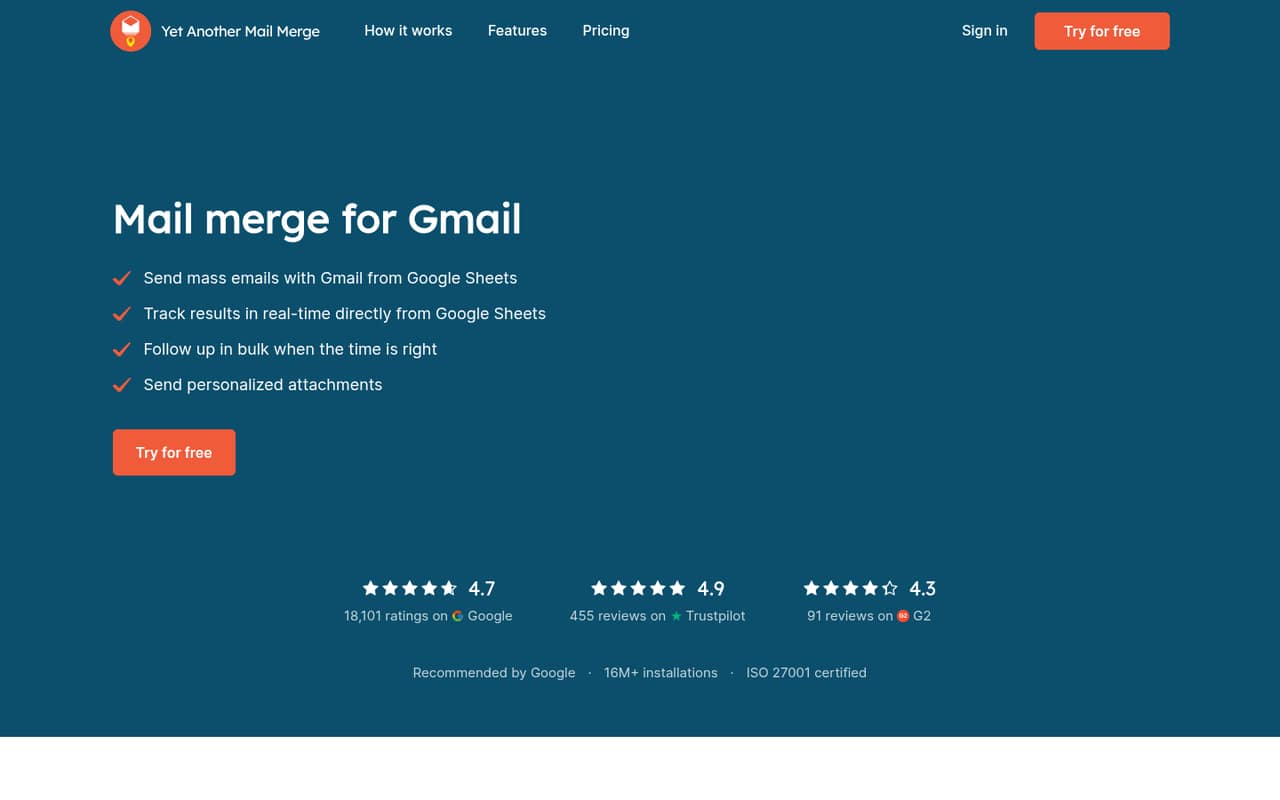
YAMM fits solo senders and small teams that already keep contact details in Google Sheets and send from Gmail. It merges spreadsheet fields into email content and subject lines, so a team can tailor messages without drafting every email separately. Gmail drafts serve as templates, and the product can track opens, clicks, responses, bounces and unsubscribes.
For a one-person operation, the free plan may cover occasional outreach. A team of three to five can use the Team plan, but should budget for a separate license per Workspace user. The job it fits is targeted, personalized sending—not a high-volume email program: Team allows up to 1,500 recipients per day per Workspace user. If your team wants to run campaigns outside Gmail and Sheets, compare tools built for that workflow before committing.
02Yet Another Mail Merge free plan and trial
Free (Individual) costs $0 and covers one user with up to 20 recipients per day. It includes open, click and response tracking, Gmail drafts as templates, scheduling and follow-ups. That is enough to try a small, occasional mail merge or send a limited batch of personalized messages.
The ceiling is the daily recipient allowance: this plan is not a fit for a campaign that needs to reach hundreds of people at once. It also does not list personalized attachments among its included features. YAMM's pricing lists no free trial; the free plan is the no-cost way in. If one person regularly needs more than 20 recipients a day, the cheapest listed paid plan is Pro Gmail at $3 per month when billed annually. A monthly billing price is not listed.
03What a small team pays for Yet Another Mail Merge
For one personal Gmail sender, Pro Gmail is $3 per month on annual billing, or $36 for a year. For one Workspace sender, Pro Google Workspace is $6 per user per month billed annually, equivalent to $72 a year. The pricing page lists no monthly billing price for either Pro plan.
For three Workspace users on Team, the listed rate works out to $18 per month, or $216 billed annually. Five users work out to $30 per month, or $360 a year. Team covers up to 100 users and allows up to 1,500 recipients per day per Workspace user. The price is per user, not a flat team fee.
Each license covers one Google account; aliases do not count as separate users. The listed US rates can differ by billing country, and rates in some countries are lower. Schools, universities and nonprofits with at least 25 users can ask about discounts. Custom legal agreements or security and compliance assessments may carry different prices.
04Getting started with Yet Another Mail Merge
The core workflow is straightforward on paper: keep recipient information in Google Sheets, write a template as a Gmail draft, and merge spreadsheet fields into each message. That means a small team needs Gmail and Sheets on day one. YAMM also lists scheduling and follow-ups, so campaigns can extend beyond a single send.
The pricing details do not publish a setup-time estimate, and the vendor's site does not specify installation steps or a learning curve. We would treat initial setup as light for a team already comfortable with Sheets and Gmail, but allow time to prepare clean recipient data and a reusable draft. If you need personalized attachments, confirm that your chosen plan covers them: the free plan does not list them, while paid plans do.
05When small teams outgrow Yet Another Mail Merge
The first clear limit is volume. Free (Individual) stops at 20 recipients per day; Pro Gmail allows 400, while Pro Google Workspace and Team list up to 1,500 per day per Workspace user. Organizations with more than 100 users need an Unlimited plan with a custom quote, and Workspace sending limits still apply.
The next pressure point is seat cost: Team is $6 per user per month on annual billing, so the bill rises with each licensed Workspace user. A team that needs monthly billing should also ask about options, since the pricing page lists no monthly paid rate. Reddit users discussing mail merge describe tailoring messages with spreadsheet columns and ask about other outreach tools, but those comments do not establish YAMM-specific limits or satisfaction. Consider moving on if your team needs a different sending workflow or its daily cap no longer fits.
From the threadsWhat users say
The Reddit material reflects interest in personalizing outreach from spreadsheet data and mentions several alternative tools. It contains little direct evidence about YAMM, so it does not support a confident product-specific satisfaction verdict.
first line, second line. Which are personalized messages tailored specifically for each contact that I type out
After doing this a few hundred times
Lemlist unless you wanna send hundreds of thousands daily
you’re able to reach out to a list of contacts in one go. You can personalize your field as well using a template
Questions people ask
What does Yet Another Mail Merge do?
YAMM sends personalized mass emails from Gmail using recipient data in Google Sheets. It merges spreadsheet fields into email content and subject lines, uses Gmail drafts as templates, and lists tracking for opens, clicks, responses, bounces and unsubscribes. Paid plans also include personalized attachments.
Does Yet Another Mail Merge have a free plan?
Yes. Free (Individual) costs $0 for one user and allows up to 20 recipients per day. It includes open, click and response tracking, Gmail drafts as templates, scheduling and follow-ups. The plan does not list personalized attachments.
How much does YAMM cost for a small team?
Pro Gmail is listed at $3 per month billed annually for one user. Pro Google Workspace and Team are $6 per user per month billed annually. That makes Team $18 per month for three users or $30 per month for five, with annual billing required at the listed rates.
Does YAMM offer monthly billing?
The pricing page lists annual billing for paid Pro and Team plans, but does not list a monthly billing price. Ask YAMM whether monthly billing is available for your account and country before budgeting around a different payment schedule.
What are YAMM's sending limits?
The listed limits are 20 recipients per day on Free (Individual), 400 on Pro Gmail, and 1,500 per day per Workspace user on Pro Google Workspace and Team. Unlimited is for organizations with more than 100 users; Workspace sending limits apply.