
We may earn a commission if you buy through links on this page. It never changes a score or a ranking. How we make money
The bottom line
A capable free runtime for technical teams; expect hands-on configuration and uneven setup experiences.
ZeroClaw is a self-hosted Rust runtime that connects AI models to messaging channels and tools. Its free plan and broad feature set are appealing when a small team can manage setup itself.
The catch is the learning curve: Reddit users report both quick installs and frustrating configuration problems. The pricing page lists no paid plans or billing terms, so there’s no published seat price to compare.
Good fit if
- Technical teams self-hosting an assistant
- Teams needing many messaging channels
- Hardware and automation projects
Skip it if
- Teams wanting turnkey setup
- Nontechnical users on a deadline
- Teams needing published seat pricing
ScoresHow it rates
What works
- Free plan listed, with no paid plans listed
- Routes messages from 30+ channels
- Connects Anthropic, OpenAI, Ollama, and others
- Includes configurable security controls
- Supports Raspberry Pi and other hardware
What doesn't
- Setup reports range from easy to frustrating
- No paid-plan or billing details listed
- Some users report broken or unclear configuration
- Security controls may require manual adjustments
- No published seat-based team pricing
01Who ZeroClaw is for
ZeroClaw is worth considering for a small, technical team that wants to run an AI assistant on its own machine instead of buying a hosted team tool. The runtime is a single Rust binary. It connects models to messaging channels and tools, and routes messages from 30+ channels to one agent loop.
The free plan suits a budget-conscious team willing to own setup and configuration. It can fit jobs such as handling messages, running event-triggered procedures, or connecting an assistant to hardware. The feature list includes a web dashboard for chat, memory browsing, config editing, cron management, and tool inspection. It also lists providers including Anthropic, OpenAI, and Ollama, plus about 20 others. This is a flexible building block, not a published per-seat collaboration product. If your team needs a polished install, clear team pricing, or a vendor-supported rollout, ZeroClaw may be a harder fit.
02ZeroClaw free plan and trial
The pricing information marks ZeroClaw as having a free plan. It lists no paid plans, monthly or annual billing terms, add-ons, or free-trial details. The cheapest way in is therefore the free self-hosted option; there is no listed paid tier to move up to.
The feature list describes the runtime’s capabilities, including channel connections, provider integrations, security controls, a dashboard, and hardware support. It does not break those features into separate free and paid tiers, so we can’t identify a feature limit or a point where the free plan stops. Treat the published free-plan status as a starting point, and check the current project and pricing pages before adopting it. The pricing data is marked low confidence, so confirm any commercial terms with the vendor.
03What a small team pays for ZeroClaw
The pricing page lists no paid plans or monthly or annual billing terms. It also does not publish a starting price, add-ons, or per-seat charges. The listed free plan is the only published entry point, so the software price for one person, three people, or five people is free based on the current listing. There is no paid price to multiply by seats or by 12 for an annual total.
That does not establish what your full setup will cost: the pricing information does not spell out any separate costs for your model provider, hosting, or hardware. We can’t calculate those costs from the published figures. Before rolling ZeroClaw out to a team, confirm whether any commercial support or other paid terms apply, and check whether your chosen provider or hosting setup has charges of its own. The pricing page does not list add-ons.
04Getting started with ZeroClaw
Plan for setup work rather than assuming a one-click team rollout. ZeroClaw runs on your machine as a Rust binary, and the listed controls include workspace boundaries, command policy, supervised autonomy, and OS-level sandboxes. You will need to choose a model provider and messaging channels, then configure the assistant around the tools and permissions you want it to use.
Reddit reports are mixed. One commenter says they installed it with the install script and resolved service and dashboard snags quickly. Others describe permission errors, confusing configuration, or repeated problems getting a simple messaging workflow working. Another commenter says basic actions required manual config edits. These are individual reports, not a guarantee of what your installation will be like. For day one, pick one provider and one channel, then add tools and automation gradually. Keep the official repository address handy: a Reddit commenter warns that impostor repositories exist.
05When small teams outgrow ZeroClaw
A growing team may outgrow ZeroClaw when it needs a supported, repeatable rollout more than a configurable self-hosted runtime. The published feature list focuses on one agent loop, channels, tools, security controls, and a dashboard. It does not list seat-based plans or team administration features, and the pricing page publishes no upgrade tiers. Ask the vendor about multi-user access, support, and commercial terms before making those requirements part of a rollout.
Operational fit is another limit. Some Reddit users describe setup as a frustrating process involving broken install scripts or permission and configuration problems; others say installation was straightforward. One commenter says basic access was restricted until they manually edited configuration. If your team cannot spare time to troubleshoot, or needs predictable onboarding for more people, those reports are a reason to test the workflow carefully before expanding. There is no listed paid plan to solve those needs by upgrading.
From the threadsWhat users say
Reddit sentiment is mixed, with some users reporting a quick installation and others describing a difficult, frustrating setup. Comments also raise concerns about default permissions and configuration.
the amount of stuff that is just straight up broken was mind boggling
I just installed it, no issues at all, used install script
you will need to permit very basic stuff by editing config manually
After two days of broken install scripts and permission errors trying to set up a simple Telegram-to-Obsidian pipeline, I gave up and moved to Nanbot
Questions people ask
Is ZeroClaw free?
The pricing information marks ZeroClaw as having a free plan. It lists no paid plans, prices, or billing terms. That makes the free self-hosted option the only published way in. The listing does not specify whether there are costs for your provider, hosting, or hardware, so check those separately before budgeting a complete setup.
What does ZeroClaw connect to?
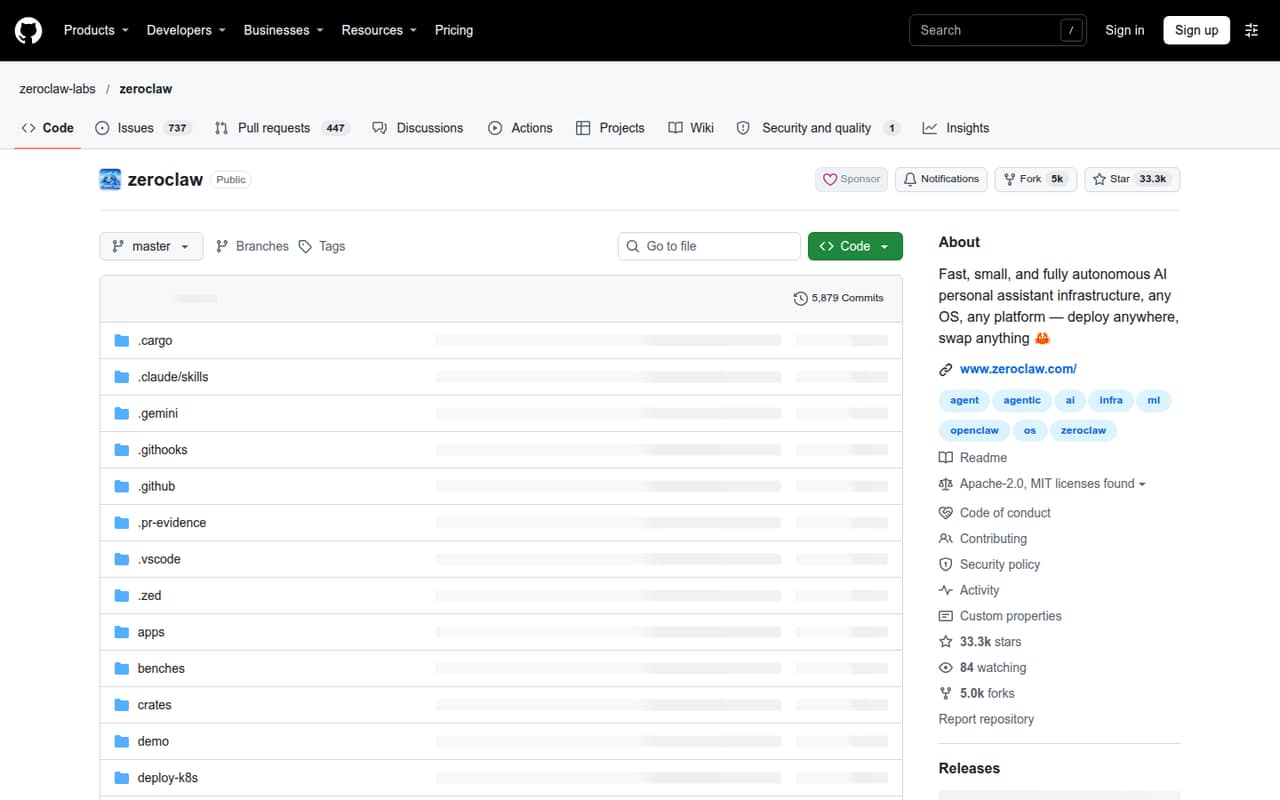
ZeroClaw routes messages from 30+ channels to one agent loop and supports Anthropic, OpenAI, Ollama, and about 20 other providers. Its feature list also includes tools, event-triggered procedures, and hardware support. Check the project’s current documentation for the exact channels, providers, and setup steps you plan to use.
Is ZeroClaw difficult to set up?
It can be, based on mixed reports from Reddit users. Some say the install script worked with only minor snags; others describe permission errors, unclear configuration, and broken setup attempts. We’d budget time to configure one provider and channel first, then expand, rather than assume the full workflow will be ready immediately.
What security controls does ZeroClaw include?
The listed controls include supervised autonomy, workspace boundaries, command policy, and OS-level sandboxes. These are configuration and runtime controls, not a guarantee that every setup is safe. One Reddit commenter says basic actions required manual config edits. Review permissions and test your own configuration before connecting sensitive accounts or tools.
Does ZeroClaw support hardware projects?
Yes. The feature list says ZeroClaw supports GPIO, I2C, SPI, and USB on Raspberry Pi, STM32, Arduino, and ESP32. It also lists procedures triggered by MQTT, webhooks, cron, or peripherals. Check the project documentation for the specific board and connection details you need, since setup instructions can vary by hardware.