We may earn a commission if you buy through links on this page. It never changes a score or a ranking. How we make money
A 1–10-person team may not need a full accounting suite if it only sends a few invoices and tracks basic expenses. But once you need shared bookkeeping, tax forms, or vendor payments, a free plan can help you start without committing to a large monthly bill. We’d shortlist Wave for a low-cost starting point, Xero for core accounting, and Crunched for shared bookkeeping with an invoice limit. Before choosing, check what the listed price covers: several vendors don’t publish the cost for extra seats, so the real team bill may take a quote or a pricing-page check.
Quick picksThe shortlist
 WaveWaveBest free · $15.83/mo
 XeroXeroBest core accounting · $7/mo
- CrunchedCrunchedBest for shared books · $14/mo
 QuickBooks OnlineQuickBooks OnlineBest with an accountant · $20/mo
 FreshBooksFreshBooksBest for client work · $23/mo
 MelioMelioBest for bill pay · $20/mo
 Tax1099Tax1099Best for tax forms · $20.75/mo
 BookkeepBookkeepBest for Shopify · $15.83/mo
 PennylanePennylaneBest for cash flow · €7/mo
01Compared at a glance
| Tool | Score | From | Free plan | Trial |
|---|---|---|---|---|
| WaveWave | 6.8 | $15.83/mo | Yes | — |
| XeroXero | 7.0 | $7/mo | No | 30 days |
| CrunchedCrunched | 6.5 | $14/mo | Yes | — |
| QuickBooks OnlineQuickBooks Online | 5.8 | $20/mo | Yes | 30 days |
| FreshBooksFreshBooks | 6.8 | $23/mo | No | 30 days |
| MelioMelio | 7.0 | $20/mo | Yes | 90 days |
| Tax1099Tax1099 | 6.8 | $20.75/mo | Yes | — |
| BookkeepBookkeep | 6.8 | $15.83/mo | No | 14 days |
| PennylanePennylane | 6.7 | €7/mo | No | 15 days |
02The picks, in detail
- Best freeWaveWave
Wave is our first stop for a tiny team that wants bookkeeping basics and invoicing without starting on a paid subscription. Its listing describes a free starting point, with paid pricing from $15.83. Check which features and users the free plan covers before relying on it, and review paid costs if you expect your invoicing or bookkeeping needs to grow.
What works
- Starter costs nothing per month
- Unlimited invoices and estimates on Starter
- Bookkeeping records are included on Starter
What doesn't
- Seat limits and per-seat prices aren't published
- Payments add transaction fees
- Payroll costs extra

- Best core accountingXeroXero
Xero suits a small business that wants core accounting and app integrations, with a listed starting price of $7. That low entry price is worth comparing with the plan limits and extras you’ll need; those can make it more expensive as a team grows. Ask Xero what your chosen plan costs for all your users before you commit.
What works
- Lite starts at $7 per month
- Bank reconciliation is included on Lite
- More than 1,000 app integrations
What doesn't
- No free plan
- Lite allows only five invoices and quotes
- Some useful features cost extra

- Best for shared books
CrunchedCrunched
Crunched pairs a free plan with paid pricing from $14 and is described as a fit for small teams sharing bookkeeping. It supports up to 50 invoices, so the limit may determine whether the free or paid option works. Confirm how many users are covered and what happens when you reach the invoice cap.
What works
- Free plan includes one user
- Paid plans allow unlimited users
- Basic includes 50 monthly invoices
What doesn't
- Free invoices carry Crunched branding
- Free plan stops at 20 invoices monthly
- Basic is capped at 50 invoices monthly
- Best with an accountantQuickBooks OnlineQuickBooks Online
QuickBooks Online is a fit for teams working with an accountant or looking for accounting and payroll in one place. Its listing shows pricing from $20 and flags a free plan, but warns that a few seats can quickly make the bill sizable. Confirm the free-plan terms and get the total for your required users before choosing.
What works
- Free plan includes one user and two monthly invoices
- Intuit lists payroll, payments, invoicing, and time tracking
- Essentials includes three billable users
What doesn't
- Free plan has no mobile app or integrations
- Free plan excludes accountant access
- Simple Start and Essentials have no extra billable seats

- Best for client workFreshBooksFreshBooks
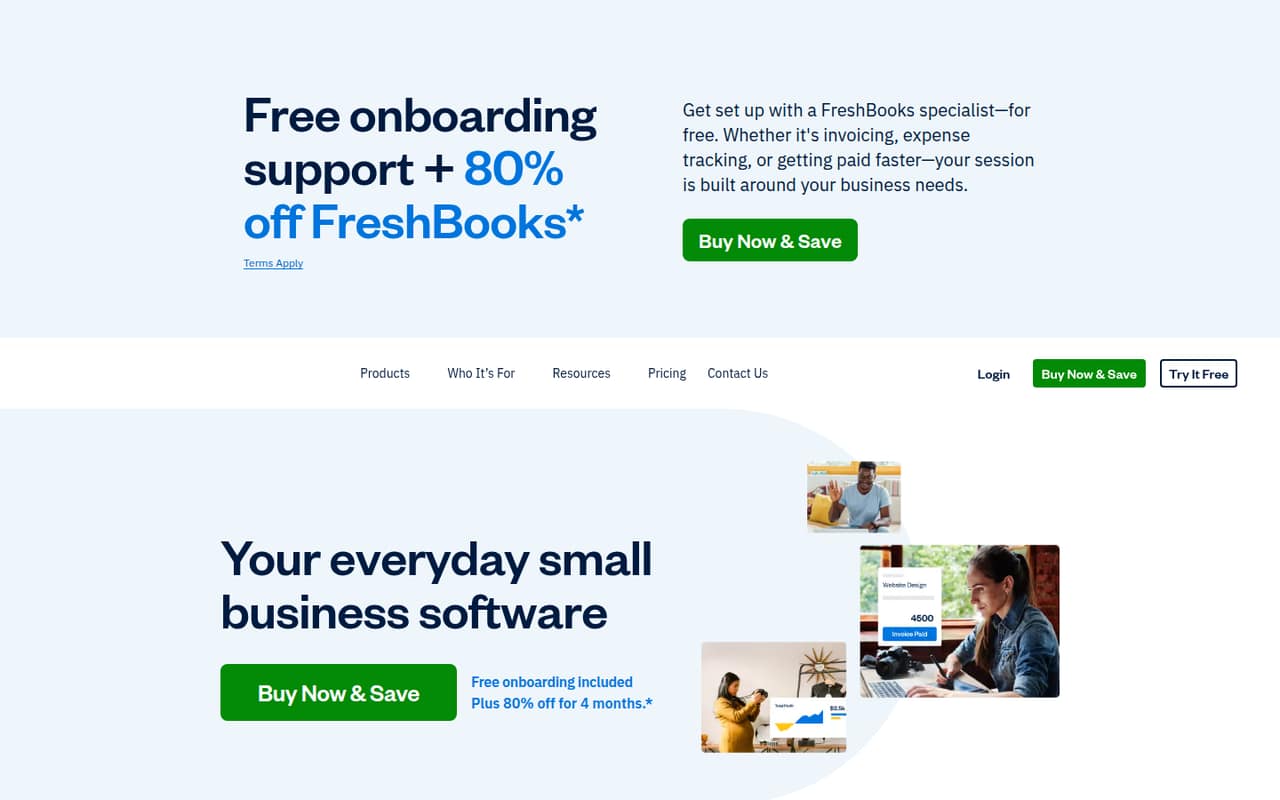
FreshBooks makes sense for a small firm that invoices clients and wants time and expense tracking, plus accountant access. The listed starting price is $23, and there’s no free plan. Paid seats raise the bill, so ask for the price with your full team rather than budgeting from the starting figure alone.
What works
- Invoicing includes tracked time, expenses, and tax calculations
- Expense tracking includes receipt scanning and bank imports
- Time entries can be added to invoices
What doesn't
- There is no free plan
- Lite limits invoices to five clients
- Team Members cost $11 per user each month
- Best for bill payMelioMelio
Melio is worth a look if your small team mainly needs to pay vendor bills, particularly if it already uses QuickBooks Online. The listing describes a free starting point and pricing from $20. Budget for seats and transaction fees as you grow, and ask for the costs that match your bill volume and approval needs.
What works
- Go is free forever for one user
- Five free ACH payments monthly on Go
- Pay vendors by bank transfer or card
What doesn't
- Go is limited to one user
- Core and Boost charge for additional users
- ACH payments cost $0.50 after plan allowances
- Best for tax formsTax1099Tax1099
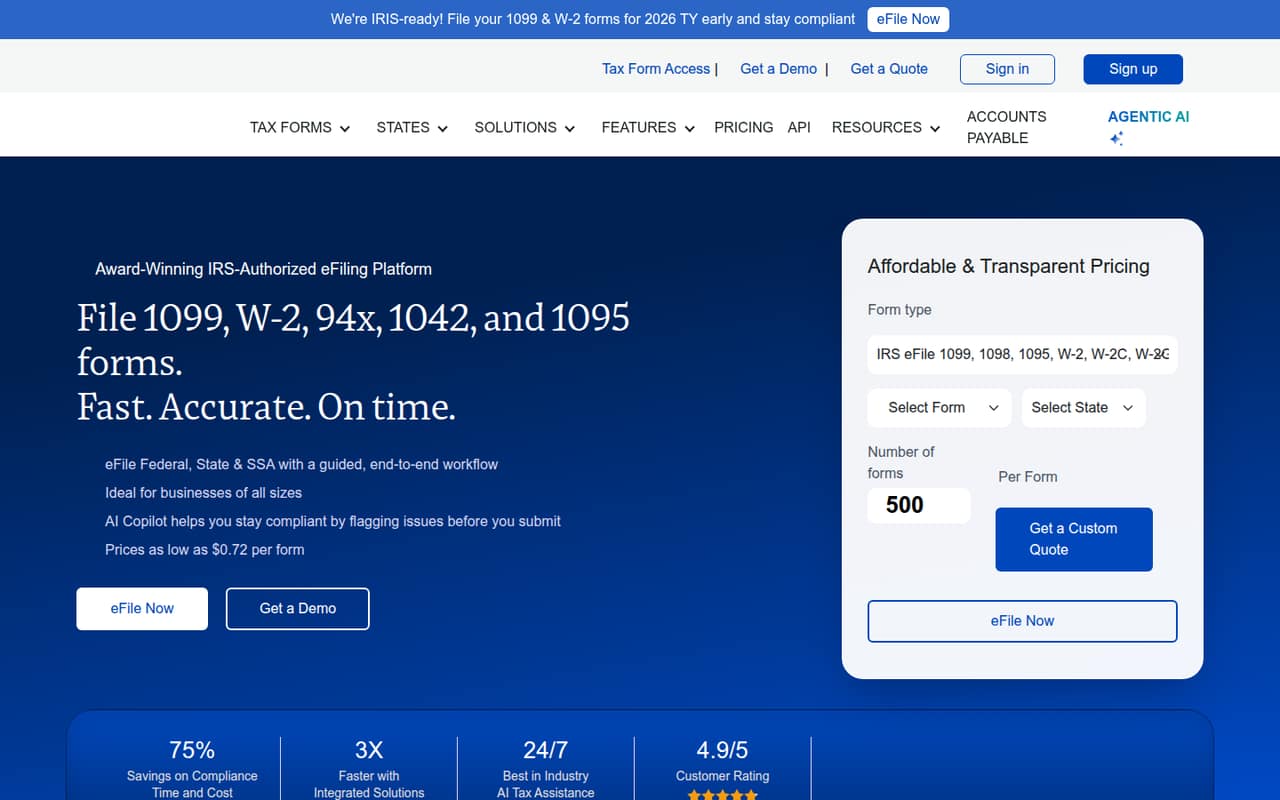
Tax1099 fits teams that file tax forms occasionally, collect vendor W-9s, or manage forms for multiple clients. It has a listed free entry plan and pricing from $20.75. The listing also flags support reports as a caution, so check the help options and filing costs for the forms you actually need.
What works
- Essential has no subscription fee
- Core IRS, state, and SSA e-filing
- Supports corrected and void forms
What doesn't
- Essential is limited to one user
- Filing fees start at $2.90 per form
- Teams and Scale are billed annually
- Best for ShopifyBookkeepBookkeep
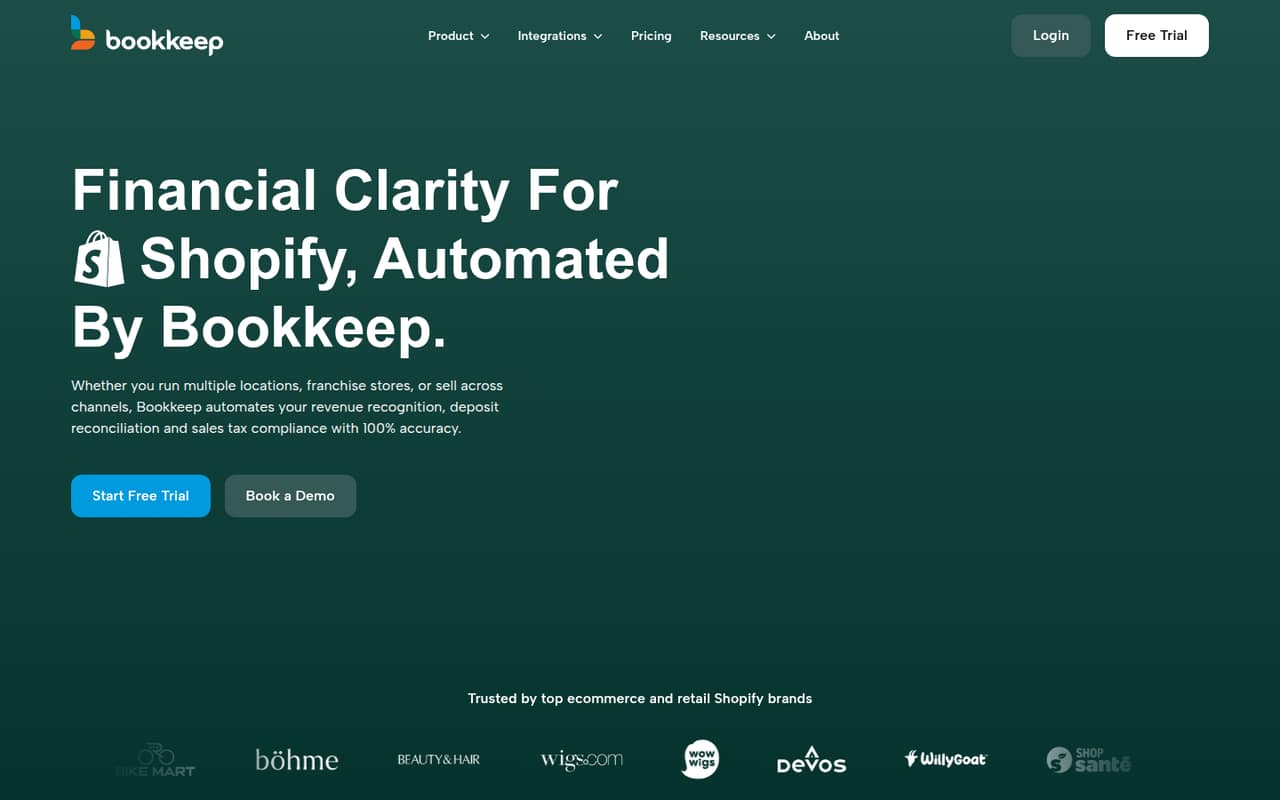
Bookkeep is a specialist pick for Shopify sellers that want to automate sales accounting, especially when managing multiple sales channels or reconciling payouts. Its listing shows a starting price of $15.83, while its description says pricing starts at $19 per entity monthly. Confirm the current price and how it applies to each entity before budgeting.
What works
- Lite includes unlimited users
- Posts automatically to QuickBooks Online, Xero, or Zoho Books
- Supports revenue recognition at Shopify fulfillment
What doesn't
- No free plan
- Pricing is per entity, not per seat
- Sales tax filing costs extra outside the Pro offer
- Best for cash flowPennylanePennylane
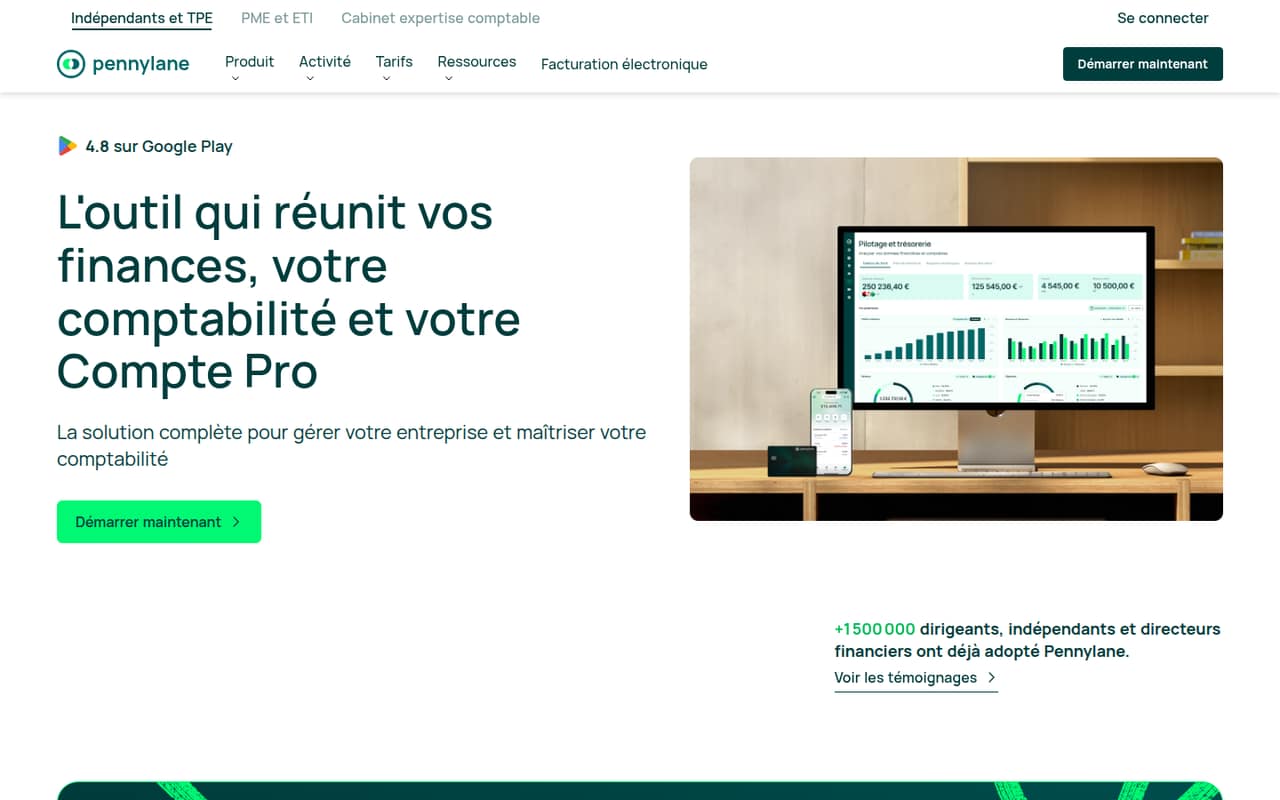
Pennylane bundles finance basics with invoicing, purchasing, and cash-flow forecasting, making it a possible fit for a team that wants those workflows together. Its listed starting price is $7, but there’s no free plan and seat prices aren’t published. Ask for a quote covering your users and required features before comparing it with other options.
What works
- Electronic invoicing is included in every plan
- Starter includes a pro account with French IBAN and cards
- Purchasing and supplier payment tools are available
What doesn't
- No free plan
- Extra user-seat prices aren't published
- Annual-billing prices aren't published
03How we chose
We ranked these tools for 1–10-person teams, weighing free-plan availability, listed starting prices, seat costs, plan limits, and whether the product fits everyday bookkeeping or a specific need such as bill pay or tax forms. We also considered setup effort, vendor documentation, and Reddit sentiment as factors a buyer should verify; we don’t treat an unknown as a proven advantage or disadvantage. We did not run trials or benchmarks. Where seat pricing or plan details aren’t published, we say so and recommend asking the vendor for a team-specific total.
04What will it really cost for a few people?
Treat the listed starting price as a first checkpoint, not your team’s final bill. A plan that starts at $7 or $20 may not include the users, features, or transaction volume you need. Before signing up, ask for the monthly total for your actual number of people, whether users have different access levels, and whether any payment or filing fees apply.
A free plan can be a sensible way to start, but check its limits before moving your books into it. Ask how many users it covers, which workflows are included, and what happens when you reach an invoice or transaction cap. If the vendor doesn’t publish seat pricing, get the quote in writing and compare it with the cost of a tool that lists clearer team pricing.
05How much setup and growth can you handle?
Before choosing, list the tasks the software needs to support: bookkeeping, invoices, expense tracking, tax forms, or vendor payments. A focused tool may be enough if you only need one of those jobs; an all-in-one product may be a better fit when your team needs several workflows together. Ask the vendor what setup involves, what information you’ll need to bring over, and whether its documentation covers the steps your team must do.
Think about the next stage, too. An invoice cap, paid seats, transaction fees, or per-entity pricing can change the value of a low starting price. Check the point at which you would need a higher plan, and whether you can export your records if you switch. Reddit comments can surface questions worth asking, but confirm plan limits and pricing with the vendor.
Questions people ask
Does a small team need accounting software?
Not always. If you only have a handful of transactions and invoices, a free bookkeeping option may cover your starting needs. Shared work, tax forms, vendor bills, or a growing volume of transactions can make dedicated software more useful. Choose for the workflows you have, not features you may never use.
Which accounting software has a free plan?
Wave and Crunched are listed with free plans, as are QuickBooks Online, Melio, and Tax1099. The free label alone doesn’t tell you which features, users, or transaction limits are included. Check the vendor’s current terms before moving your records or relying on a free plan.
How should we compare accounting software prices?
Compare the total for your number of users, not just the listed starting price. Check whether the plan includes the features you need and whether extra seats, transactions, entities, or filings add fees. If the vendor doesn’t publish team pricing, ask for a quote based on your expected usage.
When should a small team switch accounting software?
Consider switching when a plan’s user or invoice limits no longer fit, or when the cost of extra seats and add-ons outweighs the value of staying. Before moving, ask both vendors about exporting and importing your records, and confirm that the new plan covers your current accounting workflows.