We may earn a commission if you buy through links on this page. It never changes a score or a ranking. How we make money
A small team does not need an AI agent platform just because the category is growing. Start with one repetitive task that costs people time, then compare the free plan and the listed starting price against the setup it requires. For broad app workflows, Zapier Agents and Lutra AI are worth a look; for browser automation, Browser Use starts free but suits technical teams. Prices alone don’t show what a few seats will cost: several vendors don’t publish seat limits or paid pricing details. Ask before you build a workflow around a plan.
Quick picksThe shortlist
 TwinTwinBest for small teams · $29/mo
 Browser UseBrowser UseBest free · Free
 Zapier AgentsZapier AgentsBest for app workflows · $19.99/mo
- Lutra AILutra AIBest for admin · $23/mo
 ManusManusBest for varied tasks · $16.60/mo
 RunableRunableBest for first drafts · $20/mo
 EnsoEnsoBest for one workflow · Free
 CloseBotCloseBotBest for sales follow-up · $64/mo
 Beam AIBeam AIBest for approvals · $50/mo
 AutoGPTAutoGPTBest for checkpoints · $42.50/mo
 AdeptAdeptBest for agent research · Custom
 TennrTennrBest for healthcare intake · Custom
 AiseraAiseraBest for employee support · Custom
 HappyRobotHappyRobotBest for complex operations · Custom
 watsonx Orchestratewatsonx OrchestrateBest for oversight · $530/mo
01Compared at a glance
| Tool | Score | From | Free plan | Trial |
|---|---|---|---|---|
| TwinTwin | 7.0 | $29/mo | No | — |
| Browser UseBrowser Use | 7.0 | Free | Yes | — |
| Zapier AgentsZapier Agents | 7.1 | $19.99/mo | Yes | — |
| Lutra AILutra AI | 6.8 | $23/mo | Yes | — |
| ManusManus | 6.4 | $16.60/mo | Yes | 7 days |
| RunableRunable | 6.5 | $20/mo | Yes | — |
| EnsoEnso | 6.5 | Free | Yes | — |
| CloseBotCloseBot | 7.1 | $64/mo | Yes | 7 days |
| Beam AIBeam AI | 6.0 | $50/mo | Yes | — |
| AutoGPTAutoGPT | 5.8 | $42.50/mo | No | 7 days |
| AdeptAdept | 5.4 | Custom | No | — |
| TennrTennr | 5.5 | Custom | No | — |
| AiseraAisera | 5.5 | Custom | No | — |
| HappyRobotHappyRobot | 5.2 | Custom | No | — |
| watsonx Orchestratewatsonx Orchestrate | 5.3 | $530/mo | No | 30 days |
02The picks, in detail
- Best for small teamsTwinTwin
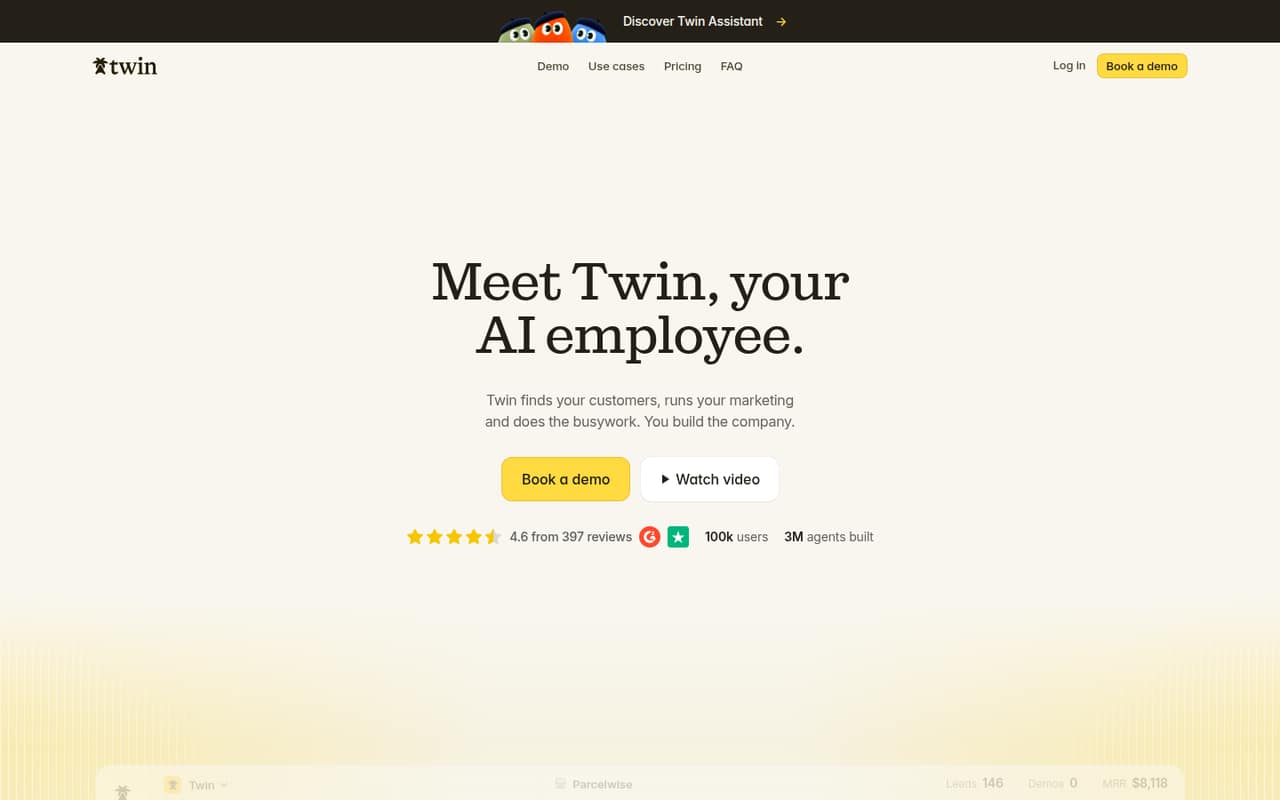
Twin is a strong starting point for a small team that wants prospecting and marketing tasks in one place. Its listed starting price is $29, and its use cases include founders handling their own outreach. The pricing summary doesn’t specify how the monthly price applies across a team, so ask about seats, included usage, and any limits before building a shared workflow.
What works
- Plus includes unlimited agents and scheduled runs
- Connects with Gmail, Slack, Notion, Sheets and calendar
- Pro adds browser-based agents and lead enrichment
What doesn't
- No free plan or trial is listed
- Seat pricing and included seats aren't published
- Annual billing and discounts aren't published
- Best freeBrowser UseBrowser Use
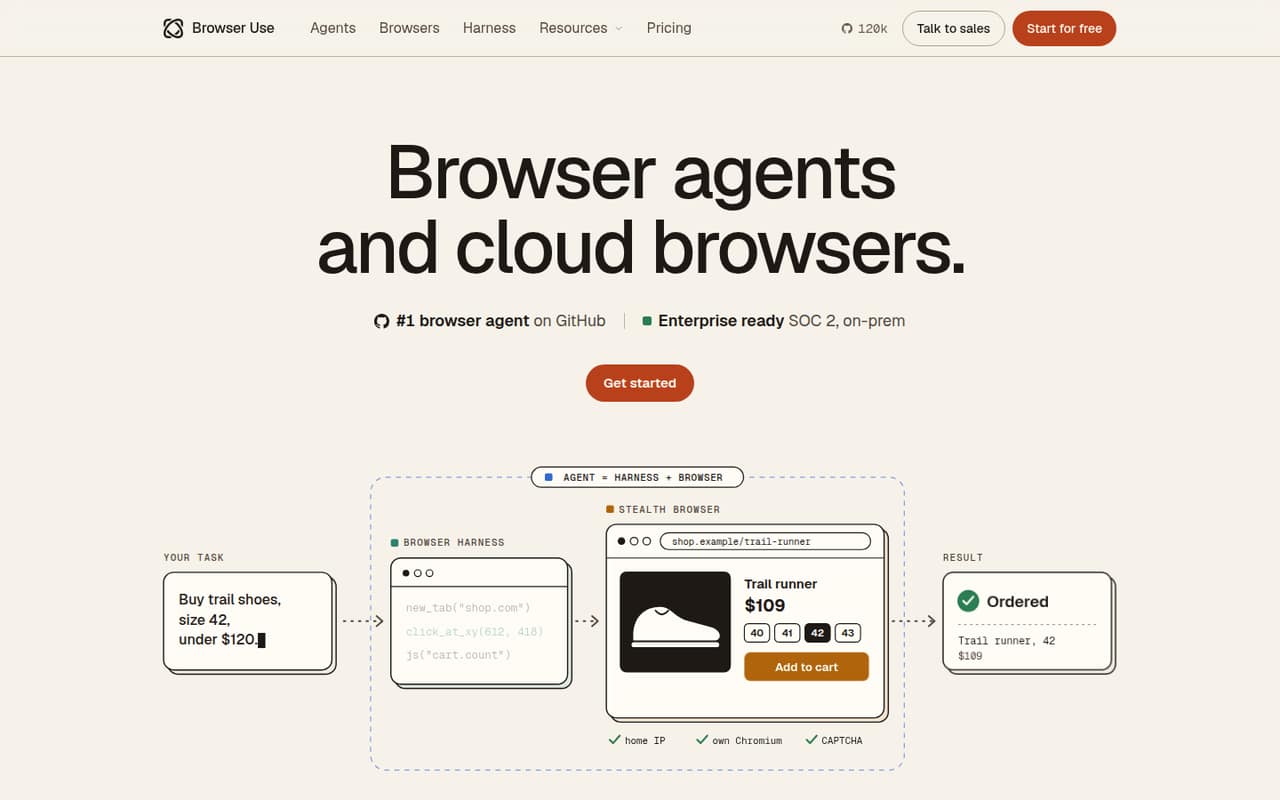
Browser Use starts at $0 and bills by usage rather than by seat, which makes it a low-cost way for a technical team to explore browser automation. It is aimed at teams that need browser tasks and usage-based capacity. The trade-off is technical setup: nontechnical teams should check what it takes to build and maintain an agent before choosing it for routine work.
What works
- No subscription or annual billing
- Credits never expire
- Up to 1,000 browsers at once on Pay as you go
What doesn't
- Browser time and traffic cost extra
- Agent model rates vary by token
- No per-seat price to budget against
- Best for app workflowsZapier AgentsZapier Agents
Zapier Agents connects AI to business apps and supports multi-step automations, making it a practical fit when a small team already works across connected tools. The listed starting price is $19.99, with a free plan. Check task limits and the cost of shared access; the starting price alone does not establish what several teammates will pay.
What works
- Connects AI tools to 9,000+ apps
- Workflows can run from triggers
- Free plan includes 100 monthly tasks
What doesn't
- Free plan has one seat and 100 tasks
- Professional task-tier pricing varies
- Overage rate is not published here
- Best for admin
Lutra AILutra AI
Lutra AI is aimed at repeatable admin work and lets people describe tasks in plain English, with app and document connections in its listed use cases. It has a free plan and starts at $23. That is an approachable entry point, but the pricing details here don’t settle seat limits or credit needs. Confirm both before rolling it out to the whole team.
What works
- Free plan for trying core workflows
- Natural-language instructions create automations
- Playbooks can be scheduled or shared
What doesn't
- Free credit allowance is listed inconsistently
- Seat limits aren’t published
- Automated overage fees aren’t published

- Best for varied tasksManusManus
Manus covers varied, multi-step AI work, including browser-based research, form work, and building apps from prompts. It has a free plan and a listed starting price of $16.60. That range may suit a small team with changing needs, but credit costs can be hard to predict. Ask how usage is counted and what the free plan includes before relying on it.
What works
- Handles research, browser work, code, files, and media
- Free Plan includes daily refresh credits
- Team Plan includes pooled credits per seat
What doesn't
- Free Plan allows just one concurrent task
- Free credits are capped at 1,500 monthly
- Paid plans use credit allowances
- Best for first draftsRunableRunable
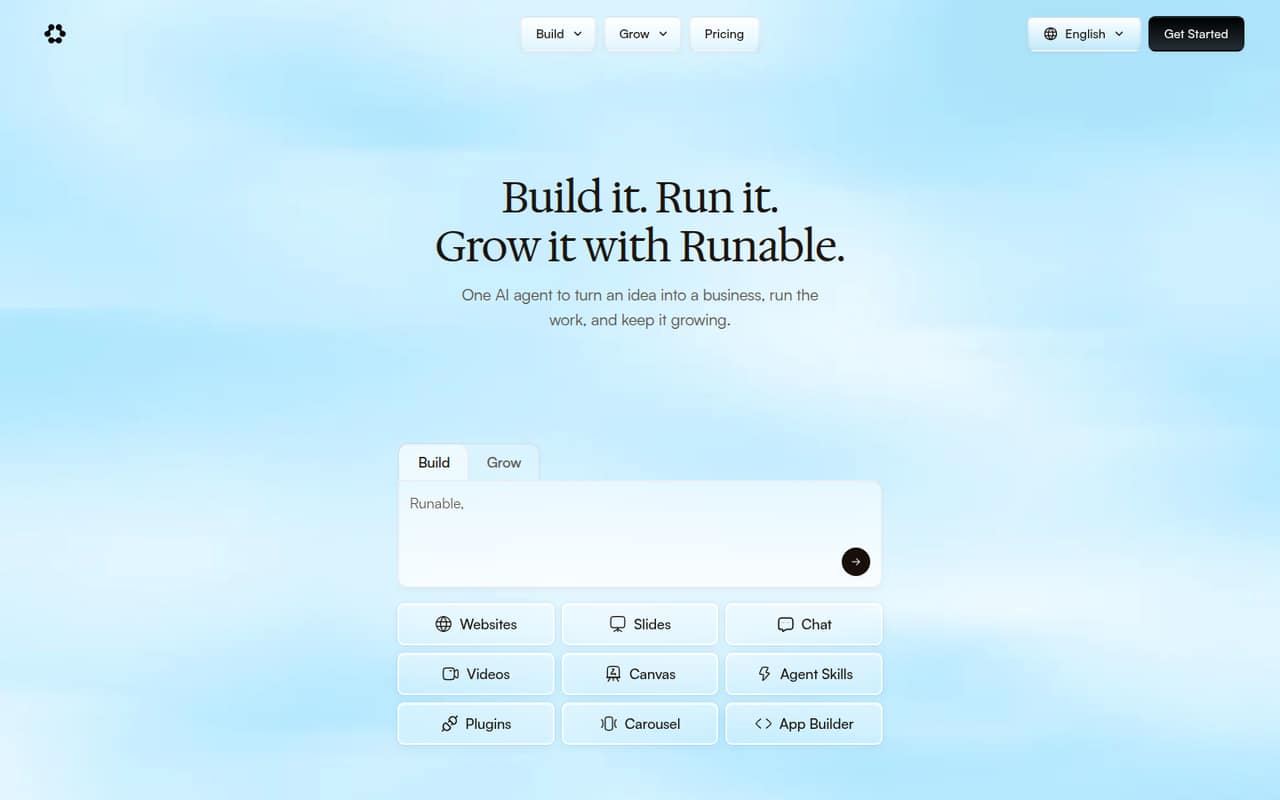
Runable is positioned for solo founders and small teams making first drafts or automating repeat tasks. It has a free plan and a listed starting price of $20, so it is possible to explore before committing. The cautions are credit use and collaboration needs as a team grows. Ask how credits are spent and what team-sharing features come with the plan.
What works
- Free plan includes 1,500 daily credits
- Builds websites and apps on the free plan
- Offers 3,000+ plugins on listed plans
What doesn't
- Annual rates aren’t published
- Team-seat pricing and discounts aren’t published
- Reddit users report re-feeding project context
- Best for one workflowEnsoEnso
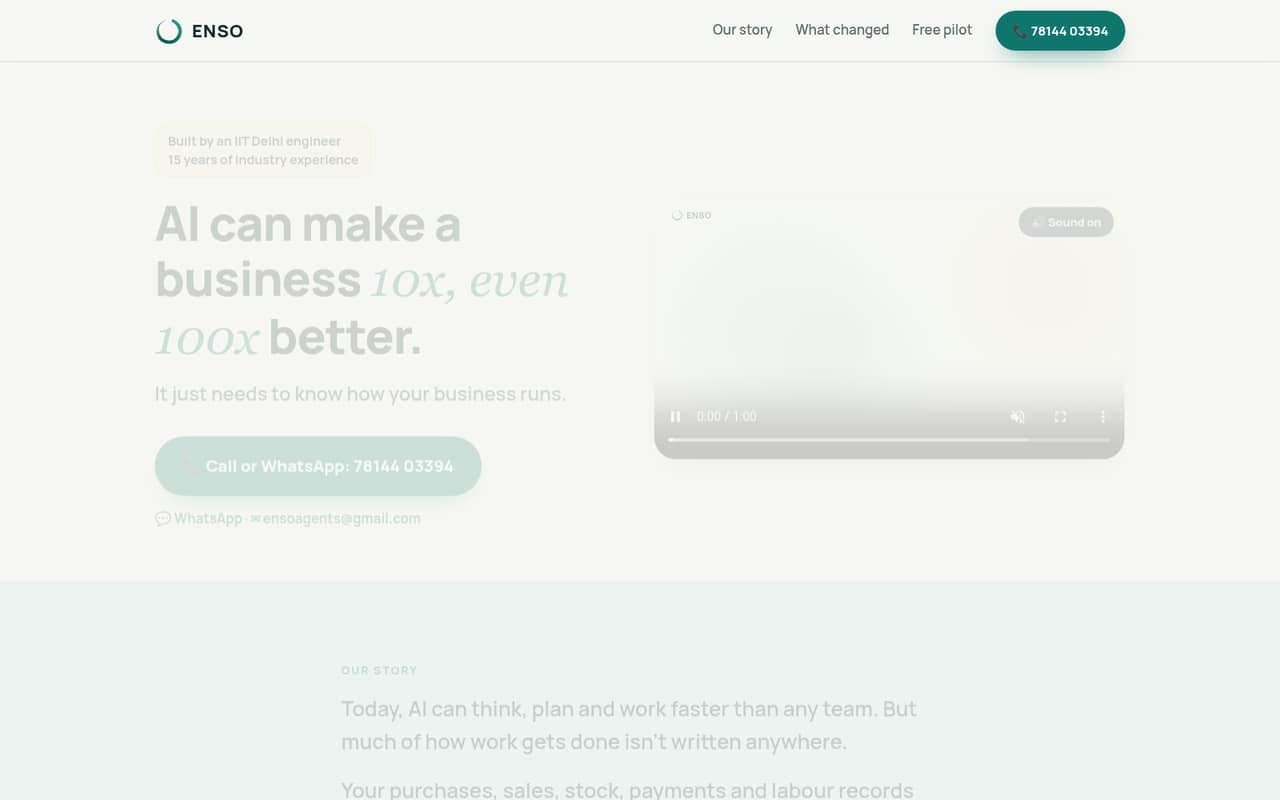
Enso gives owner-led small businesses a free way to test one operational problem, which is a sensible scope for a small team evaluating agents. Paid pricing and setup details aren’t published in the available pricing summary, so ask the vendor for both before expanding. Keep the first workflow narrow enough to judge whether the tool solves a real, recurring task.
What works
- First problem is free for life
- Staff can enter updates by voice or text
- Organizes purchasing, sales, stock, payments and labour
What doesn't
- Paid prices are not published
- Monthly and annual billing terms are not published
- Per-person costs cannot be calculated
- Best for sales follow-upCloseBotCloseBot
CloseBot focuses on qualifying leads and booking sales appointments, with use cases for agencies and high-volume follow-up. It has a free tier and a listed starting price of $64. The platform has a real learning curve, so a team should account for setup and ongoing ownership, not just the subscription. Ask what the free tier covers and how shared access is priced.
What works
- Free plan includes 100 AI replies
- Free plan includes unlimited account connections
- Core allows unlimited team seats
What doesn't
- Free plan is limited to one team seat
- Core's annual price is not published
- Overage rate is not published
- Best for approvalsBeam AIBeam AI
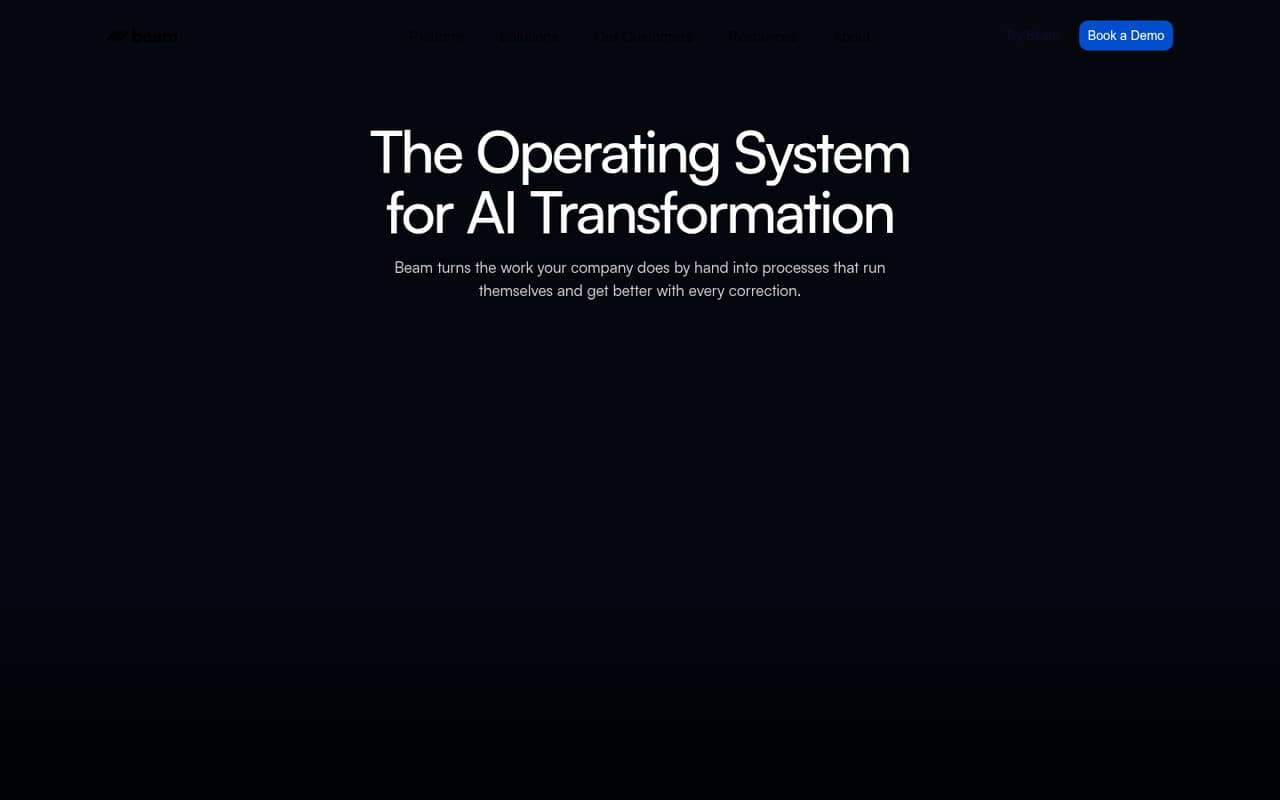
Beam AI is built for repeatable company workflows and includes human approval steps among its listed capabilities. It has a free plan and a starting price of $50, making it possible to evaluate before scaling. The setup and costs should be confirmed before a wider rollout: ask what configuration a workflow needs and how pricing changes with usage or team size.
What works
- Free plan includes 20 tasks each month
- Pro includes unlimited workflow steps
- Agents can route critical decisions for approval
What doesn't
- Free plan is limited to 20 monthly tasks
- Free and Pro each include one base integration
- Seat-based pricing is not published
- Best for checkpointsAutoGPTAutoGPT
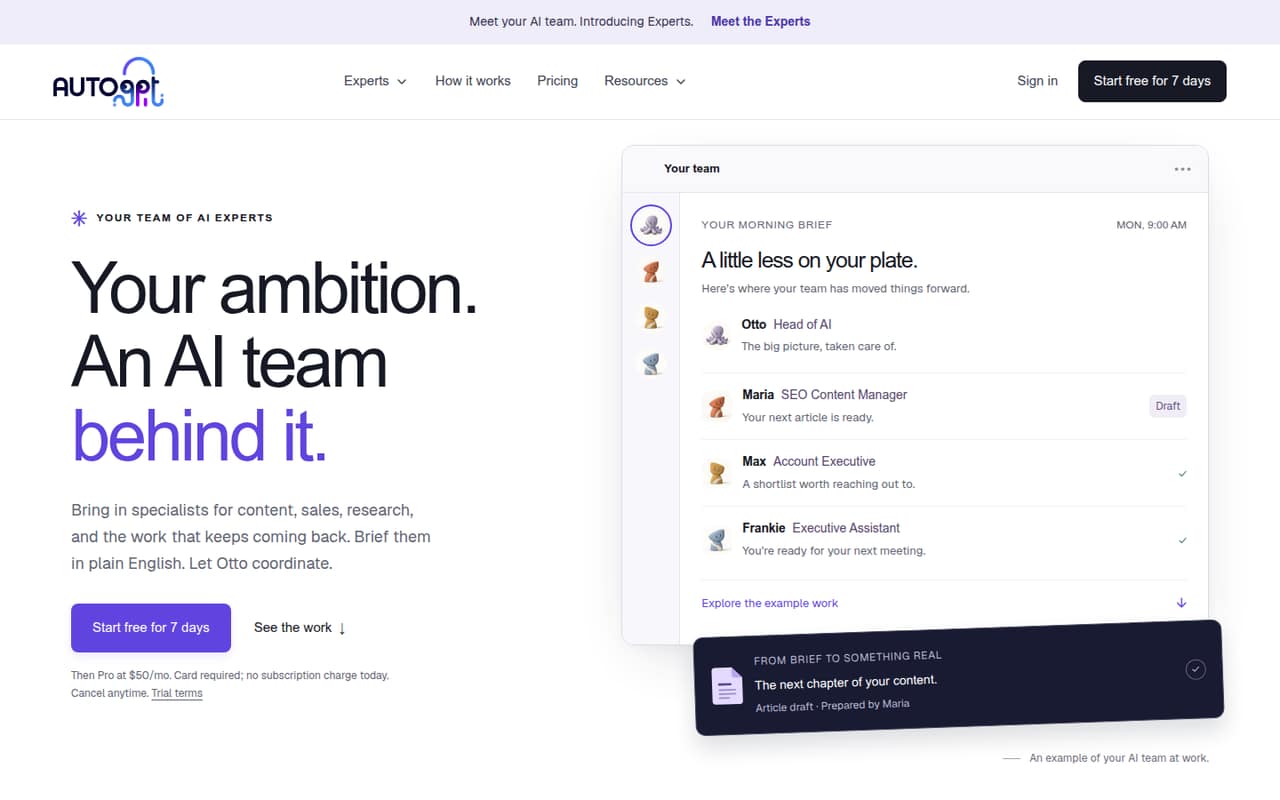
AutoGPT can coordinate specialist AI work and is suited to repeatable knowledge tasks, with approval checkpoints for teams that want a person involved. Its listed starting price is $42.50. Review the trial, wallet costs, and team pricing before committing; the headline starting figure does not explain how much usage a workflow consumes or what several seats cost.
What works
- Otto coordinates specialist Experts from plain-English briefs
- Experts cover research, content, and operations
- Spending thresholds can require approval
What doesn't
- No permanent free plan
- Trial requires a card
- Team plan pricing isn’t published
- Best for agent researchAdeptAdept
Adept may interest AI research and product groups exploring digital agents, but it is harder for a small team to budget for: pricing and limits aren’t listed, and teams are directed to contact sales. Ask for a quote, plan limits, and setup requirements before spending time evaluating it. Without those details, it is difficult to compare against lower-cost starting points.
What works
- Designed for multimodal web interactions
- Adept Workflow Language composes web workflows
- Fuyu-Heavy is designed for digital agents
What doesn't
- No free plan is listed
- No public starting price
- Seat limits are not published
- Best for healthcare intakeTennrTennr
Tennr targets healthcare referral intake, payer-heavy workflows, and patient follow-up, so it is relevant when those are the actual tasks a team needs to automate. Pricing and setup details aren’t published in the available summary, leaving small teams without a clear cost to compare. Ask for a quote and a concrete setup outline before deciding whether it fits your operation.
What works
- Processes patient documents from sources such as faxes
- Routes patient data into operational workflows
- Supports eligibility checks and prior authorizations
What doesn't
- Starting price is not published
- No free plan or trial is listed
- Seat and usage limits are not published

- Best for employee supportAiseraAisera
Aisera covers multiple service workflows, including employee support and IT service desks. That breadth may suit an organization with several internal support processes, but small teams need to request a quote and plan for setup. Ask what the smallest workable deployment costs and what implementation requires; the available pricing information doesn’t give a public starting figure.
What works
- Supports IT, HR, employee, and customer service workflows
- Homepage lists 80% IT service desk auto-resolution
- Homepage lists 84% ITSM auto-resolution
What doesn't
- No free plan is listed
- Starting price is not published
- Monthly and annual billing terms are not published
- Best for complex operationsHappyRobotHappyRobot
HappyRobot is aimed at enterprise operations and communication-heavy, complex processes. Those use cases can be relevant to a small team with a specific high-volume workflow, but its custom pricing leaves the cost unclear before contacting the vendor. Ask for a small-team quote, setup requirements, and the workflows included before comparing it with tools that list a starting price.
What works
- Orchestrates complex operational workflows
- Includes conversational and reasoning agents
- Performance checks cover pre-deployment and production
What doesn't
- No free plan is listed
- Monthly and annual rates are not published
- Seat limits are not published
- Best for oversightwatsonx Orchestratewatsonx Orchestrate
watsonx Orchestrate focuses on governing agents across platforms and standardizing oversight, with high-volume agent use among its listed use cases. Its listed starting price is $530, which is difficult to justify for many budget-conscious teams of 1–10. Consider it when governance is a real need, and confirm the billing basis and implementation costs before budgeting.
What works
- Manages agents across their lifecycle
- Designed to work across platforms
- Includes governance and security capabilities
What doesn't
- No free plan is listed
- Essentials starts at $530 per instance monthly
- Trial inclusions and limits are unpublished
03How we chose
We ranked these platforms for teams of 1–10, weighing whether there is a free plan, the listed starting price, likely setup effort, plan limits, and how clearly vendors explain their offering. We also considered whether documentation and user reports give a small buyer enough detail to assess day-to-day use; where costs or setup are unclear, we treated that uncertainty as a drawback rather than filling in gaps. A starting price is not a quote for several seats, so we call out where teams should ask vendors for specifics. We did not run tests or trials.
04Check the real cost before inviting the team
A free plan is useful only if it covers the workflow you want to try. Check whether it includes the apps, usage, and team access you need, then ask how those limits change on a paid plan. Browser Use lists usage-based billing rather than per-seat pricing; other tools may have different billing models, so don’t assume a starting price is your team’s total.
For each vendor, ask for the price for your actual number of users, how usage is counted, and whether there are separate costs for setup or shared access. Twin, for example, says to check how its monthly price applies to your team. For vendors without published pricing, request a written quote and the smallest plan that supports your intended workflow. Compare that total with the time the task currently takes.
05Start with one task and plan for ownership
Pick one recurring job with a clear result: a browser task, a document-heavy admin process, or a multi-step app workflow. Keep the first version narrow. Before choosing a tool, find out what setup takes, what the agent can do without approval, and where a person can review or correct its work. Beam AI lists human approval steps; AutoGPT lists approval checkpoints, while other tools have different strengths.
Also decide who will maintain the workflow when an app changes or the task needs adjustment. Plain-English instructions may lower the barrier to building a workflow, but they don’t eliminate the need to check its output. A tool that fits a founder’s one-off task may not fit a growing team’s collaboration needs. Revisit seat limits, usage costs, and shared access before adding more people or workflows.
Questions people ask
What are some of the most popular AI agents?
Popularity depends on the task, and this comparison doesn’t establish a popularity ranking. For small teams, examples include Browser Use for browser automation, Zapier Agents for app workflows, and CloseBot for sales appointment follow-up. Choose by the job you need done, not by a broad popularity label.
Who are the big 5 in AI?
“Big 5” isn’t a useful fixed shortlist for buying an AI agent platform. The right options depend on whether you need browser tasks, app connections, sales follow-up, or operational oversight. Compare the relevant tools’ plans, setup needs, and costs for your team instead of relying on a general ranking.
What AI does Elon Musk use?
We can’t verify which AI tools Elon Musk uses. His choice would not tell a small team whether a platform fits its workflow, budget, or setup capacity. Start with the task you want to automate, then check the vendor’s pricing, limits, and requirements for your team.
Which AI bot is the best right now?
There isn’t one best choice for every team. For a small team connecting business apps, Zapier Agents is worth comparing; for browser tasks, consider Browser Use; for plain-English admin workflows, consider Lutra AI. Check the free-plan limits, team price, and setup needs before deciding.