
We may earn a commission if you buy through links on this page. It never changes a score or a ranking. How we make money
The bottom line
Try one free operational problem, but ask for paid pricing and setup details before expanding.
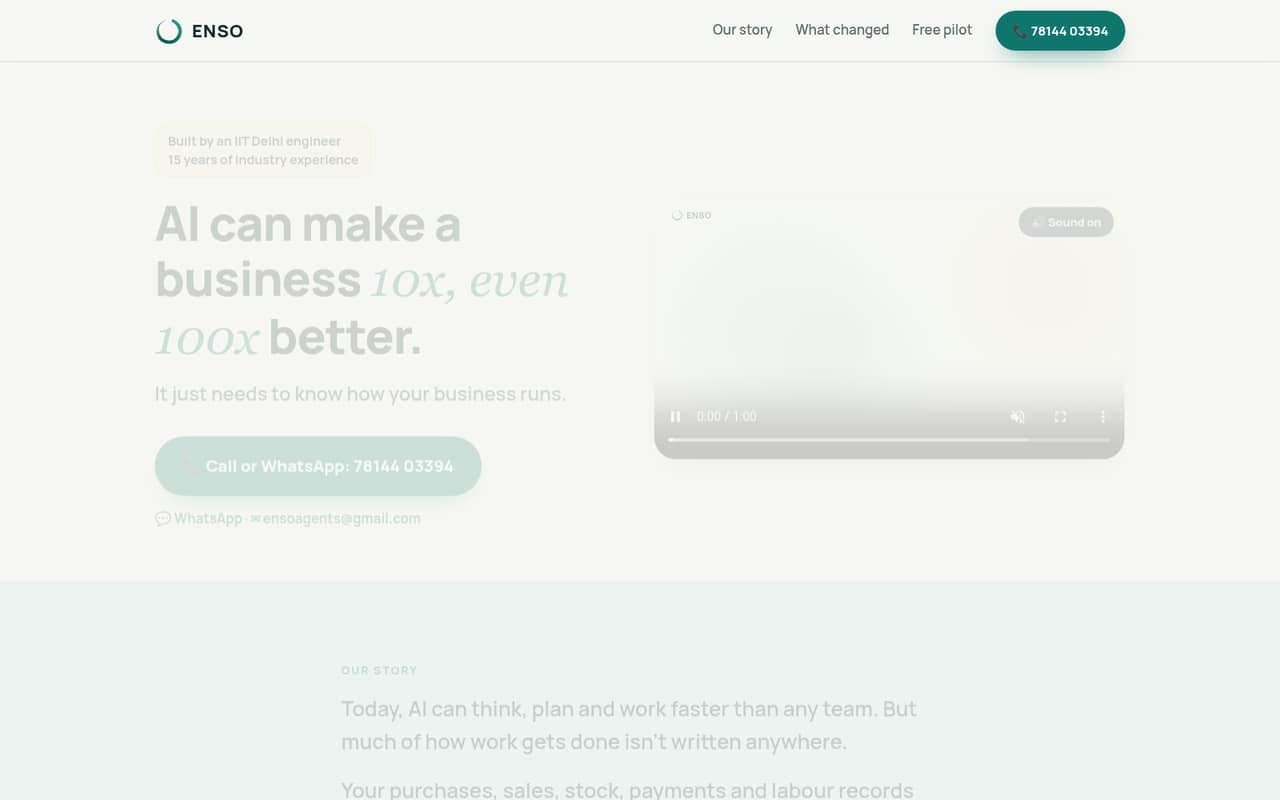
Enso builds AI-agent software around business operations, including purchasing, sales, stock, payments and labour records. Staff can enter updates by voice or text, while owners can ask questions and view dashboards.
The homepage says the first problem is free for life. That makes Enso easy to consider on a tight budget, but the vendor doesn’t publish prices for additional problems or features, so a small team can’t forecast the cost of growing its use.
Good fit if
- Owner-led small businesses
- Teams tracking daily operations
- Businesses testing one workflow
Skip it if
- Teams needing predictable seat pricing
- Businesses requiring named integrations
- Buyers needing published support terms
ScoresHow it rates
What works
- First problem is free for life
- Staff can enter updates by voice or text
- Organizes purchasing, sales, stock, payments and labour
- Owners can ask questions and view dashboards
- Tracks stoppages and suggests decision options
What doesn't
- Paid prices are not published
- Monthly and annual billing terms are not published
- Per-person costs cannot be calculated
- Setup requirements are not published
- Integrations and support terms are not described
01Who Enso is for
Enso is aimed at businesses that want operational records shaped around how they work, rather than a general-purpose chat tool. It organizes purchasing, sales, stock, payments and labour records. Staff can report what happened by speaking or typing, and owners can ask questions or check dashboards.
That could suit a small, owner-led team of one to ten people that needs a clearer view of day-to-day activity and is willing to start with one problem. The homepage says that first problem is free for life, which makes a cautious trial attractive when every subscription needs to earn its place.
The fit is less clear for teams that need a firm per-seat budget, named integrations or a detailed implementation plan before signing up. Enso’s pricing is based on problems or features, not published seat packages, and paid prices aren’t listed. Ask the vendor what counts as a problem and which staff can use the free one.
02Enso free plan and trial
Enso’s homepage says the first problem is free for life. That’s a free plan rather than a time-limited trial, according to the pricing information available. It gives a small business a way to begin with one operational problem without a listed monthly charge.
The free offer is limited by scope: more problems or features are paid. Enso doesn’t publish what those additions cost, and the pricing page lists no monthly or annual terms. It also isn’t clear from the published offer whether the free problem covers every staff member who needs to report updates, so confirm that before building a team process around it.
There’s no published trial period or separate trial plan. For a budget-conscious team, the cheapest way in is the First problem plan at $0 per month. Ask Enso to define the included problem and explain when a workflow would count as an extra paid feature.
03What a small team pays for Enso
The pricing page lists First problem at $0 per month, with one problem free for life. It lists Paid problems and features as paid, but doesn’t publish a price. The homepage says you pay for more problems or features when you see the value; that is not a published rate or a defined billing schedule.
So, for one person, the listed entry cost is $0 per month if one problem is enough. For a team of three or five, the listed cost is also $0 for that first problem, but Enso doesn’t publish whether access is priced by person or how many staff can use it. We can’t calculate a reliable per-seat total. There are no monthly-versus-annual comparisons because annual terms aren’t listed.
The likely cost increase comes when you add problems or features, not from a published seat tier. Before rolling Enso out, ask for a written quote covering the workflows you want, the number of staff who can use them, any usage limits and whether billing is monthly or annual.
04Getting started with Enso
Enso’s described workflow is straightforward at a high level: staff enter what happened by voice or text, the software organizes business records, and owners can ask questions or view dashboards. Its feature list also describes recording stoppages and using AI to suggest options or check an owner’s ideas.
That gives a small team a clear starting point: choose one operational problem and decide what staff need to report. But the vendor doesn’t publish setup steps, an implementation timeline, or the integrations a team might need on day one. The available product description also doesn’t explain how existing records are brought in or who configures dashboards.
Before adopting it for a live process, ask Enso what information the team needs to provide, whether setup help is included, and whether the tools you already use connect to it. The voice-and-text entry options may reduce the need for staff to learn a rigid form, but the actual learning curve and onboarding effort aren’t published.
05When small teams outgrow Enso
The first sign Enso may no longer fit is needing more than one problem or additional features. The vendor says those additions are paid, but doesn’t publish their prices. That makes it hard to estimate how quickly costs could rise as a team adds workflows, or to compare the total with a per-seat business tool.
A growing team should also check whether the free problem covers all relevant staff and whether Enso supports the integrations and reporting processes it needs. Those details aren’t published in the pricing information, so don’t assume the free offer will scale unchanged as more people rely on it.
Enso may still work for a larger team if its problem-based approach matches the operation and the vendor provides a workable quote. Consider another tool if you need predictable seat pricing, published usage limits, or a confirmed integration before committing. Ask for the total cost at your expected number of workflows and users; without that, a growth budget is guesswork.
Questions people ask
What does Enso do?
Enso builds AI-agent software around business operations. Its described records cover purchasing, sales, stock, payments and labour. Staff can enter updates by voice or text, while owners can ask questions and view dashboards. The feature list also includes tracking stoppages and suggesting decision options.
Is Enso free?
The homepage says the first problem is free for life. More problems or features are paid, but Enso doesn’t publish their prices. The offer doesn’t specify a time-limited trial; ask the vendor what the free problem includes and which staff can use it.
How much does Enso cost for a team?
Enso lists the First problem at $0 per month. Prices for Paid problems and features aren’t published, and the vendor doesn’t list per-seat rates or monthly and annual terms. A team should request a quote based on its workflows and the number of staff who need access.
Can staff use Enso by voice?
Yes. Enso’s feature description says staff can report what happened by speaking or typing. The product description doesn’t specify supported languages, devices or voice-entry limits, so confirm those details with the vendor if they matter to your team.
Does Enso connect to our existing business tools?
The vendor's site describes records for purchasing, sales, stock, payments and labour, but doesn’t name integrations. Ask Enso whether it connects to the tools you already use and whether any connection or data setup affects the price.