We may earn a commission if you buy through links on this page. It never changes a score or a ranking. How we make money
A small team may not need a chatbot builder at all: if customer questions are rare, a shared inbox and a short FAQ may be enough. If you want to automate social DMs, qualify leads, or answer repeat website questions, ManyChat is our first pick for its free plan and $14 starting price. Tidio and Spur also offer free plans, while Landbot is worth a look for structured website and WhatsApp bots. Before committing, check seat costs, usage limits, and any AI-resolution charges; those can change the real price for a few people.
Quick picksThe shortlist
 ManyChatManyChatBest for social DMs · $14/mo
 TidioTidioBest free starter · $24.17/mo
 SpurSpurBest for coaches · $19/mo
 LandbotLandbotBest for WhatsApp · Free
 ChatbaseChatbaseBest for channel coverage · $32/mo
 ChatBotChatBotBest for AI handoff · $19/mo
 IntercomIntercomBest for shared support · $19/mo
 ChatfuelChatfuelBest for social sales · $18/mo
 SiteGPTSiteGPTBest for website FAQs · $39/mo
 VoiceflowVoiceflowBest for custom workflows · Free
 BotpressBotpressBest for complex support · $150/mo
 CustomGPTCustomGPTBest for cited answers · $89/mo
 JujiJujiBest for guided conversations · Free
 BlipBlipBest for multiple channels · Custom
01Compared at a glance
| Tool | Score | From | Free plan | Trial |
|---|---|---|---|---|
| ManyChatManyChat | 7.0 | $14/mo | Yes | 14 days |
| TidioTidio | 6.9 | $24.17/mo | Yes | 7 days |
| SpurSpur | 7.0 | $19/mo | Yes | — |
| LandbotLandbot | 7.0 | Free | Yes | 14 days |
| ChatbaseChatbase | 7.2 | $32/mo | No | 7 days |
| ChatBotChatBot | 6.3 | $19/mo | No | 14 days |
| IntercomIntercom | 7.0 | $19/mo | No | 14 days |
| ChatfuelChatfuel | 6.4 | $18/mo | No | — |
| SiteGPTSiteGPT | 6.5 | $39/mo | No | 7 days |
| VoiceflowVoiceflow | 6.3 | Free | Yes | Yes |
| BotpressBotpress | 6.2 | $150/mo | Yes | — |
| CustomGPTCustomGPT | 6.0 | $89/mo | No | 7 days |
| JujiJuji | 6.1 | Free | Yes | — |
| BlipBlip | 5.4 | Custom | No | — |
02The picks, in detail
- Best for social DMsManyChatManyChat
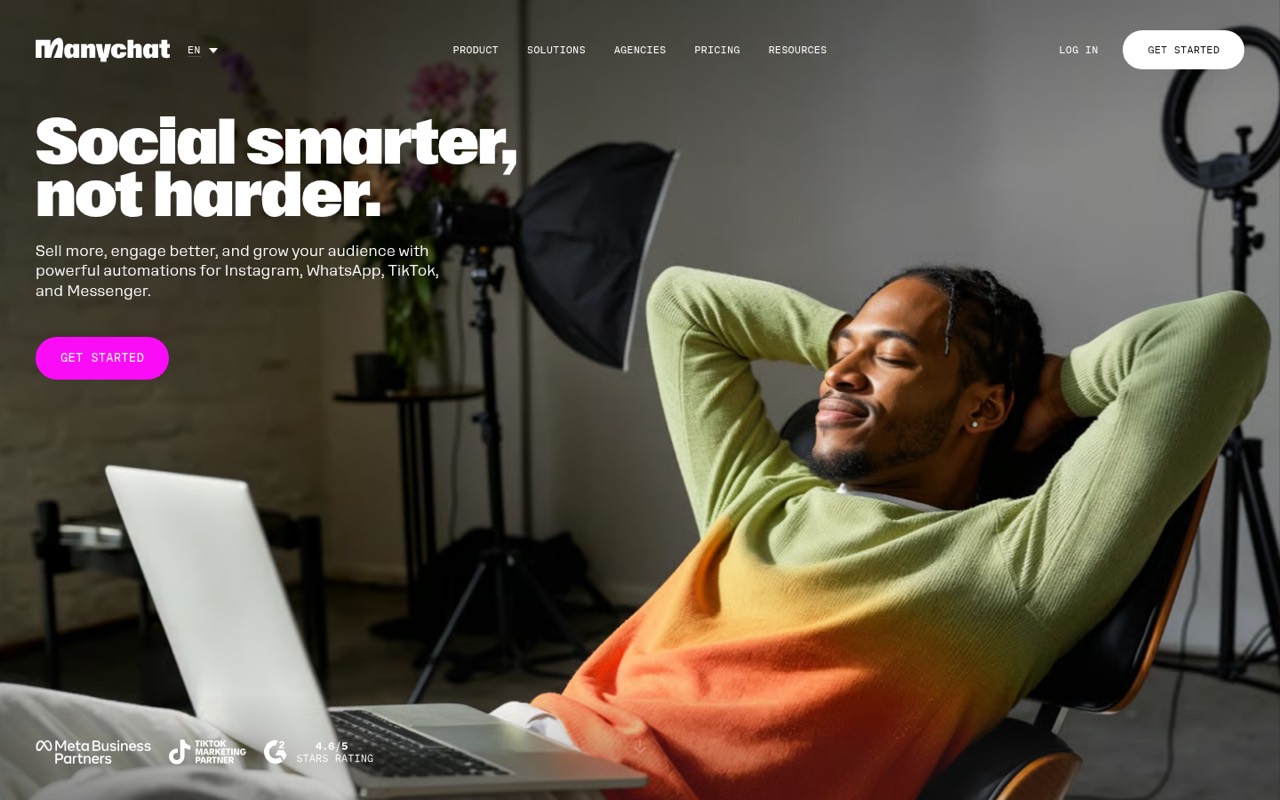
ManyChat is our top pick for small teams whose chatbot job is capturing social leads or automating Instagram DMs and comment-to-DM funnels. The listed starting price is $14, and there is a free plan. Check active-contact limits, seat caps, and overage charges before building a funnel around it; those details can matter more than the entry price as your audience grows.
What works
- Free plan includes 25 active contacts
- No-code flow builder and guided automations
- Automates Instagram, WhatsApp, Messenger, and TikTok
What doesn't
- Free plan is limited to one user
- Free plan adds Manychat branding to the first message
- Contact overages are billed monthly
- Best free starterTidioTidio
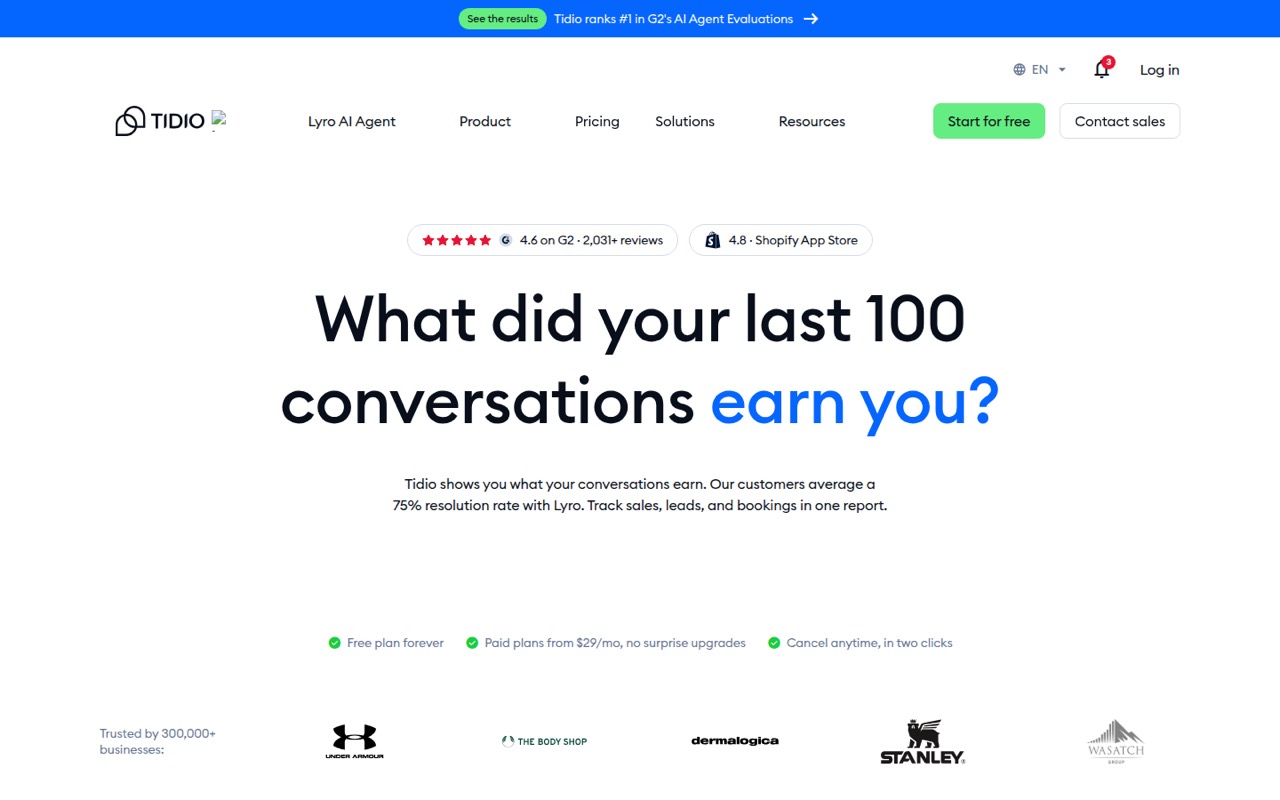
Tidio suits a small online shop that wants website chat, lead capture, or automation for repetitive support questions. Its listing shows a free plan and a $24.17 starting price. That makes it a practical option to investigate before paying, but confirm the usage caps and seat cost for your team first. The listed starting price alone does not settle what several users will pay.
What works
- Free plan includes up to 10 seats
- Live chat and ticketing on Free
- Visual drag-and-drop automation builder
What doesn't
- Free plan caps billable conversations at 50
- Paid seat allowances are not published
- Separate monthly rates are not published
- Best for coachesSpurSpur
Spur is aimed at solo coaches and small coaching businesses, including training and nutrition programs. The listing shows a free plan and a $19 starting price, a relatively low entry point for trying its feature set. Team-seat costs are unclear, so ask what a few people will pay before making it part of a shared workflow. It is a closer fit for coaching than general support.
What works
- Free forever for up to two clients
- Training and nutrition tools in one workspace
- Client messaging supports videos, photos, and notes
What doesn't
- Starter is limited to two clients
- Coach-seat pricing is not published
- Annual pricing is not shown

- Best for WhatsAppLandbotLandbot
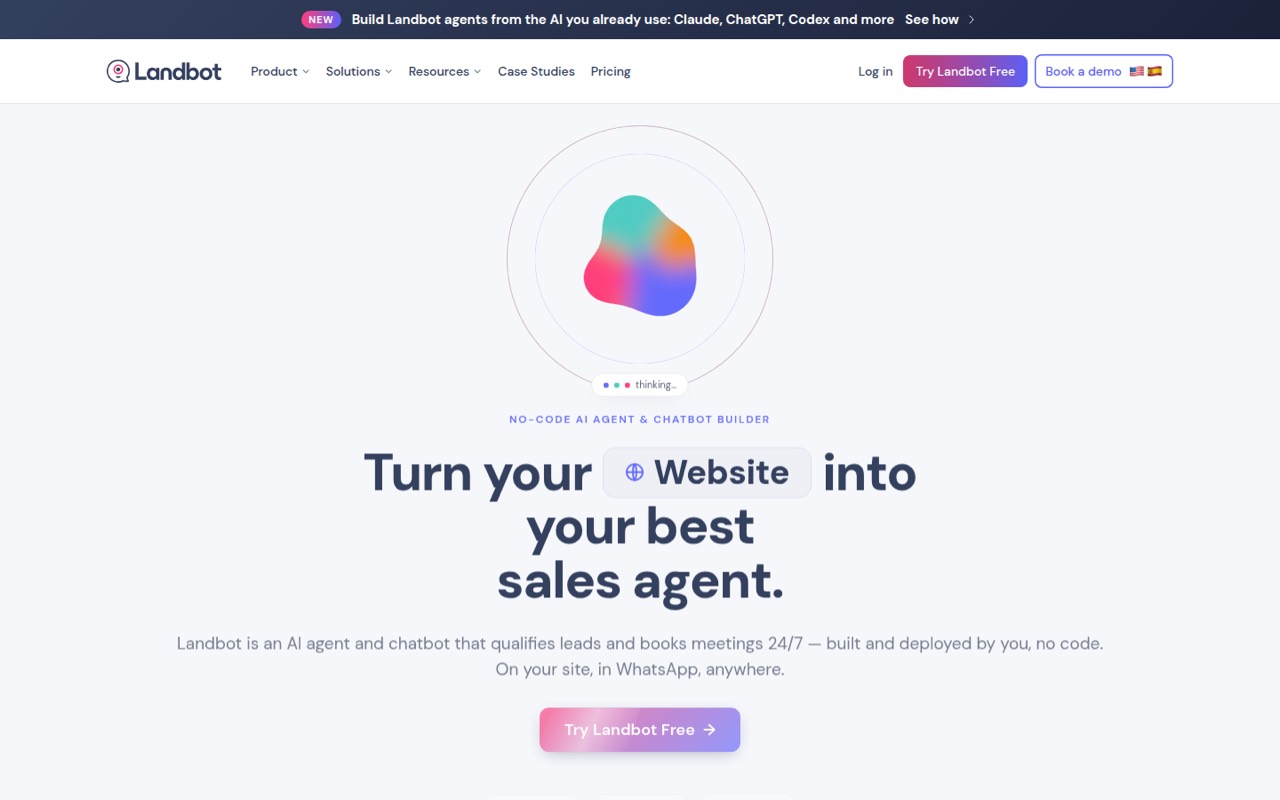
Landbot is a fit for one-person experiments, lead qualification, meeting booking, and teams that need WhatsApp bots. Its listing includes a free plan, but the paid starting price is not published. That makes it easy to consider for an initial test and harder to budget for a growing team. Ask for a quote that covers your channels, seats, and expected usage.
What works
- Free plan includes the full builder and templates
- Visual workflows need no code
- AI Copilot can draft workflows from a prompt
What doesn't
- Free plan has no AI chats
- Paid base prices aren't published
- Starter includes only two seats
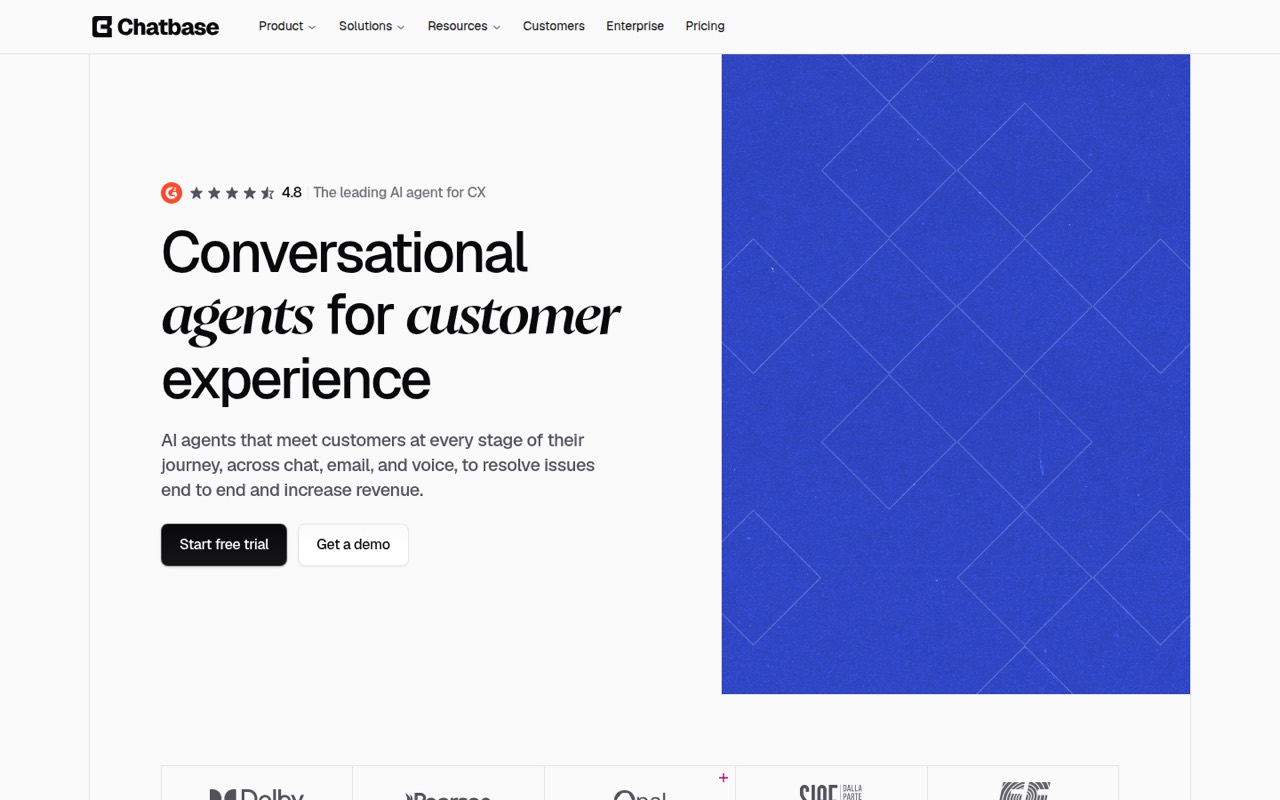
- Best for channel coverageChatbaseChatbase
Chatbase targets small teams automating support replies, with chat and voice among its stated use cases and a shared inbox. The listed starting price is $32, and there is no free plan. Credits can affect the budget, so estimate your expected use and ask how additional usage is charged before choosing it over a simpler website chatbot.
What works
- Build agents without writing code
- Deploy across several customer channels
- Built-in actions can retrieve information
What doesn't
- No free plan on current pricing
- Message-credit usage can complicate budgeting
- Basic includes only three workspace seats
- Best for AI handoffChatBotChatBot
ChatBot is designed for small teams adding AI to customer chat, product recommendations, and AI-to-human handoff. Its listed starting price is $19. The entry plan is described as having tight limits, so check the allowance for your expected conversations and the cost to expand it. It may suit sales and support together, but it is not automatically the cheapest choice.
What works
- Builds a knowledge base from a website URL
- Answers questions and recommends products
- Supports website, Messenger, SMS and WhatsApp
What doesn't
- No free plan
- Essential includes only 10 AI resolutions monthly
- Prices are charged per user

- Best for shared supportIntercomIntercom
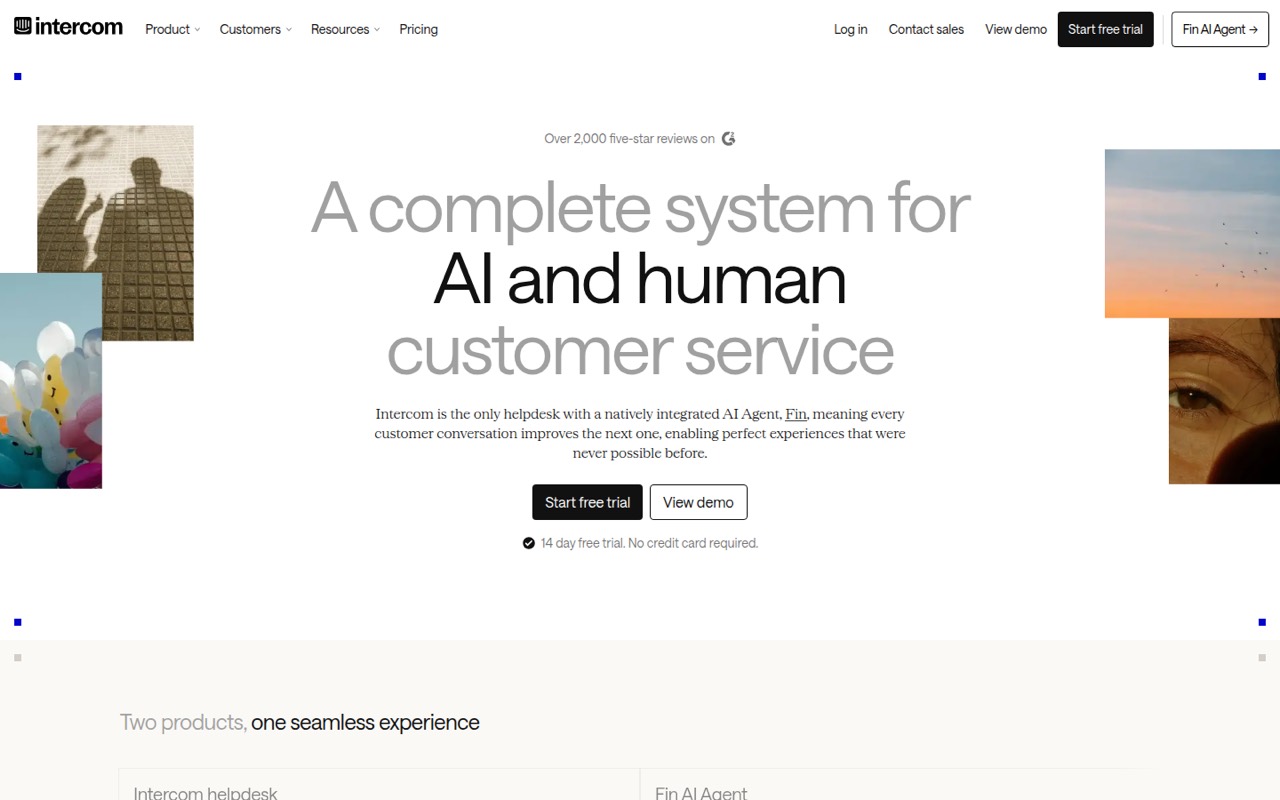
Intercom is worth considering when a small support team wants shared ticketing and to consolidate support tools. The listed starting price is $19, but AI charges and seat fees can add up. It is a better fit when support volume justifies paying for those capabilities than when you only need a basic website bot. Ask for the total cost for your team and AI use.
What works
- Shared inbox and ticketing on Essential
- Public help center included on Essential
- Fin works across phone, email, chat, and Slack
What doesn't
- No free plan
- Fin costs $0.99 per outcome on all plans
- Essential's monthly list price is $29 per seat
- Best for social salesChatfuelChatfuel
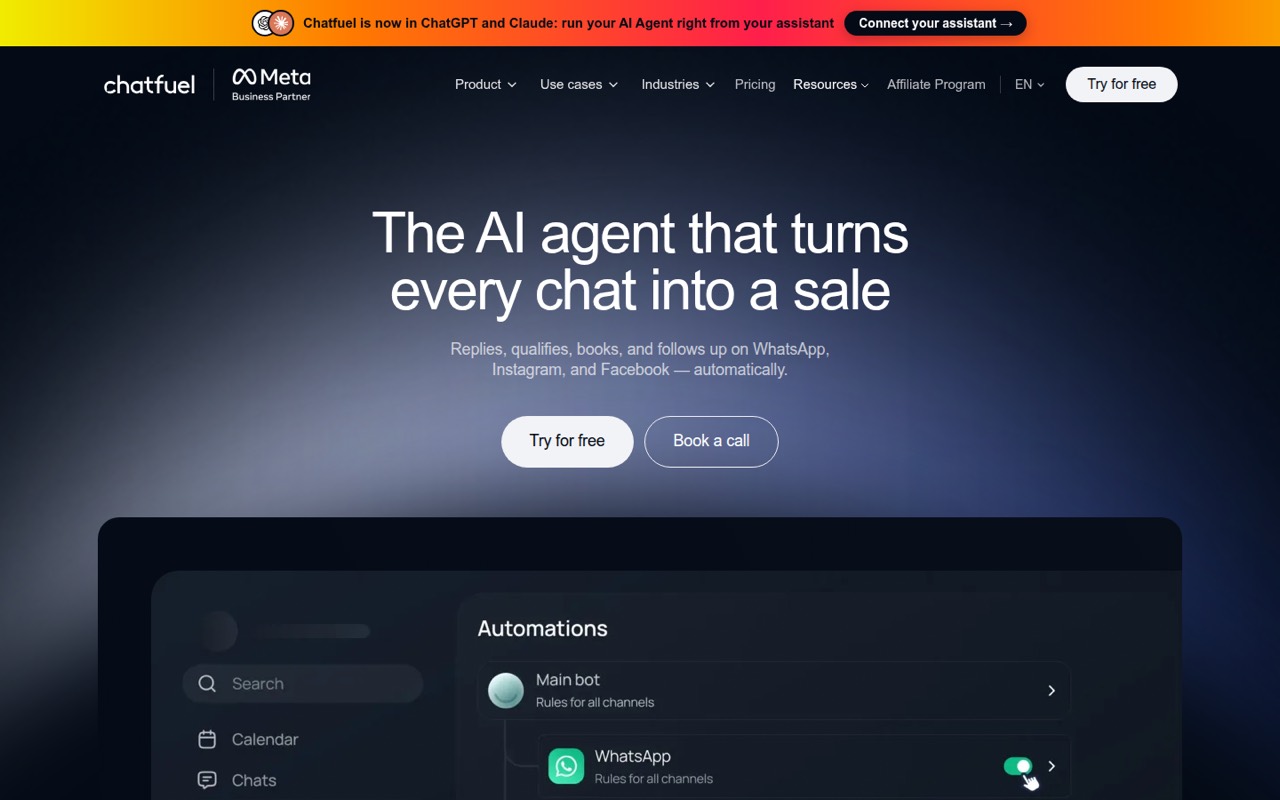
Chatfuel is built for businesses selling through social DMs, qualifying leads, or taking bookings in chat. Its listed starting price is $18. The listing does not show a free plan, which makes it less appealing if you want to validate a chatbot without paying first. Confirm the channels and usage covered by the plan you are quoted.
What works
- Automates replies on WhatsApp, Instagram and Facebook
- Qualifies leads and hands them to sales
- Supports bookings, reminders and calendar syncing
What doesn't
- No free plan is listed
- Monthly-billed prices aren’t published
- Business plans include one bot
- Best for website FAQsSiteGPTSiteGPT
SiteGPT focuses on website FAQs, visitor leads, and sites with a focused knowledge base. The listed starting price is $39, with no free plan shown. It can make sense when a website assistant is the specific job, but tight seat limits raise the cost of growing. Check how many people can manage the bot and what happens when your use expands.
What works
- Trains chatbots on website content, files, or text
- Embeds on marketing sites, apps, or help centers
- Includes conversation analytics and unanswered-question insights
What doesn't
- No free plan; trial lasts seven days
- Starter includes just one team member
- Starter caps usage at 4,000 mini-model messages monthly
- Best for custom workflowsVoiceflowVoiceflow
Voiceflow is aimed at teams designing custom support workflows and agencies building complex conversational flows. A free plan is listed, but the starting paid price is not published. Its custom approach can take more setup and make budgeting harder than a quick-start tool. Ask for a team quote and confirm what support-agent review and launch will require.
What works
- Tools for agent behavior, logic, and conversation review
- Playbooks can turn support expertise into processes
- Transcripts help teams spot response gaps
What doesn't
- Free-plan seat and usage limits aren't published
- Paid monthly and annual prices aren't published
- One Reddit post reports $60 per editor monthly
- Best for complex supportBotpressBotpress
Botpress is intended for automating complex support tickets, especially when conversation volume is low and human handoff needs to remain available. It has a free plan and a listed starting price of $150. That paid entry point is difficult to justify for many small teams that need paid seats. Check the expected total before investing in a more involved setup.
What works
- AI agents can handle refunds and account updates
- Can hand tickets to humans with context
- Works with an existing helpdesk or standalone
What doesn't
- Free plan stops at 100 conversations monthly
- Plus costs $150/month billed annually
- Plus still includes only three seats
- Best for cited answersCustomGPTCustomGPT
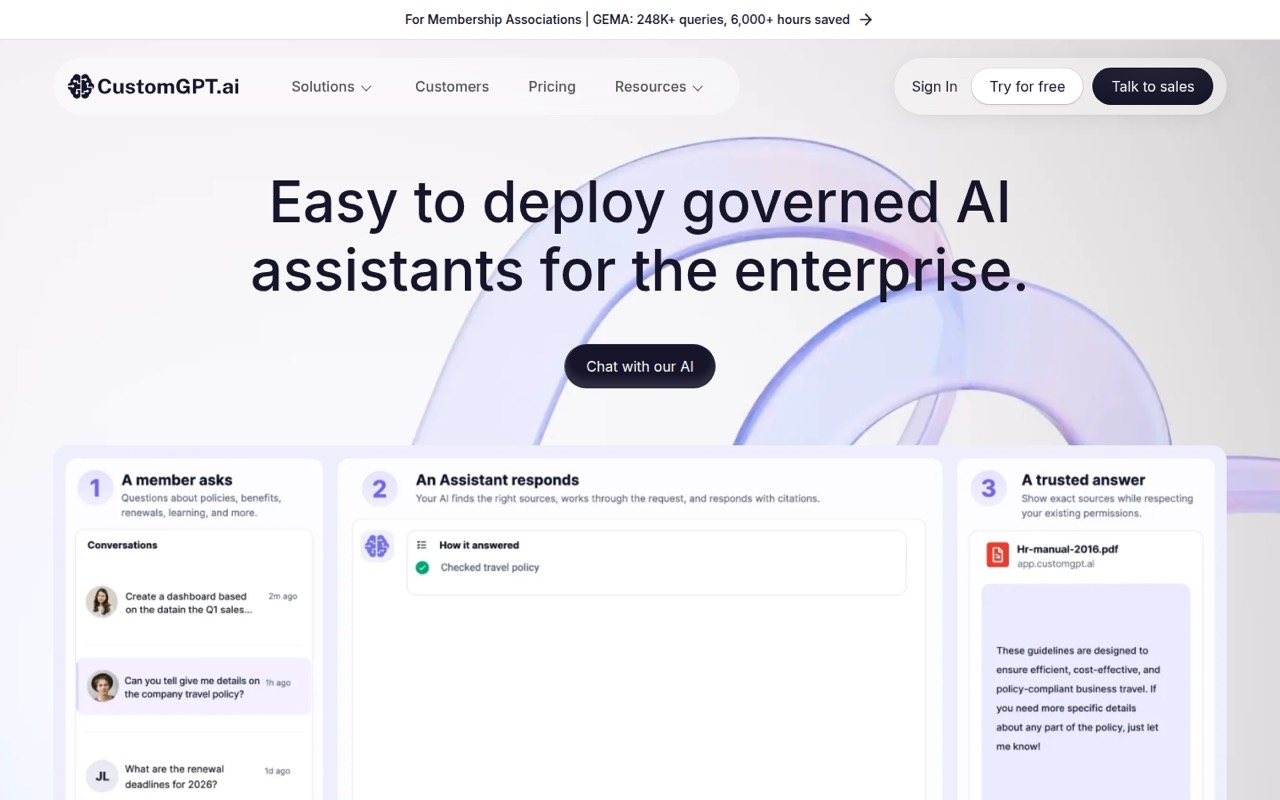
CustomGPT suits teams answering questions from internal content or deploying website assistants that need source-cited answers. Its listed starting price is $89. That may be a mismatch if all you need is a simple chatbot, so first decide whether cited answers are essential. Ask how your content, user seats, and expected AI use affect the price.
What works
- No-code setup for custom AI agents
- Answers draw on organizational content
- Responses can link to their sources
What doesn't
- No free plan
- Standard starts at $89 monthly with annual billing
- Monthly Standard billing costs $99
- Best for guided conversationsJujiJuji
Juji is designed for guided AI conversations, with tools for non-IT staff to create chatbot flows and evaluate a chatbot before launch. A free plan is listed, but the paid starting price is not published. The feature set may suit a team that needs structured conversations; ask the vendor what launch costs and ongoing team access will run.
What works
- Free evaluation covers building and testing
- No time limit before launch
- Graphical builder for non-IT staff
What doesn't
- Basic's $100 total has no published billing period
- No per-seat pricing is listed
- Pro usage rates are not published
- Best for multiple channelsBlipBlip
Blip is aimed at teams coordinating customer journeys across several conversation channels and configuring AI agents. That breadth may suit a team with a clear cross-channel need, but the starting price is not published, making small-team budgeting difficult. Ask for a quote that spells out included channels, seats, usage limits, and any charges tied to AI answers.
What works
- Coordinates journeys from first contact through post-sale
- No-code builder for Intelligent Contacts
- AI agents can use knowledge bases and tools
What doesn't
- Blip Convers requires a custom quote
- Blip Go pricing is not published
- No free plan is listed
03How we chose
We ranked these tools for a team of 1–10, weighing whether a free plan is listed, the listed starting price, the likely fit for a small team’s use case, and how much setup the product appears to call for. We also flagged usage caps, seat costs, credits, and AI charges when the product notes call them out. A starting price is not a few-seat quote. Before buying, compare the vendor’s current plan details and documentation, and look for recent user reports about limits or support.
04Check the real cost for your team
A starting price is a useful filter, not a budget. Before choosing, ask for the cost for the people who will build, manage, and answer chats. Check whether seats are included or charged separately, and whether the plan limits contacts, conversations, credits, or AI answers. Those limits are called out as concerns for several tools here, but the exact allowances and overage rates are not listed in this comparison. Ask the vendor to price your expected usage, including extra AI resolutions, and get the answer in writing. If a vendor does not publish a starting price, request a quote that covers the channels and seats you need. A free plan can help you evaluate fit, but confirm which limits apply before you build a process around it.
05Match the bot to the channel and your setup time
Start with where customers already contact you. ManyChat and Chatfuel focus on social DMs; Landbot is listed for website and WhatsApp bots; SiteGPT focuses on website FAQs. For shared support, compare Intercom, Chatbase, and ChatBot, then check how their handoff and inbox features fit your team. Next, be honest about setup. A quick lead-capture flow is a different project from a custom support agent or a bot that answers from internal content. Ask what information you need to prepare, who can build and maintain the bot, and whether your team can review its conversations. Check the vendor’s documentation for channel availability, plan limits, and launch steps. If the setup or seat price is unclear, get a quote before moving customer conversations.
Questions people ask
Which AI chatbot builder has a free plan?
ManyChat, Tidio, Botpress, Voiceflow, Landbot, Spur, and Juji are listed with free plans. Check each vendor’s current terms before signing up, and confirm the free plan’s usage and seat limits. A free tier may help you start, but it may not cover a whole team’s workload.
What does an AI chatbot builder cost for a small team?
Listed starting prices range from $14 for ManyChat to $150 for Botpress among tools with a published starting price. That is not necessarily the cost for several seats or high AI usage. Ask vendors for a quote that includes seats, conversation limits, credits, and any AI-resolution charges.
Which chatbot builder supports WhatsApp?
Landbot is specifically listed for teams needing WhatsApp bots. Before you buy, confirm that the WhatsApp setup and any related usage are included in the plan you want. If you also need a website or social channel, ask the vendor to confirm those channels in the same quote.
How should a small team compare AI-resolution pricing?
Ask each vendor how it defines a resolution, what the plan includes, and what additional usage costs. Also check conversation limits, credit allowances, and whether seats are charged separately. Compare quotes using your expected monthly volume rather than relying on the entry price alone.