
We may earn a commission if you buy through links on this page. It never changes a score or a ranking. How we make money
The bottom line
Good for selling through social chats; less appealing if your team needs a free start.
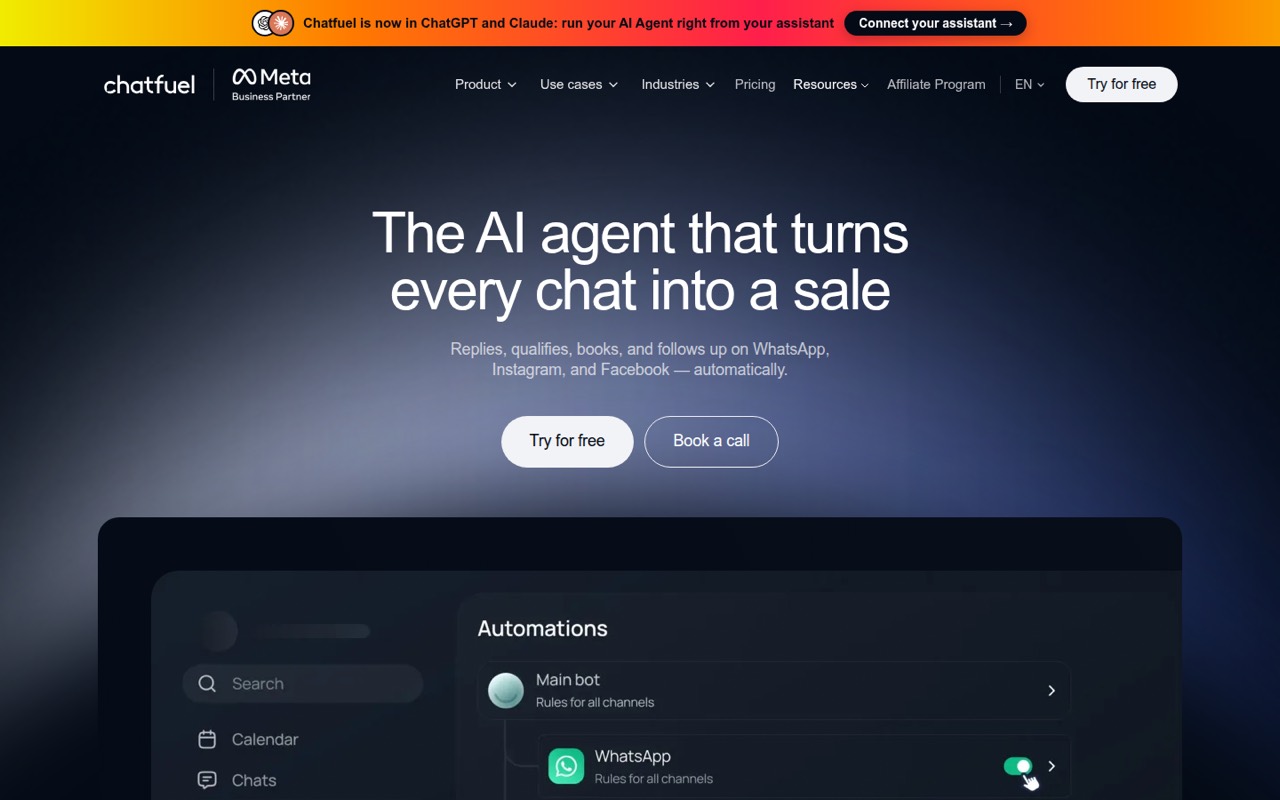
Chatfuel brings automated replies, lead qualification, bookings, payment links and a lead pipeline into chats on WhatsApp, Instagram and Facebook. It suits businesses that already sell or book through those channels.
The catch for a budget-conscious team: there’s no listed free plan, and the $18 monthly equivalent for Business S requires annual billing. Monthly-billed prices aren’t published, and the plan includes one bot rather than a stated per-seat allowance.
Good fit if
- Businesses selling through social DMs
- Teams automating lead qualification
- Businesses taking bookings in chat
Skip it if
- Teams that need a free chatbot
- Businesses needing published monthly pricing
- Teams needing advanced multilingual logic
ScoresHow it rates
What works
- Automates replies on WhatsApp, Instagram and Facebook
- Qualifies leads and hands them to sales
- Supports bookings, reminders and calendar syncing
- Sends payment links and confirms orders in chat
- Offers no-code setup plus developer tools
What doesn't
- No free plan is listed
- Monthly-billed prices aren’t published
- Business plans include one bot
- Credit packs have unpublished prices
- Reddit users report gaps in language logic
01Who Chatfuel is for
Chatfuel is for businesses that turn conversations on WhatsApp, Instagram or Facebook into sales, qualified leads or bookings. The tool can reply to messages and comments, ask prospects questions, send payment links, confirm orders, and track leads in a pipeline. It also offers booking slots, reminders and calendar syncing.
For a solo operator or a team of 3–10, the main question is how many chats you expect, not how many seats you need: the listed Business plans include one bot, and the pricing page doesn’t publish a per-seat fee. Business S starts at an $18 monthly equivalent with annual billing, but its estimated 330 chats may be too few for a busy inbox. Chatfuel makes most sense if social messaging is already a sales channel and you want to automate the routine steps. If you only need basic Facebook replies, its paid AI-credit model may be more than you need.
02Chatfuel free plan and trial
The pricing page lists no free plan, and a free trial isn’t listed. That means a small team can’t use a free tier to run ongoing automations before paying. If you’re comparing free chatbots for a Facebook page, Chatfuel’s listed Business plans are paid options rather than a no-cost starting point.
The cheapest listed entry is Business S: $18 per month as a monthly equivalent when billed annually. It includes $20 in AI credits per month, one bot and an estimate of about 330 chats. The vendor doesn’t publish monthly-billed pricing, so ask Chatfuel what the plan costs if you don’t want to pay for a year upfront. Also confirm whether its chat estimate matches your expected usage before committing.
03What a small team pays for Chatfuel
The pricing page lists Business S at $18 per month with annual billing, or $216 paid for the year. It includes one bot, not a published number of user seats. Dividing that annual-billing equivalent among three teammates works out to $6 per person per month; across five, it’s $3.60. Those are just budget splits, not Chatfuel seat prices. Monthly-billed prices aren’t published.
If Business S’s estimated 330 chats aren’t enough, Business M is $40.50 per month on annual billing, or $486 for the year, and estimates about 826 chats. That’s $13.50 per person for three or $8.10 for five, again as an allocation rather than a seat charge. Both plans list one bot.
Budget for extras, too: coworker setup is listed at $10 per bot once, and credit-pack prices aren’t published. Photo reading is about $0.0041 each, voice transcription about $0.0030 each, and Meta lead events $0.020 each. WhatsApp templates cost Meta’s rate plus 10%.
04Getting started with Chatfuel
Chatfuel presents itself as a no-code tool, with an SDK and API for developers. A small team can start by deciding which channel to automate, what questions qualify a lead, and when a conversation should move to a person. Replies, lead questions, booking steps, payment links and follow-ups all need clear rules and content; no-code setup doesn’t remove that planning work.
The listed channels are WhatsApp, Instagram and Facebook. The product also describes calendar syncing for bookings and Meta lead-event reporting, but the specific calendar connectors and full integration list aren’t published. Confirm your required connections with the vendor before building a workflow around them. One Reddit post describes Chatfuel as fast to set up and not requiring coding, while also noting areas needing polish for multiple languages and scaling across platforms. That’s user feedback, not a guarantee for every setup.
05When small teams outgrow Chatfuel
The first pressure point is volume. Business S estimates about 330 chats, Business M about 826 and Business L about 1,652; moving up adds AI credits and costs more on annual billing. Business plans list one bot, so teams running multiple businesses or needing a different setup should check plan fit with Chatfuel rather than assume another bot is included. Credit-pack prices aren’t published, which makes higher usage harder to forecast.
The other pressure point is workflow complexity. Chatfuel describes its core channels as WhatsApp, Instagram and Facebook, and a Reddit reviewer said the tool needed polish when scaling across platforms or handling multiple languages. Commenters also reported missing multilingual logic and segmentation, while another said a repeated flow converted better elsewhere; those are individual accounts, not controlled comparisons. If your team needs more complex segmentation, language handling or predictable monthly billing, compare alternatives and ask Chatfuel to confirm the specific capability before upgrading.
From the threadsWhat users say
Reddit feedback is mixed: one reviewer praised fast setup and no-code use, while commenters raised concerns about language logic, segmentation and comparisons with other tools. Treat those reports as individual experiences, not a consistent verdict.
It’s fast to set up, plays nice with Meta’s ecosystem, and doesn’t require coding
We tested Chatfuel vs. ManyChat and found Chatfuel lacking in multi-language logic and segmentation
We ran the same flow on Chatfuel and ManyChat — conversion rates were 20–30% higher on ManyChat. Could be coincidence but it was consistent
AI” is only 25% of the puzzle. And automation is the other 75%
Questions people ask
What is Chatfuel used for?
Chatfuel automates business conversations on WhatsApp, Instagram and Facebook. Its listed features include replying to messages and comments, qualifying leads, sending payment links, confirming orders, arranging bookings and tracking leads in a pipeline. It is aimed at businesses that sell, qualify prospects or take bookings through chats.
Does Chatfuel have a free plan?
The pricing page lists no free plan, and a free trial isn’t listed. The cheapest listed option is Business S at $18 per month as a monthly equivalent with annual billing. It includes $20 in AI credits per month, one bot and an estimate of about 330 chats. Monthly-billed pricing isn’t published.
How much does Chatfuel cost for a small team?
Business S is listed at $18 per month with annual billing, or $216 for the year. It includes one bot; Chatfuel doesn’t publish a per-seat price. As a budgeting split, that monthly equivalent is $6 each for three people or $3.60 each for five. Monthly-billed prices aren’t published.
Which messaging channels does Chatfuel support?
The listed automated-reply channels are WhatsApp, Instagram and Facebook. Chatfuel also describes ad reporting and lead events sent to Meta. Check with the vendor about specific account requirements and any other integrations your workflows need, since the full connector list isn’t published here.
Can Chatfuel qualify leads and take bookings?
Yes. Chatfuel can ask prospects qualifying questions and hand sales teams leads ready to buy or book. Its booking features let customers choose a slot and include confirmations, reminders and calendar syncing. Confirm that the calendar connection you need is supported before building your process around it.