We may earn a commission if you buy through links on this page. It never changes a score or a ranking. How we make money
A small team may not need a dedicated AI image generator if it only makes visuals now and then. But regular product shots, campaign concepts or social graphics can make a focused tool worthwhile. We’d start with Krea for a free way to explore several models, or Leonardo AI for a broader creative toolkit with a free tier. For product imagery, compare Pixelcut and Pebblely. Check the cost for each teammate before committing: a starting price is not the same as a published team price, and several vendors don’t spell out seat costs.
Quick picksThe shortlist
 KreaKreaBest free · $5/mo
 Leonardo AILeonardo AIBest all-rounder · $12/mo
 Adobe FireflyAdobe FireflyBest for Adobe teams · $9.99/mo
 PixelcutPixelcutBest for product photos · $8/mo
 ScenarioScenarioBest shared workspace · $10.05/mo
 IdeogramIdeogramBest for text graphics · $15/mo
 MidjourneyMidjourneyBest for concepts · $8/mo
 PebblelyPebblelyBest for product scenes · $9/mo
 InvokeAIInvokeAIBest local option · $15/mo
 PhotoroomPhotoroomBest for online shops · $7.50/mo
01Compared at a glance
| Tool | Score | From | Free plan | Trial |
|---|---|---|---|---|
| KreaKrea | 7.4 | $5/mo | Yes | — |
| Leonardo AILeonardo AI | 7.6 | $12/mo | Yes | — |
| Adobe FireflyAdobe Firefly | 7.1 | $9.99/mo | Yes | Yes |
| PixelcutPixelcut | 7.0 | $8/mo | Yes | — |
| ScenarioScenario | 7.3 | $10.05/mo | Yes | — |
| IdeogramIdeogram | 6.8 | $15/mo | Yes | — |
| MidjourneyMidjourney | 7.2 | $8/mo | No | — |
| PebblelyPebblely | 6.8 | $9/mo | No | — |
| InvokeAIInvokeAI | 7.0 | $15/mo | Yes | Yes |
| PhotoroomPhotoroom | 6.2 | $7.50/mo | No | — |
02The picks, in detail
- Best freeKreaKrea
Krea is our first stop for a small team that wants to explore AI creation before paying. Its listing includes a free plan and a starting price of $5, and describes access to several models plus image and video tools. Check the paid plan’s seat terms and limits before rolling it out to the whole team; the starting price alone doesn’t establish a team total.
What works
- Free plan includes 100 units daily and image, video, 3D and lipsync models.
- One platform offers image, video, audio and ad creation tools.
- Basic includes a commercial license and upscaling up to 22K.
What doesn't
- Free image upscaling is limited to 2K.
- Basic includes selected video models only.
- Paid unit allowances are monthly and vary by plan.
- Best all-rounderLeonardo AILeonardo AI
Leonardo AI suits teams making marketing visuals that also want room to experiment with image-to-video workflows. The listing includes a free plan and a starting price of $12. That gives a small team a way to explore before paying, but token needs and team pricing are worth checking first. Ask whether each person needs a separate paid plan and what happens when tokens run low.
What works
- Free plan includes 150 fast tokens daily
- Paid solo plans start at $12 monthly
- Offers image generation and video animation
What doesn't
- Free creations are public
- Free plan limits users to Auto models
- Token top-ups require an active subscription

- Best for Adobe teamsAdobe FireflyAdobe Firefly
Firefly makes the most sense for a small team already working in Adobe apps or mixing image and video tasks. The listing includes a free plan and a starting price of $9.99. It also flags that video credits can push up the bill, so estimate use by teammate and workflow. Confirm what the plan includes before using it as a shared team budget.
What works
- Generates images, video, audio, and vectors
- Includes image editing with Generative Fill and Expand
- Firefly Boards supports shared mood boards
What doesn't
- Free plan has limited daily generations
- Credits cover several kinds of generation
- Video can use credits much faster than images

- Best for product photosPixelcutPixelcut
Pixelcut is a practical shortlist pick for teams creating product visuals and editing batches of images. Its listing includes a free plan and a starting price of $8. Check free-plan limits and seat caps before asking the whole team to adopt it; those details affect whether a low entry price stays low. It also offers promotional video tools, if your team needs them.
What works
- Free exports without a watermark
- Pro includes three team members
- Unlimited background removal on paid plans
What doesn't
- Free background removal and upscaling are limited
- Pro includes 600 AI credits monthly
- Pro batch exports are capped at 1,000 monthly
- Best shared workspaceScenarioScenario
Scenario is worth considering when a small studio wants multiple media types and team features in one creative workspace. Its listing includes a free plan and a starting price of $10.05. The free-plan limits are unclear, so confirm what teammates can share and how much use is included before depending on it for recurring work. That check matters more than the starting price alone.
What works
- Generates images, video, 3D assets, and audio
- Custom models can keep a team's art style consistent
- Free plan is available
What doesn't
- Free-plan credits and limits aren't published
- Credit add-on prices aren't published
- Max's 10,000 monthly credits may constrain heavy use
- Best for text graphicsIdeogramIdeogram
Ideogram is a fit for teams making text-heavy visuals or iterating on specific compositions. The listing includes a free plan and a starting price of $15, with variable free credits and per-seat costs flagged as things to check. Ask how seats are priced and how credits work for each user; a team’s total may look quite different from the entry price.
What works
- Free plan includes weekly credits
- Purpose-built apps cover common creative tasks
- One API endpoint provides model access
What doesn't
- Free credit amounts may vary
- Free generations use the slow queue
- Subscription priority credits expire each cycle
- Best for conceptsMidjourneyMidjourney
Midjourney is aimed at creative image exploration, storyboards and visual concepts, especially for teams comfortable with Discord. It starts at $8, but the listing does not include a free plan and notes that each user needs to be budgeted for. That makes the real team cost important to confirm before adopting it across several seats.
What works
- Image and video models are the lab’s core focus
- Basic includes about 200 Fast image jobs monthly
- Standard adds unlimited Relax image generation
What doesn't
- No free plan is listed
- Basic has no Relax mode
- Basic video generation is SD only
- Best for product scenesPebblelyPebblely
Pebblely is a focused option for ecommerce teams that need fresh product scenes or want to make images in batches. Its pricing starts at $9 per month, and there is no free plan. The vendor does not publish seat pricing, so ask for a quote for your team size before comparing it with tools that show a solo starting price.
What works
- Lite starts at $9 per month
- Plans include 40+ background themes
- Custom prompts are included on every plan
What doesn't
- No free plan is listed
- Free-trial availability is not published
- Annual prices are not published

- Best local optionInvokeAIInvokeAI
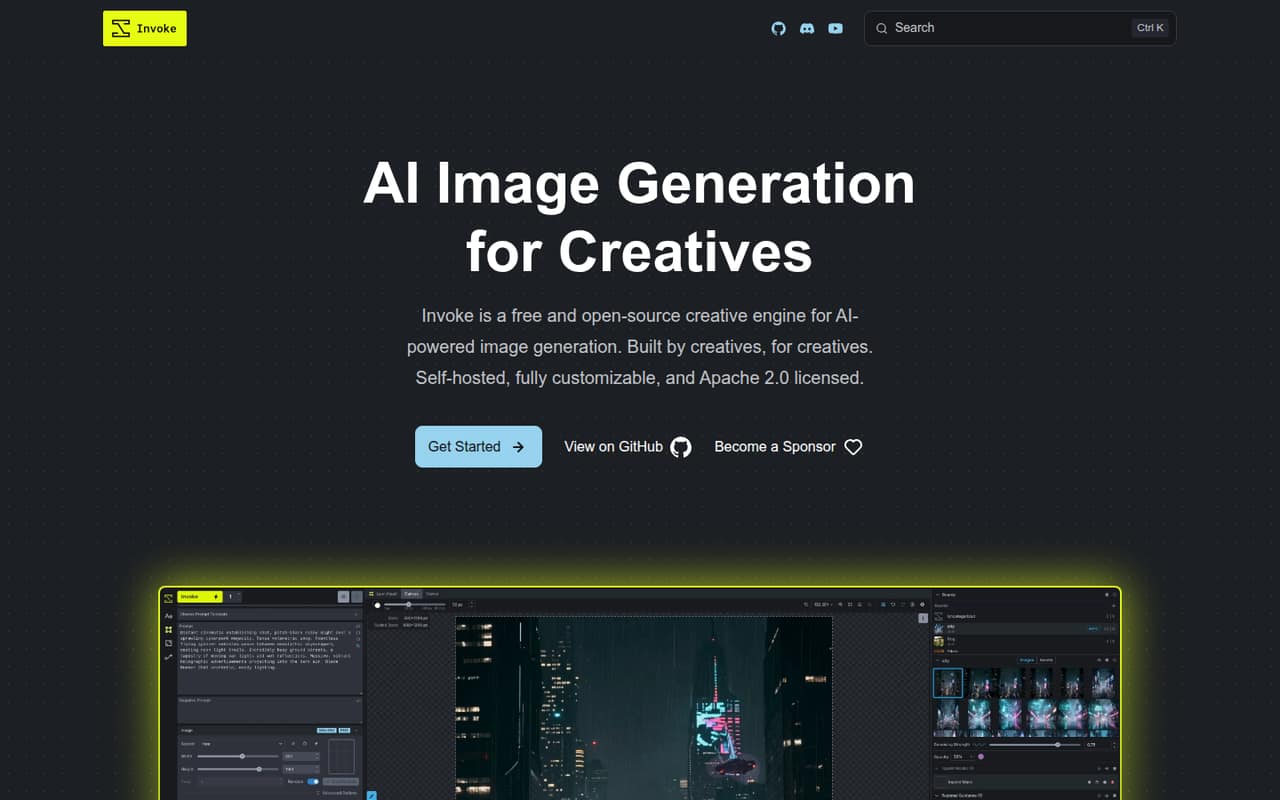
InvokeAI may suit a small team that wants a free local workflow and image editing in layers. Its listing includes a free plan and a starting price of $15, but the free route depends on compatible hardware and your team managing that setup. It also flags project uncertainty. Pick it only if someone can own the technical work and check the project’s current status.
What works
- Community Edition is free and open-source
- Unlimited generation on your own hardware
- Layer-based canvas for image editing
What doesn't
- Hosted plans have been sunset
- Local generation requires compatible hardware
- Hardware requirements are not published here
- Best for online shopsPhotoroomPhotoroom
Photoroom is built around product imagery, reusable brand layouts and batch creation, making it relevant to small online shops. It starts at $7.50 and has no free plan. The listing also flags important limits that make the price harder to judge. Check those limits and the cost for your seats before choosing it for regular production.
What works
- AI product visuals, background removal, and video tools
- Brand Library saves colors, logos, fonts, and layouts
- Pro lists 8,000 AI credits monthly
What doesn't
- No free plan is listed
- Monthly-billing prices are not published
- API access costs extra
03How we chose
We ranked these tools for teams of 1–10, not for maximum feature count. We gave more weight to a free plan, a manageable starting price, a clear use for a small team and low setup demands. We also considered whether the listing flags per-seat costs, unclear limits, hardware needs or credits that can run out. Before buying, we’d check the vendor’s plan details and docs, then look for recent Reddit reports about limits and reliability. We haven’t run tests or verified those user reports ourselves.
04Check the real team cost, not just the starting price
A starting price may describe one account, not a workspace for your whole team. Before choosing, ask the vendor how many seats the plan includes, whether each person needs a paid account and whether credits are pooled or individual. This is especially important for Ideogram, which flags per-seat costs, and Pebblely, which does not publish seat pricing. Midjourney’s listing says to budget for every user.
Also check what the free plan actually lets each person do. Krea and Leonardo AI list free plans, while Scenario’s free-plan limits are unclear. Ask about generation limits, downloads, commercial use and what happens when credits run out. If the answers are vague, test the workflow with one account before budgeting for several. Don’t multiply a listed starting price by your team size unless the vendor confirms that pricing applies per seat.
05Match the tool to the work and check the terms
Start with the images your team makes most often. Product-focused teams can compare Pixelcut, Pebblely and Photoroom; teams making text-heavy visuals can look at Ideogram. For concepts and storyboards, Midjourney is a candidate, while InvokeAI’s local option brings hardware and setup work to the table. A broad creative toolkit can be useful, but it may also mean learning features your team rarely uses.
Before putting generated images in ads, product pages or packaging, read the vendor’s current licensing terms. Check whether the plan covers your intended commercial use, whether generated images can be used by multiple teammates and whether any restrictions apply. Ask how long setup takes for your chosen workflow, what accounts or hardware are required, and who will manage access. For recurring work, confirm that the tool can handle your team’s volume and save or reuse the assets and layouts you need.
Questions people ask
What is the best free AI image generator for a small team?
Krea is our best free starting point here: its listing includes a free plan and describes access to several models. Leonardo AI is another option with a free tier and a broader creative toolkit. Check each vendor’s current limits and seat terms before inviting the whole team.
How much does an AI image generator cost for a team of three?
It depends on seat rules, credits and the plan. A starting price does not establish the cost for three people. Midjourney’s listing says to budget for every user; Pebblely does not publish seat pricing. Ask each vendor for a three-seat total before comparing plans.
Can a small team use AI-generated images commercially?
Check the vendor’s current license and plan terms before using images in ads, product pages or packaging. Confirm that commercial use is allowed for your plan, whether teammates can share outputs and whether any restrictions apply. Don’t assume a free plan has the same terms as a paid one.
Which AI image generator is best for product photos?
Pixelcut, Pebblely and Photoroom are the most product-focused picks in this list. Pixelcut has a free plan; Pebblely starts at $9 per month but has no free plan and does not publish seat pricing. Compare limits, team costs and the specific product-image workflow before choosing.