We may earn a commission if you buy through links on this page. It never changes a score or a ranking. How we make money
A small team may not need a dedicated AI search tool: start with the sources you actually need to search, then check whether your current tools already cover them. For research papers, Connected Papers, Elicit and Consensus are among our strongest fits; for questions across PDFs, consider Humata AI. You.com has a free starting point for teams prototyping AI search. Enterprise products such as Glean and Coveo can fit broader needs, but their pricing is not public. Check per-seat costs, limits and setup requirements before inviting the whole team.
Quick picksThe shortlist
 Connected PapersConnected PapersBest for paper mapping · $6/mo
 ElicitElicitBest for evidence research · $11/mo
 ConsensusConsensusBest for paper search · $12/mo
 Humata AIHumata AIBest for PDF questions · $9.99/mo
 You.comYou.comBest for AI prototyping · Free
 QAnswerQAnswerBest for private search · €8/mo
 ScholarAIScholarAIBest for citation workflows · $9.99/mo
 scitesciteBest for citation context · $12/mo
 FeloFeloBest for search and slides · $12.50/mo
 SciSpaceSciSpaceBest for paper comparison · $8/mo
 Fiscal.aiFiscal.aiBest for company research · $39/mo
 GensparkGensparkBest for AI workflows · $19.99/mo
 Dropbox DashDropbox DashBest for scattered sources · $15/mo
 GleanGleanBest for company knowledge · Custom
 AlphaSenseAlphaSenseBest for finance research · Custom
 Searchable AISearchable AIBest for cross-file search · $100/mo
 HebbiaHebbiaBest for deal research · Custom
 SeekrSeekrBest for governed AI · Custom
 CoveoCoveoBest for enterprise search · Custom
 DeepSearchDeepSearchBest for financial services · Custom
01Compared at a glance
| Tool | Score | From | Free plan | Trial |
|---|---|---|---|---|
| Connected PapersConnected Papers | 8.1 | $6/mo | Yes | — |
| ElicitElicit | 7.4 | $11/mo | Yes | — |
| ConsensusConsensus | 6.8 | $12/mo | Yes | — |
| Humata AIHumata AI | 7.2 | $9.99/mo | Yes | — |
| You.comYou.com | 7.2 | Free | Yes | — |
| QAnswerQAnswer | 6.8 | €8/mo | Yes | — |
| ScholarAIScholarAI | 7.1 | $9.99/mo | Yes | — |
| scitescite | 7.4 | $12/mo | No | 7 days |
| FeloFelo | 7.0 | $12.50/mo | Yes | — |
| SciSpaceSciSpace | 6.4 | $8/mo | Yes | — |
| Fiscal.aiFiscal.ai | 6.5 | $39/mo | Yes | 7 days |
| GensparkGenspark | 5.8 | $19.99/mo | Yes | — |
| Dropbox DashDropbox Dash | 6.2 | $15/mo | No | 30 days |
| GleanGlean | 6.5 | Custom | No | — |
| AlphaSenseAlphaSense | 6.4 | Custom | No | — |
| Searchable AISearchable AI | 5.0 | $100/mo | No | 14 days |
| HebbiaHebbia | 5.5 | Custom | No | — |
| SeekrSeekr | 5.8 | Custom | No | — |
| CoveoCoveo | 6.1 | Custom | No | — |
| DeepSearchDeepSearch | 4.3 | Custom | No | — |
02The picks, in detail
- Best for paper mappingConnected PapersConnected Papers
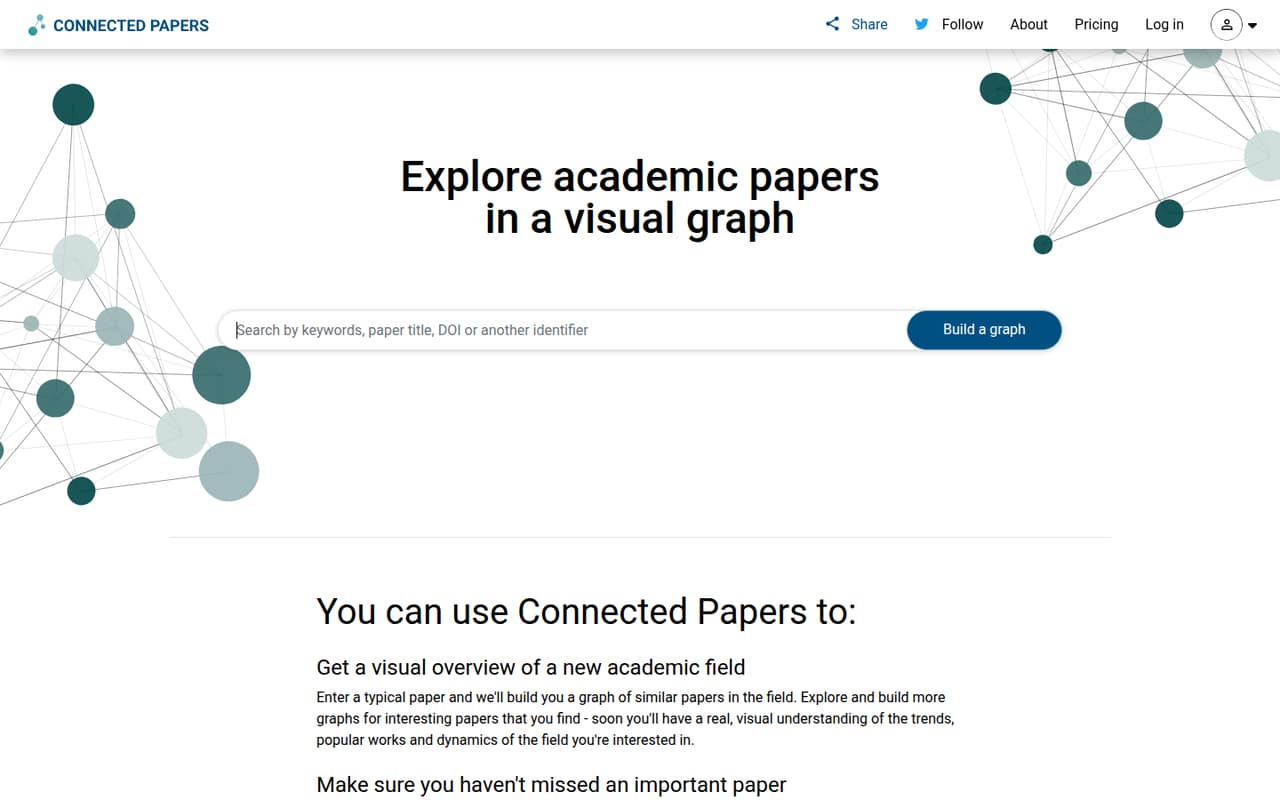
Connected Papers ranks first for teams exploring research on a tight budget. The listed starting price is $6, and the free plan includes up to five graphs each month, so a small group can try its paper-mapping workflow before paying. It suits thesis bibliographies and unfamiliar fields. If your team needs more graphs, check the current paid price and whether each teammate needs a separate account.
What works
- Free plan includes all features
- Graphs make related papers easier to explore
- Surfaces prior and recent research
What doesn't
- Free plan stops at five graphs monthly
- Free and individual plans have one seat
- Monthly billing prices are not published
- Best for evidence researchElicitElicit
Elicit is a practical fit for small teams finding and organizing papers, especially when evidence matters more than broad workplace search. The listed starting price is $11 and there is a free plan. Paid plans add up per seat, so price the actual number of researchers before sharing it with the team. Check plan limits and the setup steps for organizing your sources before committing.
What works
- Searches more than 138 million academic papers
- Includes unlimited summaries and paper chat on Basic
- Supports Zotero import and full-text access
What doesn't
- Basic limits Research Agent and Reports usage
- Plus monthly billing price is not published
- Paid plans charge per user
- Best for paper searchConsensusConsensus
Consensus is built around finding research papers, making it a focused option for a small team testing AI research search. It has a free plan and a listed starting price of $12. The main caution is usage: message and Deep review limits can affect how useful the free or paid plan is for your team. Check those limits against your expected research workload before buying.
What works
- Free Tier includes unlimited Papers searches
- Free Tier includes three Deep reviews monthly
- Pro Subscription offers unlimited Pro messages
What doesn't
- Free Tier allows only 10 Pro messages monthly
- Free Tier includes just three Deep reviews
- Teams monthly billing price is not published

- Best for PDF questionsHumata AIHumata AI
Humata AI is a low-cost option for asking questions across files and getting cited answers. Its listed starting price is $9.99, with a free plan, and the product summary says it supports up to three people. That makes it worth considering for a small group working with PDFs. Check page limits and what a larger team would pay before relying on it for shared research.
What works
- Free plan includes 60 pages monthly
- Expert covers up to three users
- Answers link to relevant file sections
What doesn't
- Page overages cost extra
- Team costs $49 per user monthly
- Annual billing and prices aren't listed
- Best for AI prototypingYou.comYou.com
You.com is a strong starting point for small teams prototyping AI search or building apps that need live web data. The listing notes a free starting point and usage-based billing, but gives no starting price. That leaves room to try it without choosing a fixed team plan, while making usage costs important to forecast. Ask how billing changes as requests grow.
What works
- Free MCP tier includes 100 Web Search API queries daily
- No API key, account, or card required for free MCP
- Production API has no minimums, seats, or platform fee
What doesn't
- Production costs vary with calls, pages, research depth, and model
- Inference Router pricing varies by model
- No fixed monthly price for production use
- Best for private searchQAnswerQAnswer
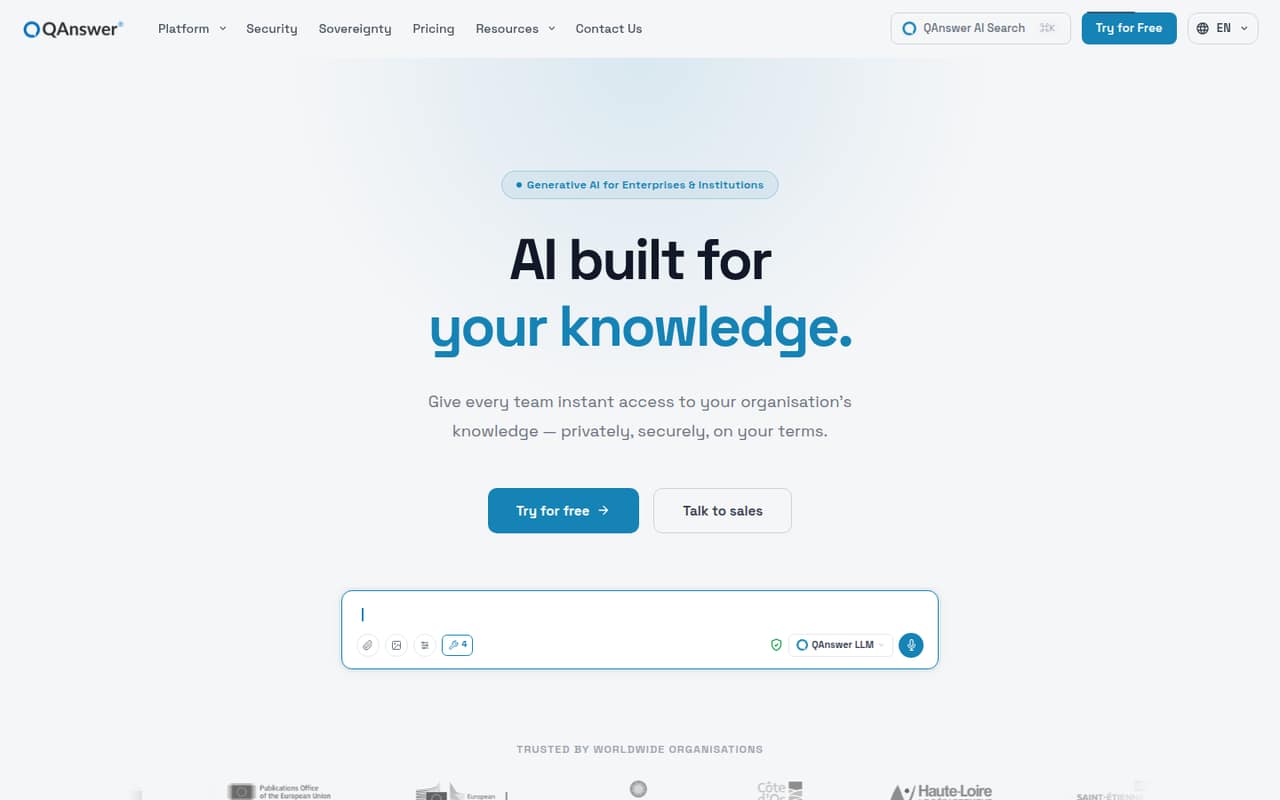
QAnswer suits small teams that need private document search, cited answers or deployment options. Its listed starting price is €8 per seat per month with annual billing, and it has a free plan. That per-seat figure makes a small-team estimate easier than custom-priced enterprise tools, though the annual term matters. Confirm which deployment and privacy requirements are included at the plan you choose.
What works
- Answers include source citations
- Free plan includes 30+ integrations
- Supports more than 30 languages
What doesn't
- Free plan is limited to 50 questions monthly
- Free knowledge-data allowance is 10 MB
- Work’s 8,000 monthly credits may need monitoring
- Best for citation workflowsScholarAIScholarAI
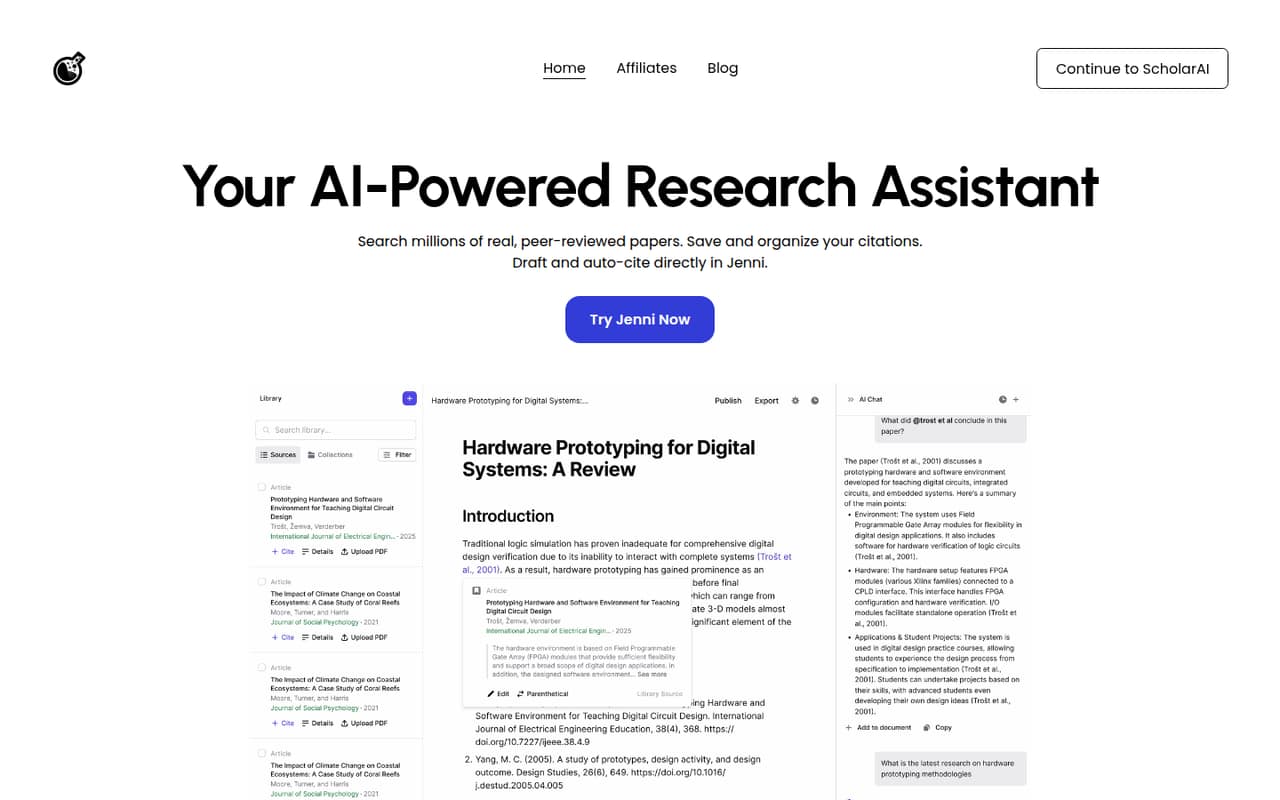
ScholarAI helps students and researchers find papers, manage citations and draft from research sources. It has a free plan and a listed starting price of $9.99. The trade-offs are scarce free credits and pay-per-use team pricing, so a low entry price may not predict what several people spend. Ask how credits and team usage are billed before making it part of a shared workflow.
What works
- Searches millions of peer-reviewed papers
- Chats with research and uploaded PDFs
- Citations available in over 2.6k styles
What doesn't
- Free plan includes only five one-time credits
- Annual prices are not published
- Teams pricing is pay per use
- Best for citation contextscitescite
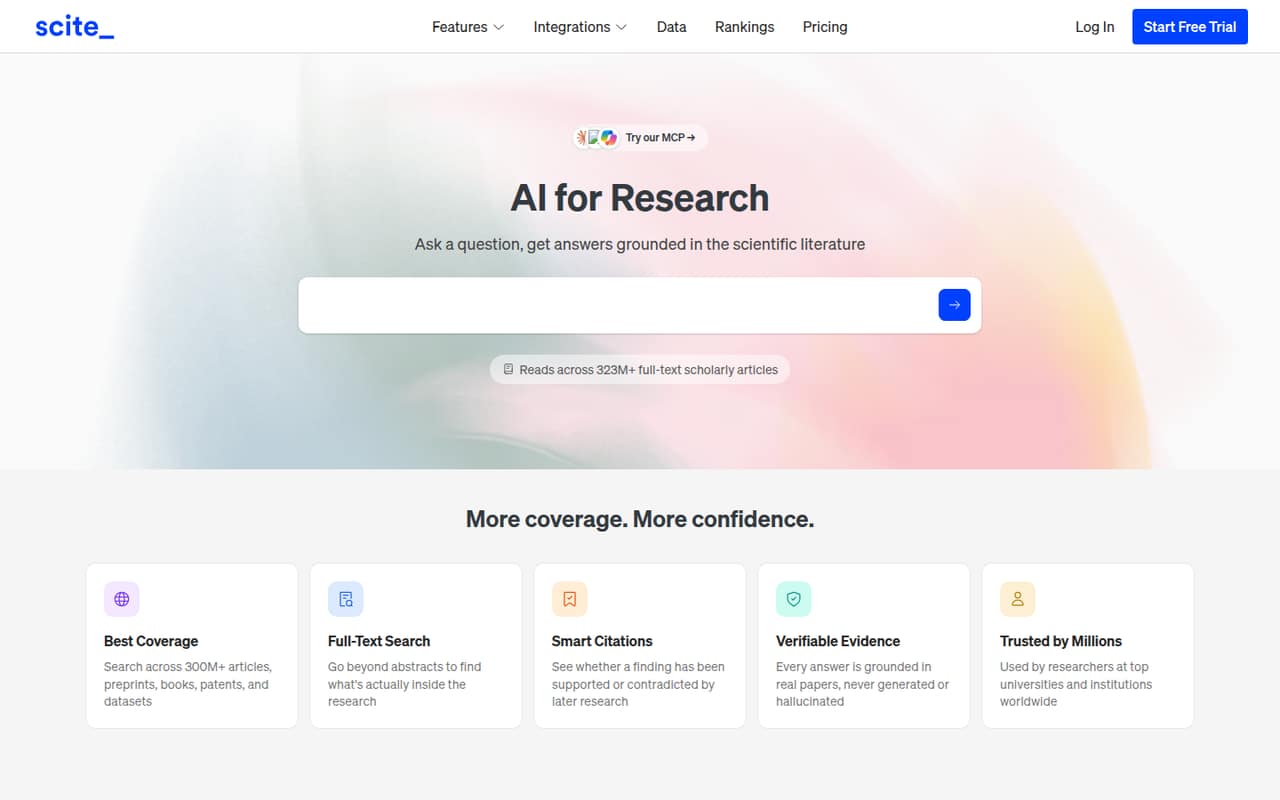
Scite is a focused option for teams checking citation context and searching literature across full text. The listing says it can organize up to 1,000 papers and starts at $12, but it has no free plan. Costs add up by seat, so compare the total for everyone who needs access with a single-researcher plan. It is less appealing if your team mainly wants a free way to try AI search.
What works
- Answers research questions using scientific literature
- Searches inside scholarly articles, not just abstracts
- Links AI claims to source sentences and papers
What doesn't
- No free plan
- Monthly billing rates are not published
- Three Basic seats cost $432 yearly at listed rates
- Best for search and slidesFeloFelo
Felo combines search, research and creation, with AI slides among its use cases. Its free plan gives a small team a way to explore the product, and the listed Pro starting price is $12.50. Team terms are unclear, so don't assume the individual Pro price covers a group. Ask the vendor how seats, shared work and any usage limits work before paying.
What works
- Free plan includes unlimited high-speed search
- Free users get three file analyses daily
- Pro combines research and creation tools
What doesn't
- Free plan has no API access
- Free plan lacks the Pro workspace
- Enterprise pricing and limits are custom

- Best for paper comparisonSciSpaceSciSpace
SciSpace brings research coverage, paper comparison and shared PDF libraries into one workspace, which can suit a small academic group. It has a free plan and starts at $8 according to the listing. Credit limits and mixed user reports are reasons to check actual plan allowances before rolling it out. Ask how shared libraries work and whether each teammate needs a paid seat.
What works
- Combines literature search, PDF chat, writing, and library tools
- Basic (Free) includes monthly Agent credits
- Evidence tables compare methods, findings, and limitations
What doesn't
- Basic (Free) limits Agent credits and concurrent tasks
- Premium credits do not roll over
- Advanced and Max unlimited use has fair-use terms

- Best for company researchFiscal.aiFiscal.ai
Fiscal.ai is aimed at investment research teams tracking company fundamentals and connecting data to AI tools. The listing includes a free tier and a $39 starting price, making it more expensive to test than the lowest-cost research options here. Check seat pricing and API costs before expanding beyond one analyst. It is a better fit when company research is a core task, not a general search need.
What works
- Free plan includes five years of financial data
- Free tier includes ten monthly AI Copilot prompts
- Pro offers 15 years of financial data
What doesn't
- Team-seat pricing is not spelled out
- Data Feed API pricing is not published
- Free plan limits dashboards and earnings events

- Best for AI workflowsGensparkGenspark
Genspark brings several AI tools together for research and document creation, with a free plan and a listed starting price of $19.99. It may suit a small team that wants to explore multiple workflows in one product. Credit uncertainty and unclear team pricing make it hard to forecast shared use. Start with a clear limit on spend and ask how credits and team access are priced.
What works
- Combines research, agents, and office documents
- Free plan includes one user
- Free plan provides 100 daily credits
What doesn't
- Free credits have a lifetime limit
- Team pricing is per seat
- Team credits do not roll over
- Best for scattered sourcesDropbox DashDropbox Dash
Dropbox Dash is a search layer for teams with scattered work sources, and its listing highlights AI summaries and searching across departments. The starting price is $15, but a seat minimum may affect what a small group actually pays. Check the required number of seats and which sources it searches before budgeting. It is most relevant if your team wants to search across existing work tools.
What works
- Search for files, facts, and messages
- Connect Dropbox content to supported AI tools
- AI summaries help organize content
What doesn't
- No free plan is listed
- Teams pricing is per user
- Minimum seat count needs confirmation
- Best for company knowledgeGleanGlean
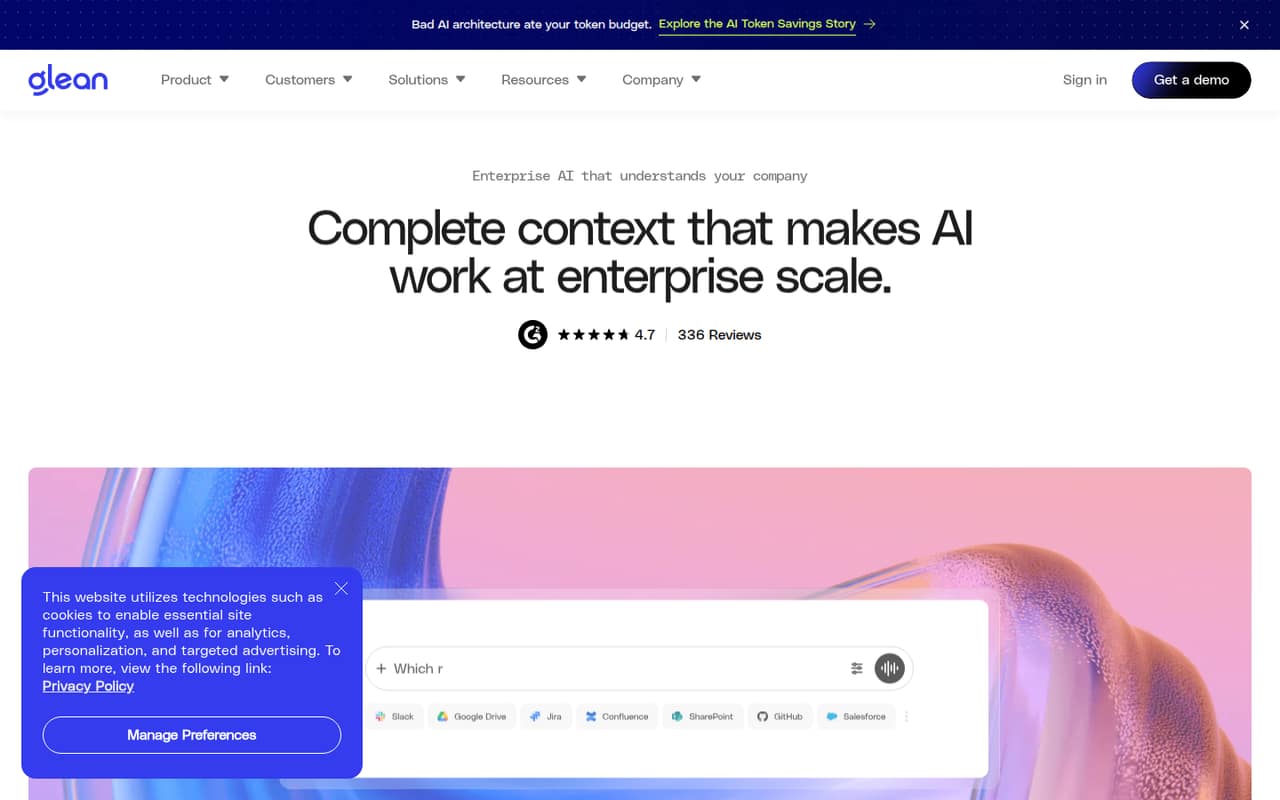
Glean is designed for companies with scattered work knowledge, permission-aware AI and teams building agents. Those needs can justify a dedicated platform, but the listing gives no starting price and says small teams cannot check the price before talking to sales. That makes it difficult to compare with a limited budget. Ask about minimum seats, setup requirements and the total contract before evaluating it further.
What works
- Searches knowledge across connected work apps
- Keeps access permission-aware
- Supports more than 40 LLMs
What doesn't
- No free plan is listed
- Starting price is not published
- Monthly and annual terms are not published
- Best for finance researchAlphaSenseAlphaSense
AlphaSense is a deep research platform for finance teams studying public companies, tracking market changes and getting cited answers. Its pricing is custom, so a small team cannot estimate a few seats from a published starting price. It may fit analysts who need this specialized research, but ask for a written quote and minimum commitment before comparing it with lower-cost paper research tools.
What works
- Searches across curated financial and company research
- AI answers include sentence-level citations
- Supports financial modeling in Excel
What doesn't
- No free plan is listed
- A free trial is not published
- Both plans require a custom quote

- Best for cross-file searchSearchable AISearchable AI
Searchable AI is positioned for teams searching work files across formats, but the listed price starts at $100 and the pricing fit is unclear. That is a high bar for a small group to test without confirming what the price covers. Ask whether the fee is per seat or for a team, which file sources are supported and what setup is required before treating it as a shortlist option.
What works
- Natural-language search across work content
- OCR can make scans and images searchable
- Searches local files and connected services
What doesn't
- No free plan is listed
- Pro starts at $100 per month annually
- Pricing metrics don’t clearly match desktop search

- Best for deal researchHebbiaHebbia
Hebbia has a clear use case for institutional investment research, deal teams working with firm documents and structured company research. Custom pricing makes a small-team budget difficult to plan, and reliability concerns are a reason to evaluate carefully rather than assume fit. Ask for the price, implementation requirements and a clear explanation of how the product handles your team's document sources before considering a commitment.
What works
- Designed around institutional research work
- Brings documents and financial data together
- Research matrices structure company analysis
What doesn't
- Pricing and seat limits are not published
- No free plan or trial is listed
- Reddit users report answer reliability concerns

- Best for governed AISeekrSeekr
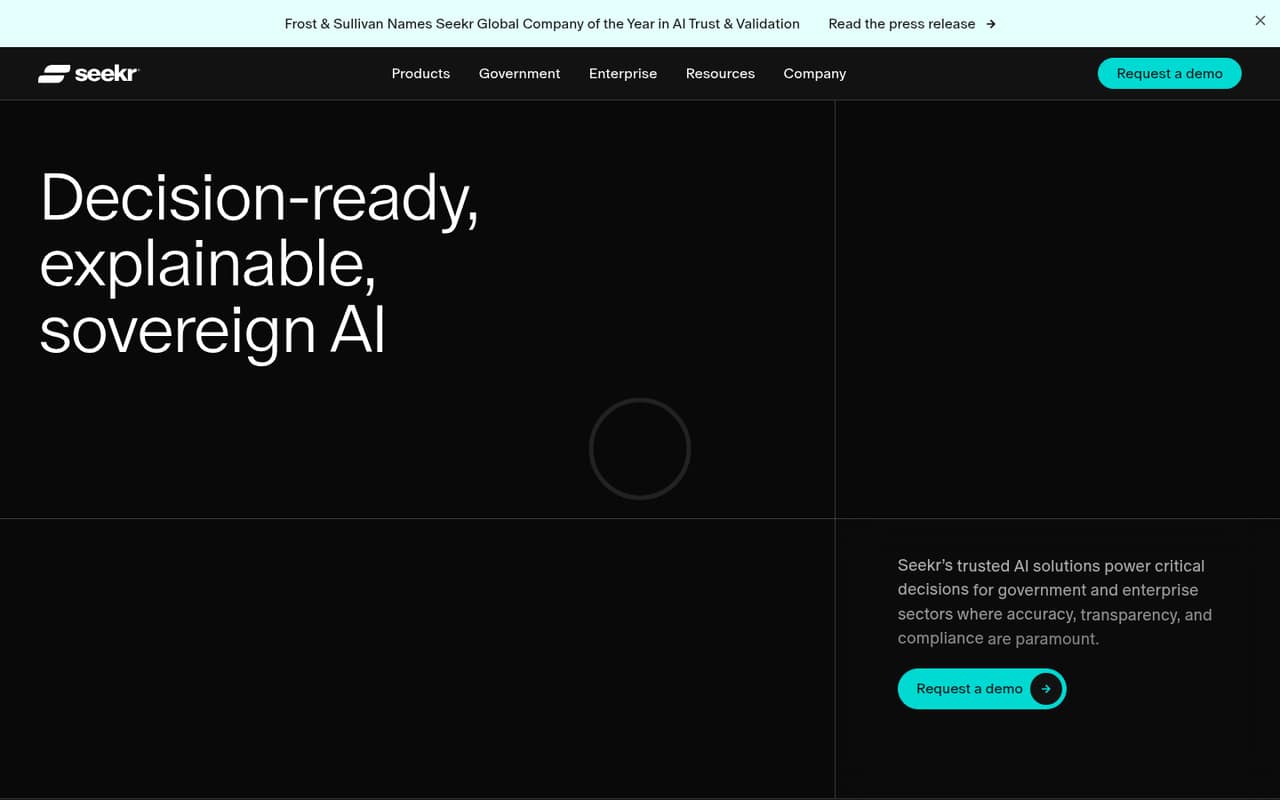
Seekr is aimed at government and critical infrastructure teams, organizations with strict data controls and groups building explainable AI systems. Its enterprise-style pricing is not published as a starting figure, which can strain a small-team budget. If those controls are central to your work, ask for seat minimums and setup requirements early. Otherwise, a lower-cost research tool may be easier to evaluate.
What works
- Supports cloud, on-premises, edge, and air-gapped deployment
- Includes tools to evaluate models with organizational context
- Explains model behavior and how data shapes outcomes
What doesn't
- No free plan is listed
- Customer-hosted licensing starts at $7,000 per GPU annually
- No per-seat price is listed
- Best for enterprise searchCoveoCoveo
Coveo focuses on enterprise-wide knowledge search, customer service search and commerce product discovery, including cited answers. Its pricing is contract-based and not listed as a starting amount, which limits its appeal to teams of one to ten that need predictable costs. Ask for the minimum contract and implementation scope before spending time on a detailed evaluation.
What works
- Searches structured and unstructured organizational content
- Generative answers include citations
- Supports conversational, multi-turn retrieval
What doesn't
- No free plan is listed
- Prices and entitlement limits aren’t published
- Annual or three-year agreements are listed

- Best for financial servicesDeepSearchDeepSearch
DeepSearch is for financial services research, investment analysis, valuation work and private-company data. Its pricing is custom, so a small team cannot estimate a few seats from the listed information. It may be relevant when those financial research needs are specific and important, but ask the vendor for a quote, minimum commitment and setup requirements before comparing it with more affordable research tools.
What works
- Supports company research, investment analysis and valuation
- Includes data on 1.5 million unlisted companies
- Homepage says results include verified data and evidence
What doesn't
- No free plan
- Starting price is not published
- Per-seat pricing is not published
03How we chose
We ranked these tools for teams of one to ten, putting practical free access and a usable low-cost starting point ahead of broad enterprise capability. We weighed the listed prices, whether a free plan is offered, published seat or usage limits, and how directly each tool fits research papers, company files or financial research. We did not assume custom pricing or unpublished setup details would work for a small budget. Before buying, check the vendor's current docs and recent Reddit discussion for plan changes, setup questions and user-reported pain points; treat those as details to verify, not guarantees.
04Match the tool to the sources you search
Start by listing the sources your team needs answers from: research papers, PDFs, company files, public-company information or live web data. A paper-mapping tool such as Connected Papers is a different fit from a work-knowledge platform such as Glean. A tool can have a free plan and still be the wrong choice if it does not cover your main sources.
Check what the free plan actually lets each teammate do. Connected Papers lists a five-graph monthly limit on its free plan; Consensus asks buyers to watch message and Deep review limits. Humata AI's summary notes support for up to three people, while some other listings do not spell out team terms. Confirm limits, sharing and supported sources in the vendor docs before moving real work into a product.
05Price the whole team, not the entry point
A starting price is not always a team price. QAnswer lists €8 per seat per month with annual billing, while Scite's costs add up by seat and ScholarAI's team pricing is pay-per-use. For products with a seat minimum, custom contracts or unclear team terms, ask for the total cost for your headcount in writing. Include usage charges, annual commitments and any API costs where relevant.
Setup matters too. Ask which accounts and data sources need connecting, who must approve access, and whether your team needs help from the vendor. Those details are not published for every product, so don't treat an unknown as effortless. A growing team should also check how limits change with more users, documents or requests. If the price or setup only works for one person, it may not scale to the rest of the team.
Questions people ask
Who are the big 5 in AI?
There is no single useful five-tool shortlist for every small team: paper search, work-file search and financial research are different jobs. For research papers, our top five picks are Connected Papers, Elicit, Consensus, Humata AI and You.com. Choose based on the sources you need to search and the plan limits your team can live with.
Which search engine is better than Google?
There isn't one best choice for every task. The tools here focus on AI search across research papers, company files, financial sources or live web data. Pick the one that covers your sources, provides answers you can check, and fits your budget. Confirm its free-plan limits and the cost for everyone who needs access.
Is ChatGPT the best AI right now?
“Best” depends on the job, team budget and information you need to search. This guide compares tools built for research papers, work files and financial research; it does not rank ChatGPT against them. If your team is considering a general AI assistant, compare its source coverage, answer evidence, usage limits and full team cost.
What is an AI-based search engine?
An AI-based search tool looks through sources such as company knowledge or research material and delivers answers, evidence or insights. The products in this guide cover different sources and jobs: some help find papers, while others focus on work files or financial research. Check source coverage and citations before relying on an answer.