
We may earn a commission if you buy through links on this page. It never changes a score or a ranking. How we make money
The bottom line
A capable enterprise AI platform, but small teams can’t check the price before talking to sales.
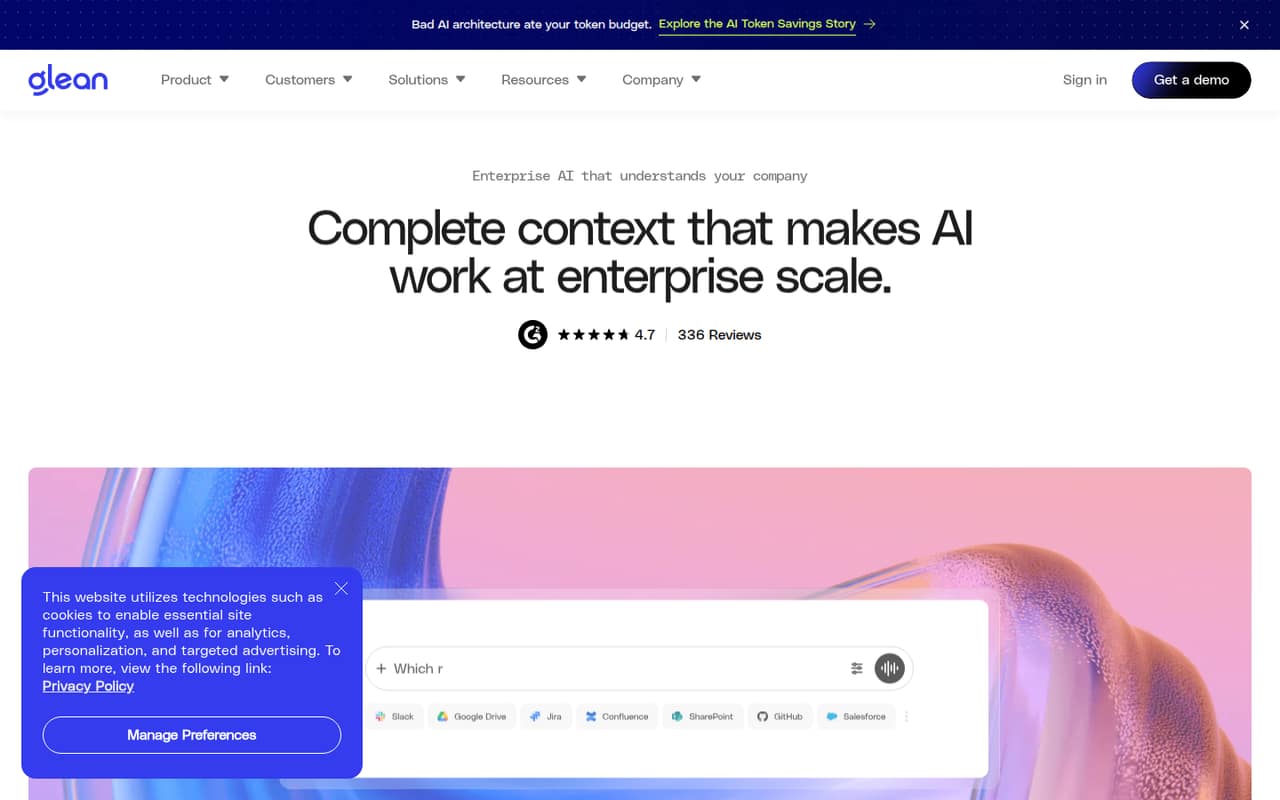
Glean connects company knowledge across work apps so employees can search for answers, get context, and use AI agents to move work forward. It also supports permission-aware access and more than 40 large language models, according to its homepage.
For a team of 1–10, the sticking point is cost: Glean lists no free plan, and the pricing page publishes no starting price or billing terms. We’d consider it when company-wide knowledge search is a real need and budget approval is possible—not as a low-cost experiment.
Good fit if
- Companies with scattered work knowledge
- Teams that need permission-aware AI
- Organizations building AI agents
Skip it if
- Teams needing a free starting tier
- Buyers who require published prices
- Small teams with basic search needs
ScoresHow it rates
What works
- Searches knowledge across connected work apps
- Keeps access permission-aware
- Supports more than 40 LLMs
- Includes AI agents and workflows
- Offers governance and activity visibility
What doesn't
- No free plan is listed
- Starting price is not published
- Monthly and annual terms are not published
- Add-on and overage rates are not published
- Setup time and integration coverage need confirmation
01Who Glean is for
Glean is aimed at companies that want employees to find answers across work apps and internal data, rather than search each tool separately. Its AI can provide context and help build agents or workflows, while permission-aware access is meant to keep results within each user’s existing access.
For a 1–10-person team, the fit depends less on headcount than on how scattered company knowledge is and whether staff need a shared AI layer. A small team with a tight budget and straightforward search needs may find the enterprise positioning and unpublished pricing hard to justify. A small but information-heavy team may value the ability to connect knowledge and create agents, provided the vendor’s quote fits its budget. We’d shortlist Glean when finding and acting on company information is a recurring problem—not just because the team wants to try AI.
02Glean free plan and trial
Glean’s pricing information lists no free plan, and a free trial is not listed. That leaves small teams without a published no-cost way to evaluate the platform before discussing a purchase.
The pricing page lists Enterprise Flex for teams using flexible AI credits and Core Suite for teams needing enterprise AI tools. It does not publish prices for either, so we can’t identify which is the cheapest option or what a small team would pay to get started. Existing customers may also have Glean Enterprise legacy contracts, with terms set by individual agreements.
If you want to evaluate Glean, ask the vendor whether it can provide a trial or guided evaluation, which plan fits your intended use, and what minimum commitment applies. Don’t treat a demo as confirmation of a free trial or a particular price.
03What a small team pays for Glean
The pricing page lists Enterprise Flex and Core Suite, but publishes no per-seat price, starting price, or monthly-versus-annual terms. That means we can’t calculate a reliable cost for one person, three people, or five people. The same missing price information applies to legacy Glean Enterprise contracts, whose terms are individual.
Enterprise Flex includes unlimited Fast Mode queries and up to 100 Thinking Mode queries per user per week on Standard models. Thinking queries using more than 30 FlexCredits count as multiple queries. Core Suite covers normal human-scale API, product, and portal use; machine-scale use without matching seat coverage may bring additional fees. Model Hub Usage is charged at the model or hosting provider’s API rates.
Add-ons include Protect+, Premium Support, and FlexCredit Packs, all without published prices. The pricing page also lists a flexible model management fee based on a percentage of LLM usage, but does not publish the rate or overage rates. Ask for a written quote covering seats, usage, add-ons, and contract term before comparing plans.
04Getting started with Glean
Glean’s core setup task is connecting company knowledge across work apps and data sources, then making sure access follows the organization’s permissions. The vendor describes those capabilities, but does not publish a standard setup timeline or a small-team onboarding checklist in the information available to buyers. We wouldn’t assume setup is a same-day job.
Before committing, list the apps and data sources your team needs on day one and ask Glean to confirm which are supported, what permissions are carried through, and who must configure each connection. Also ask whether your intended use needs Core Suite, Enterprise Flex, or a combination.
The product description covers search, context, agents, and governance, but does not spell out how much training employees need to use them well. One Reddit commenter said the product had been added at their company and praised its potential for onboarding and sales enablement. That is an individual report, not a guide to setup effort.
05When small teams outgrow Glean
For a small team, the first pressure point may be the budget rather than a published user cap: Glean does not publish starting prices, seat costs, overage rates, or monthly and annual terms. As usage grows, Enterprise Flex’s Thinking Mode allowance and FlexCredit counting rules matter, while machine-scale use without matching seat coverage may incur additional fees under Core Suite. Ask the vendor to model expected usage before expanding access.
Glean may also be more than a team needs if it only wants basic document search and does not plan to use agents, governance, or connected company knowledge. The available pricing information does not publish seat limits or legacy-plan inclusions, so teams on older contracts should check their own terms.
Reddit comments about the product are mostly enthusiastic, including reports of strong search and sales enablement potential. Those comments don’t establish long-term fit or cost. As your team grows, compare Glean’s quoted seat and usage costs with the value of its connected search and agents; consider another tool if the numbers or required integrations don’t work.
From the threadsWhat users say
The product comments in the Reddit discussion are largely positive, with users praising its usefulness and potential at work. There is also a negative comment about the company’s internal direction, which is not a report about customer support or product performance.
The actual product is pretty amazing
Could dramatically change how we onboard new reps and sales enablement
I wish it existed in every workplace I’ve worked
Be prepared to be scrappy and disorganized internal direction & politics
Questions people ask
Is Glean powered by ChatGPT?
Glean’s homepage says it supports more than 40 unique large language models. That means it is not described as relying only on ChatGPT. The pricing information also says Model Hub Usage is charged at model or hosting provider API rates; ask Glean which models are available for your plan and how their usage is billed.
What does the Glean app do?
Glean connects company knowledge across work apps and data sources. Employees can search for answers, get relevant context, and use AI agents and workflows to carry out work. Its permission-aware access is designed so users see only information they are allowed to access.
Does Glean have a free plan or trial?
Glean’s pricing information lists no free plan, and a free trial is not listed. If you need to evaluate it before buying, ask the vendor whether it offers a trial or guided evaluation, what access that includes, and whether any commitment is required.
How much does Glean cost for a small team?
The pricing page publishes no starting price, per-seat price, or monthly and annual billing terms, so the cost for a small team is not available to calculate. Request a quote for your seat count and expected usage, including any add-ons, model usage fees, and overages.
Can Glean agents automate company work?
Glean describes AI agents and AI-native workflows that can carry out work. The available plan information does not specify which agent capabilities are included in each plan or how usage is priced. Ask the vendor to demonstrate your intended workflow and confirm its plan, access, and usage requirements.