We may earn a commission if you buy through links on this page. It never changes a score or a ranking. How we make money
A small team may not need a full business intelligence platform: if you mainly want dashboards from familiar sources, Looker Studio’s free plan may be enough. For a more complete BI workflow, Metabase has a free option and a Starter plan listed at $100 monthly for up to five users. Redash suits teams comfortable with SQL and self-hosting, while Datawrapper focuses on charts for publishing. We ranked tools by small-team fit, prioritizing usable free plans, clear costs, and manageable setup over enterprise breadth.
Quick picksThe shortlist
- Looker StudioLooker StudioBest free · $9/mo
 MetabaseMetabaseBest starter BI · $90/mo
 RedashRedashBest for SQL teams · $49/mo
 DatawrapperDatawrapperBest for charts · $21/mo
 DataboxDataboxBest for solo metrics · $71/mo
 TableauTableauBest for serious analytics · $15/mo
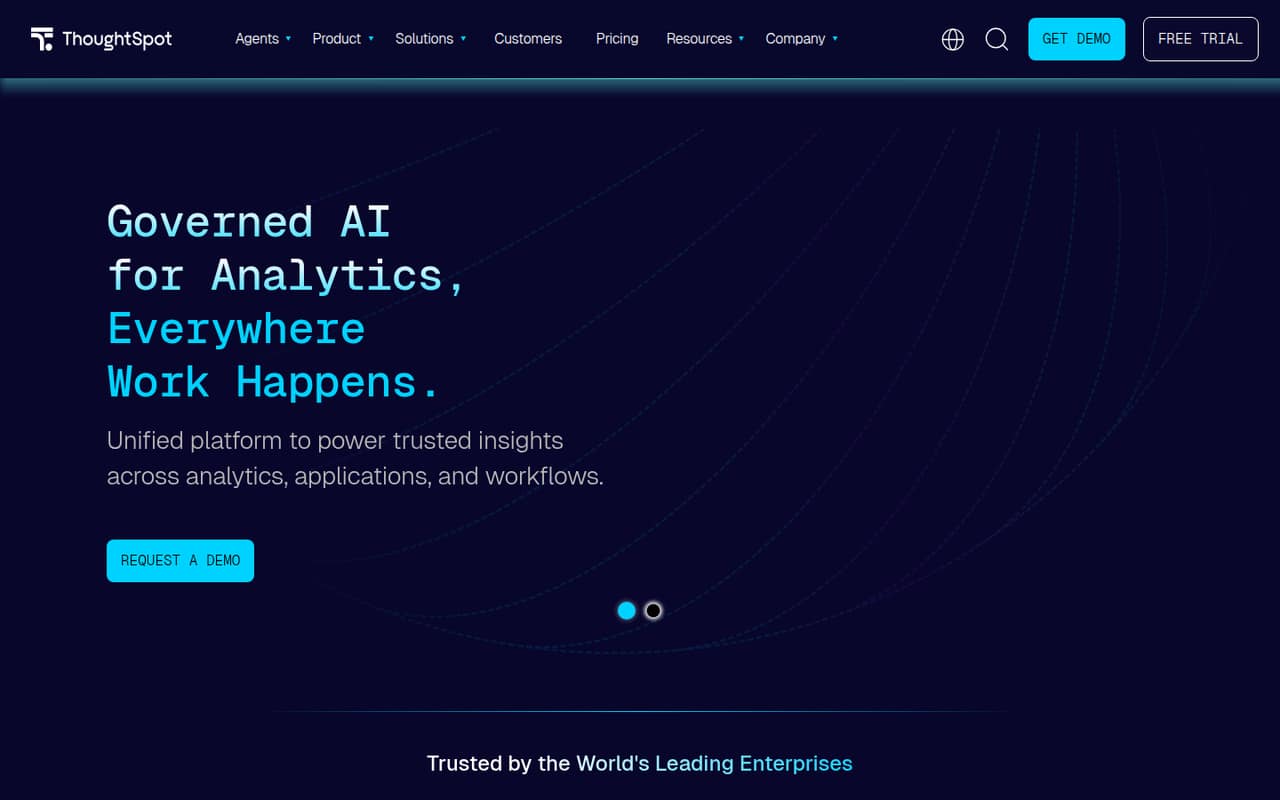
 ThoughtSpotThoughtSpotBest for governed analytics · $25/mo
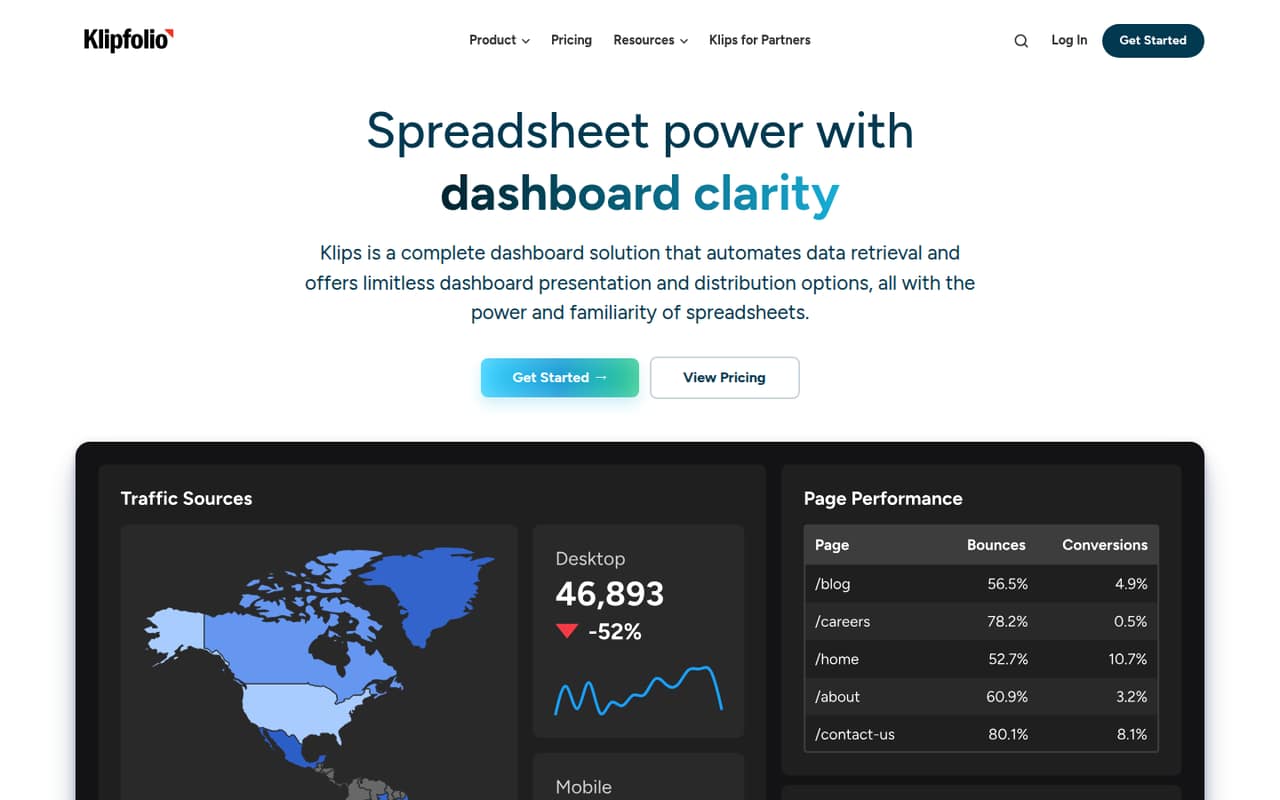
 KlipfolioKlipfolioBest for shared dashboards · $120/mo
01Compared at a glance
| Tool | Score | From | Free plan | Trial |
|---|---|---|---|---|
| Looker StudioLooker Studio | 7.6 | $9/mo | Yes | 30 days |
| MetabaseMetabase | 7.8 | $90/mo | Yes | 14 days |
| RedashRedash | 7.1 | $49/mo | Yes | 30 days |
| DatawrapperDatawrapper | 7.6 | $21/mo | Yes | — |
| DataboxDatabox | 6.8 | $71/mo | Yes | 14 days |
| TableauTableau | 6.5 | $15/mo | Yes | — |
| ThoughtSpotThoughtSpot | 6.5 | $25/mo | Yes | — |
| KlipfolioKlipfolio | 6.8 | $120/mo | No | 14 days |
02The picks, in detail
- Best free
Looker StudioLooker Studio
Looker Studio is our first stop for budget-conscious teams that need dashboards and reports, particularly if they already use Google tools. The free plan covers reporting, and the pricing page lists Pro from $9, with costs that rise by user and project. That makes it worth checking how your team’s planned sharing setup affects the bill before upgrading.
What works
- Free plan allows unlimited creators and viewers
- Includes charts, maps, scorecards, and pivot tables
- Interactive controls and cross-chart filtering
What doesn't
- Free plan allows one delivery schedule per report
- Pro is billed per user and per project
- Annual pricing is not published
- Best starter BIMetabaseMetabase
Metabase is a strong fit for a small team that wants self-serve dashboards and has a data owner to keep things organized. It offers a free option, and its Starter plan is listed at $100 monthly for up to five users. That gives a five-person team a clearer starting cost than quote-only platforms; check the plan’s limits against your reporting needs.
What works
- Free plan has unlimited users
- Unlimited questions and dashboards on Open Source
- Starter includes the first five users
What doesn't
- Open Source is for self-hosting
- Starter costs $100 monthly
- Extra Starter users cost $6 monthly each
- Best for SQL teamsRedashRedash
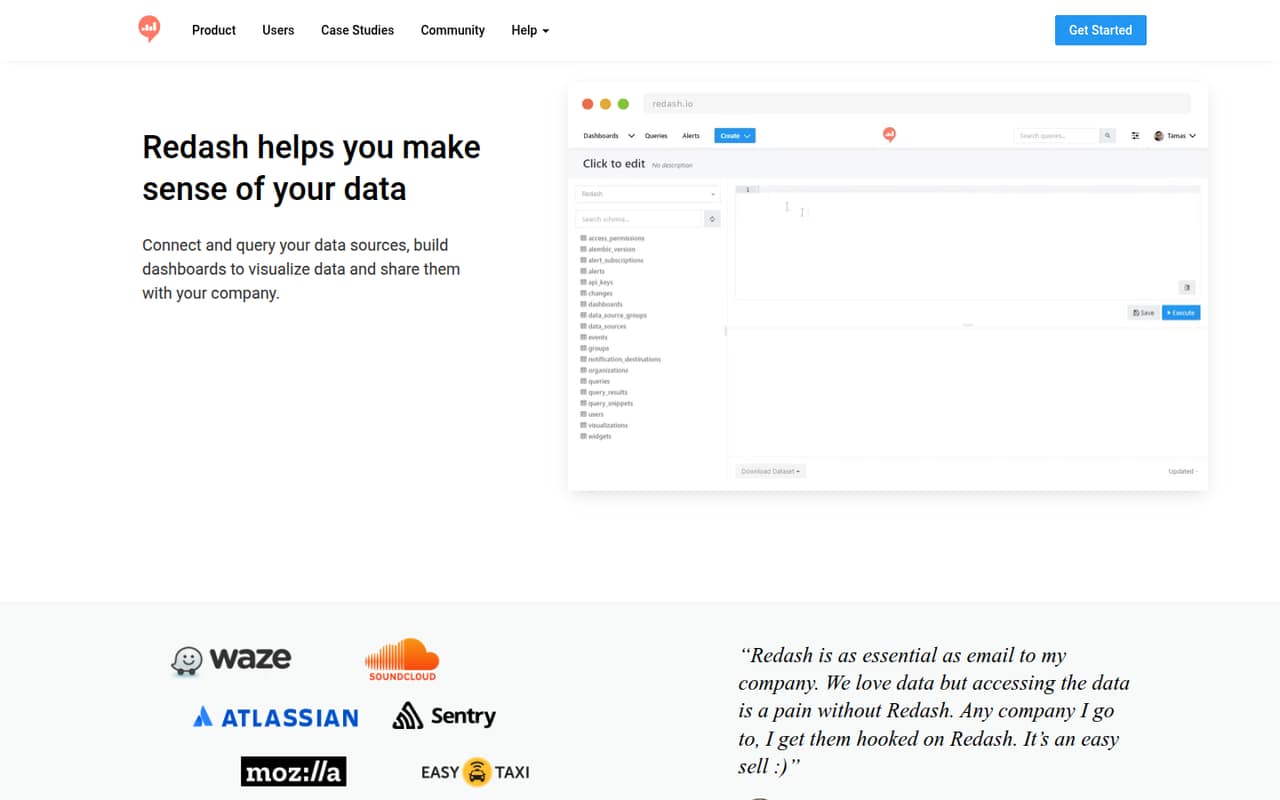
Redash is a practical pick when someone on the team is comfortable writing SQL and can manage hosting. It has a free plan and a listed starting price of $49, and it suits engineering or data teams debugging and sharing queries. The trade-off is basic reporting and the extra responsibility of self-hosting if you choose that route.
What works
- Free self-hosted option includes unlimited users
- Unlimited queries and dashboards on self-hosted plan
- Hosted Starter plan covers three data sources
What doesn't
- Self-hosting means providing your own infrastructure
- Hosted prices are listed for legacy plans
- Annual hosted pricing is not published
- Best for chartsDatawrapperDatawrapper
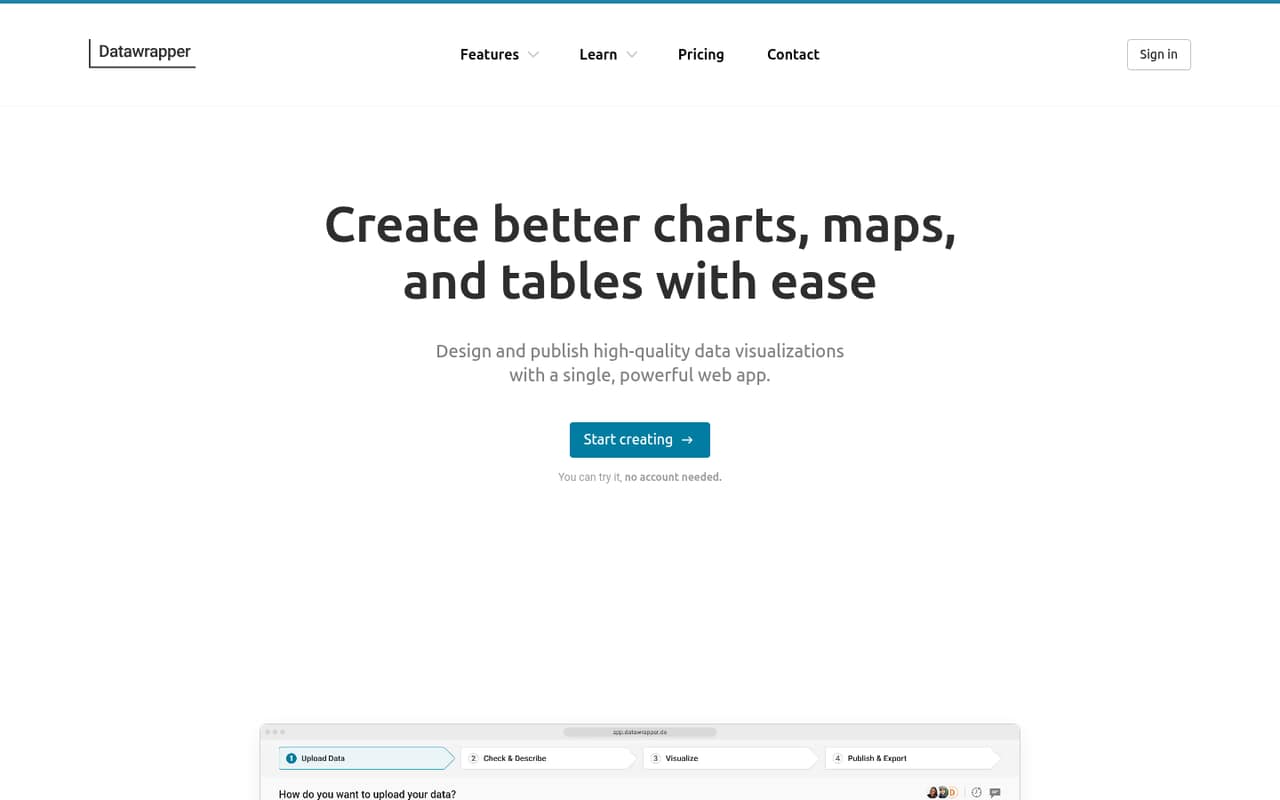
Datawrapper fits small teams that need to publish clear web charts rather than run a broad BI program. Its free plan includes PNG and embed workflows, while the pricing page lists Pro from $21. The catch for a team is that Pro can add up when several people need exports, so check who actually needs paid access.
What works
- Free plan creates and publishes charts, maps, and tables
- Free plan includes web embeds and PNG downloads
- Pro adds PDF and SVG downloads
What doesn't
- Free visualizations include Datawrapper attribution
- Pro costs $21 per user per month
- Business costs $39 per user per month
- Best for solo metricsDataboxDatabox
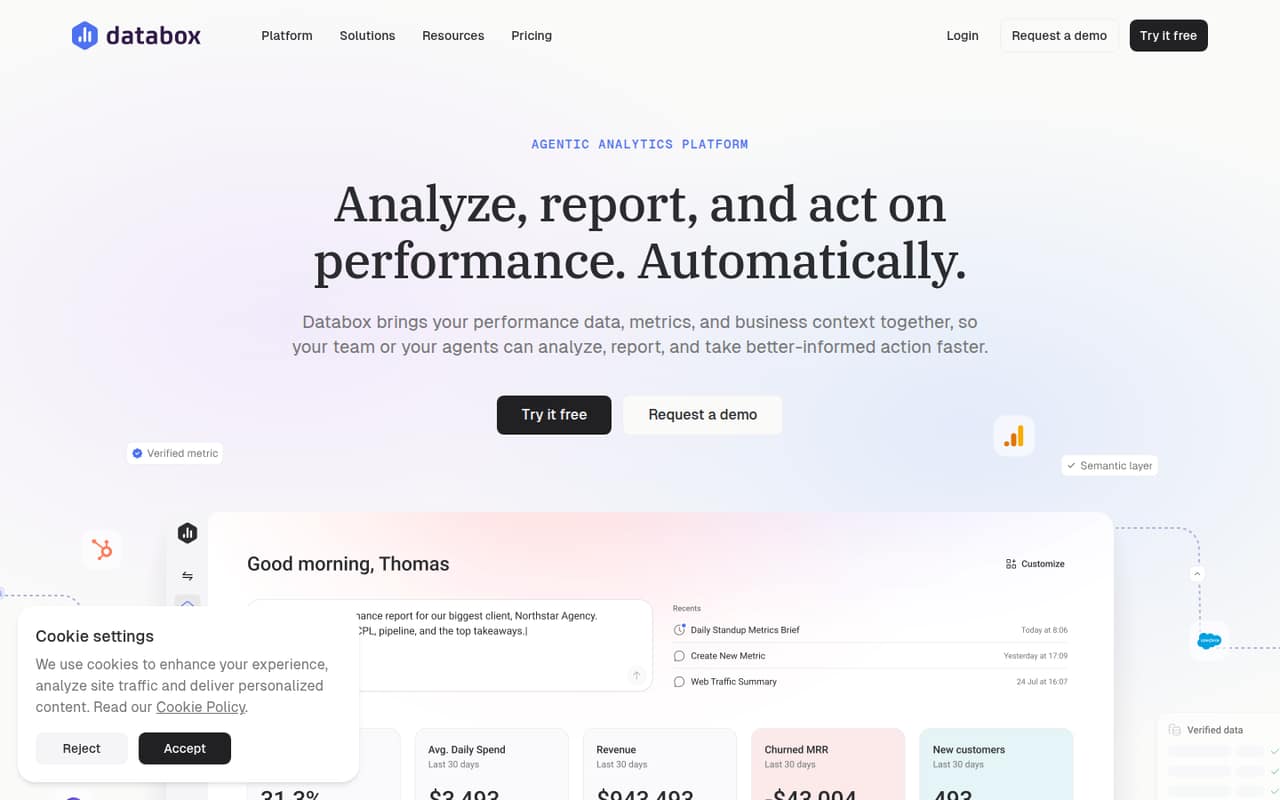
Databox is worth considering when one person is tracking a few sources or a team wants shared performance metrics. It has a free plan and a listed starting price of $71. The cost becomes less appealing when more than one person needs access, so confirm how access is priced before building team-wide reporting around it.
What works
- Free plan includes one user and three data sources
- Connects 130+ tools, spreadsheets, databases, and APIs
- Shared metric definitions can keep reporting consistent
What doesn't
- Free plan syncs at most daily
- Paid plan monthly billing prices are not published
- Team Core jumps to three users for $199 monthly
- Best for serious analyticsTableauTableau
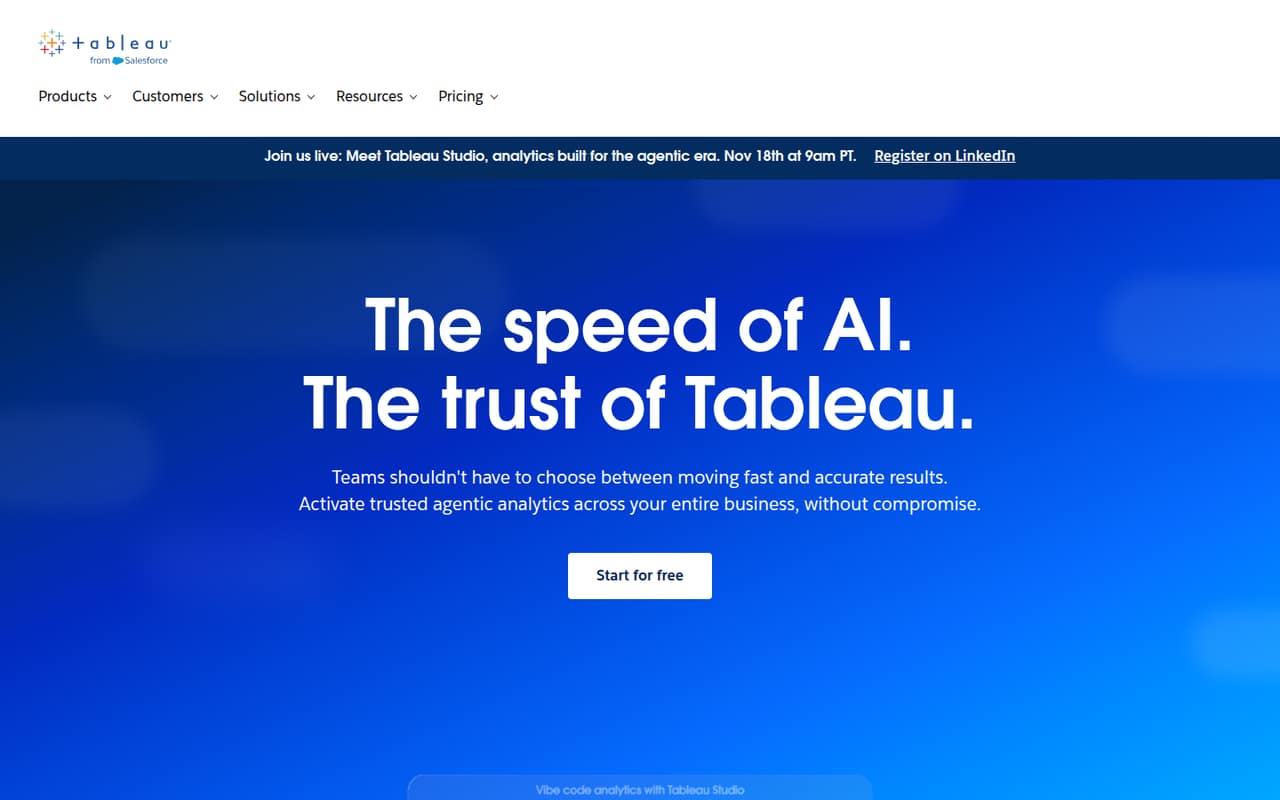
Tableau suits teams building shared analytics dashboards, especially those already invested in Salesforce workflows or needing deployment choice. The pricing page lists a free plan and a starting price of $15. It is worth considering for serious analytics work, but may be more than a small team needs for basic dashboards; check which plan and seats fit your use case.
What works
- Hosted and self-managed deployment options
- Desktop and browser-based authoring on Standard
- Advanced management available on Enterprise
What doesn't
- All paid products require annual contracts
- Three Standard seats cost $540 annually
- Free plan features and limits aren't listed
- Best for governed analyticsThoughtSpotThoughtSpot
ThoughtSpot is a candidate for teams that want governed analytics or business users exploring metrics themselves. It offers a free plan, with a listed starting price of $25. The paid entry point can strain a small-team budget, so compare the included plan limits and user access with a simpler dashboard tool before committing.
What works
- Semantic layer governs definitions and access
- Natural-language answers use verified business definitions
- Liveboards support metric exploration and follow-up questions
What doesn't
- Essentials requires at least five users
- Published per-seat prices require annual billing
- Developer is free for one year, not indefinitely
- Best for shared dashboardsKlipfolioKlipfolio
Klipfolio is aimed at teams combining data from several sources and sharing recurring dashboards. Its listed starting plan is $120 monthly, and setup work is part of the trade-off. It may fit a spreadsheet-comfortable marketing team with a real need to consolidate sources, but the starting cost is a serious consideration for a team of one to ten.
What works
- Connects to 200+ services
- Supports spreadsheet, SQL, and REST sources
- Unlimited users on listed plans
What doesn't
- No free plan
- Base starts at $120 per month with annual billing
- Dashboard limits vary by plan
03How we chose
We ranked these tools for teams of one to ten, not for the broadest feature set. We weighed whether a free plan is available, how clearly the vendor lists a starting price, and what that price could mean for a few seats. We also considered setup demands called out for each tool, such as SQL, self-hosting, or data-owner capacity, plus stated plan limits and use cases. Vendor documentation and recurring Reddit sentiment are useful checks for setup friction and support concerns; a small team should verify those before buying.
04Start with the job, not the dashboard
Decide what you need to answer each week. If the job is publishing a few charts, Datawrapper may be a closer fit than a full BI platform. If several people need to explore business metrics, compare Metabase and ThoughtSpot. For SQL-based reporting and debugging, Redash makes more sense when someone can write queries and manage hosting. Looker Studio is a reasonable first option for a team already using Google tools and looking for free reporting.
Before signing up, list the data sources, who will build reports, who needs to view them, and whether dashboards must be shared or embedded. Then check the vendor’s plan limits and docs for those exact workflows. A free plan is useful only if it covers the work your team actually needs to do.
05Price the seats and setup together
A starting price is not always the cost for your whole team. Metabase lists Starter at $100 monthly for up to five users; Databox warns that costs rise when more than one person needs access, and Looker Studio Pro costs rise by user and project. For other tools, confirm what the listed starting price covers before comparing totals. Ask about viewer access, paid editor seats, exports, and any project or usage limits.
Include setup in the budget too. Redash may suit a team that can self-host and work in SQL; Klipfolio calls for setup work; Metabase is best suited to a team with a data owner. If no one can own connections, permissions, and report upkeep, a lower subscription price may not make the tool the cheaper choice. Ask the vendor what setup requires and what happens as your team grows.
Questions people ask
What is the best free BI software for a small team?
Looker Studio is our best free pick for budget-conscious dashboard creators, particularly teams already using Google tools. Metabase is another strong free option if you want a broader BI workflow and have a data owner. Check each plan’s limits against your sharing and reporting needs.
How much does Metabase cost for five users?
Metabase’s Starter plan is listed at $100 per month for up to five users. It also has a free option. Check the plan details for limits that matter to your team before treating the listed price as the full cost.
Is Redash a good fit for a nontechnical team?
Redash is best for small teams comfortable with SQL, and it can require self-hosting. If nobody on your team can write queries or manage hosting, consider a tool aimed at self-serve dashboard users, such as Metabase, instead.
When should a small team move beyond a free BI plan?
Consider upgrading when the free plan no longer covers the users, sharing, or reporting your team needs. Compare paid-seat costs and plan limits first. For example, Looker Studio Pro costs rise by user and project, while Datawrapper Pro can add up when several people need exports.