
We may earn a commission if you buy through links on this page. It never changes a score or a ranking. How we make money
The bottom line
Good free publishing tools; Pro starts to add up when several people need exports.
Datawrapper helps small teams create and publish charts, maps, and tables, with web embeds and PNG downloads on the free plan. It makes the most sense when publishing clear visuals is the job, rather than building a complex analytics dashboard.
The free plan may be enough for a solo publisher or a small team that can share the work and live with Datawrapper attribution. Pro is $21 per user per month as listed, so a few seats cost more quickly; the pricing page does not specify annual rates.
Good fit if
- Small teams publishing web charts
- Free PNG and embed workflows
- Teams that value shared editing
Skip it if
- Teams needing free SVG exports
- Complex analytics dashboard projects
- Teams requiring published annual rates
ScoresHow it rates
What works
- Free plan creates and publishes charts, maps, and tables
- Free plan includes web embeds and PNG downloads
- Pro adds PDF and SVG downloads
- Business adds team permissions and advanced chart types
- Responsive previews and collaborative editing support team workflows
What doesn't
- Free visualizations include Datawrapper attribution
- Pro costs $21 per user per month
- Business costs $39 per user per month
- Annual rates and billing schedule are not specified
- Complex charts may take more than point-and-click work
01Who Datawrapper is for
Datawrapper is for a solo publisher or a small team of roughly 1–10 people that needs to turn data into charts, maps, and tables for an audience. The web app supports publishing visualizations on websites, presentations, and in print, with web embeds listed on the Free plan. That makes it a practical fit for a news, communications, or research team whose main job is sharing visuals, not building a full analytics dashboard.
For a tight budget, start with Free if PNG downloads and Datawrapper-branded embeds cover the job. Teams that need to remove attribution or download PDF and SVG files should budget for Pro at $21 per user per month. Business is aimed at teams that need fine-grained permissions or its listed advanced chart types. A Reddit commenter described Datawrapper as focused on embedding charts on websites, while noting that other tools may suit more complex metrics or varied user needs.
02Datawrapper free plan and trial
The pricing page lists Free at $0 per month. It includes creating and publishing charts, maps, and tables, embedding visualizations on the web, and downloading PNG images. That is a useful starter package for a solo user or small team that can accept Datawrapper attribution and does not need paid export formats.
Free stops short of removing attribution and downloading PDF or SVG; those features are listed under Pro. The pricing page does not list edit-history access for Free, so ask the vendor if that matters to your workflow. A free trial is not specified. You can begin with the free plan, then weigh Pro at $21 per user per month when attribution removal or those exports become necessary.
03What a small team pays for Datawrapper
The pricing page lists Pro at $21 per user per month and Business at $39 per user per month. At those listed rates, Pro costs $21 for one seat, $63 for three, and $105 for five. Business costs $39 for one seat, $117 for three, and $195 for five. Free costs $0, but keeps Datawrapper attribution and limits downloads to PNG. Enterprise has custom pricing.
The page shows a Monthly/Annual toggle but does not say which billing schedule the per-user monthly prices represent or publish annual rates. Ask the vendor to confirm the amount and billing commitment before budgeting; prices exclude VAT. For add-ons, a custom theme is listed at $499 per month, with each additional theme at $299 per month. API operations have included monthly allowances, then per-operation charges: for example, create operations cost $0.04 each from 501 to 10,000 and $0.03 each above 10,000. A small team should check its expected API usage before enabling paid operations.
04Getting started with Datawrapper
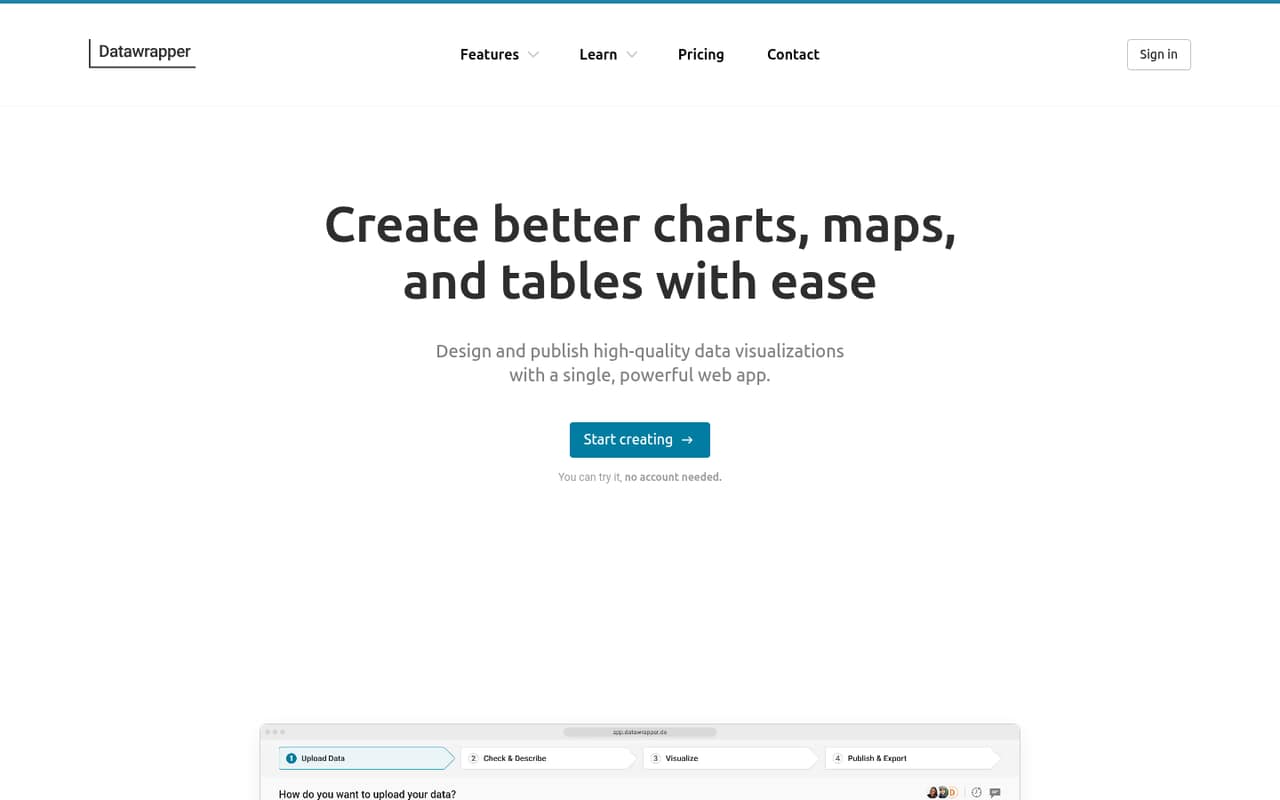
Datawrapper is a web app, so the described workflow is to create a chart, map, or table, customize it, preview it at different sizes, then publish or embed it. The product also lists shared settings, folders, teams, comments, and real-time collaborative editing for team workflows. We would expect a straightforward first use when the goal is a standard visual and a web embed; the exact setup steps and learning time are not published here.
For day one, the listed publishing options cover web embeds, presentations, and print, while Free specifically includes web embedding and PNG downloads. The published integration details do not name CMS connectors or other integrations, so confirm how your site accepts embeds before committing. A Reddit user said the tool was useful for making portfolio charts, while another commenter noted that more complex diagrams can require programming regardless of the tool.
05When small teams outgrow Datawrapper
The first reason to upgrade is a specific publishing need: removing attribution or downloading PDF and SVG files moves a user from Free to Pro, listed at $21 per user per month. A three-person Pro team comes to $63 per month at that rate. If the team needs waterfall or dual-axis charts, fine-grained permissions, or one-year edit history, those features are listed under Business at $39 per user per month.
A team may also outgrow the tool if it needs analytics dashboards with complex metrics or varied user requirements. One Reddit commenter recommended Datawrapper for embedded website charts but said to consider other tools when metrics or user needs are more complex. Another noted that complex diagrams can involve programming. Datawrapper lists Enterprise for custom security and support needs, including SAML single sign-on and self-hosting. Before moving up, compare those needs with the cost per seat and ask the vendor about any requirements not listed on the pricing page.
From the threadsWhat users say
The Reddit discussion is limited but leans positive about using Datawrapper to make and embed charts. Comments also flag that complex visuals can take extra work, and one thread demonstrates why checking the underlying data matters.
mi sta tornando utile per creare grafici del mio portafoglio
it's built with a strong focus on embedding charts on websites
Nel mio caso non avrebbe senso fare tutto questo sbatti per così poco
the data is even older than 2006
Questions people ask
What can I make with Datawrapper?
Datawrapper is a web app for creating and publishing charts, maps, and tables. The product also lists customization for typography, color palettes, and layout, plus responsive previews. You can publish visualizations as web embeds and use them in presentations or print. Free includes web embeds and PNG downloads.
Is Datawrapper free for commercial use?
The pricing page lists a Free plan at $0 per month, with chart, map, and table creation, web embeds, and PNG downloads. It does not specify commercial-use terms in the plan details. Check Datawrapper’s current terms or ask the vendor whether your intended use is covered.
Can I remove Datawrapper attribution?
The pricing page lists attribution removal as a Pro feature, priced at $21 per user per month. The Free plan does not list attribution removal. If branding matters for your publication or client work, include the Pro seat cost in your budget before publishing.
Does Datawrapper support team collaboration?
The product lists collaborative editing, real-time collaboration, comments, shared settings, folders, teams, and account controls. Business adds fine-grained team permissions. The number of users included in each plan and any seat minimums are not specified, so confirm those details with the vendor.
Does Datawrapper have a free trial?
A free trial is not specified on the published pricing details. The pricing page does list a Free plan at $0 per month, including chart, map, and table creation, web embeds, and PNG downloads. That gives a small team a way to start without a paid subscription.