We may earn a commission if you buy through links on this page. It never changes a score or a ranking. How we make money
A small team may not need contract management software yet. If agreements are easy to find and renewals aren’t slipping through the cracks, a shared folder and calendar may be enough. If you need templates, approvals, signatures, or a searchable contract library, a dedicated tool can help. ContractSafe is our first pick to investigate for a small team, thanks to unlimited users and practical file and renewal features. But it has no published price, and most options here require a quote. Confirm the free-plan terms, total cost for your seats, and setup help before committing.
Quick picksThe shortlist
 ContractSafeContractSafeBest for small teams · Custom
 JuroJuroBest for recurring contracts · Custom
 SpotDraftSpotDraftBest for approvals · Custom
 LinkSquaresLinkSquaresBest for legal workflows · Custom
 OntraOntraBest for private markets · $2,000/mo
 Agiloft Contract Lifecycle ManagementAgiloft Contract Lifecycle ManagementBest for complex workflows · Custom
 MitratechMitratechBest for legal and compliance · Custom
 SirionSirionBest for contract operations · Custom
 Icertis Contract IntelligenceIcertis Contract IntelligenceBest for enterprise processes · Custom
01Compared at a glance
| Tool | Score | From | Free plan | Trial |
|---|---|---|---|---|
| ContractSafeContractSafe | 5.8 | Custom | No | — |
| JuroJuro | 5.8 | Custom | No | — |
| SpotDraftSpotDraft | 6.1 | Custom | No | — |
| LinkSquaresLinkSquares | 4.3 | Custom | No | — |
| OntraOntra | 6.0 | $2,000/mo | No | 30 days |
| Agiloft Contract Lifecycle ManagementAgiloft Contract Lifecycle Management | 5.4 | Custom | No | — |
| MitratechMitratech | 4.8 | Custom | No | — |
| SirionSirion | 4.5 | Custom | No | — |
| Icertis Contract IntelligenceIcertis Contract Intelligence | 4.7 | Custom | No | — |
02The picks, in detail
- Best for small teamsContractSafeContractSafe
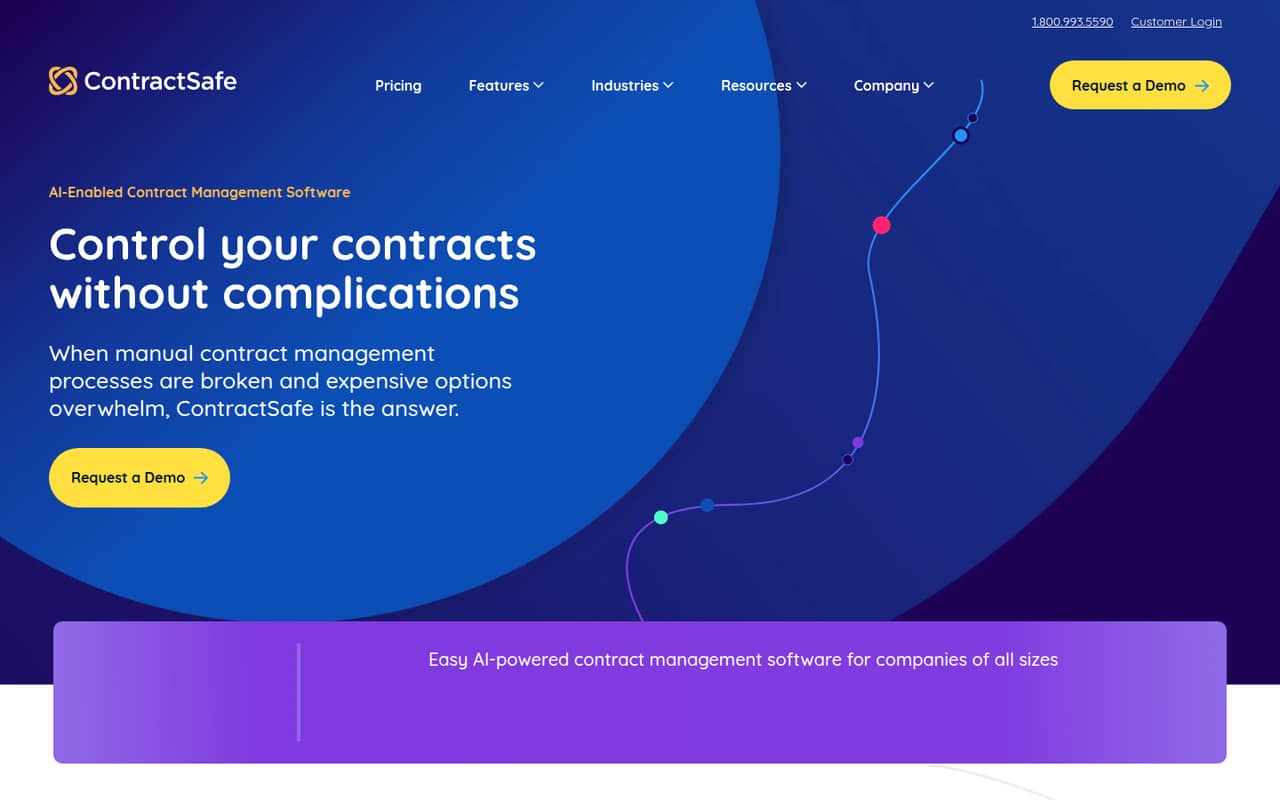
ContractSafe focuses on centralizing contract files, tracking renewals, and handling approvals and signatures—useful needs for a small team. It also lists unlimited users, so adding a few teammates does not raise a published per-seat price. The catch: there is no free plan or published price. Ask for a quote for your team size and confirm what setup and support are included.
What works
- Unlimited users across the listed plans
- Unlimited reminders, alerts and tagging on Organize
- AI data extraction and contract chat on Organize
What doesn't
- No free plan is listed
- The vendor doesn't publish plan prices
- Monthly billing isn't listed
- Best for recurring contractsJuroJuro
Juro covers the contract lifecycle and is a fit for teams using shared templates, recurring workflows, contract search, and AI. That breadth could suit a small team that wants one tool for regular agreement work. Juro requires a custom quote, so there’s no reliable way to compare the cost for a few seats up front. Ask about plan limits and implementation effort.
What works
- Covers contract creation through management
- Offers legal-controlled self-serve templates
- AI features assist with review and redlining
What doesn't
- No free plan is listed
- No starting price is published
- A free trial is not published
- Best for approvalsSpotDraftSpotDraft
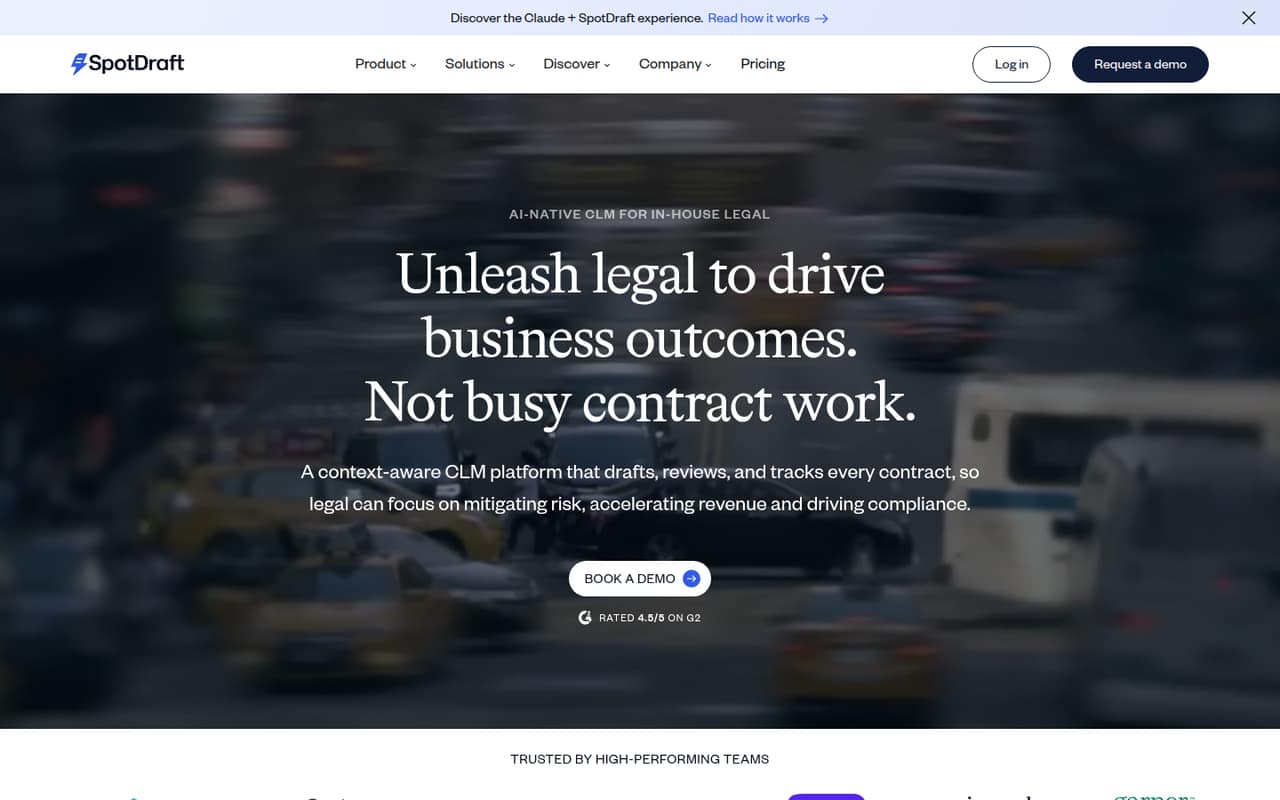
SpotDraft is worth considering if your in-house legal work revolves around automating approvals, generating contracts from templates, and coordinating negotiations. Those workflows may matter more than a simple contract repository for a small team. Get a quote before budgeting: the available pricing details don’t establish what a few seats cost. Ask which features are included at your expected contract volume.
What works
- AI review can use business context and playbooks
- Automates approvals and tracks contract progress
- Templates support conditional rules for high-volume contracts
What doesn't
- No free plan is listed
- Starting price and per-seat costs are not published
- Trial availability is not published
- Best for legal workflowsLinkSquaresLinkSquares
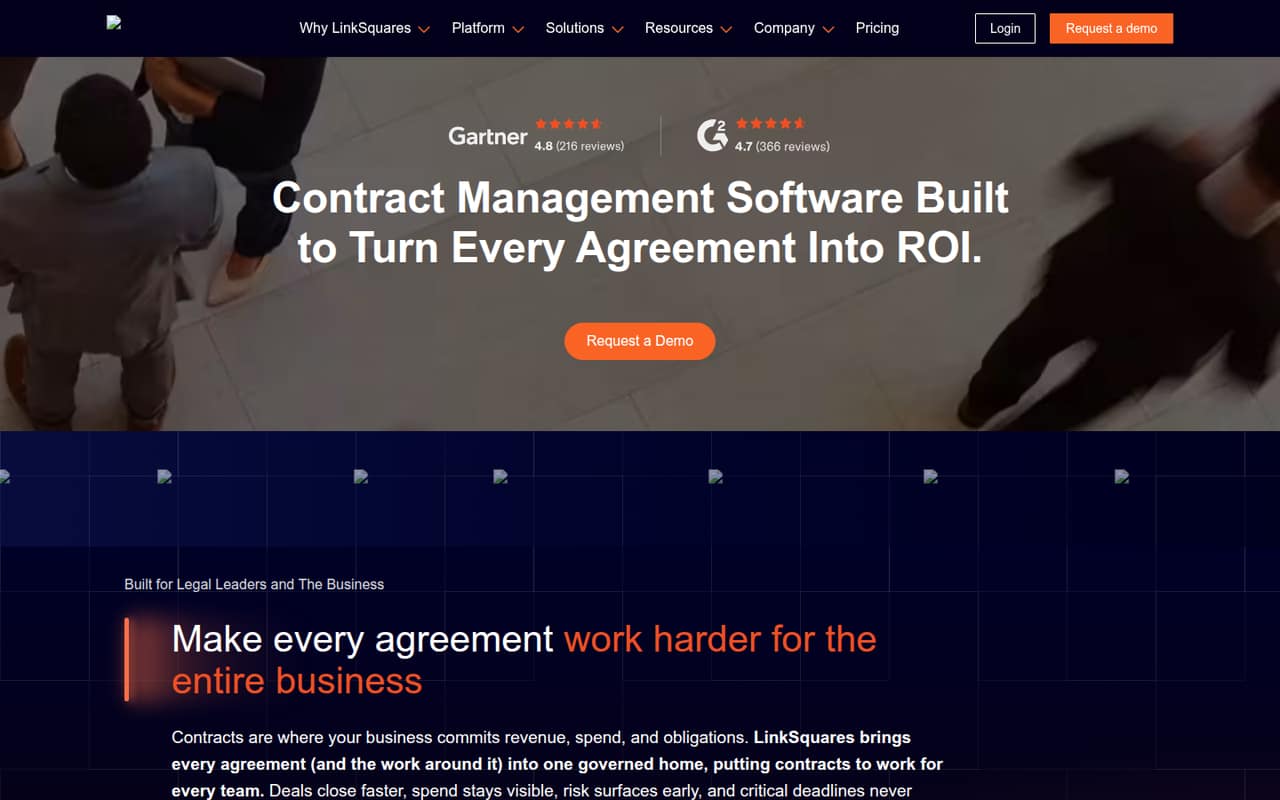
LinkSquares may suit an in-house legal team that wants to standardize workflows and track a large collection of agreements. For a team of 1–10, the main hurdle is figuring out whether its scope and cost fit your needs. Get a detailed quote and implementation plan first, and ask what the onboarding process requires from your team.
What works
- AI tools cover drafting, redlining, and contract research
- Finds contract terms, obligations, and risk
- Automates approvals, tasks, and workflows
What doesn't
- No free plan or public starting price is listed
- Quotes depend on users, contract volume, and modules
- Implementation and onboarding affect the price
- Best for private marketsOntraOntra
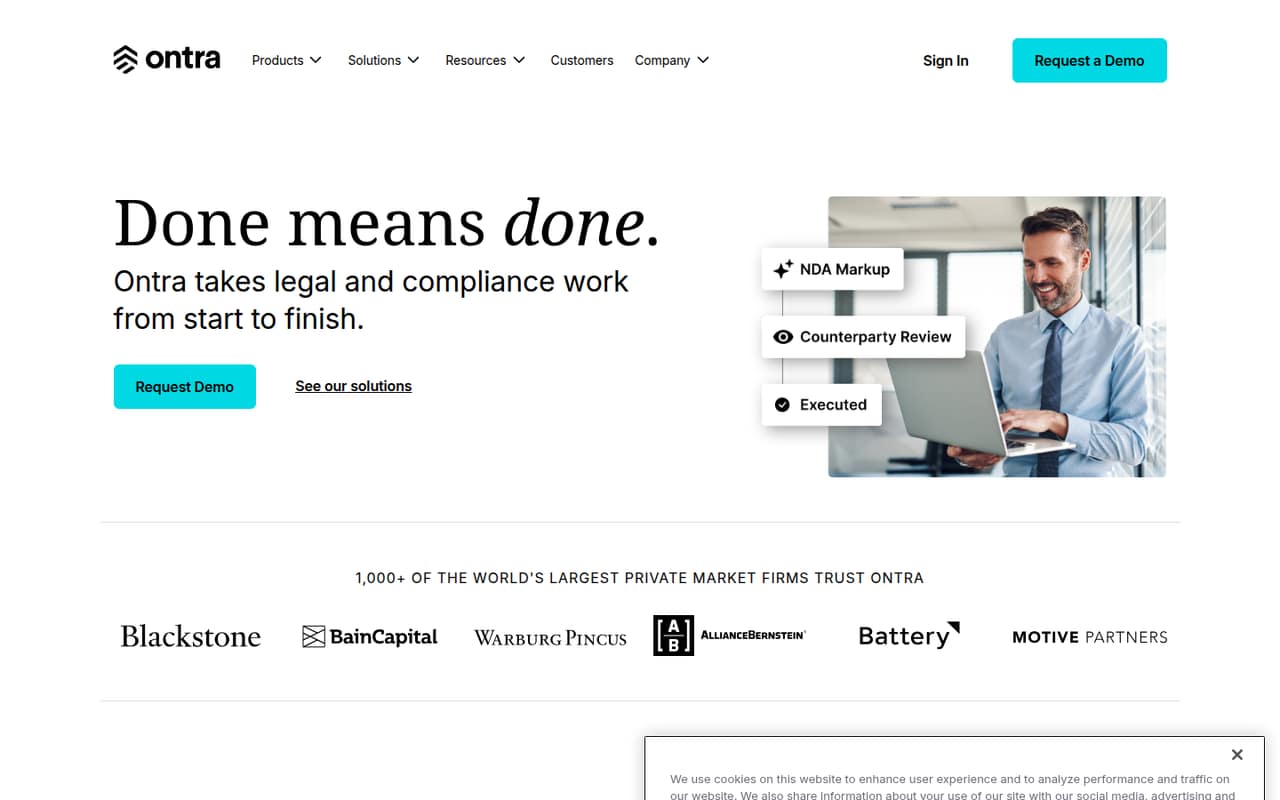
Ontra is aimed at private-market legal teams, fund-document workflows, and recurring KYC requests. That focus makes it a more relevant shortlist candidate for those jobs than a general contract tool. Its entry pricing is unclear and a $2,000 minimum is a hurdle for a budget-conscious small team. Ask what the minimum covers, how it’s billed, and what setup involves.
What works
- Summarizes key legal and business terms
- Answers questions about agreements
- Compares provisions side by side
What doesn't
- No free plan
- Standard pricing is not published
- Advanced and Premier list $2,000 monthly minimums
- Best for complex workflowsAgiloft Contract Lifecycle ManagementAgiloft Contract Lifecycle Management
Agiloft offers contract automation, AI contract analysis, and no-code process configuration for teams with complex workflows. That flexibility may be useful if your process is too specific for simpler tools, but it can be more than a small team needs. Pricing is custom, and there is no free plan. Ask for a quote and a clear outline of configuration and onboarding work.
What works
- Automates contracts from creation through renewals
- No-code tools configure contracts and approval chains
- AI supports extraction and risk analysis
What doesn't
- No free plan is listed
- Prices require a custom quote
- Seat and usage limits aren’t published

- Best for legal and complianceMitratechMitratech
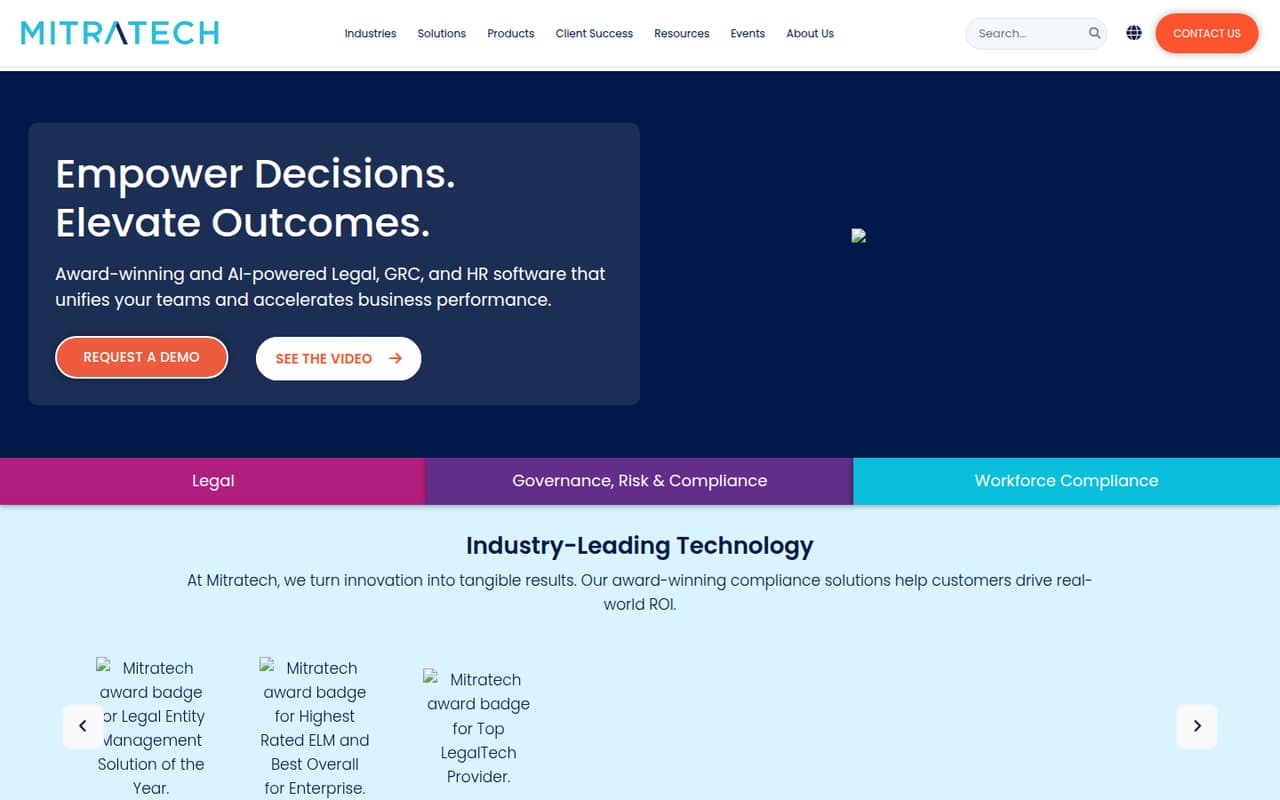
Mitratech is worth a look if your team needs matter workflows alongside legal and compliance work. It’s a broad suite, so a small team should pin down exactly which parts it needs before evaluating the price. Pricing is custom, and the setup path is unclear. Request a quote that identifies included modules, implementation steps, and the people your team must involve.
What works
- Covers legal, risk, compliance and workforce operations
- Automates workflows such as matter creation through approval
- Includes matter management and legal spend capabilities
What doesn't
- No free plan is listed
- Starting price and seat costs aren’t published
- Plan inclusions and seat limits aren’t published
- Best for contract operationsSirionSirion
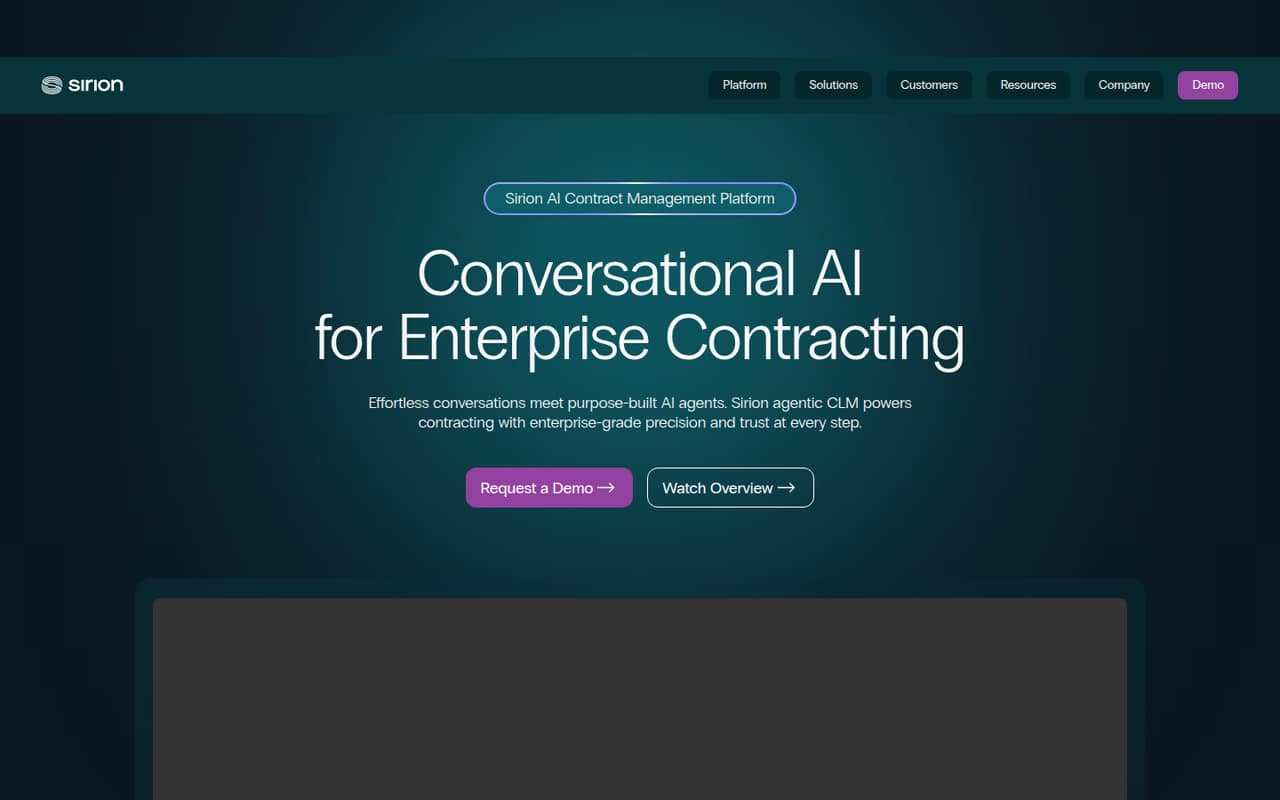
Sirion covers the contract lifecycle, including contract review and complex workflows. That makes it a possible fit for a small team with demanding contract operations, rather than one that just needs a searchable filing system. Its custom pricing can put it out of reach for budget-conscious buyers. Ask for a quote tied to your use case and the setup work it requires.
What works
- Centralizes contracts in an access-controlled repository
- Search agents answer with citations
- Agents can draft and propose redlines
What doesn't
- No free plan is listed
- Pricing requires a custom quote
- Seat limits are not published
- Best for enterprise processesIcertis Contract IntelligenceIcertis Contract Intelligence
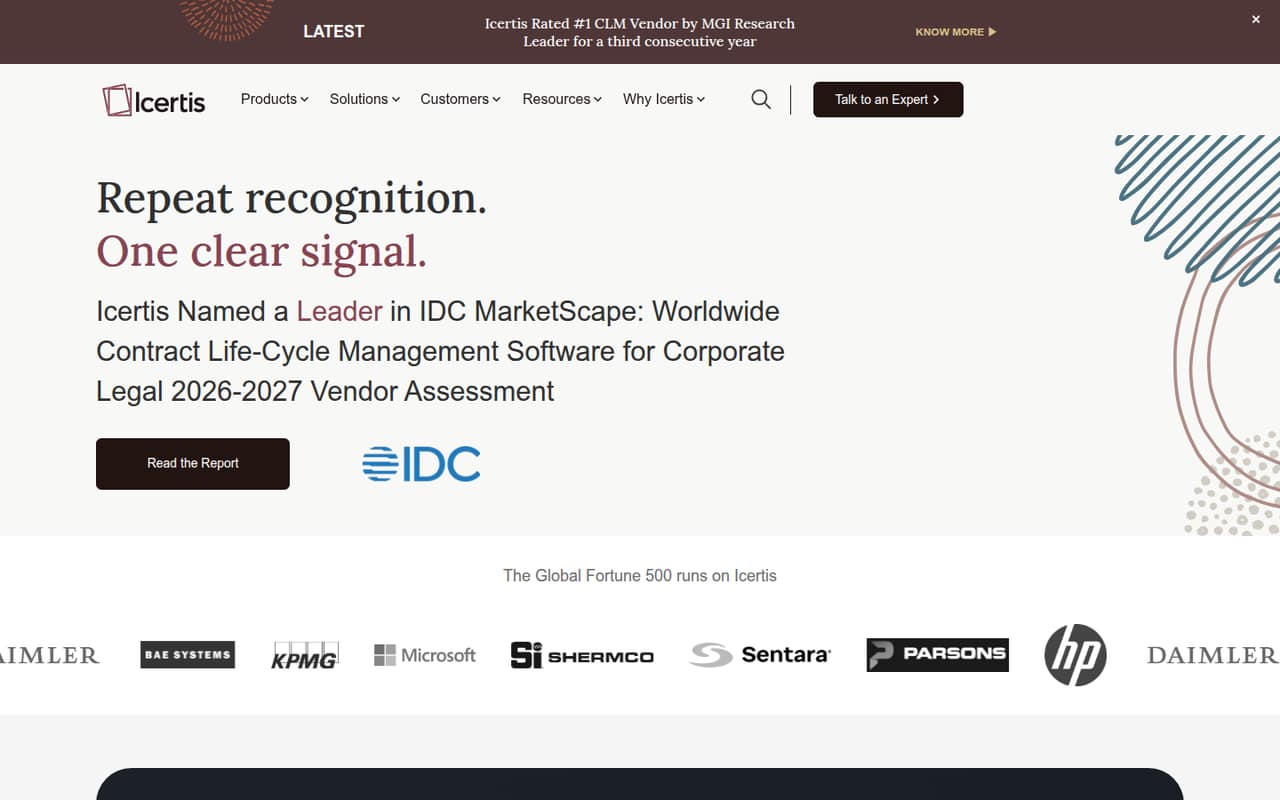
Icertis Contract Intelligence is designed for large teams managing complex contracts, standardizing workflows, and seeking portfolio-wide insight. Those strengths make it a tougher fit for most teams of 1–10. Pricing is custom, so ask for a quote if enterprise-level contract needs justify the conversation. Confirm the minimum scope and implementation expectations before comparing it with smaller-team options.
What works
- Supports drafting, redlining, and negotiation
- Structures contract information for action
- Offers continuous portfolio intelligence
What doesn't
- No free plan is listed
- Starting price is not published
- Pricing requires a custom quote
03How we chose
We ranked these tools for a team of 1–10, weighting whether a free plan is established, what a few seats may cost, and how much setup a small team might need. We also considered plan limits, the stated use cases, and pricing and setup clarity. Where prices are custom or unpublished, we treat that as a budgeting drawback, not a low price. We don’t claim hands-on testing or benchmarks; check vendor documentation and Reddit discussions for current plan details and user reports before buying.
04Check the real cost before choosing
Start by asking for a quote that names your team size, expected contract volume, and the workflows you actually need. A per-seat price, if offered, won’t tell you whether templates, approvals, signatures, or AI features require a higher plan. ContractSafe lists unlimited users, but it does not publish prices or offer a free plan. Agiloft also has no free plan and uses custom pricing. For the other tools, don’t assume a free tier exists just because pricing is unclear.
Ask vendors to spell out the minimum commitment, billing period, included features, and any charges for setup or support. Ontra has a $2,000 minimum, but confirm what that covers and how it is billed. Compare the total for your current seats, not a hypothetical enterprise package, and ask what happens to the price if your team grows.
05Match the workflow to your team
List the job you need the software to do before booking demos. A searchable file store and renewal reminders are different needs from automated approvals, contract generation, or complex legal and compliance processes. ContractSafe is positioned around files, renewals, approvals, and signatures; Juro covers recurring workflows, templates, search, and AI. Ontra is focused on private-market and fund-document work. The more specialized the workflow, the more important it is to confirm that the product supports your actual process.
Ask for a setup plan in plain terms: what your team must configure, what data it needs to gather, and what help the vendor provides. Setup details aren’t published consistently across these options, so don’t assume a no-code claim means no work. If your process is simple, avoid paying for complexity you won’t use. Revisit the decision when renewals, approvals, or agreement searches become hard to manage manually.
Questions people ask
What is the most commonly used contract management software?
There isn’t a single most-used product established here. The right choice depends on your team’s workflows: a contract repository, recurring templates, private-market fund documents, or complex legal processes. Compare the use case and ask vendors for current customer or adoption information if market share matters to your decision.
What is the best contact management software?
Contact management software organizes people and customer relationships; contract management software organizes agreements and related workflows. If you need a place to track customer details, look for a contact or CRM tool instead. If you need contract files, renewals, approvals, or signatures, compare contract management products.
What is the best software to manage contractors?
That depends on what you mean by managing contractors. For agreements, renewals, and approvals, contract management software may help. For hiring, payments, scheduling, or performance, look for software built for those jobs. The tools in this guide focus on contracts and legal workflows, not every part of contractor management.
How much does contract lifecycle management software cost?
Several tools here use custom pricing or don’t publish prices, so a standard cost for a few seats can’t be established. Ontra lists a $2,000 minimum; confirm the billing period and what it includes. Ask each vendor for a quote covering your seats, required features, setup, and support.