We may earn a commission if you buy through links on this page. It never changes a score or a ranking. How we make money
A small team may not need a full contract platform: if you mainly send PDFs for signatures, start with a focused tool and check its free-plan limits. DocHub, BoldSign and Sign.com are good places to compare. For repeat workflows, templates, bulk sending or CRM connections may justify a paid plan. Watch the seat math: a low starting price does not tell you what three or five senders will cost, and some vendors limit envelopes, requests or automation. Confirm those details before you move your team’s documents.
Quick picksThe shortlist
 BoldSignBoldSignBest overall for small teams · $5/mo
 DocHubDocHubBest for PDF signing · $8/mo
 Sign.comSign.comBest for clear team pricing · $6/mo
 OpenSignOpenSignBest free starting point · $9.99/mo
 RabbitSignRabbitSignBest for manual signing · Free
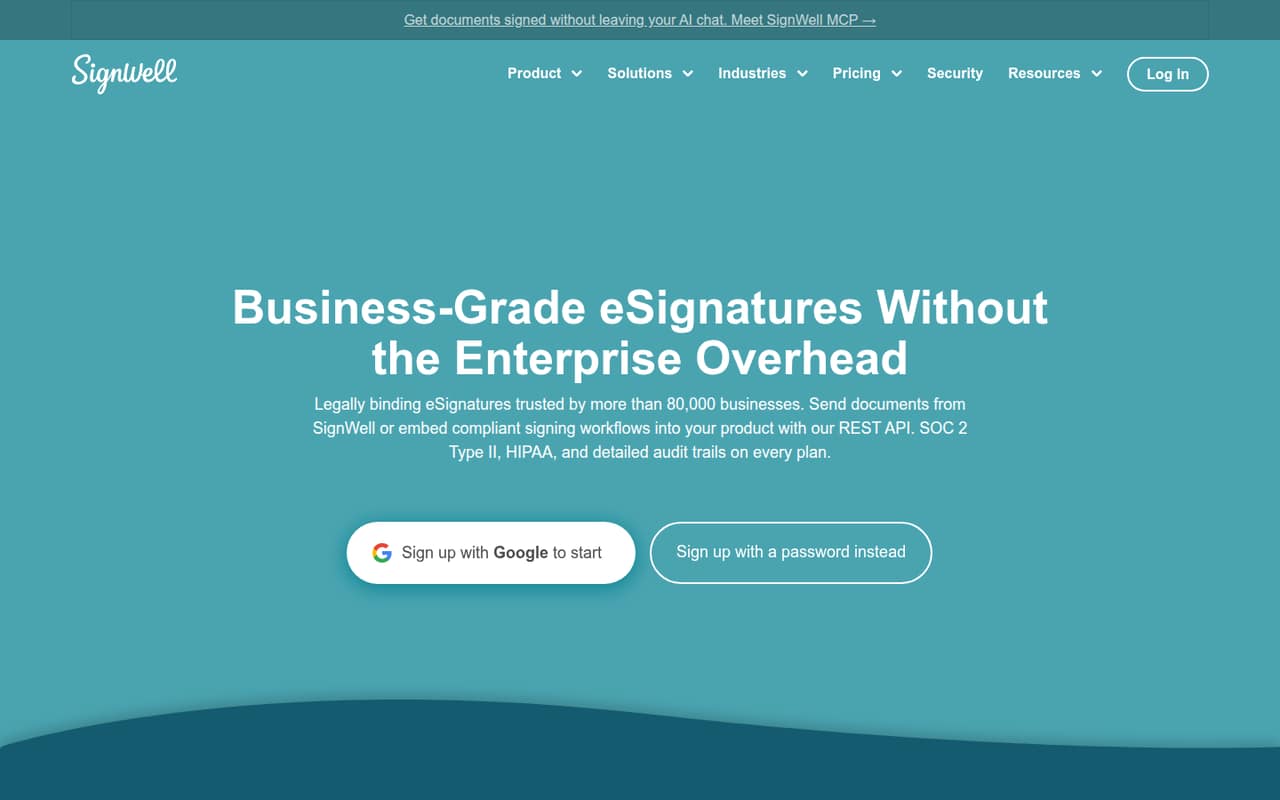
 SignWellSignWellBest for repeat agreements · $10/mo
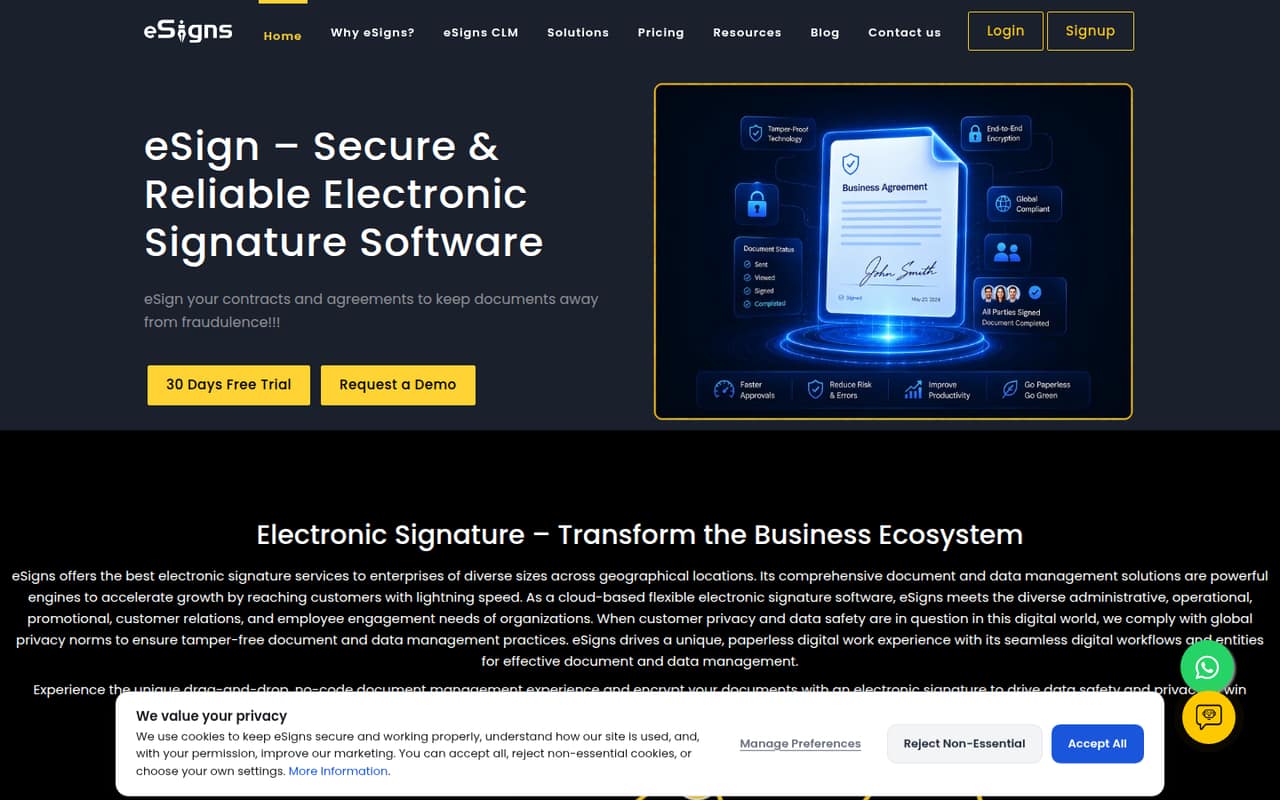
 eSignseSignsBest for unlimited documents · $9.99/mo
 Dropbox SignDropbox SignBest for Dropbox users · $10.05/mo
 PandaDocPandaDocBest for proposals and signing · $19/mo
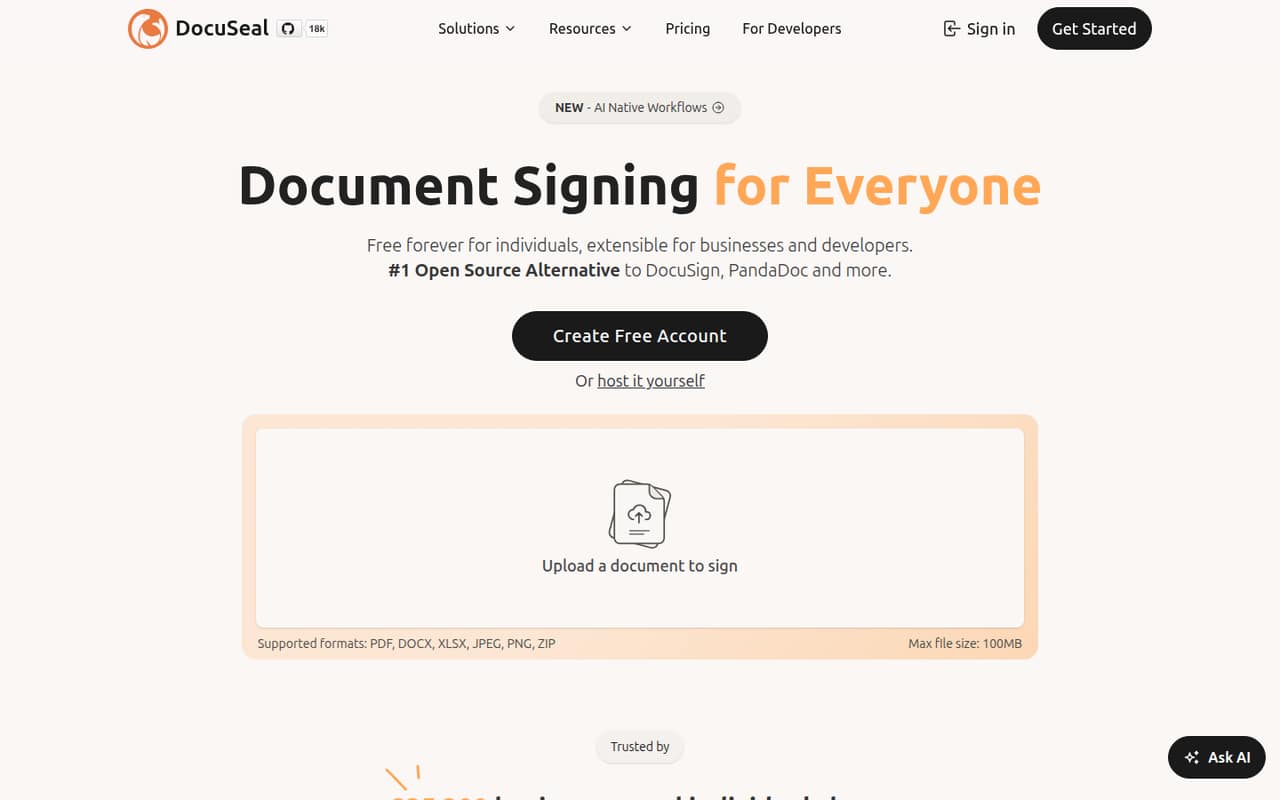
 DocuSealDocuSealBest for self-hosting · $20/mo
01Compared at a glance
| Tool | Score | From | Free plan | Trial |
|---|---|---|---|---|
| BoldSignBoldSign | 8.0 | $5/mo | Yes | 30 days |
| DocHubDocHub | 7.7 | $8/mo | Yes | 30 days |
| Sign.comSign.com | 7.0 | $6/mo | Yes | 7 days |
| OpenSignOpenSign | 7.2 | $9.99/mo | Yes | — |
| RabbitSignRabbitSign | 7.5 | Free | Yes | — |
| SignWellSignWell | 7.5 | $10/mo | Yes | — |
| eSignseSigns | 6.5 | $9.99/mo | No | 1 month |
| Dropbox SignDropbox Sign | 7.1 | $10.05/mo | Yes | 30 days |
| PandaDocPandaDoc | 6.5 | $19/mo | Yes | 14 days |
| DocuSealDocuSeal | 6.8 | $20/mo | Yes | — |
02The picks, in detail
- Best overall for small teamsBoldSignBoldSign
BoldSign is a strong first comparison for a small team: its listing includes a free plan and a starting price of $5. It supports shared signature requests and bulk sending, which can suit teams beyond occasional solo use. Its Growth plan has a shared envelope limit, so check the allowance against your team’s monthly volume before choosing it.
What works
- Free plan includes 25 monthly envelopes
- Growth starts at $5 per user annually
- Bulk sending supports CSV workflows
What doesn't
- Essential is limited to one user
- Growth envelopes are shared across the account
- Bulk sending costs extra per envelope
- Best for PDF signingDocHubDocHub
DocHub combines PDF tools and e-signatures, with a free plan and a listed starting price of $8. That makes it a practical option for teams already working with PDFs or Google Workspace. Free use has limits, so check how many documents and senders it covers. The listing does not give a multi-seat total; ask for the cost at your team size.
What works
- PDF editing, forms, signatures, and sharing in one tool
- Free plan includes basic PDF tools and mobile apps
- Basic includes unlimited downloads and self-signing
What doesn't
- Free plan shares just three monthly uses across core features
- Monthly prices are not published
- Pro seat costs add up as teams grow
- Best for clear team pricingSign.comSign.com
Sign.com’s free plan covers two documents a month, according to its listing. The Teams plan is listed at $6 per member monthly with annual billing, so three members work out to $18 per month on that billing schedule. It includes signing order and reminders. The free allowance is small, making the paid plan more relevant if your team sends documents regularly.
What works
- Free plan includes two documents monthly
- Paid plans include unlimited documents
- Supports multiple signers and signing order
What doesn't
- Monthly prices are not published
- Teams annual total needs seat-count clarification
- Overage costs are not published

- Best free starting pointOpenSignOpenSign
OpenSign has a free plan and a listed starting price of $9.99. Its listing points to occasional premium sends and open-source software as reasons to consider it. For a team, look closely at premium sending and per-seat pricing: a free start does not establish the cost of regular use by several people. Confirm the team plan and its limits before committing.
What works
- Free plan advertises unlimited e-signatures
- Unlimited guest signers on the free plan
- Completion certificates include access logs
What doesn't
- Free-plan seat limit isn’t published
- Teams pricing rises with each user
- Premium credits limit paid sending methods
- Best for manual signingRabbitSignRabbitSign
RabbitSign lists unlimited manual signing and templates at $0, with automation charged by usage. That is appealing if your team can keep its process manual and wants to reuse common documents. The listing does not give a typical team bill for automated workflows, so estimate your expected usage with the vendor before relying on automation for routine agreements.
What works
- Unlimited manual signature requests and documents listed at $0
- Unlimited templates and template links
- HIPAA compliance included free
What doesn't
- Monthly and annual paid plan prices are not published
- Seat pricing and team access rules are not published
- Batch sending costs $0.025 per folder after its free allowance
- Best for repeat agreementsSignWellSignWell
SignWell has a free plan and a listed starting price of $10. Its listing highlights recurring agreements and templates, with an API option for teams embedding signing. Before adding teammates or integrating it into an app, check sender and API costs: those charges can change the value of the entry price as your workflow grows.
What works
- Free plan includes three documents monthly
- Recipients can sign without an account
- Business includes three senders
What doesn't
- Free plan has one sender and one template
- Light is limited to one included sender
- Extra senders increase the monthly bill
- Best for unlimited documentseSignseSigns
eSigns lists a starting price of $9.99 and describes its paid plan as offering unlimited monthly documents, with users added at a flat price. That can make it worth comparing if document volume matters more than a free tier. The listing flags unclear integrations, so ask which tools connect to your existing workflow and confirm the full price for your team.
What works
- Individual Plan starts at $9.99 per month
- Business Essential includes unlimited documents and templates
- Business Professional includes added users at no extra charge
What doesn't
- No free plan
- Individual Plan allows 10 documents per month
- Annual prices are not published
- Best for Dropbox usersDropbox SignDropbox Sign
Dropbox Sign offers a free plan and lists a starting price of $10.05. It may fit teams with repeat documents or connected storage already in place. The listing advises checking both free-plan limits and team pricing, so do not assume the entry price covers several senders. Confirm the envelope allowance and total seat cost before moving routine agreements.
What works
- Recipients can sign without a Dropbox Sign account
- Unlimited signature requests on paid Essentials and Standard
- Reusable templates save prepared fields
What doesn't
- Free-plan limits aren't published
- Standard costs more as seats are added
- Five-plus users must contact sales

- Best for proposals and signingPandaDocPandaDoc
PandaDoc offers a free plan and lists a starting price of $19. Its broader workflow covers proposals through signatures, with CRM workflows and payment options noted in its listing. That scope may suit a small sales team, but paid seats add up and the listing flags user-experience complaints. Compare the full team price with a focused signing tool if you only need signatures.
What works
- Free plan includes five documents monthly
- Starter includes unlimited uploads and e-signatures
- Supports signing order and recipient verification
What doesn't
- Free plan caps documents at five monthly
- Starter costs $19 per user monthly
- API use can require Usage Credits

- Best for self-hostingDocuSealDocuSeal
DocuSeal has a free plan and a listed starting price of $20. Its listing calls out self-hosting and API workflows, making it a candidate for teams that want more control or need to build signing into an app. Growing teams should budget for Pro seats and API completions. Ask how those charges apply to your expected number of senders and signatures.
What works
- Free Cloud Basic includes one seat
- Free plan includes 10 request emails monthly
- Cloud Pro adds roles, teams and SSO/SAML
What doesn't
- Cloud Basic is limited to one user
- Cloud Pro is billed per user
- Production API and embedding cost extra
03How we chose
We prioritized tools with a usable free option or a stated low entry price, then checked what the listings say about seat costs, document or envelope limits, and workflow features. We favored focused signing tools for teams with simple needs and included broader platforms where proposals, payments or APIs may matter. Setup effort is hard to compare from pricing alone, so we recommend checking the vendor’s setup documentation and asking about migration and administration. We do not treat unattributed Reddit sentiment as verified product evidence; look for recent user reports that match your workflow before buying.
04Match the signing workflow to your team
Start with the documents you send most often. If your team mainly signs PDFs, a tool such as DocHub may cover the job without paying for a broader contract workflow. If you reuse agreements, look for templates; if several people need to sign in order, confirm that the plan supports signing order. Sales teams may value proposals, CRM workflows or payments, while teams building signing into an app should check API access and its pricing.
Then estimate setup work. Ask who can create templates, invite senders and manage requests, and whether existing documents need to be rebuilt. Read the vendor’s setup documentation before rollout. Try one representative document and process with a small group first, and note any manual steps. Those checks help you avoid paying for features your team will not use or discovering a workflow gap after everyone depends on it.
05Price the seats and limits you will actually use
A starting price is not a team quote. Find out whether it is per sender, whether annual billing is required, and what three or five seats cost in total. Sign.com, for example, lists its Teams plan at $6 per member monthly with annual billing; its free plan is two documents a month. Other listings flag shared envelope limits, free-use caps, per-seat charges or usage-based automation. Ask for the limit that applies to your likely monthly volume, not just the headline tier.
Before paying, confirm what happens when you reach a cap: can you buy more, move plans or wait for the next billing period? Check whether API usage, extra senders or premium sends cost more. Revisit the choice when your team adds senders, sends more agreements or needs routing and automation. A free plan can be enough for occasional signing, but recurring team work may make a paid plan the more predictable option.
Questions people ask
Can a small team use e-signature software for free?
Yes, several picks list free plans, including DocHub, BoldSign, OpenSign and SignWell. The allowances differ: Sign.com lists two documents a month, while RabbitSign lists unlimited manual signing and templates at $0. Check limits on senders, documents and automation before relying on a free tier.
How much does e-signature software cost for three people?
It depends on the plan’s seat rules. Sign.com lists Teams at $6 per member monthly with annual billing, which totals $18 per month for three members on that schedule. For other tools, ask the vendor for a three-seat quote; a listed starting price may not be a team total.
What should we check in a free e-signature plan?
Check how many documents or envelopes you can send, how many people can send them, and whether reusable templates are included. If you need automation, API access, bulk sending or signing order, confirm that the free plan supports it. Vendors may charge separately for seats or usage.
When should a team move beyond a free plan?
Consider paying when the free allowance blocks routine work, more teammates need to send documents, or your process depends on templates, automation or integrations. Compare the paid plan’s seat price and usage limits with your actual monthly volume. A free tier is only useful if the team can work within its rules.