
We may earn a commission if you buy through links on this page. It never changes a score or a ranking. How we make money
The bottom line
Good PDF and signing coverage for small teams, with free-use limits to watch.
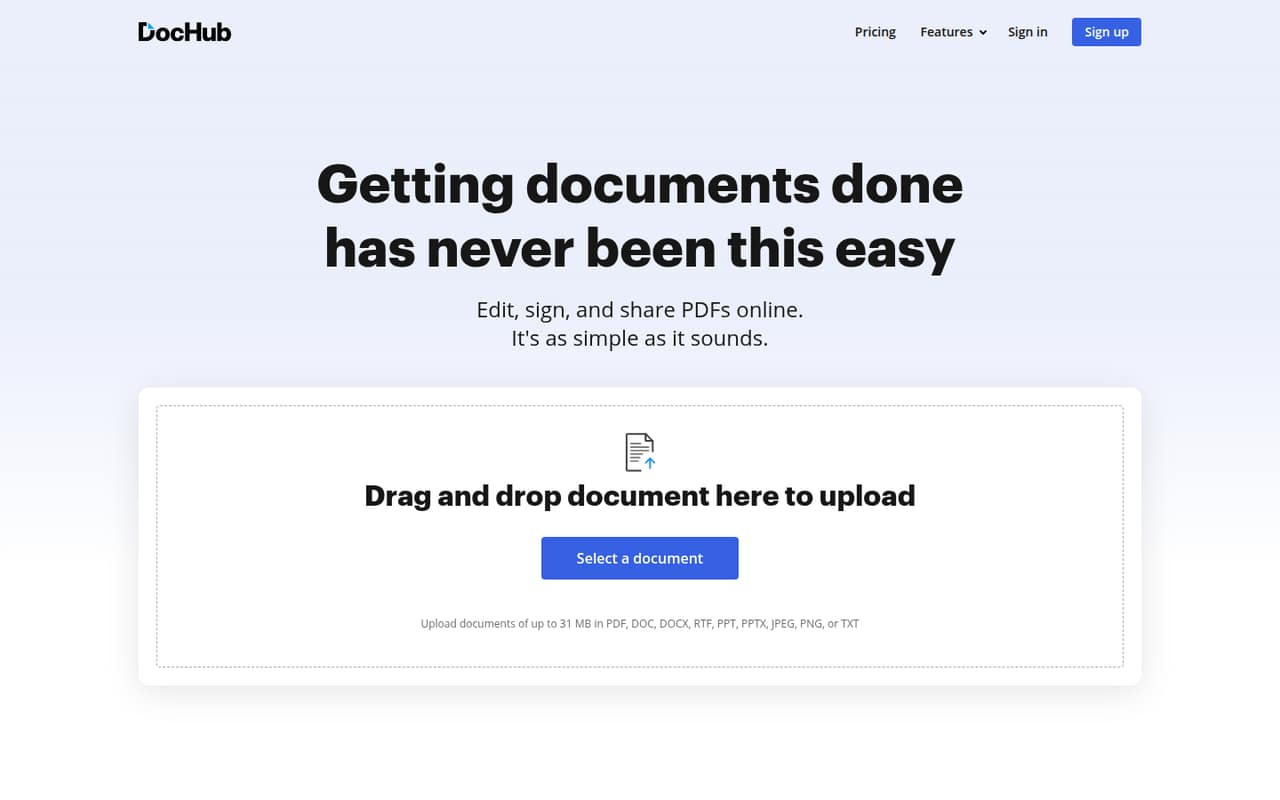
DocHub combines PDF editing, fillable forms, signatures, templates, and document sharing. Its Free plan costs nothing but allows only three shared monthly uses across core features.
For paid use, Basic is listed at $8 per month with annual billing, while Pro is $12 per seat per month on annual billing. The pricing page lists a 30-day free trial, but monthly prices and add-on costs are not published.
Good fit if
- Small teams sending PDFs for signatures
- Freelancers reusing fillable templates
- Teams working with Google Workspace
Skip it if
- High-volume users on a free plan
- Teams needing published monthly rates
- Organizations requiring custom integrations
ScoresHow it rates
What works
- PDF editing, forms, signatures, and sharing in one tool
- Free plan includes basic PDF tools and mobile apps
- Basic includes unlimited downloads and self-signing
- Pro lists unlimited editing, sign requests, and envelopes
- Reddit users describe sharing with people without accounts
What doesn't
- Free plan shares just three monthly uses across core features
- Monthly prices are not published
- Pro seat costs add up as teams grow
- Add-on and overage costs are not published
- Some Reddit users report friction with AI editing
01Who DocHub is for
DocHub suits solo operators and small teams that handle contracts, intake forms, approvals, or other PDF-heavy work. It brings PDF editing, annotations, signatures, fillable forms, templates, and sharing together, so a team can prepare a document and send it out without treating each task as a separate workflow.
For a team of one to ten people watching subscription costs, the Free plan can cover occasional document work, while Basic or Pro may make more sense when a team needs more frequent use. Basic is listed for freelancers and small teams; Pro is priced per seat and includes unlimited editing, sign requests, and envelopes. DocHub also lists Google Workspace integrations, which may suit teams already working in those services. It is less compelling if your team rarely edits PDFs or only needs to email finished documents. One Reddit commenter notes that an email attachment can be enough when recipients just need a copy.
02DocHub free plan and trial
DocHub’s Free plan costs $0 and includes three shared monthly uses across core features, basic PDF tools, an AI assistant, and mobile apps. The cap is shared, so it is not three uses for each feature. For occasional signing or a few PDF changes, that may be enough; a team handling documents every week could hit it quickly.
The pricing page also lists a 30-day free trial. It does not specify which paid plan the trial covers or whether a payment method is required, so confirm those details before starting. Free does not include unlimited editing or sign requests; those are listed under Pro. Basic offers unlimited PDF downloads and self-signing, but only three shared monthly uses across selected Pro features.
03What a small team pays for DocHub
The pricing page lists Basic at $8 per month and Pro at $12 per seat per month, with annual billing. It says annual billing is 25% off; the monthly-billing prices are not published. The page does not state that Basic is priced per seat, so we would confirm the team’s exact Basic quote before budgeting.
For Pro, the listed annual-billing rate works out to $12 monthly per person: $12 for one seat, $36 for three, and $60 for five. That is $144, $432, and $720 per year, respectively, if billed at the listed rate for a full year. A ten-person team would be $120 per month equivalent, or $1,440 per year. Free is $0, but has three shared monthly uses across core features. Add-on and overage costs are not published, so ask DocHub what applies to your usage. Site License is custom priced and lists unlimited users, but is aimed at enterprise organizations.
04Getting started with DocHub
The core workflow is familiar: edit or prepare a PDF, add form fields or a signature request, then share it. DocHub lists Google Workspace and other service integrations, and its feature set includes templates, collaboration roles, and document permissions. The setup steps and time required are not published, so a team should check the setup process against its existing document storage and approval habits.
A Reddit post describes asking DocHub through ChatGPT to find a file, fill fields, and prepare it to send. Other commenters say they were sent back to the DocHub editor or had to ask for a preview, so the AI connection may take some experimenting. For signatures, a Reddit commenter says people without DocHub accounts can receive shared documents; another notes that a recipient who needs to sign requires a sign request. Start by testing a common form and signature flow before rolling it out.
05When small teams outgrow DocHub
The clearest trigger is volume. Free allows three shared monthly uses across core features, so a team sending documents regularly may need a paid plan. Basic lists three shared uses across selected Pro features, while Pro removes that cap for PDF editing, sign requests, and envelopes. Pro is per seat, so the published annual-billing equivalent rises to $36 monthly for three people and $60 for five.
Teams may also need a closer look at costs as they grow: monthly rates and add-on or overage charges are not published. Site License lists unlimited users, organizations and rooms, HIPAA compliance with a BAA available, SSO, and priority support, but pricing is custom. Reddit feedback is mixed on AI workflows: some users like finding documents and filling fields, while others report that editing requests send them to the editor or do not work as expected. Teams relying on AI editing should confirm the specific workflow before upgrading.
From the threadsWhat users say
Reddit comments show practical interest in sharing, signing, and finding documents, alongside some uncertainty about AI-assisted editing and previews. People value simpler workflows, but the comments do not establish that every use case feels faster.
If I just need to fix one sentence or highlight something, I’m probably faster doing it myself
I work with a lot of people who don’t have DocHub accounts and send them stuff pretty regularly
I’d have to use it for a week before I’m convinced it’s actually any faster
Rooms have worked really well for me so far. I used to keep everything in folders and spreadsheets, and this is just easier
Questions people ask
Is DocHub free to use?
Yes. DocHub’s Free plan is listed at $0 and includes basic PDF tools, an AI assistant, mobile apps, and three shared monthly uses across core features. That cap may suit occasional work, but frequent editing or signing can call for a paid plan.
How do you use DocHub?
Use DocHub to edit or annotate PDFs, add fillable fields, create templates, request signatures, and share documents. A typical workflow is to prepare the file, set up any fields or signing steps, then send it to the people who need to review or sign.
Can someone sign a DocHub document without an account?
A Reddit commenter says they regularly share documents with people who do not have DocHub accounts. The commenter distinguishes a shared PDF copy from a sign request: if the recipient needs to sign, use a sign request rather than just sending an attachment.
What does DocHub Basic cost?
Basic is listed at $8 per month with annual billing. DocHub lists annual billing as 25% off, but the monthly-billing price is not published. The pricing page does not specify a per-seat basis for Basic, so confirm the total for your team before signing up.
Does DocHub have a free trial?
The pricing page lists a 30-day free trial. It does not specify which plan the trial covers or whether a payment method is required. Check those details with DocHub before starting, especially if you want to evaluate Pro features such as unlimited sign requests.
Sources
- DocHub homepage
- DocHub pricing, compiled via web search from dochub.com, g2.com, pdfeditify.com, signwith.co, smartkeys.org
- Reddit: Just found DocHub in ChatGPT. Anyone tried it?
- Reddit: Ways to share documents in DocHub
- Reddit: A closer look at DocHub for ChatGPT and Claude
- Reddit: How Rooms work in DocHub