We may earn a commission if you buy through links on this page. It never changes a score or a ranking. How we make money
A small team may not need event management software at all: a one-off gathering with a short guest list may be easier to handle with your usual tools. If you need ticket sales, public discovery, or repeat-event registration, SimpleTix is our best fit for low subscription costs, while Luma and Eventbrite stand out for different event needs. Free plans can get you started, but ticket and payment fees may still apply. Before choosing, check what the listed price covers, how fees change with attendance, and whether the features match your event.
Quick picksThe shortlist
 SimpleTixSimpleTixBest for small teams · $0.25/mo
 LumaLumaBest for recurring events · $59/mo
 EventbriteEventbriteBest for event discovery · $15/mo
 AllEventsAllEventsBest low-cost calendar · $12/mo
 RegFoxRegFoxBest for flexible registration · $0.99/mo
 HumanitixHumanitixBest for free events · Free
 Big TicketsBig TicketsBest for occasional events · Free
 RSVPifyRSVPifyBest for custom RSVPs · $24/mo
 PrekindlePrekindleBest for free tickets · Free
 WooclapWooclapBest for audience activities · $13/mo
01Compared at a glance
| Tool | Score | From | Free plan | Trial |
|---|---|---|---|---|
| SimpleTixSimpleTix | 7.6 | $0.25/mo | Yes | — |
| LumaLuma | 7.5 | $59/mo | Yes | — |
| EventbriteEventbrite | 6.5 | $15/mo | Yes | — |
| AllEventsAllEvents | 7.0 | $12/mo | Yes | — |
| RegFoxRegFox | 6.8 | $0.99/mo | Yes | — |
| HumanitixHumanitix | 7.0 | Free | Yes | — |
| Big TicketsBig Tickets | 6.8 | Free | Yes | — |
| RSVPifyRSVPify | 7.0 | $24/mo | Yes | — |
| PrekindlePrekindle | 7.0 | Free | Yes | — |
| WooclapWooclap | 7.6 | $13/mo | Yes | — |
02The picks, in detail
- Best for small teamsSimpleTixSimpleTix
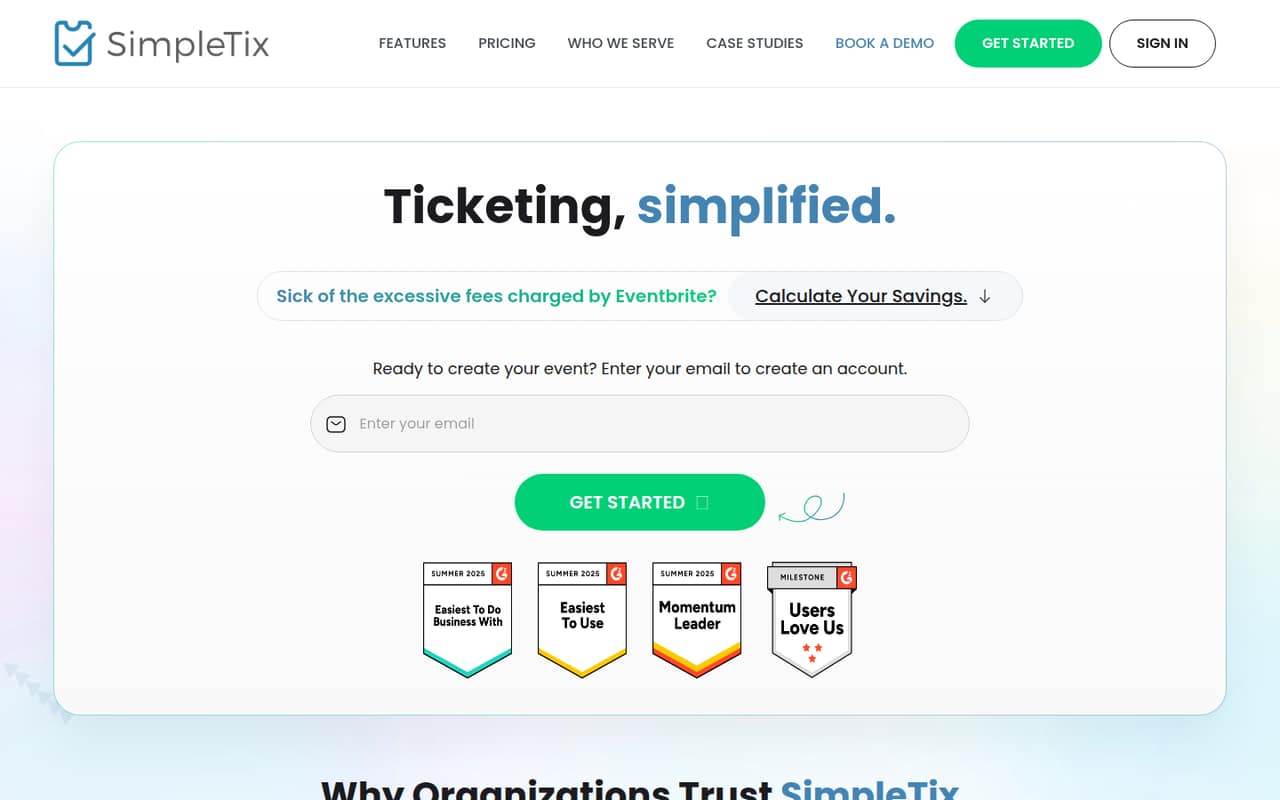
SimpleTix is our first pick for a small team selling tickets because the listed subscription cost is zero, with pricing starting at $0.25. It supports free general admission, reserved seats, and check-in. Ticket and payment fees can add up as sales grow, so estimate your total cost using your expected ticket volume before committing.
What works
- No monthly or annual subscription
- Free general-admission events have $0 platform fees
- Online fees are capped at $9.99 per ticket
What doesn't
- Payment processing fees are charged separately
- Per-ticket platform fees grow with sales
- No fixed subscription option is listed
- Best for recurring eventsLumaLuma
Luma suits small teams running recurring or free community events: its free plan covers basic event needs, and the listing starts at $59. Plus costs $708 a year and removes Luma’s paid-event platform fee. Compare that annual cost with the fee savings you expect; it may not pay off for an occasional event.
What works
- Free plan includes unlimited events and guests
- Supports in-person, online, and hybrid events
- Guest lists can be exported as CSV
What doesn't
- Free plan takes a 5% platform fee
- Plus is listed only with annual billing
- Plus monthly billing price is not published

- Best for event discoveryEventbriteEventbrite
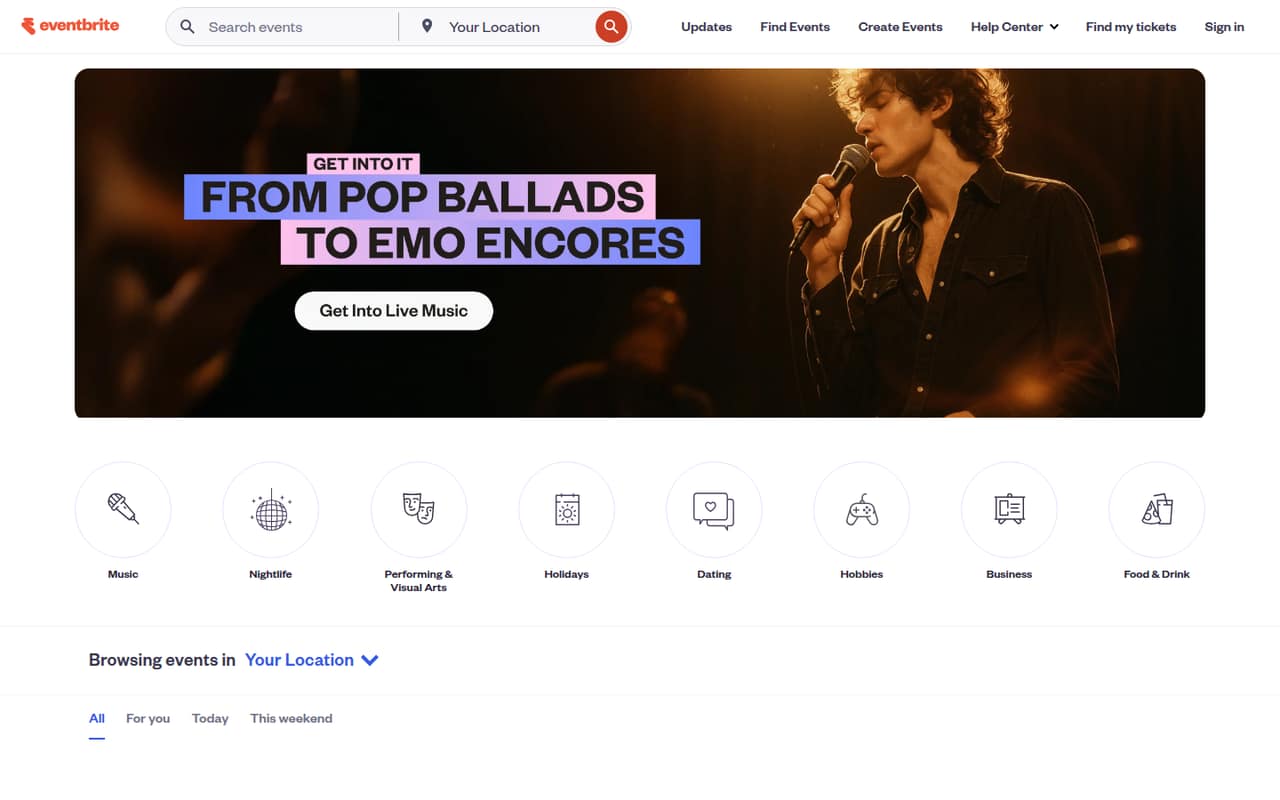
Eventbrite is worth a look if you want people browsing local events to find yours, or you host free events. Its listing starts at $15 and it offers free listings. The trade-off is paid-ticket fees, which can squeeze a small event’s budget. Check the current fees against your ticket price and expected attendance.
What works
- Browse events by interest, date and destination
- Search events from the homepage
- Explore named cities and state listings
What doesn't
- Paid tickets carry service and processing fees
- Pro email marketing starts at $15 monthly
- Ad pricing is not published
- Best low-cost calendarAllEventsAllEvents
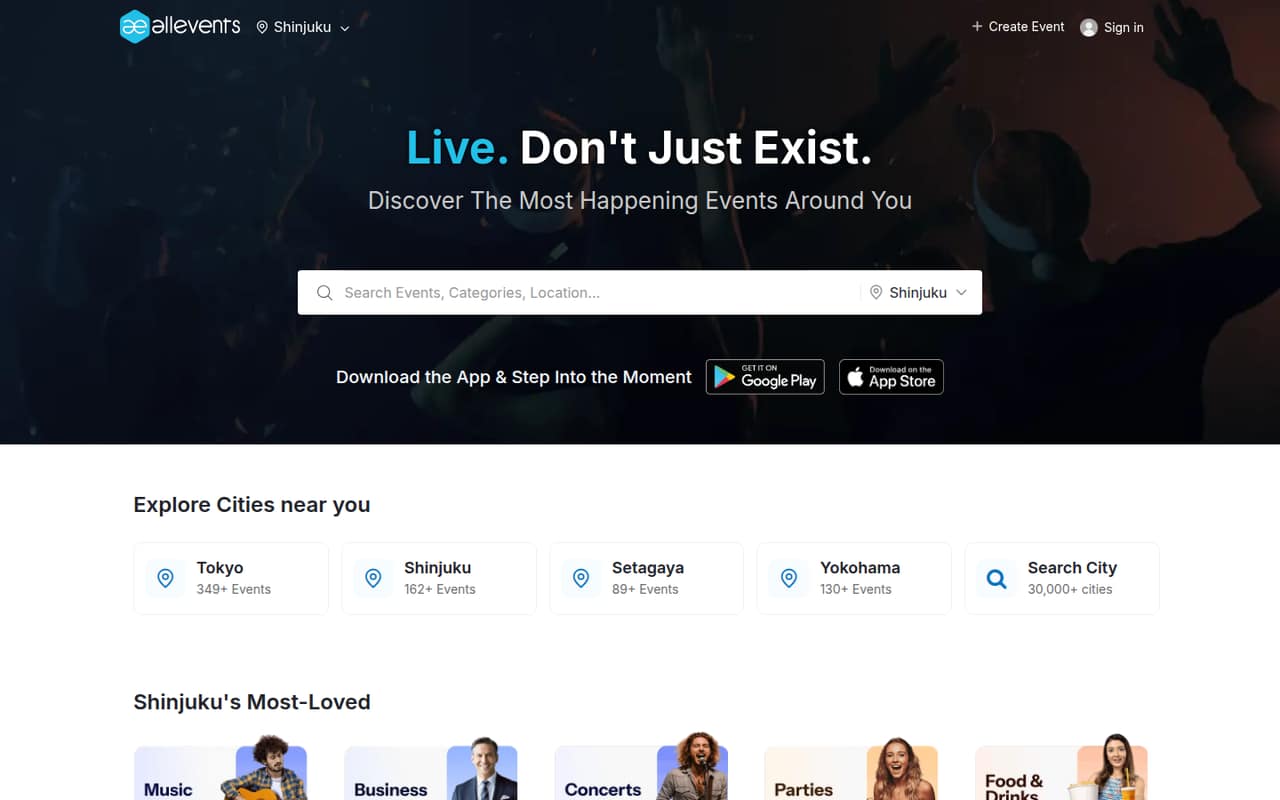
AllEvents offers a free plan for a small event calendar, making it a reasonable first stop if you mainly need to list local events and test discovery. The listed price is $12 when the free plan’s limits get in the way. Confirm those limits fit your calendar before relying on the free option.
What works
- Free plan for up to five active upcoming events
- Browse nearby and worldwide event listings
- Search events across more than 30,000 cities
What doesn't
- Free plan allows only 10 leads per event
- Annual-billing prices are not published
- Seat-based pricing and seat limits are not published
- Best for flexible registrationRegFoxRegFox
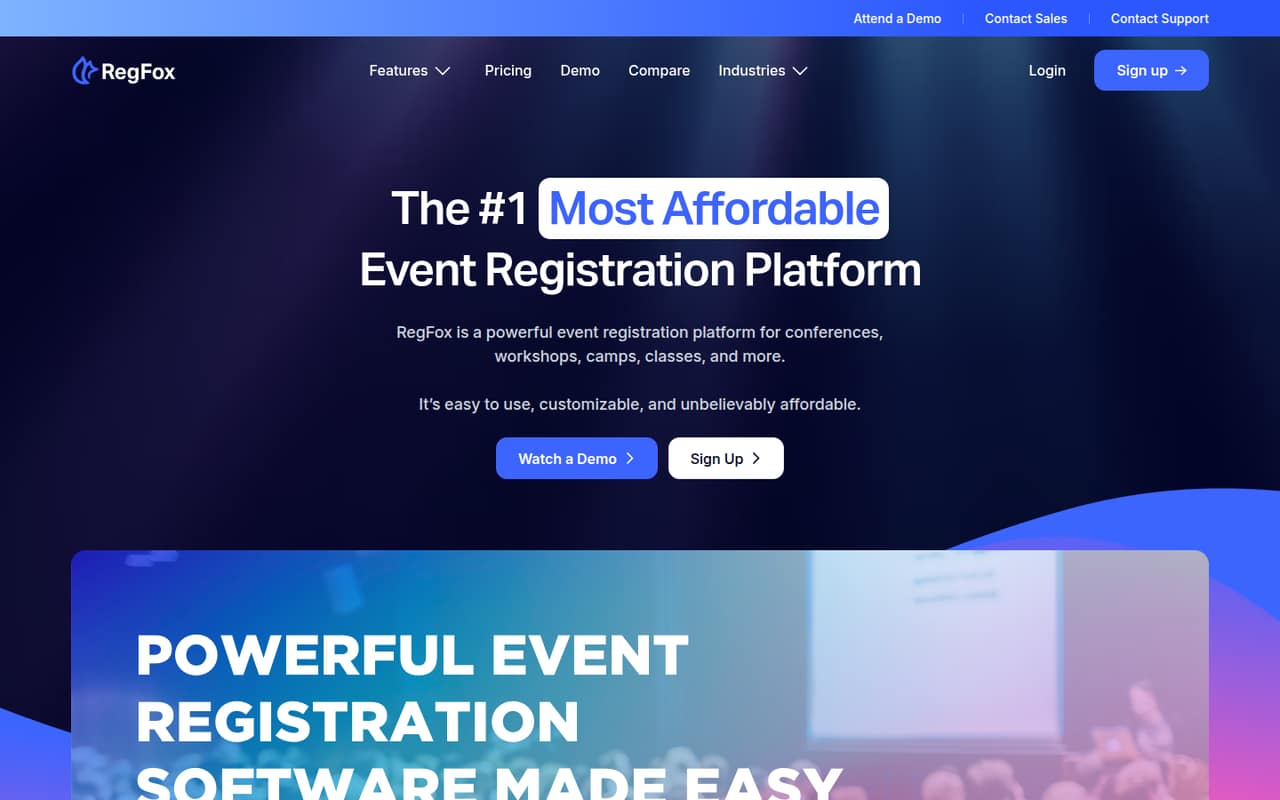
RegFox is a candidate for ticketed events that need conditional registration or installment payments. Its listing starts at $0.99 and includes a free plan, without a subscription charge. Budget separately for attendee and payment fees: the low starting price alone won’t tell you what a full event will cost.
What works
- Standard has no monthly subscription
- Registration fees have a per-attendee cap
- Conditional questions and pricing are supported
What doesn't
- Free events still have per-attendee fees
- Paid registrations also incur processing costs
- Professional costs $499 monthly, billed annually
- Best for free eventsHumanitixHumanitix
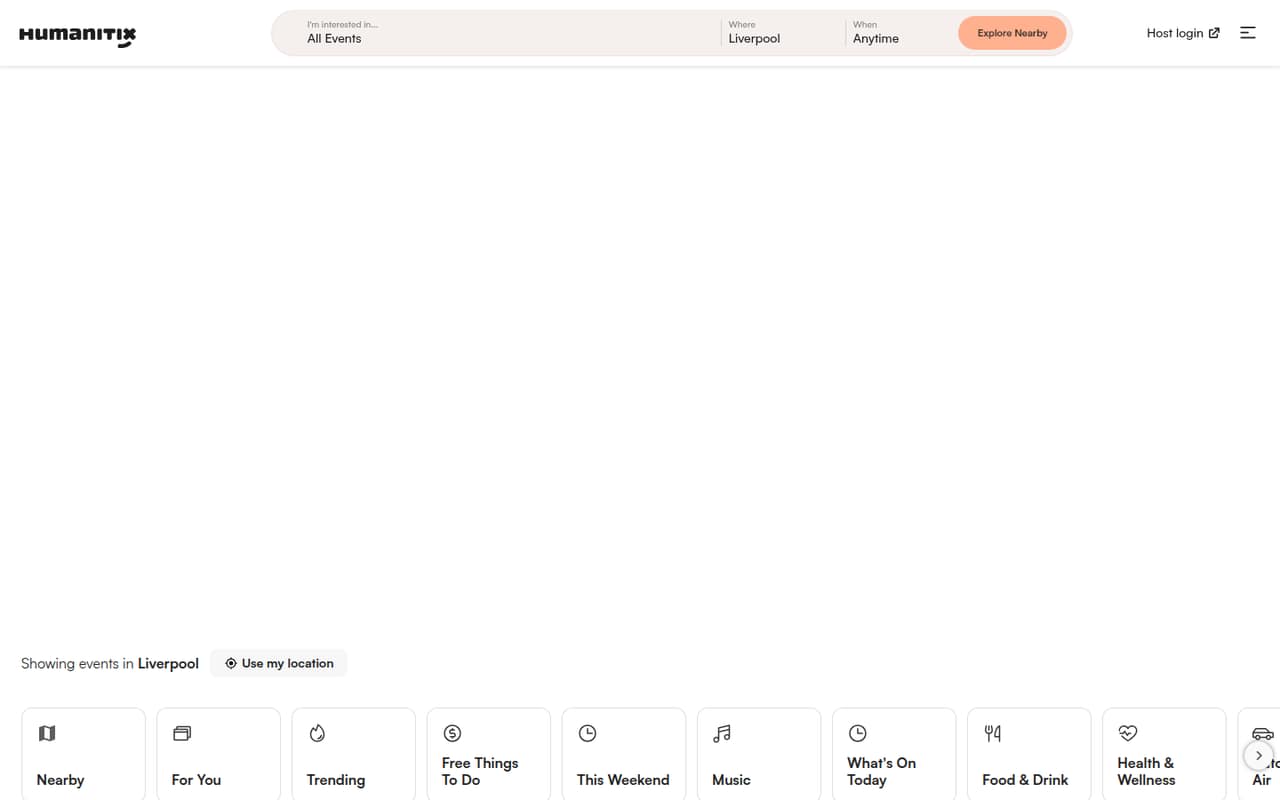
Humanitix is a good fit for free events and for charities or schools selling tickets, especially if charitable impact matters to your team. It has a free plan, but the listing doesn’t give a starting price for paid events. Before selling tickets, ask the vendor for the per-ticket fees and calculate the total at your expected attendance.
What works
- Free events include all features and support
- No sign-up fees for free events
- Paid-ticket pricing is not seat-based
What doesn't
- Paid tickets have booking and processing fees
- Monthly and annual prices are not listed
- Custom pricing requires contacting Humanitix
- Best for occasional eventsBig TicketsBig Tickets
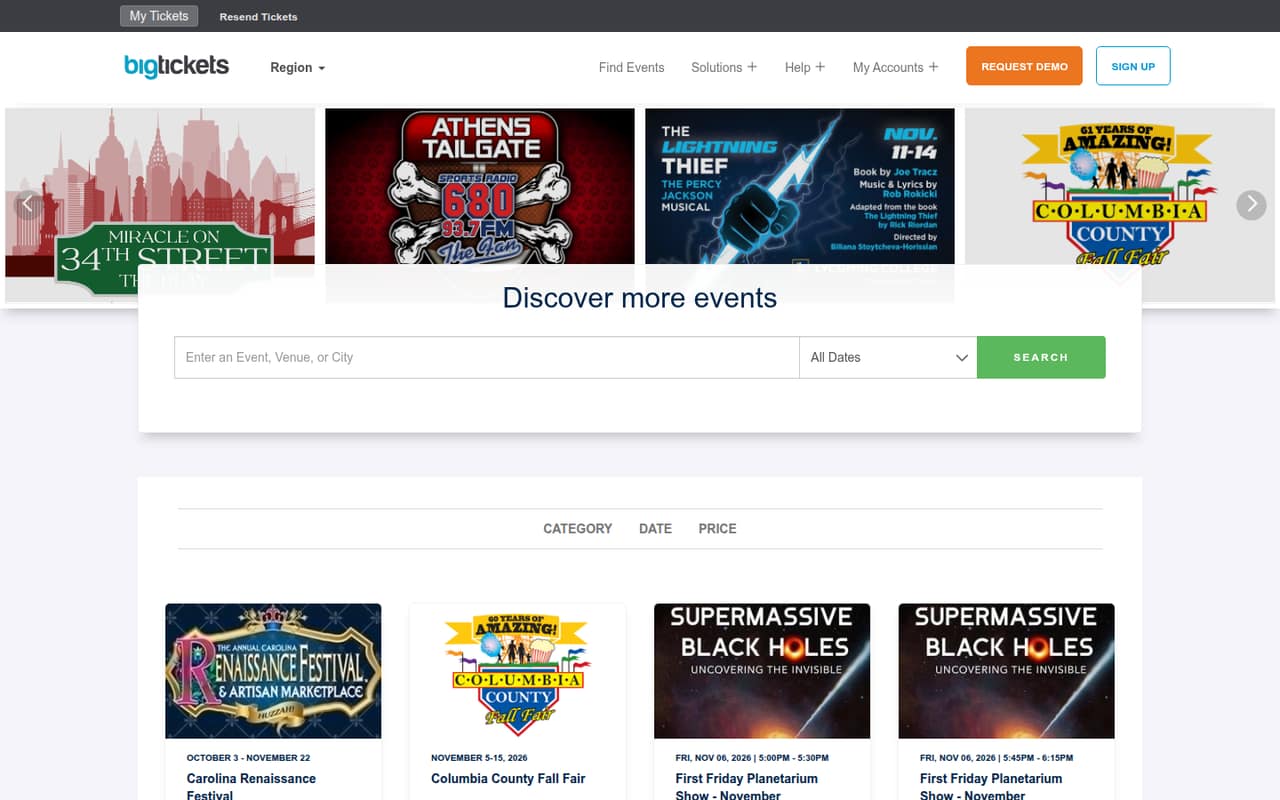
Big Tickets has a free plan and a listed starting price of $0, so it may suit teams that run occasional events or sell free tickets and want to avoid a monthly bill. Paid-ticket fees and custom pricing need a closer look. Ask for the full fee schedule before setting ticket prices or estimating revenue.
What works
- No monthly subscription on Standard
- Free tickets and events cost $0
- Supports reserved seating and livestreams
What doesn't
- Paid tickets incur service fees
- Payment processing adds a separate fee
- Customized plan prices require a request
- Best for custom RSVPsRSVPifyRSVPify
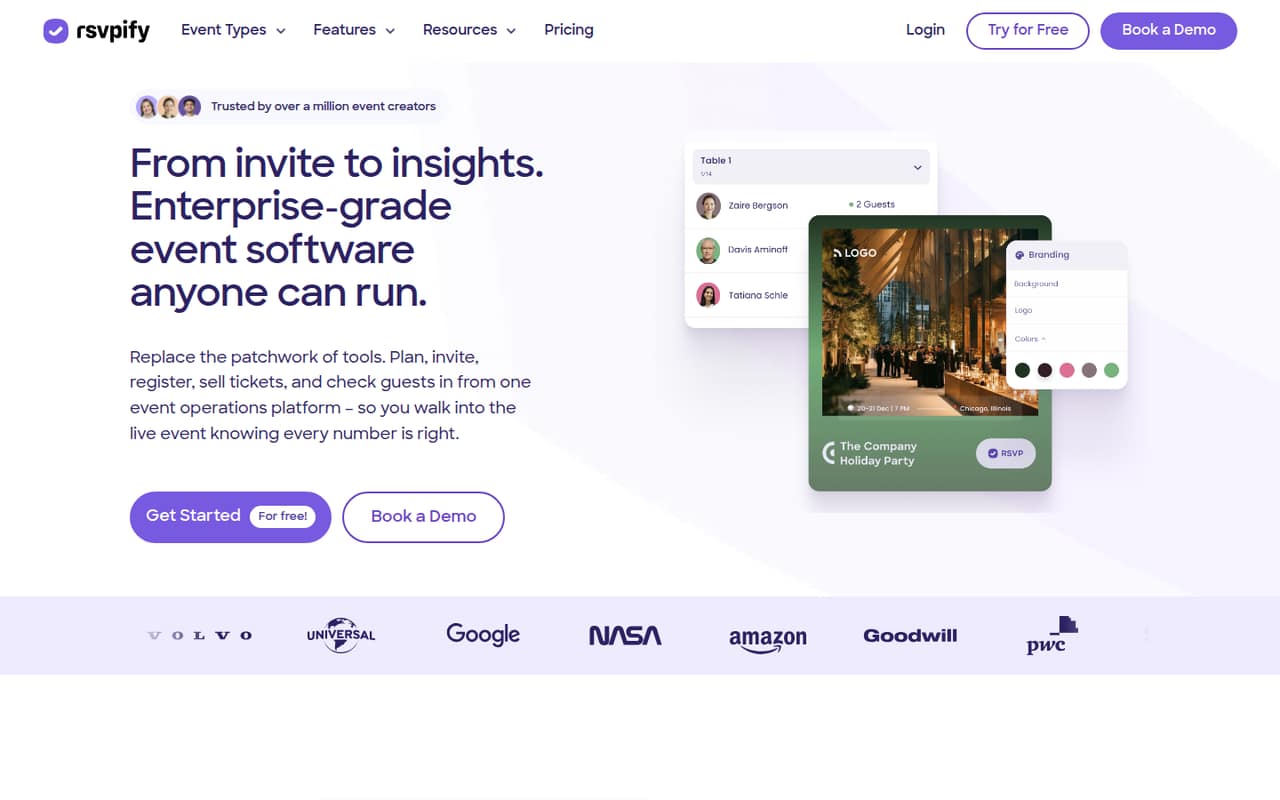
RSVPify offers branded event pages and custom guest questions, useful when a basic yes-or-no RSVP won’t do. The free plan and $24 starting price give small teams a way to compare options, but guest limits and ticket fees matter. Check both before you build an event around a particular registration flow.
What works
- Branded event pages and online invitations
- Custom forms collect RSVP and guest details
- Manage plus-ones, meals, and seating
What doesn't
- Free plan caps events and guest counts
- Ticket fees are not published
- Starter has no listed collaborator or check-in feature
- Best for free ticketsPrekindlePrekindle
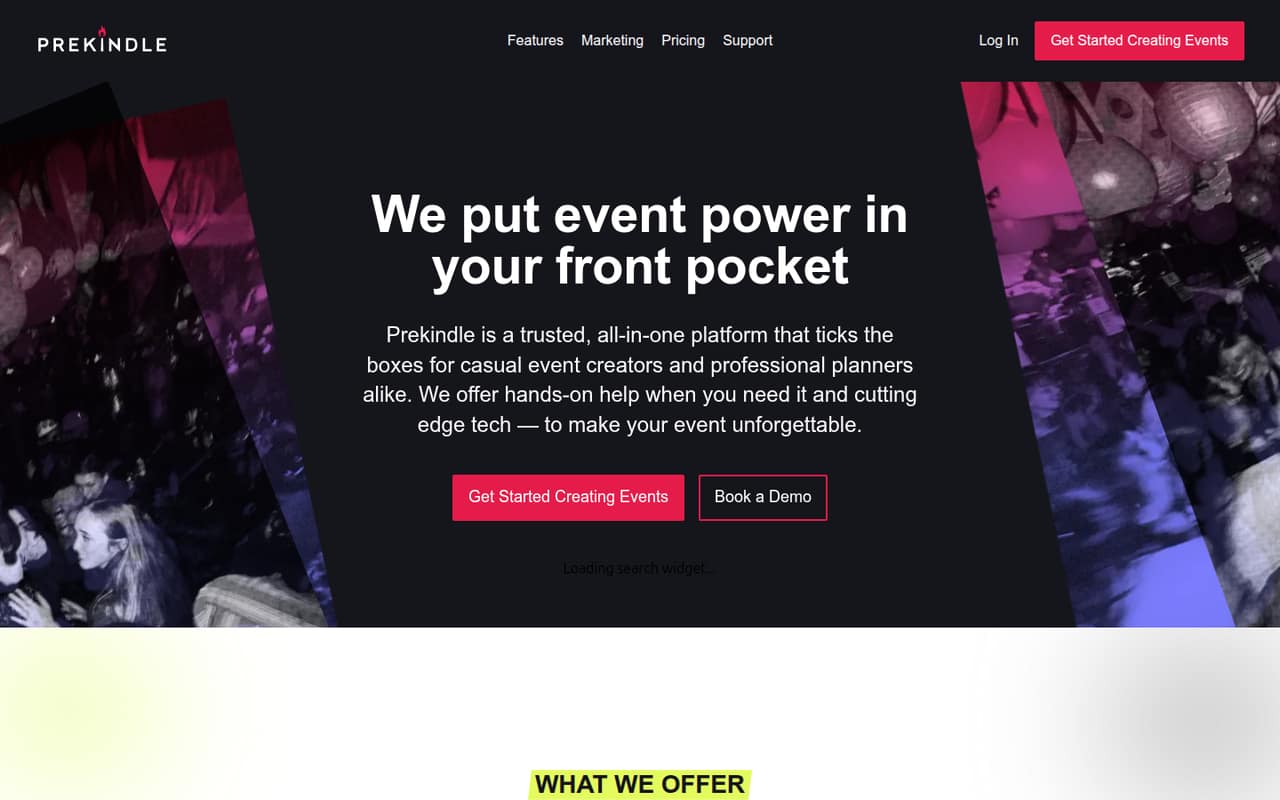
Prekindle is free for free-ticket events, and its listing notes reserved seating for teams selling tickets. Paid tickets cost $1.59 plus 3% per ticket. That clear fee structure makes it easier to estimate costs than an undisclosed quote, but add the per-ticket charge to your budget before choosing ticket prices.
What works
- Free plan has no fees on free tickets
- Unlimited ticket types on both listed plans
- Professional includes real-time sales reporting
What doesn't
- Paid pricing is charged per ticket
- Turn-key card processing adds another 3%
- No monthly or annual paid-plan price is listed
- Best for audience activitiesWooclapWooclap
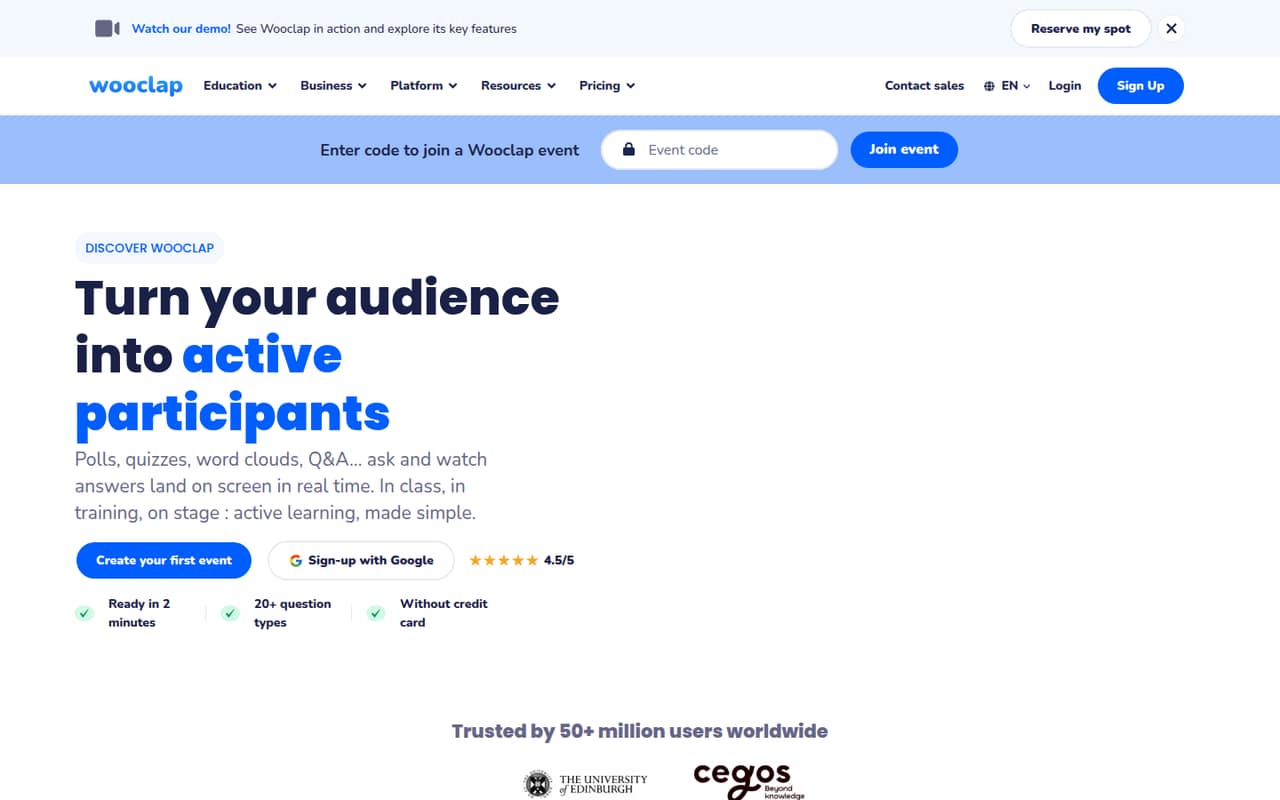
Wooclap is a better fit for interactive classes and training than for selling tickets: its strengths are live audience activities, polls, and quizzes. The listing starts at $13 and includes a free plan, but the free plan is limited to five questions. Check whether that limit is enough for your session before building your event around it.
What works
- Free plan supports unlimited events.
- Free events allow up to 1,000 participants.
- Offers more than 20 question formats.
What doesn't
- Free plan allows five questions per month.
- Paid plans are billed annually.
- Monthly paid prices are not published.
03How we chose
We ranked these tools for teams of one to ten, weighing whether there’s a free plan, what the listed starting price means for a small budget, and whether fees may grow with attendance. We also considered plan limits and setup effort: when vendor documentation doesn’t make setup or limits clear, we treat that as something to confirm before buying, not as proof the tool is simple. Reddit sentiment can flag user-reported friction, but anecdotal reports shouldn’t replace checking current terms with the vendor.
04Compare the whole event cost, not just the starting price
A low starting price is only useful if you know what it covers. Some tools list a subscription price, while others charge per ticket or add payment fees as sales grow. For example, Prekindle lists $1.59 plus 3% for each paid ticket, while SimpleTix lists a $0 subscription cost and says ticket and payment fees add up as sales grow. Those are different cost models, so compare them using your expected ticket price and attendance.
Before buying, ask whether the listed price is monthly, annual, or per event if the vendor doesn’t say. Confirm whether payment processing is included, whether free tickets cost anything, and what happens when you exceed a plan’s guest or event limits. For a small team, a short written estimate for one realistic event can be more useful than comparing starting prices alone.
05Match the tool to the work you actually need
Start with the job you need done. If people need to discover a public event, Eventbrite or AllEvents may be more relevant than a tool focused on registration alone. If you run recurring community events, compare Luma’s free basics with the annual cost of Plus. If you mainly need custom RSVPs, look at RSVPify’s guest limits. For classes or training sessions that need polls and quizzes, consider Wooclap—but check its five-question free-plan limit.
Then check setup with the vendor’s documentation before inviting attendees. Look for instructions covering event creation, registration questions, ticket setup, attendee check-in, and changes or refunds. If those steps aren’t clear, ask the vendor what your team must configure and whether help is available. Also think ahead: a free plan can be a sensible start, but plan limits or per-ticket fees may make another option cheaper as your event calendar or sales grow.
Questions people ask
Does a small team need event management software?
Not always. For a one-off event with a short guest list, your existing tools may be enough. Consider dedicated software when you need public event discovery, ticket sales, custom registration questions, or repeat-event management. Choose based on the work you need the software to handle, not the size of its feature list.
What is the cheapest event management software?
It depends on how you run events. SimpleTix lists a $0 subscription cost, and Big Tickets lists a $0 starting price with a free plan. Ticket and payment fees can still apply, so compare the total cost at your expected attendance rather than choosing by subscription price alone.
Can I manage events for free?
Several listed tools have free plans, including Luma, Eventbrite, AllEvents, Humanitix, and RSVPify. Free plans may have limits, and paid tickets can incur fees. Check the plan’s event, guest, and ticket limits and ask about transaction charges before opening registration.
How should a small team compare ticket fees?
Estimate fees using your ticket price and expected number of paid attendees. Ask whether the vendor charges a fixed amount, a percentage, payment processing, or a combination. Prekindle lists a fee of $1.59 plus 3% per paid ticket; other tools may use different pricing, so confirm current terms directly.