
We may earn a commission if you buy through links on this page. It never changes a score or a ranking. How we make money
The bottom line
Good for selling tickets without a monthly bill; paid-ticket fees and custom pricing need a close look.
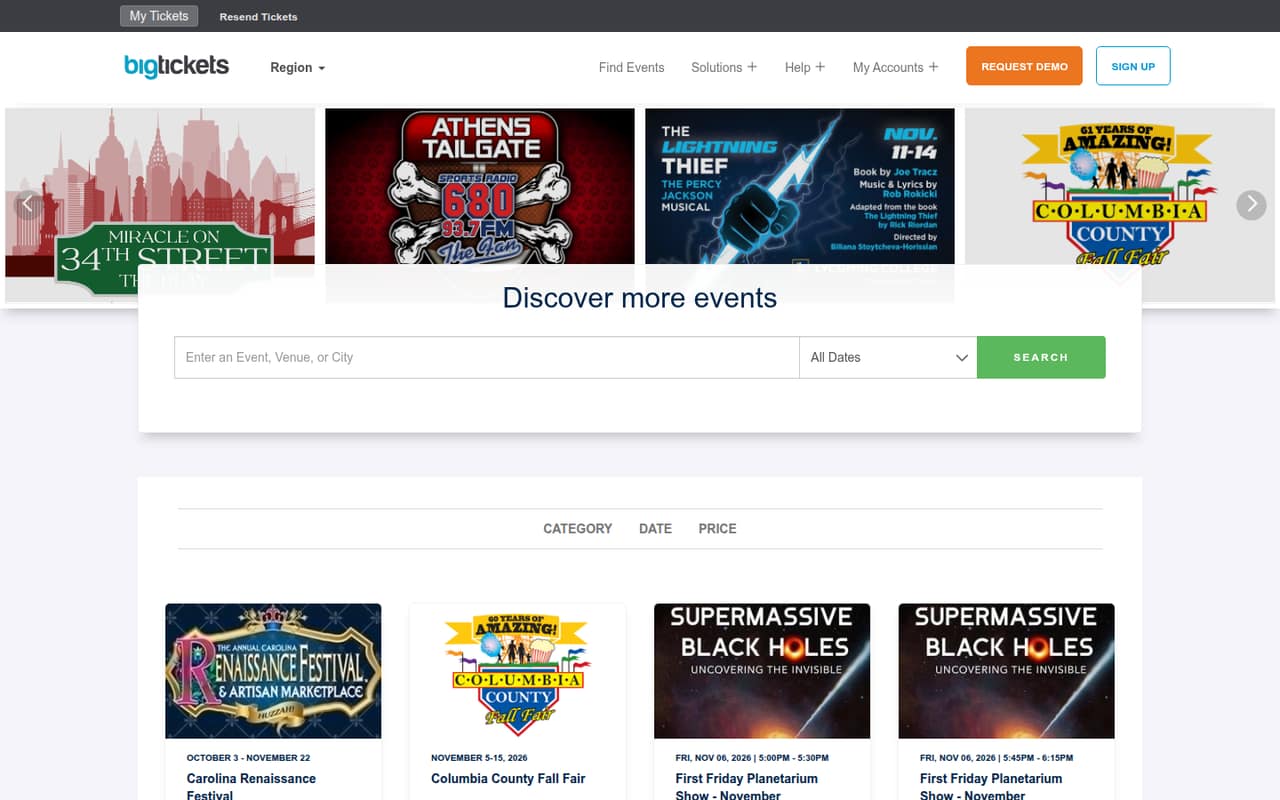
Big Tickets is an online ticketing and event-discovery platform for organizers. Its listed options include standard ticket sales, reserved seating, drive-in events, livestreams, and apps for organizers and attendees.
The Standard (Pay-As-You-Go) plan has no monthly subscription, and free tickets and events cost $0. Paid tickets incur service and processing fees. That can suit a small team with occasional events, while high-volume organizers need to request a customized quote.
Good fit if
- Organizers with occasional events
- Teams selling free tickets
- Drive-in and livestream events
Skip it if
- Teams needing published seat pricing
- Organizers requiring known total costs
- High-volume events without a quote
ScoresHow it rates
What works
- No monthly subscription on Standard
- Free tickets and events cost $0
- Supports reserved seating and livestreams
- Includes drive-in event ticketing
- Organizer and attendee apps are listed
What doesn't
- Paid tickets incur service fees
- Payment processing adds a separate fee
- Customized plan prices require a request
- Add-on prices are by request
- Seat limits and overage costs aren't published
01Who Big Tickets is for
Big Tickets is for the small team that needs to sell tickets for an event, rather than pay for a general-purpose sales platform. It could fit a solo organizer or a team of a few people running occasional events: the Standard (Pay-As-You-Go) plan has no monthly subscription, and free tickets and events cost $0.
The platform lists online ticketing, reserved seating, drive-in events, livestreams, and apps for organizers and attendees. That makes it relevant to teams whose event format needs more than a basic ticket link. The public event-discovery site may also suit organizers who want their events listed for discovery.
For a team of 1–10, the key budget question isn't a per-seat subscription; the pricing page lists ticket fees instead. Paid-ticket costs depend on sales, and there is no published estimate for your event's total. High-volume events, festivals, and fairs are directed to Customized Plans, with pricing tailored upon request.
02Big Tickets free plan and trial
Big Tickets does not list a separate free plan or free trial. Instead, its Standard (Pay-As-You-Go) plan has no monthly subscription, and the pricing page lists free tickets and events at $0. That gives an organizer a way to run a free event without a monthly plan charge.
For paid tickets, Standard lists a $1.49 service fee plus a 2.5% service fee and a 3% payment processing fee. The pricing material does not state a per-seat subscription or a ticket-volume allowance. Ask Big Tickets how the fees apply to your ticket prices and whether any event-specific charges apply before publishing tickets. Reserved seating setup and other add-ons are priced upon request, so they are not included in the $0 cost for free tickets.
03What a small team pays for Big Tickets
Standard (Pay-As-You-Go) costs $0 per month in subscription fees. That means the listed monthly subscription cost is $0 for one person, a team of three, or a team of five. Big Tickets does not publish a per-seat price or seat limit, so there is no supported per-seat calculation for those team sizes. Annual billing is not published; Standard has no monthly subscription.
The event, not the headcount, drives the listed fees. Free tickets and events cost $0. Paid tickets incur a $1.49 fee plus a 2.5% service fee, and a 3% payment processing fee. The pricing material does not give a worked example or explain the fee calculation base, so ask for an event-specific estimate before setting ticket prices.
Small teams may also need to ask about reserved seating setup, on-site staffing and equipment rentals, white-label branding, custom integrations or API access, and advanced reporting or marketing automation. Those add-ons are priced upon request. Overage costs are not published.
04Getting started with Big Tickets
The listed tools cover several event formats: online ticketing, reserved seating, drive-in events, and livestreams. Organizers can also use a listed organizer app, while attendees have a separate app. That breadth means the first planning step is choosing the format and ticketing setup your event needs.
Big Tickets does not publish setup time, onboarding steps, or a learning-curve estimate in the available product and pricing details. Integration options and setup requirements are also not published. We would confirm whether your existing tools connect before choosing it, especially if you need custom integrations or API access; those are listed as priced-on-request options.
For a small team, ask the vendor what information it needs to configure your event, whether reserved seating requires paid setup, and what attendees need to use the app. Those answers will give you a clearer picture of the work before tickets go on sale.
05When small teams outgrow Big Tickets
The most likely budget pressure is paid-ticket volume: Standard avoids a monthly subscription, but each paid ticket carries listed service fees and payment processing. As sales grow, ask Big Tickets for a cost estimate using your ticket prices and expected volume. The pricing page does not publish overage costs, so clarify whether any additional charges apply to your event.
A team may also need more than the Standard plan's public pricing covers. Big Tickets offers Customized Plans for high-volume events, festivals, and fairs, with pricing tailored upon request. Reserved seating setup, staffing and equipment, white-label branding, custom integrations or API access, and advanced reporting or marketing automation also have prices available by request.
Seat limits, per-seat charges, and plan thresholds are not published. Before upgrading or moving, compare a written quote with your current event fees and confirm which requested features are included. If you need predictable costs before ticket sales, that quote is essential.
Questions people ask
Does Big Tickets have a free plan?
The pricing page does not list a separate free plan or trial. Its Standard (Pay-As-You-Go) plan has no monthly subscription, and free tickets and events cost $0. Paid tickets have listed service and payment processing fees, so free events and paid events have different costs.
What fees does Big Tickets charge for paid tickets?
Standard lists a $1.49 fee plus a 2.5% service fee for paid tickets, along with a 3% payment processing fee. The pricing material does not provide a worked example or explain the calculation base. Ask Big Tickets to estimate fees for your ticket price and event.
Does Big Tickets support reserved seating?
Yes. Reserved seating is one of Big Tickets' listed solutions. Reserved seating setup is priced upon request, so ask the vendor what setup involves and what it would cost for your venue before committing.
Can I use Big Tickets for livestream or drive-in events?
Big Tickets lists solutions for both drive-in events and livestreams, as well as standard online ticketing. Ask the vendor which event-specific setup or add-on costs apply to your format; the pricing page lists some additional services as priced upon request.
Does Big Tickets charge per team member?
The listed Standard plan has no monthly subscription, and the pricing material does not publish a per-seat charge or seat limit. It lists fees for paid tickets instead. Confirm directly with Big Tickets whether your team size affects your quote or access to particular features.