We may earn a commission if you buy through links on this page. It never changes a score or a ranking. How we make money
A small team needs file sharing software if files are scattered across personal accounts or client handoffs are becoming hard to manage. If you only send a file now and then, a transfer service may be enough; it is not the same as a shared team drive. For ongoing storage, Sync is a practical place to start, while Seafile and Nextcloud suit teams willing to handle self-hosting. The listed starting prices are not always the price for a whole team, so check seat minimums and billing details before committing.
Quick picksThe shortlist
 SyncSyncBest for small teams · $4.50/mo
 SeafileSeafileBest free option · $8.33/mo
 BoxBoxBest for workflows · €4.50/mo
 NextcloudNextcloudBest self-hosted hub · €3.50/mo
 pCloudpCloudBest for storage · $4.17/mo
 MEGAMEGABest for privacy · €3.33/mo
 TransferNowTransferNowBest for file handoffs · €3/mo
 WeTransferWeTransferBest for simple transfers · $7/mo
 HightailHightailBest for creative reviews · $12/mo
01Compared at a glance
| Tool | Score | From | Free plan | Trial |
|---|---|---|---|---|
| SyncSync | 7.4 | $4.50/mo | Yes | 30 days |
| SeafileSeafile | 7.8 | $8.33/mo | Yes | 30 days |
| BoxBox | 7.1 | €4.50/mo | Yes | — |
| NextcloudNextcloud | 6.8 | €3.50/mo | Yes | — |
| pCloudpCloud | 7.0 | $4.17/mo | Yes | 30 days |
| MEGAMEGA | 6.8 | €3.33/mo | Yes | — |
| TransferNowTransferNow | 7.0 | €3/mo | Yes | 7 days |
| WeTransferWeTransfer | 7.2 | $7/mo | Yes | 7 days |
| HightailHightail | 7.1 | $12/mo | Yes | — |
02The picks, in detail
- Best for small teamsSyncSync
Sync is our strongest general fit for a small team that wants shared folders and private file storage. Its listed starting price is $4.50, and the summary notes a three-seat paid minimum, which is relevant for a team of 1–10. The free-plan limits are unclear, so ask Sync what the free option includes and what three seats will cost before choosing.
What works
- End-to-end encryption for stored files
- File sharing with permission controls
- Real-time backup and file restoration
What doesn't
- Paid team plans require at least three users
- Free-plan storage and limits aren’t published in pricing details
- Higher storage tiers raise the per-seat price
- Best free optionSeafileSeafile
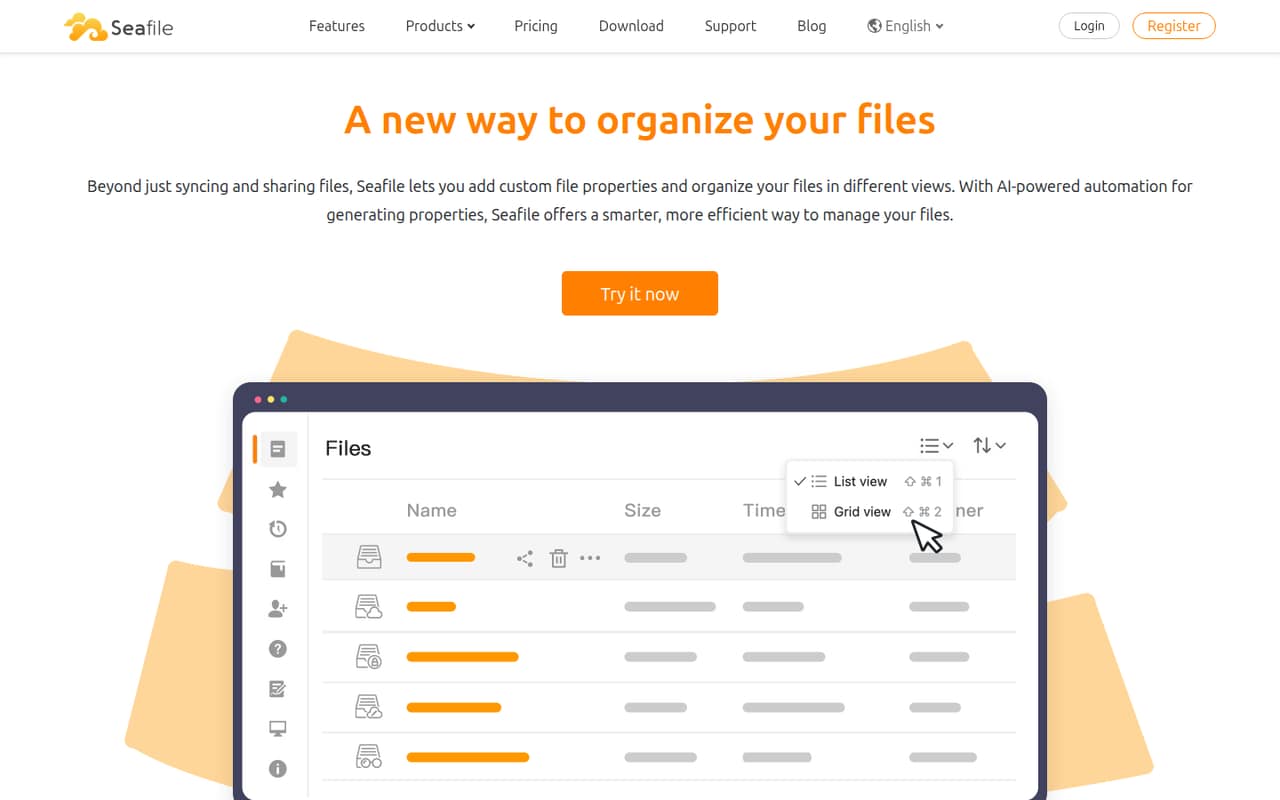
Seafile is free for small self-hosted teams, according to the published summary, and it is built around sharing and syncing files. That makes it appealing when the team has someone able to manage setup and upkeep. The listed starting price is $8.33, but confirm what that price covers. Consider the file-access trade-offs before putting important team workflows on it.
What works
- Free, open-source Community Edition
- Pro is free for up to 3 users
- Syncing, sharing, and access controls
What doesn't
- Self-hosted setup can be complicated
- Pro 9-user offer excludes basic email support
- Cloud Team starts at $8 per user monthly
- Best for workflowsBoxBox
Box suits small teams that need more than a place to store files, including teams automating document workflows. The listed starting price is $4.50, and its paid team plans start at three seats. That minimum can make the price less attractive for one or two people. Check which workflow features your team actually needs before paying for a broader content tool.
What works
- Free plan includes 10 GB of storage
- Business Starter supports teams of up to 10
- E-signature requests are built into plans
What doesn't
- Free uploads are limited to 250 MB
- Free plan includes only one file version
- Paid team plans require at least three users

- Best self-hosted hubNextcloudNextcloud
Nextcloud is a fit for teams that want a private file-sharing workspace and have the skills to run their own server. The listed starting price is $3.50, and a free option is listed, but self-hosting means setup and upkeep are part of the decision. Choose it when your team can own that work; otherwise, compare hosted services before deciding.
What works
- Free, open-source self-hosted option
- Files, chat, conferencing and groupware in one hub
- Browser-based collaborative office tools
What doesn't
- Paid Files and Talk tiers require at least 100 users
- Nextcloud One pricing is not published
- Self-hosting means your team manages the instance

- Best for storagepCloudpCloud
pCloud is worth considering when a small team wants to store and share business files and choose a storage region. Its listed starting price is $4.17, with a free option listed. Teams that need business controls should budget for at least three Business seats, according to the summary. Confirm the seat price and which controls are included before moving shared work there.
What works
- Free plan offers up to 10 GB
- Choose Europe or US file storage
- Automatic photo and video backup
What doesn't
- Free storage starts at 2 GB
- Free plan is limited to one user
- Business requires at least three users

- Best for privacyMEGAMEGA
MEGA is a candidate for teams prioritizing privacy, as well as solo users who want free storage. The listed starting price is $3.33 and a free option is listed. The summary flags business pricing as needing clarification, so do not assume the entry price is the cost for several teammates. Ask how business accounts, shared access, and seats are priced.
What works
- Free plan lists 20 GB for one user
- Zero-knowledge encrypted storage
- File links can have passwords or expiry
What doesn't
- Free plan has limited transfer quota
- Business requires at least three users
- Extra-seat pricing needs clarification
- Best for file handoffsTransferNowTransferNow
TransferNow is a better fit for sending files to clients than for maintaining a shared team drive. Its listed starting price is $3, a free option is listed, and the summary says its Team tier suits 10-seat groups. The free plan is described as useful for occasional transfers up to 5 GB. Check the tier limits if regular transfers are central to your work.
What works
- Free transfers up to 5 GB
- Email and shareable-link delivery
- Password protection on the free plan
What doesn't
- Free transfers are available for 7 days
- Free plan includes no storage
- Team price is listed on two-year billing
- Best for simple transfersWeTransferWeTransfer
WeTransfer works for teams that mainly send large files and want recipients to need no account. The listed starting price is $7, with a free option listed. The free cap and team seat costs are the catches, so check both before using it for routine client work. It is less suited to teams looking for a continuing shared storage space.
What works
- Recipients can download without an account
- Share by email or download link
- Folder uploads are supported
What doesn't
- Free use is limited to 10 transfers or 3 GB
- Free plan is for non-commercial individual use
- Teams has a two-user minimum

- Best for creative reviewsHightailHightail
Hightail is aimed at creative teams sharing large files, collecting feedback, and managing approvals together. The listed starting price is $12, and a free option is listed, though the summary describes that plan as small. Seat costs can add up, so get a quote for the number of people who need to review or manage files before making it the team standard.
What works
- Lite is free, with 2GB of storage
- Paid plans support large file sends
- Feedback and approvals sit with project work
What doesn't
- Lite sends are limited to 100MB
- Lite files expire after seven days
- Teams costs $30 per user month to month

03How we chose
We ranked tools for teams of 1–10 by whether they support ongoing shared storage or mainly send files, what free access is listed, and how the starting price and seat minimum affect a small group. We also weighed setup effort: self-hosted tools can suit a budget-conscious team with server skills, but require someone to manage them. Plan limits, vendor documentation, and user reports are useful checks before buying. We did not treat a starting price as a full-team quote or rely on raw scores alone.
04Decide whether you need storage or transfers
First, decide whether your team needs a shared place to keep working files or only a way to hand off large files. A transfer service can suit occasional client deliverables, but it is not automatically a shared team drive. WeTransfer is positioned for simple large-file sharing, while TransferNow is described as useful for occasional transfers up to 5 GB. For ongoing storage and shared folders, compare tools such as Sync, Seafile, and pCloud instead. Then check the free plan against your real workflow: how many people need access, what limits apply, and whether files can be shared the way your team needs. If those limits are not clear, ask the vendor before moving team files. A free plan is only useful if it covers the work you actually do.
05Price the seats and the setup
A listed starting price is not necessarily the price for your whole team. Sync and Box have paid team plans that start at three seats, while pCloud’s business controls call for at least three Business seats. Ask for the total cost for your headcount and confirm what plan features that quote includes. Also count setup work. Seafile and Nextcloud can make sense for teams with server skills, but self-hosting means your team takes on setup and upkeep. If nobody can own that work, a hosted option may be worth the extra cost. Before signing up, check the vendor’s documentation for storage, sharing, and account limits. Revisit the choice when the team needs more seats, stronger controls, or workflows the current plan does not cover.
Questions people ask
What is the best free file sharing software for a small team?
Seafile is free for small self-hosted teams, making it a strong option if someone can handle setup and upkeep. Nextcloud also has a free option and is self-hosted. Check each tool’s current plan details and decide whether your team can support the hosting work.
How much does file sharing software cost for a small team?
Listed starting prices vary: Sync and Box start at $4.50, while TransferNow starts at $3. Those figures are not necessarily a total for several people. Sync and Box have three-seat paid minimums; ask each vendor for a quote based on your team size.
Is WeTransfer a shared team drive?
WeTransfer is described as a tool for sending large files, including to recipients who do not need an account. That can work for deliverables and handoffs, but teams that need ongoing shared storage should compare it with file-storage tools such as Sync or pCloud.
When should a small team switch file sharing tools?
Consider switching when your current plan no longer covers the number of people who need access, or the team needs controls or workflows it does not provide. Before moving files, check the new vendor’s seat pricing, plan limits, documentation, and how much setup your team must manage.