
We may earn a commission if you buy through links on this page. It never changes a score or a ranking. How we make money
The bottom line
Free for small self-hosted teams, but DIY setup and file access trade-offs deserve a close look.
Seafile suits small teams that want file syncing and sharing, with custom properties, flexible views, collaborative documents, and a team wiki. The Community Edition is free, and the Pro Edition is free for up to three users, making the entry price hard to beat.
The catch is setup: Reddit users describe self-hosting as complicated, and one notes Seafile generally expects a reverse proxy for HTTPS. Hosted Cloud Team starts at $8 per user monthly, while the 9-user Pro offer is $100 per year and excludes basic email support.
Good fit if
- Small teams sharing and syncing files
- Budget-minded self-hosted teams
- Teams wanting file properties and views
Skip it if
- Teams wanting no server administration
- People who need direct file access
- Teams needing extensive included support
ScoresHow it rates
What works
- Free, open-source Community Edition
- Pro is free for up to 3 users
- Syncing, sharing, and access controls
- Custom properties and flexible file views
- Cloud Team includes SeaDoc collaboration
What doesn't
- Self-hosted setup can be complicated
- Pro 9-user offer excludes basic email support
- Cloud Team starts at $8 per user monthly
- Seafile stores files in its own data format
- Paid support can be expensive for small teams
01Who Seafile is for
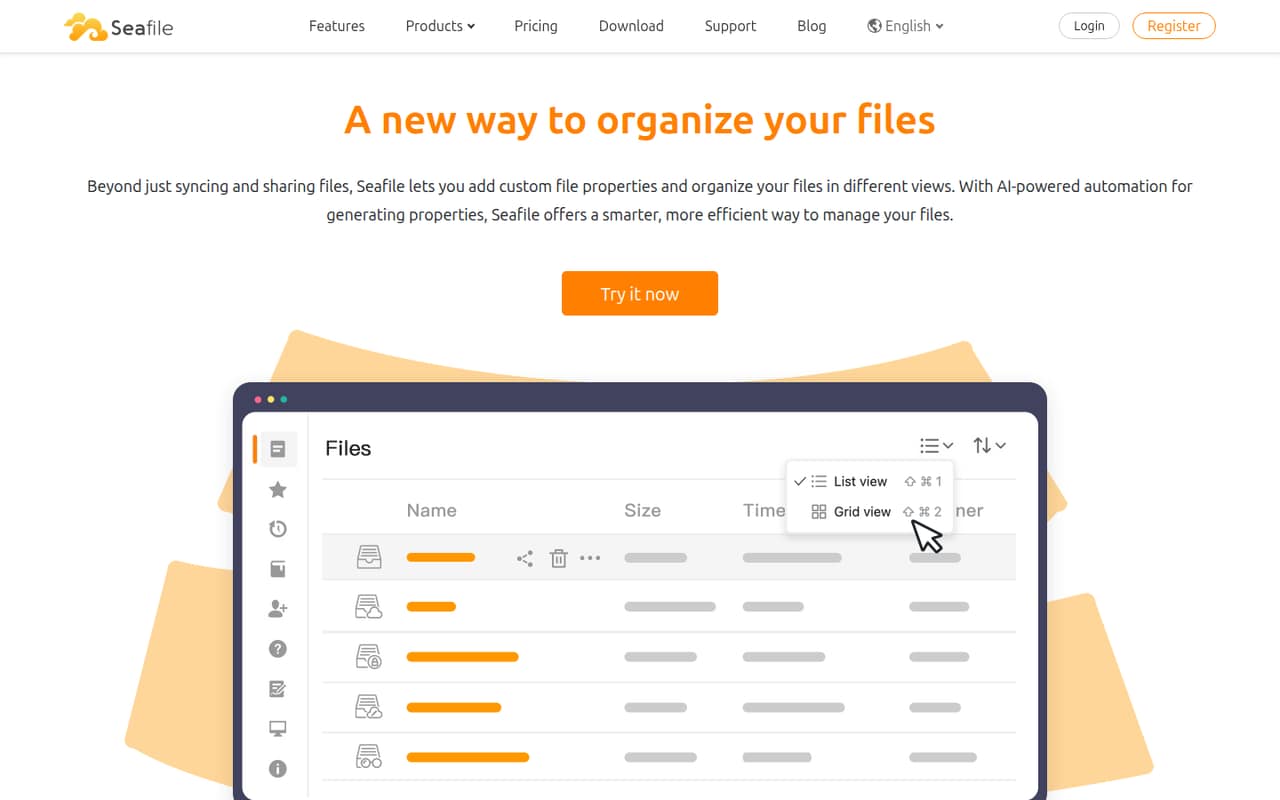
Seafile is worth considering if your 1–10 person team mainly needs shared files, syncing, and controlled access—not a full business software suite. It handles file access across devices and adds custom properties such as owner or status, with table, gallery, kanban, and map views for sorting and organizing files.
It also includes collaborative documents and a team wiki, so a small group can keep project notes near its files. The Community Edition is free, and Pro is listed at no charge for up to three users. That makes it attractive for teams willing to run their own server and manage setup. If you would rather avoid that work, Cloud Team starts at $8 per user monthly and includes SeaDoc document collaboration. Reddit users praise Seafile’s syncing, but some describe setup as complicated and raise concerns about files being stored in Seafile’s own format.
02Seafile free plan and trial
The pricing page lists the Community Edition as free and open source. It also lists a Pro Edition for up to three users at $0, with no license file required. For a team of one to three, that makes the on-premises Pro option a no-cost way to start. The pricing page does not publish storage or feature limits for these free editions, so confirm the limits that matter to your team before choosing one.
There is also a 30-day Cloud trial for up to three users and 1GB of storage. The account is deleted within 90 days after inactivation. The pricing lists a Pro trial of three weeks or more, but does not specify its limits. If your team needs hosted storage beyond the trial, Cloud Team starts at $8 per user monthly and requires at least three users.
03What a small team pays for Seafile
For one person, Community Edition costs $0, and the Pro Edition listing also gives up to three users access for $0. A three-person team can therefore start on that free Pro offer, subject to confirming that its features fit your needs.
For five people, the listed small-business Pro offer covers nine users for $100 per year. That works out to $8.33 per month for the team, or $1.67 per person monthly if all five seats are used. The offer excludes basic email support. At 10 users, the next listed bracket is $48 per user per year, or $480 yearly for 10 seats. On-premises Pro is billed annually.
Hosted Cloud Team starts at three users and costs $8 per user monthly: $24 per month for three, or $40 for five. It includes 500GB of expandable storage, three months of file version retention, and SeaDoc. Annual billing is not stated. Paid support is a steep extra: 8/5 support is $5,000 per year, and remote sessions are $120 per hour.
04Getting started with Seafile
Self-hosted Seafile needs more setup work than a hosted file-sharing subscription: you need a server and someone to manage it. A Reddit user calls setup “weirdly complicated,” while reporting that the service was stable once running. Another commenter says Seafile generally expects a reverse proxy to handle HTTPS rather than doing that itself. Plan for that server and security configuration before inviting the team.
For day-one use, decide how people will sync or access shared files, then set sharing permissions for folders and links. Seafile’s listed features include read/write, read-only, and preview access, plus collaborative documents and a team wiki. A Reddit user reports using OnlyOffice with Seafile, but that does not establish which integrations are included in each plan. For hosted Cloud Team, the pricing page lists SeaDoc collaboration. The available pricing details do not state setup time or specific onboarding services.
05When small teams outgrow Seafile
The clearest price jump comes when a team grows past the 9-user small-business offer. That plan is listed at $100 per year, while the 10–249-user bracket is $48 per user per year; at 10 users, that is $480 yearly. Check with Seafile before budgeting around that transition, especially if support is important: basic email support is excluded from the 9-user offer, and the listed 8/5 support add-on costs $5,000 per year.
Cloud teams may also need to review storage and retention as their files grow. Cloud Team includes 500GB of expandable storage and three months of file version retention; ask the vendor about the cost and terms for what you need beyond that. Reddit users also flag a data-access trade-off: Seafile stores files in its own format, which can make direct access outside Seafile less straightforward. If your team needs ordinary file-system access or wants to avoid server administration, reassess before committing.
From the threadsWhat users say
Reddit sentiment is mostly positive about Seafile’s syncing and stability once it is running. Setup difficulty and concerns about accessing data outside Seafile are recurring reservations.
it is indeed weirdly complicated to set up. Though once it is up and running it is pretty stable
I've been using Seafile for 8 years because it is definitely the fastest file server focused on doing one thing well
Seafile stores data as blobs in their proprietary database in a Git like fashion which can be exposed using a Fuse FS
Immich has been an excellent Google Photos replacement for me, and Seafile has been solid as well
Questions people ask
Is Seafile free for a small team?
Yes. The pricing page lists the Community Edition as free and open source, and Pro for up to three users at $0 with no license file required. It does not publish storage or feature limits for those free editions, so check the details with Seafile if a particular limit could affect your team.
How much does Seafile cost for five users?
For on-premises Pro, the listed small-business offer covers nine users for $100 per year. That is $8.33 monthly for the team, or about $1.67 per person monthly with five seats in use. Hosted Cloud Team is $8 per user monthly and starts at three users, so five seats cost $40 per month.
Does Seafile have a hosted plan?
Yes. Cloud Team starts at three users and is listed at $8 per user per month. It includes 500GB of expandable storage, three months of file version retention, and SeaDoc document collaboration. Annual billing is not stated. The Cloud trial is free for 30 days, allows up to three users, and includes 1GB of storage.
Is Seafile difficult to set up?
Self-hosting requires server setup and ongoing administration. Reddit users describe the initial setup as complicated, and one commenter says Seafile generally expects a reverse proxy to handle HTTPS. Hosted Cloud Team avoids running your own server, but the pricing page does not specify onboarding or setup assistance.
Can I access Seafile files without using Seafile?
A Reddit discussion explains that Seafile stores data in its own blob-based format, which can be exposed using a FUSE file system. That is different from having ordinary files directly available in a standard folder. If direct file-system access is essential, ask Seafile about the current options and backup process before adopting it.