We may earn a commission if you buy through links on this page. It never changes a score or a ranking. How we make money
A small team needs design software if it regularly makes marketing graphics, brand assets, reports, or print layouts—and wants to avoid rebuilding every visual from scratch. For a broad, budget-conscious starting point, VistaCreate stands out: its free plan is described as generous, and Pro is listed at $120 a year for up to 10 seats. Affinity Designer is worth a look if you want a free, versatile app for individual designers. For template-heavy work, Kittl and Glorify offer paid starting plans, but check what multiple seats will cost before committing.
Quick picksThe shortlist
 VistaCreateVistaCreateBest for small teams · $10/mo
 Affinity DesignerAffinity DesignerBest free · Free
 KittlKittlBest for templates · $12/mo
 GlorifyGlorifyBest for ecommerce · $6/mo
 MarqMarqBest for brand teams · $10/mo
 PosterMyWallPosterMyWallBest free marketing · Free
 PiktochartPiktochartBest for reports · $10/mo
 Affinity PublisherAffinity PublisherBest for print · Free
 CoolorsCoolorsBest for palettes · $3/mo
 VenngageVenngageBest for infographics · $10/mo
01Compared at a glance
| Tool | Score | From | Free plan | Trial |
|---|---|---|---|---|
| VistaCreateVistaCreate | 7.6 | $10/mo | Yes | 14 days |
| Affinity DesignerAffinity Designer | 8.0 | Free | Yes | — |
| KittlKittl | 7.2 | $12/mo | Yes | — |
| GlorifyGlorify | 7.0 | $6/mo | Yes | 7 days |
| MarqMarq | 7.2 | $10/mo | Yes | 7 days |
| PosterMyWallPosterMyWall | 5.8 | Free | Yes | — |
| PiktochartPiktochart | 7.2 | $10/mo | Yes | — |
| Affinity PublisherAffinity Publisher | 8.0 | Free | Yes | 30 days |
| CoolorsCoolors | 7.8 | $3/mo | Yes | — |
| VenngageVenngage | 7.0 | $10/mo | Yes | — |
02The picks, in detail
- Best for small teamsVistaCreateVistaCreate
VistaCreate is our first pick for a small team that needs recurring marketing graphics and a clear seat ceiling. Its free plan is described as generous, and Pro is listed at $120 a year for up to 10 seats. That makes the team cost easier to budget than offers with unclear seat pricing. Check that its brand-kit workflow covers your handoffs.
What works
- Starter is free for one seat
- 100K templates and 1M media items on Starter
- AI image generation and AI writing
What doesn't
- Pro monthly price is not published
- Starter has one brand kit
- Starter storage is limited to 10 GB
- Best freeAffinity DesignerAffinity Designer
Affinity Designer is a free, versatile design app for individuals, suited to logos and artwork without a published subscription price. It can work well when one person owns the design files and shares finished assets with the team. It is less straightforward for organizations that need SSO: the listing says those buyers should ask about quote-based pricing.
What works
- Free for individual use
- Combines design, photo editing, and page layout
- Available for Mac, Windows, and iPad
What doesn't
- Enterprise pricing is quote-based
- Organization seat and usage limits are unpublished
- AI tools require an eligible Canva premium plan
- Best for templatesKittlKittl
Kittl suits a small team that wants quick, template-led visuals and built-in AI tools. The free plan gives you a way to start, with paid pricing listed from $12. The main budget question is the cost of adding editors: the listing specifically recommends budgeting for paid seats as the team grows, so confirm the seat total before standardizing on it.
What works
- Free plan includes 100 one-time AI tokens
- Templates can speed up design work
- Pro includes unlimited projects
What doesn't
- Free plan allows just one editor
- Free downloads are limited to 800px, 72 DPI
- Business pricing is custom
- Best for ecommerceGlorifyGlorify
Glorify is aimed at e-commerce marketing teams making product assets and reusing brand templates. It has a free plan and paid pricing listed from $6, which gives a solo seller a low-cost entry point. Watch the seat tiers: the listing flags a jump from one seat to three or six, so check the price at your actual team size.
What works
- Free plan includes three users
- E-commerce templates and stock assets
- Background remover for product images
What doesn't
- Free plan allows five downloads monthly
- Basic includes only one user
- Pro is limited to three users

- Best for brand teamsMarqMarq
Marq is a good fit when a marketing team repeats branded content and wants locked templates or design automation. It has a free plan and starts at $10; the best per-seat price is tied to annual billing. That makes it more relevant to teams with steady, ongoing production than to a group that only needs occasional one-off graphics.
What works
- Free plan includes three projects
- Locks colors, fonts, logos and elements
- Team plan includes unlimited projects
What doesn't
- Free plan is limited to one user
- Free exports are screen-quality at 72 dpi
- Team plan starts at two licenses
- Best free marketingPosterMyWallPosterMyWall
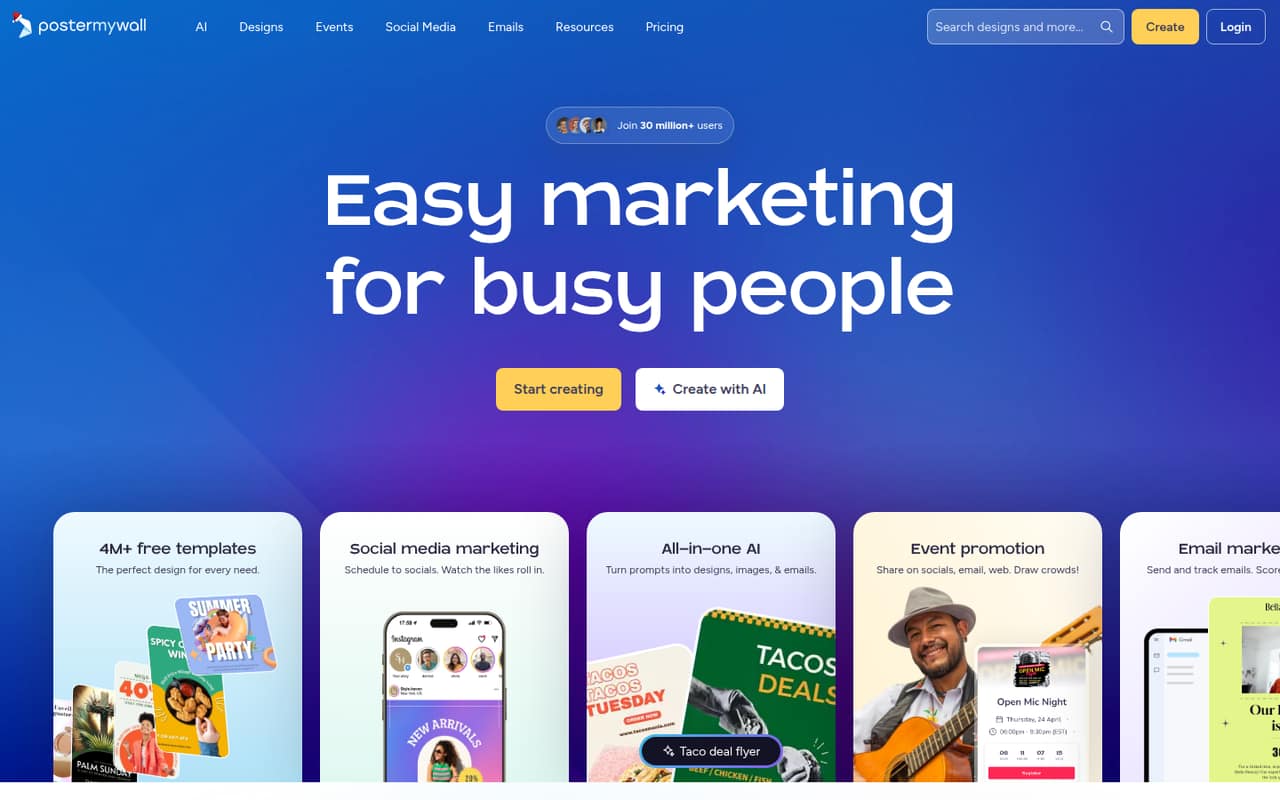
PosterMyWall is worth considering for a solo marketer or a small business making event promotions. Its free plan includes a range of design and promotion tools, but team pricing is unclear. That is a real drawback for a shared workflow: before several people depend on it, ask the vendor what team access costs and what the free plan allows each person to do.
What works
- Free plan costs $0
- Free templates cover several formats
- AI tools create designs and marketing text
What doesn't
- Free plan is limited to one user
- Free publishing covers one social account
- Free plan allows one event page monthly
- Best for reportsPiktochartPiktochart
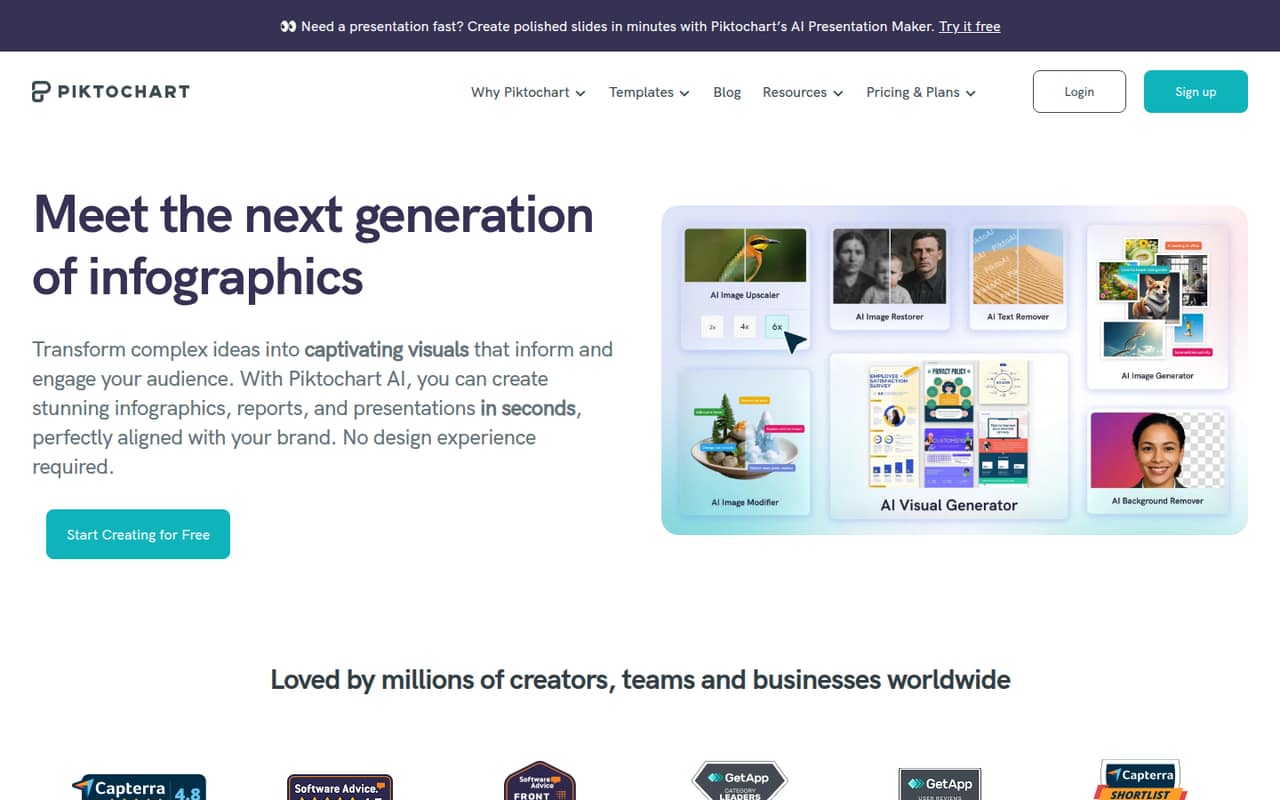
Piktochart fits teams creating reports, infographics, charts, and maps, with visual reviews also listed among its strengths. It has a free plan and starts at $10, but free downloads are scarce and team costs add up per seat. It is a more sensible choice when those business visuals are a regular need than when the team mostly makes simple social posts.
What works
- Templates cover reports, infographics, presentations, and more
- Charts, diagrams, tables, and interactive maps
- Free plan allows unlimited visual projects
What doesn't
- Free plan allows just two PNG downloads
- Pro and Business costs multiply by seat
- Free plan has only 1 GB storage
- Best for printAffinity PublisherAffinity Publisher
Affinity Publisher is a strong match for small teams focused on print layouts, including book publishing. Its listing highlights one-time pricing, which may appeal if you want to avoid another subscription. The exact price is not published in the listing, so check the current purchase cost and confirm the licensing terms for everyone who will use it.
What works
- Free Affinity plan includes Layout, Vector, and Pixel studios
- No usage restrictions listed for the free plan
- Publisher 2 is a one-time desktop purchase
What doesn't
- Publisher 2 is a separate purchase from the free plan
- Desktop license seat limit is not published
- Canva AI tools require a premium subscription
- Best for palettesCoolorsCoolors
Coolors is a focused, low-cost pick for teams that need help exploring color palettes rather than a full design suite. It has a free plan, with Pro listed from $3. That is an inexpensive starting point for palette work, but team pricing and support details are unclear. Ask about shared access if more than one person needs the paid features.
What works
- Free plan includes 10K+ ready color schemes
- Free plan supports palettes of up to five colors
- Pro is listed at $3 per month
What doesn't
- Free plan saves only 10 palettes
- Free plan includes just one project and collection
- Annual price and billing details aren't published

- Best for infographicsVenngageVenngage
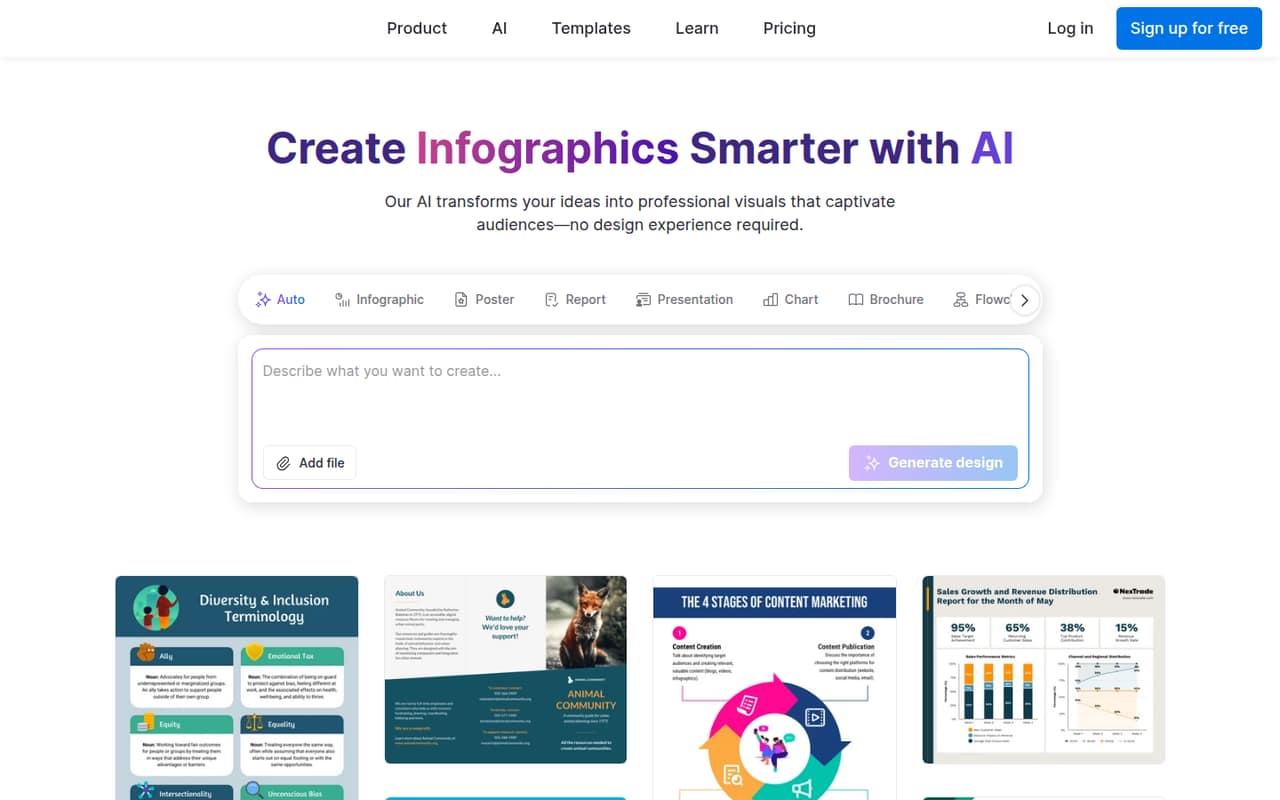
Venngage targets small teams making branded reports, infographics, and visual templates, including work by non-designers. It has a free plan and starts at $10. Before buying, check its export limits and accessibility features, both flagged as items to review. It is a better fit when polished business visuals are a recurring task than when you need a general-purpose drawing app.
What works
- AI generator turns text into structured design layouts
- Templates cover infographics, reports, pitch decks, and charts
- Business includes brand kits and team sharing
What doesn't
- Free plan limits users to five designs
- Free sharing is public
- Business pricing multiplies by each user
03How we chose
We ranked these tools for teams of 1–10, not for a solo designer who can ignore seat costs. We weighed what the free plan covers, the listed starting price, how clearly a few-seat cost can be estimated, and whether the tool fits a repeatable team job. Setup effort matters too: a focused tool may be easier to adopt when it matches one clear need. We also treat vendor documentation and Reddit sentiment as useful checks; neither replaces confirming current prices, limits, and seat terms with the vendor.
04Work out the real cost for your team
A low starting price is not the same as a low team bill. Count the people who need to edit, then ask whether the price is per seat, per workspace, or tied to an annual commitment. VistaCreate lists Pro at $120 annually for up to 10 seats, while Marq ties its best per-seat price to annual billing. Glorify flags a seat jump from one user to three or six; Coolors and PosterMyWall have unclear team pricing. Those differences matter more than a headline price when you are budgeting for several people.
- Check what the free plan allows for downloads, shared files, and brand assets.
- Ask whether you can add or remove seats mid-term, and what that costs.
- Confirm who owns the files and whether your team can keep using them if you cancel.
If the vendor does not publish a team price, get a written quote before moving shared work into the tool.
05Match the tool to the work you repeat
Start with the design task your team does most often. For recurring marketing graphics, compare template-led options such as VistaCreate and Kittl. For reports and infographics, look at Piktochart or Venngage. If your main need is print layout, Affinity Publisher is a closer match; if you need a free, versatile app for an individual designer, consider Affinity Designer. A tool built for one job may be easier to bring into a small team's routine than a broader suite with features you will not use.
Before paying, make a short list of the formats you need to create, the people who must edit them, and the handoff steps that cannot break. Check the vendor's documentation for setup, file access, and export limits. Revisit the choice when more teammates need seats, your workflow needs controls such as SSO, or the product's limits start slowing down routine work.
Questions people ask
Is Canva or Illustrator better?
Neither is automatically better for every small team. Decide whether your priority is a quick, repeatable workflow or detailed control over individual design work, then check the current seat price and file requirements for each. For the tools in this guide, VistaCreate is a practical option to compare for team marketing graphics, while Affinity Designer is a free option for individual design work.
Is graphic design still worth it in 2026?
For a small business, design is worth attention when visuals help explain an offer, keep brand materials consistent, or support recurring marketing. You do not necessarily need a large software budget: start with the work you need to produce and the free plan or lowest suitable tier. Pay more only when a real limit or team need makes it worthwhile.
Which AI software is best for graphic design?
For a small team looking for AI tools in a template-led design product, Kittl is a relevant option: its listing calls out built-in AI tools and quick template-led visuals. It has a free plan and starts at $12. Confirm what the paid seat arrangement costs before choosing it for a group.
What's better than Canva?
That depends on what you need Canva to do. For a free, versatile app for an individual designer, consider Affinity Designer; for marketing graphics with a listed 10-seat annual plan, compare VistaCreate. If you want templates and built-in AI tools, look at Kittl. Check current features and team pricing against your own workflow before switching.