
We may earn a commission if you buy through links on this page. It never changes a score or a ranking. How we make money
The bottom line
A free, versatile design app for individuals; organizations needing SSO must ask about quote-based pricing.
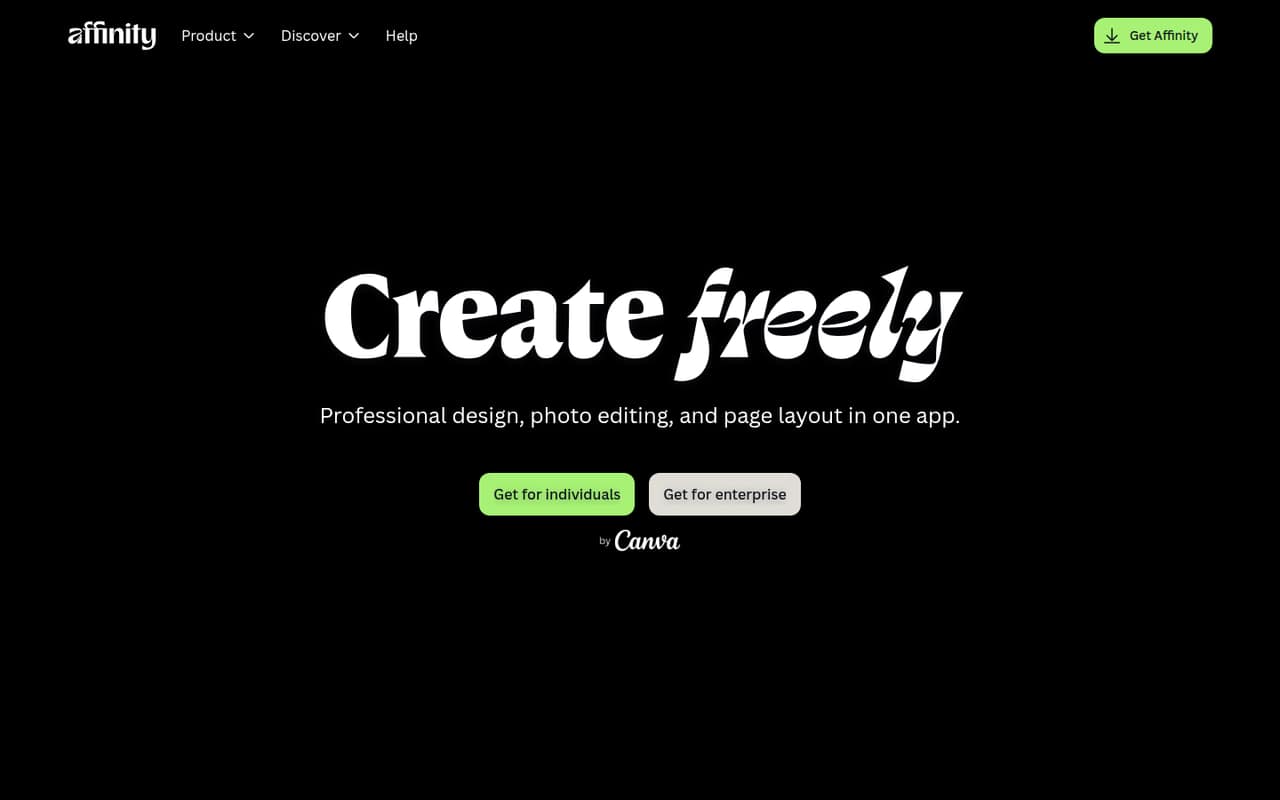
Affinity Designer combines vector and pixel design, photo editing, and page layout in one free app for individuals. It runs on Mac, Windows, and iPad, and supports imports including PSD, AI, IDML, and DWG.
For a small team watching its software budget, the individual plan is hard to beat. But free individual use is not the same as a published team plan: organizations needing SSO or managed AI tools should request an Enterprise quote.
Good fit if
- Budget-conscious solo designers
- Small teams making logos and artwork
- Designers combining layout and image editing
Skip it if
- Organizations that need published seat pricing
- Teams requiring SSO without a quote
- Designers who need Android tablet support
ScoresHow it rates
What works
- Free for individual use
- Combines design, photo editing, and page layout
- Available for Mac, Windows, and iPad
- Imports PSD, AI, IDML, and DWG files
- Non-destructive edits preserve the original file
What doesn't
- Enterprise pricing is quote-based
- Organization seat and usage limits are unpublished
- AI tools require an eligible Canva premium plan
- Some Illustrator workflows may need workarounds
- Reddit users report login concerns around Canva
01Who Affinity Designer is for
Affinity Designer suits a solo designer or a small team of roughly one to ten people that needs to make logos, illustrations, and page layouts without adding a subscription for every individual. The homepage lists the app as free for individuals, with versions for Mac, Windows, and iPad.
It brings design, photo editing, and page layout tools into one app, so a small team can work on artwork and images without switching between separate creative apps for those tasks. It can also import PSD, AI, IDML, and DWG files with layers and structure preserved, which may help when a client or coworker sends an existing file.
The budget case is strongest when each person uses the free individual plan. If the organization needs SSO or managed AI access, it should ask about Canva Enterprise / Education instead; the pricing page lists that option as quote-based. We would check file handoffs and organization requirements before standardizing on it.
02Affinity Designer free plan and trial
The pricing page lists Affinity (Free) at $0 per month for individual use. It includes core vector, pixel, and layout tools without restrictions. The homepage also describes Affinity as a free app for individuals, and lists Mac, Windows, and iPad availability.
That makes the free plan a practical starting point for an individual designer or a small group where each person is using the app individually. The pricing page does not publish organization seat or usage limits, so teams should not assume that individual terms cover managed company-wide use.
A free trial is not listed in the current pricing information. Optional AI tools require an eligible Canva premium plan, while SSO and Canva AI tool management are listed under quote-based Canva Enterprise / Education. Ask Canva which plan and terms fit your organization before budgeting for those needs.
03What a small team pays for Affinity Designer
For one individual, the listed price for Affinity (Free) is $0 monthly and $0 annually. If three or five people each use the individual plan, the simple per-person math is also $0 per month and $0 per year. That arithmetic does not establish that an organization gets a team license: the pricing page does not publish organization seat or usage limits.
Canva Enterprise / Education is the listed option for organizations needing SSO and Canva AI tool management. Its pricing is quote-based, and monthly and annual rates are not published. Ask for a quote covering your actual number of seats and intended use; the public pricing does not allow a reliable per-seat calculation for a three- or five-person organization.
AI tools are another possible cost: the pricing page says Canva AI tools require an eligible Canva premium plan, but does not publish a price for that add-on here. Eligible education users may access Canva Education for free. For a team that only needs core design tools, the free individual plan is the cheapest starting point; for organization controls, request a quote before committing.
04Getting started with Affinity Designer
The pricing page lists Mac, Windows, and iPad availability, so first check that each person has a supported device. The app combines design, photo editing, and page layout, and imports files such as PSD, AI, IDML, and DWG with layers and structure preserved. Those capabilities can simplify a team's first file handoff, though the team should confirm that its specific project files behave as needed.
The published feature list does not specify an onboarding process or setup time. Reddit feedback offers a small clue on the learning curve: one commenter said they picked it up fairly easily for small logo projects, while another said the interface felt more intuitive than Illustrator. A different commenter noted quirks compared with Adobe.
For day one, agree on supported file types and where the team stores working files. If SSO or managed AI tools are required, ask Canva about Enterprise / Education before rollout; those options are quote-based. The available details do not establish a built-in team collaboration workflow.
05When small teams outgrow Affinity Designer
The first pressure point is organization management. Affinity (Free) is listed for individual use, while the pricing page does not publish organization seat or usage limits. If a growing team needs SSO or Canva AI tool management, it will need to ask about Canva Enterprise / Education, whose price is quote-based. That can make budgeting harder than a public per-seat rate.
The second is workflow fit. One Reddit commenter who uses Affinity alongside Illustrator said they still turn to Illustrator for opening AI files and for warping text. Another warned that organizations may expect AI files, while suggesting SVG for web work. Those are individual reports, not a complete list of compatibility limits, but they point to checking client handoffs and specialized design tasks before switching a whole team.
There are also signs that some users dislike account prompts: commenters on a Reddit thread said they were staying with older versions and objected to frequent sign-ins. Teams should ask about current account requirements and test their own workflow before standardizing.
From the threadsWhat users say
Reddit users often praise Affinity's value and say the interface is approachable for common design work. Some note differences from Illustrator, and some commenters express frustration with login prompts and changes around Canva.
I was able to pick it up fairly easily for some small logo projects
Overall I just find the user interface much more intuitive though
I am still very happy with Affinity 2's entire suite
this constant signing in is "technological conditioning
Questions people ask
Is Affinity Designer a good alternative to Adobe Illustrator?
It may fit common design and illustration work: Affinity lists vector tools and supports imports including AI files. Reddit users report using it for logos and other professional work, but also mention differences and occasional Illustrator workarounds. Check your own file handoffs and specialized tasks before switching.
Can Affinity Designer replace Photoshop?
Affinity combines design and photo editing in one app, and its feature list includes pixel tools and non-destructive editing. That makes it useful for working on images alongside design projects. The published details do not establish that it matches every Photoshop workflow, so check the specific editing tools your team depends on.
Does Affinity Designer have a free version?
Yes. The pricing page lists Affinity (Free) at $0 for individual use, with core vector, pixel, and layout tools without restrictions. Organization seat and usage limits are not published, so a company should confirm its intended use with Canva.
Can Affinity Designer open Adobe Illustrator files?
The feature list says Affinity can import AI files with layers and structure preserved. One Reddit commenter reports using Illustrator to open AI files in their own workflow, so check important files yourself before relying on a particular handoff.
Is Affinity Designer available on iPad?
Yes. The homepage lists Affinity for iPad as well as Mac and Windows. The published platform information does not list an Android version, so teams using Android tablets should confirm platform availability before choosing the app.
Sources
- Affinity Designer homepage
- Affinity Designer pricing, compiled via web search from wilkinson.graphics, serif.com, quark.com, affinity.studio, pricingsaas.com, canva.com
- Reddit: Adobe Illustrator alternative? Is Affinity Designer an adequate replacement? Or do you have another suggestion?
- Reddit: Affinity Designer on Android Tablets: Worth Considering?
- Reddit: Do you use Affinity Designer? How's your experience so far?
- Reddit: I hate Canva with all my heart because their constant need to ask me to login by program launch, just when I wanted to design. So I went back to an older Affinity Designer that I (me) own. It's mine and rare.