We may earn a commission if you buy through links on this page. It never changes a score or a ranking. How we make money
A small team may not need a full help desk yet. If customer requests mostly arrive by email, a shared inbox or a genuinely free plan can be enough. Help Scout is our strongest all-around pick for a small support team; osTicket suits teams that can handle hosting, while Richpanel stands out for small ecommerce teams. Check the cost for every agent, not just the advertised starting price. Several tools charge per seat, and some add costs for AI usage, extra features, or annual commitments. If pricing or setup details are unclear, get them in writing before you switch.
Quick picksThe shortlist
 Help ScoutHelp ScoutBest for small teams · $25/mo
- osTicketosTicketBest for self-hosters · $12/mo
 RichpanelRichpanelBest free ecommerce · $9/mo
 ZammadZammadBest low-cost hosted · €7/mo
 DevRevDevRevBest free AI start · Free
 LiveAgentLiveAgentBest channel coverage · $11/mo
 HelpDeskHelpDeskBest AI ticketing · $19/mo
 FreshdeskFreshdeskBest email help desk · $19/mo
 GorgiasGorgiasBest for Shopify · $10/mo
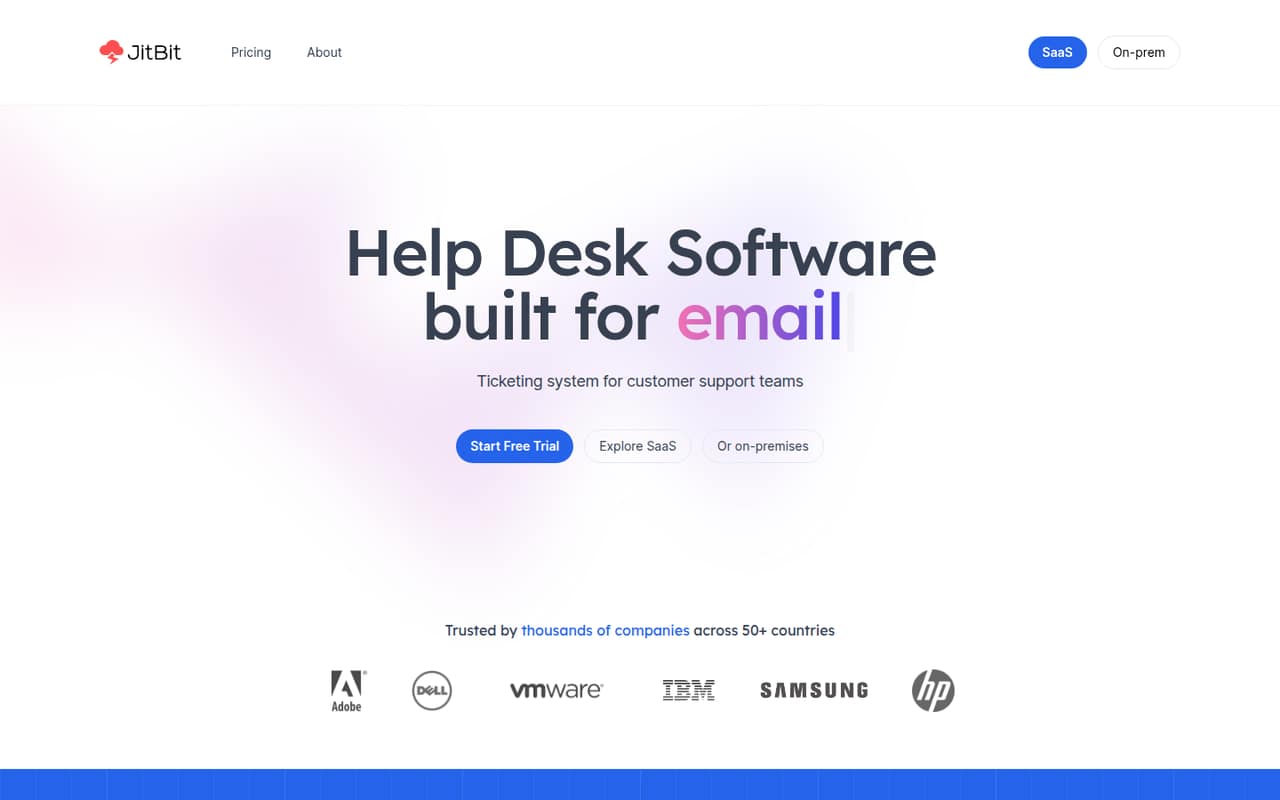
 Jitbit HelpdeskJitbit HelpdeskBest email automation · $24.92/mo
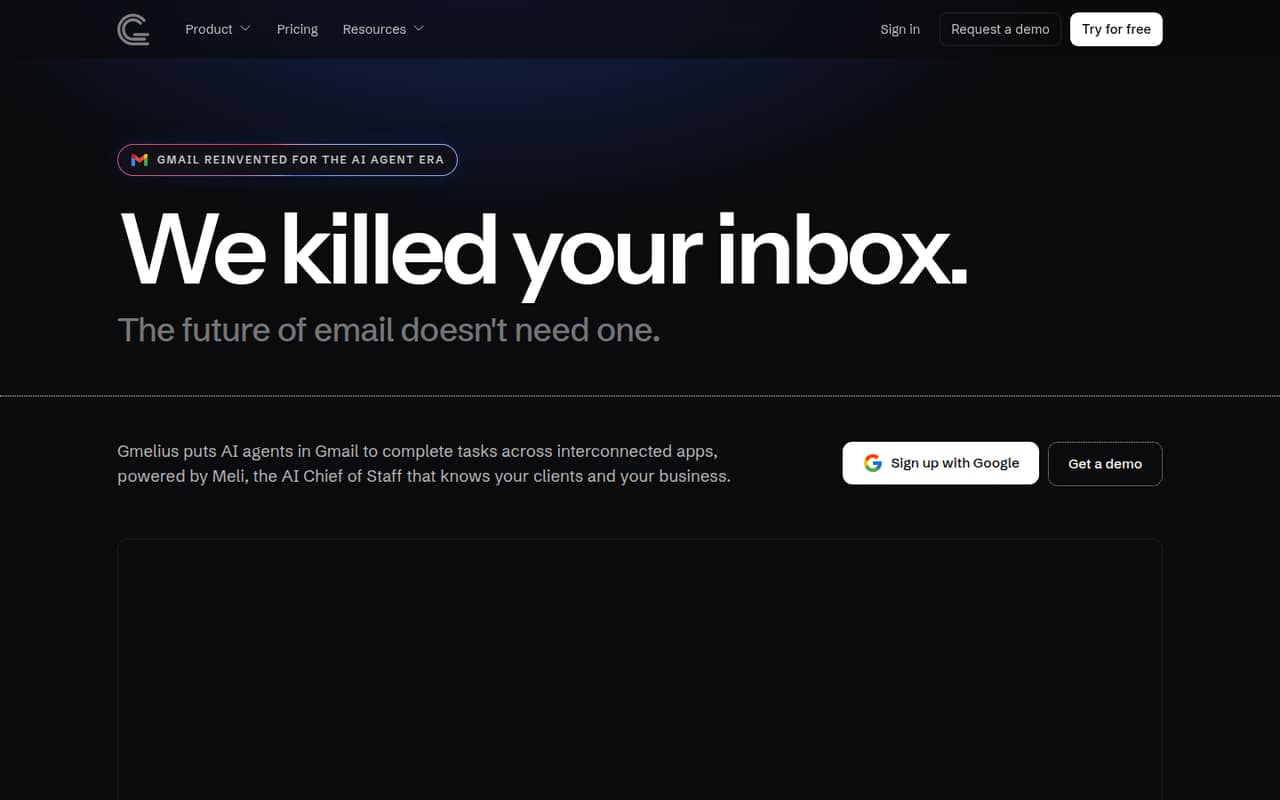
 GmeliusGmeliusBest Gmail collaboration · $19/mo
 HappyFox Help DeskHappyFox Help DeskBest for five agents · $24/mo
 FrontFrontBest for handoffs · $25/mo
 HiverHiverBest for Gmail support · $25/mo
 Request TrackerRequest TrackerBest for technical teams · $15/mo
 PylonPylonBest for B2B support · $89/mo
 DoneDoneDoneDoneBest for tasks too · $45/mo
 TrengoTrengoBest for many channels · Custom
 KustomerKustomerBest for tool consolidation · Custom
 CapacityCapacityBest for contact centers · Custom
 OTRSOTRSBest for service workflows · Custom
 Zendesk AIZendesk AIBest for Zendesk teams · $19/mo
 GladlyGladlyBest retail concept · Custom
01Compared at a glance
| Tool | Score | From | Free plan | Trial |
|---|---|---|---|---|
| Help ScoutHelp Scout | 7.4 | $25/mo | Yes | 15 days |
| osTicketosTicket | 7.0 | $12/mo | Yes | 30 days |
| RichpanelRichpanel | 7.0 | $9/mo | Yes | — |
| ZammadZammad | 7.3 | €7/mo | No | 30 days |
| DevRevDevRev | 6.8 | Free | Yes | — |
| LiveAgentLiveAgent | 7.1 | $11/mo | No | 30 days |
| HelpDeskHelpDesk | 7.1 | $19/mo | No | 14 days |
| FreshdeskFreshdesk | 6.5 | $19/mo | No | 14 days |
| GorgiasGorgias | 6.8 | $10/mo | No | — |
| Jitbit HelpdeskJitbit Helpdesk | 7.2 | $24.92/mo | No | — |
| GmeliusGmelius | 7.0 | $19/mo | No | 7 days |
| HappyFox Help DeskHappyFox Help Desk | 6.5 | $24/mo | No | 14 days |
| FrontFront | 6.5 | $25/mo | No | 14 days |
| HiverHiver | 7.0 | $25/mo | No | 7 days |
| Request TrackerRequest Tracker | 6.2 | $15/mo | No | 14 days |
| PylonPylon | 7.0 | $89/mo | No | — |
| DoneDoneDoneDone | 7.0 | $45/mo | No | 14 days |
| TrengoTrengo | 6.4 | Custom | No | — |
| KustomerKustomer | 5.2 | Custom | No | — |
| CapacityCapacity | 5.8 | Custom | No | — |
| OTRSOTRS | 5.3 | Custom | No | — |
| Zendesk AIZendesk AI | 6.3 | $19/mo | No | — |
| GladlyGladly | 5.0 | Custom | No | — |
02The picks, in detail
- Best for small teamsHelp ScoutHelp Scout
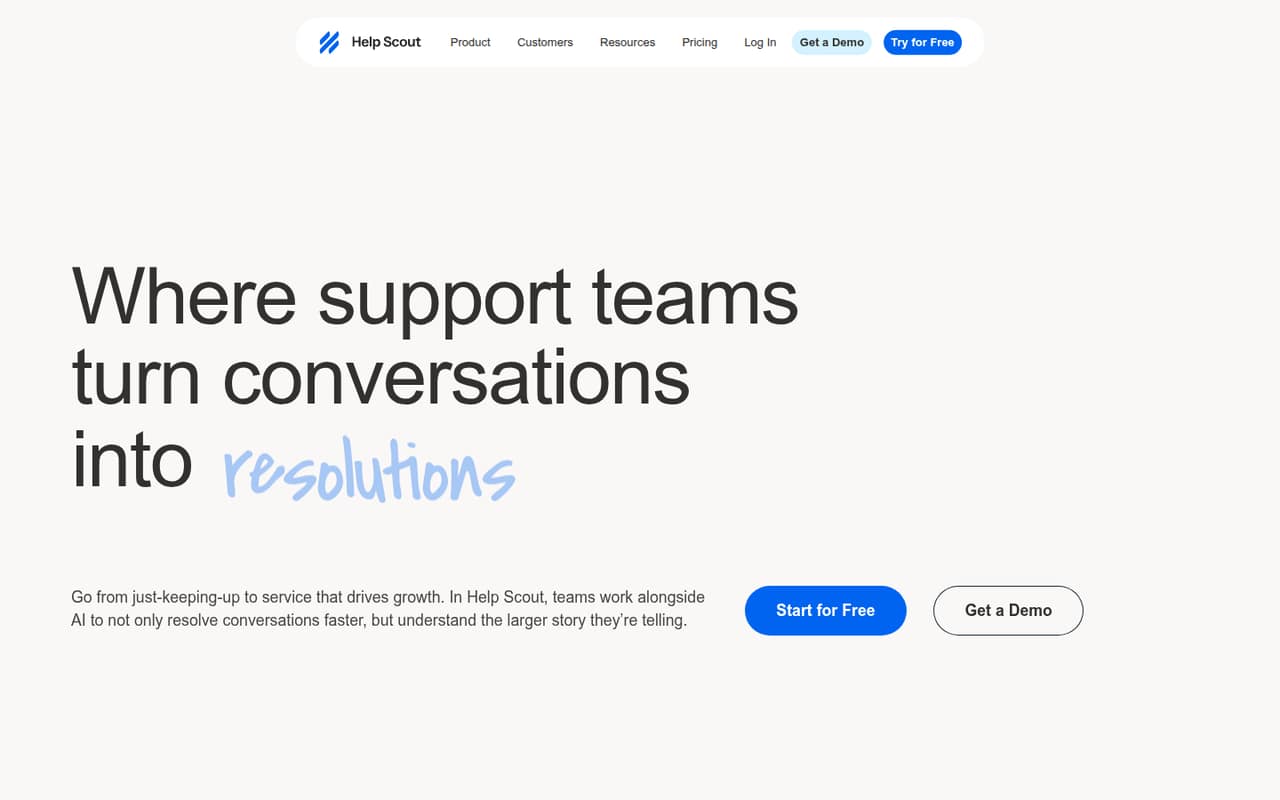
Help Scout is our top fit for a small customer support team: it has a free plan and focuses on sharing customer conversations. The pricing page lists paid plans from $25, so check whether that price is per seat and how the free plan’s limits fit your workload. Its main small-team trade-off is that costs rise as you add people.
What works
- Free plan covers up to five users
- Combines five support channels in one Inbox
- AI drafts and customer-facing AI agent
What doesn't
- Free plan is limited to one Inbox
- Free plan caps contacts at 100 monthly
- Paid monthly-billed prices are not published
- Best for self-hosters
osTicketosTicket
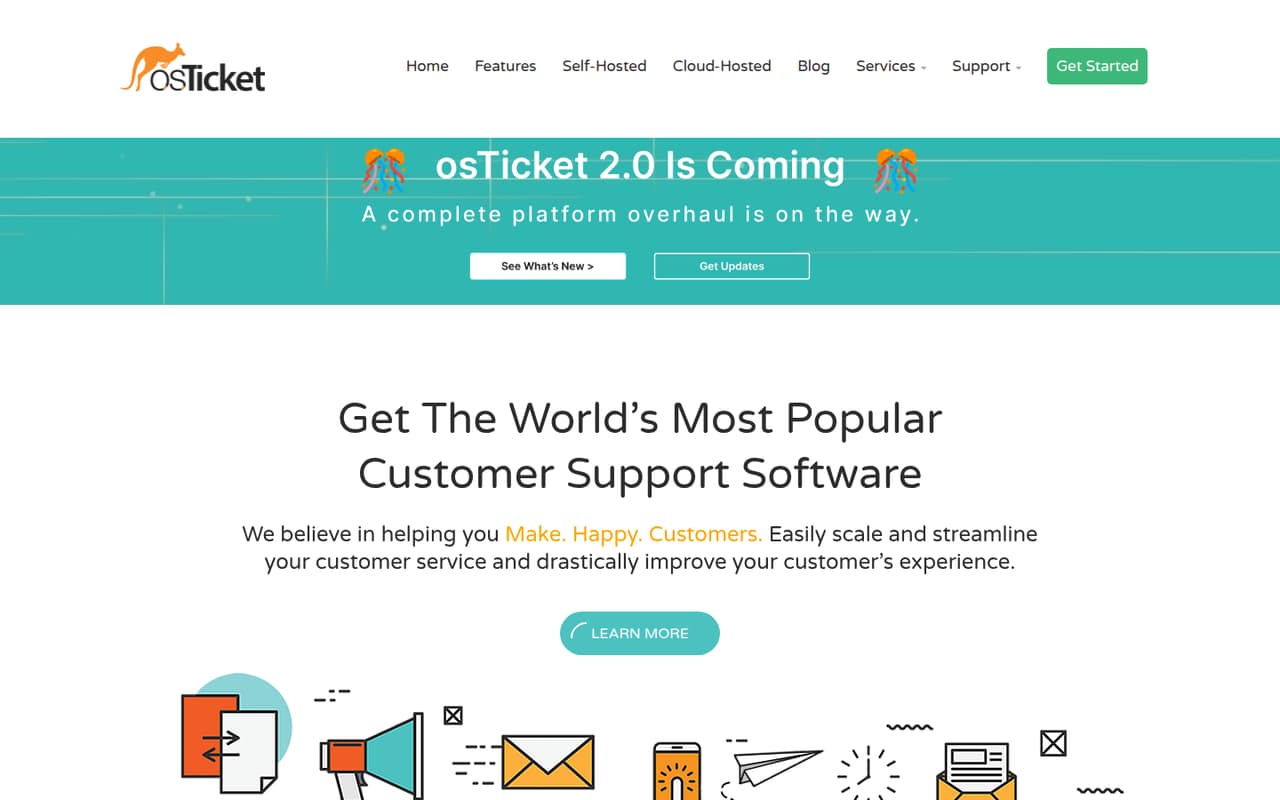
osTicket has a free plan and hosted plans starting at $12 per agent monthly, making it a strong budget option if your team can manage hosting. It supports configurable ticket topics and email request routing. The catch is practical: the product is best for teams with hosting skills, so ask who will install, maintain, and secure it before choosing free.
What works
- Open Source plan costs $0 per month
- Routes requests from email, web forms, and APIs
- Ticket filters route requests to departments
What doesn't
- Open Source requires self-hosting
- Open Source seat limits are not published
- Hosted attachment limits start at 2 MB
- Best free ecommerceRichpanelRichpanel
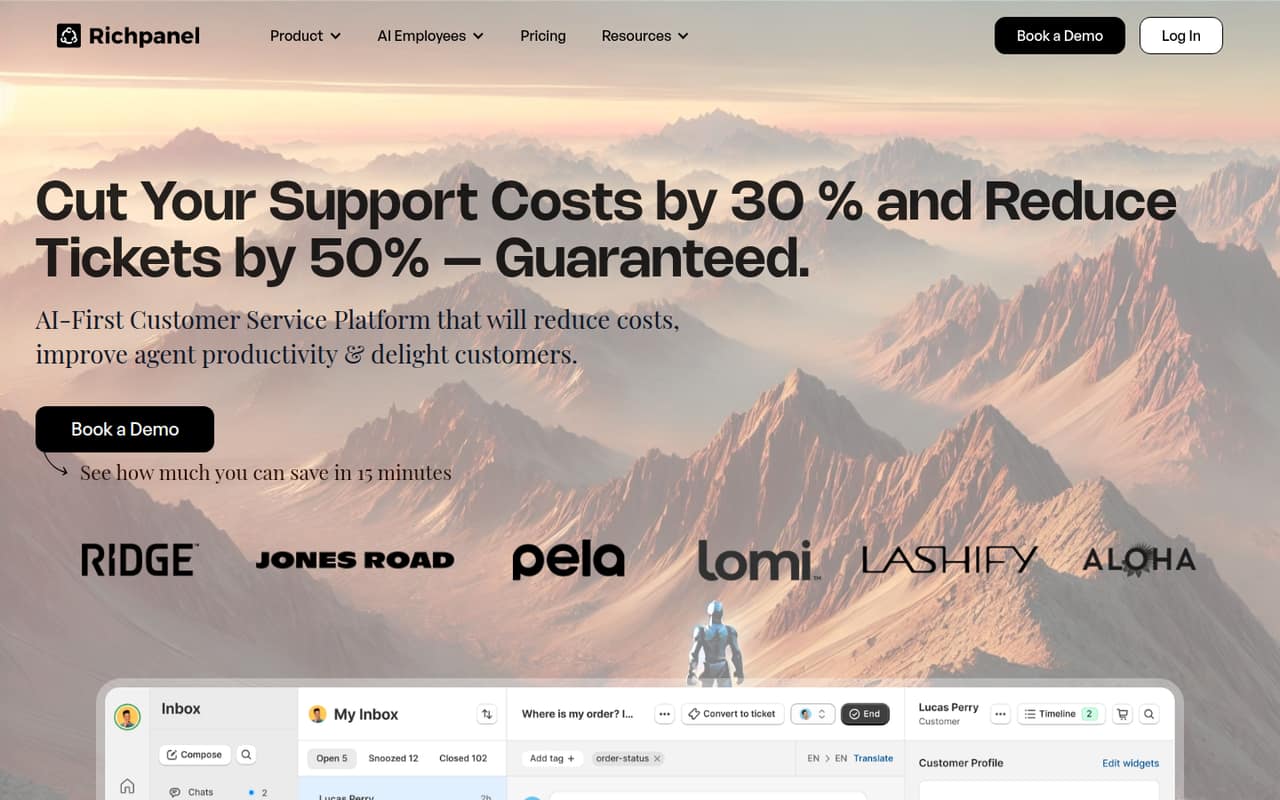
Richpanel’s free plan covers up to three agents, a useful starting point for a tiny ecommerce support team. The product is built around ecommerce requests, repeat questions, and multiple support channels. Paid plans start at $9, but prices climb quickly, so confirm what your expected ticket volume and channel mix will cost before you grow past the free tier.
What works
- Free Help Desk plan includes three seats
- Email and live chat are included free
- AI can ask a person for help
What doesn't
- Free plan has 50 AI Assists per company
- Starter charges per seat after the free tier
- Pro costs $85 per seat annually billed
- Best low-cost hostedZammadZammad
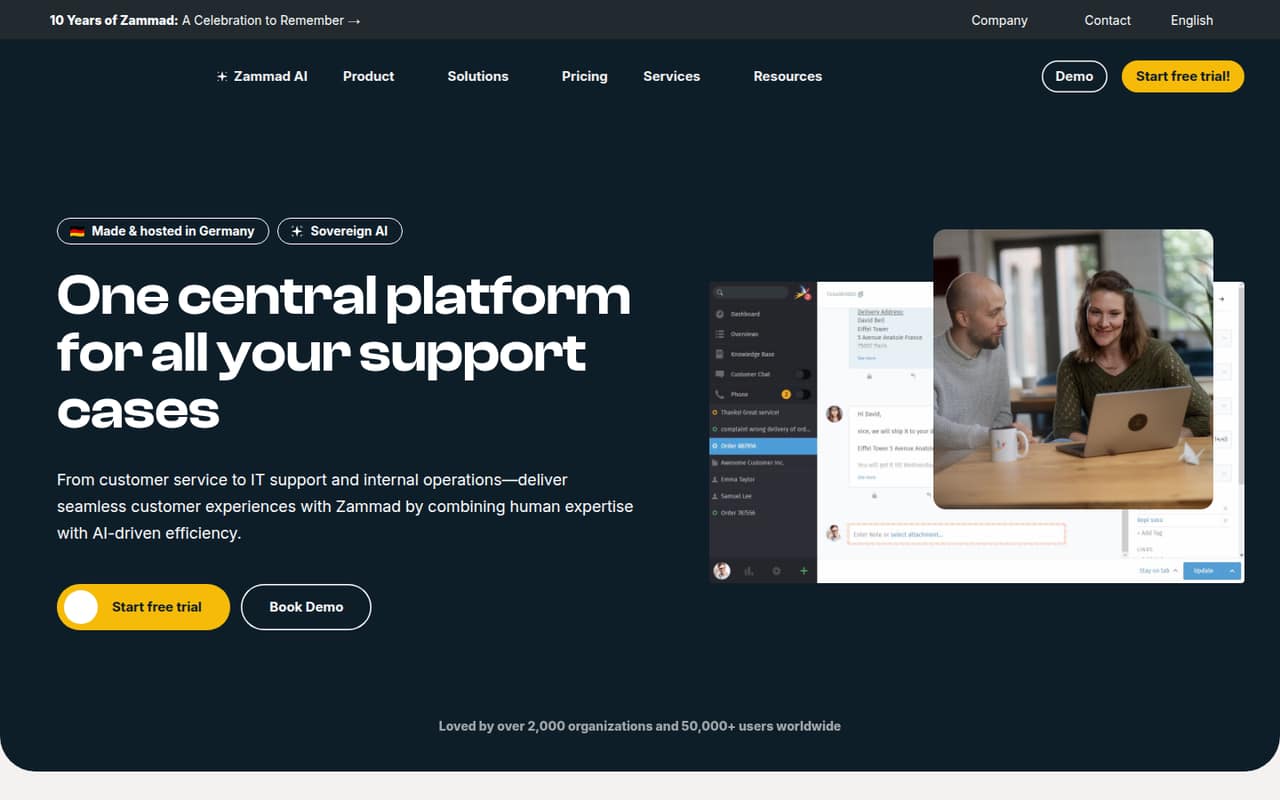
Zammad starts at $7 per seat and supports email plus shared customer and internal tickets. That low entry price can work for a small team that needs more than a shared mailbox. There is no free hosted plan, however. Buyers considering self-hosting should check what setup and ongoing maintenance require; the advertised hosted starting price is the clearer budget baseline.
What works
- Starter supports up to five agents
- Email, web form, and SMS on Starter
- Ticket priorities, assignment, and internal notes
What doesn't
- No free plan is listed
- Starter has a five-agent maximum
- Chat requires Professional or higher
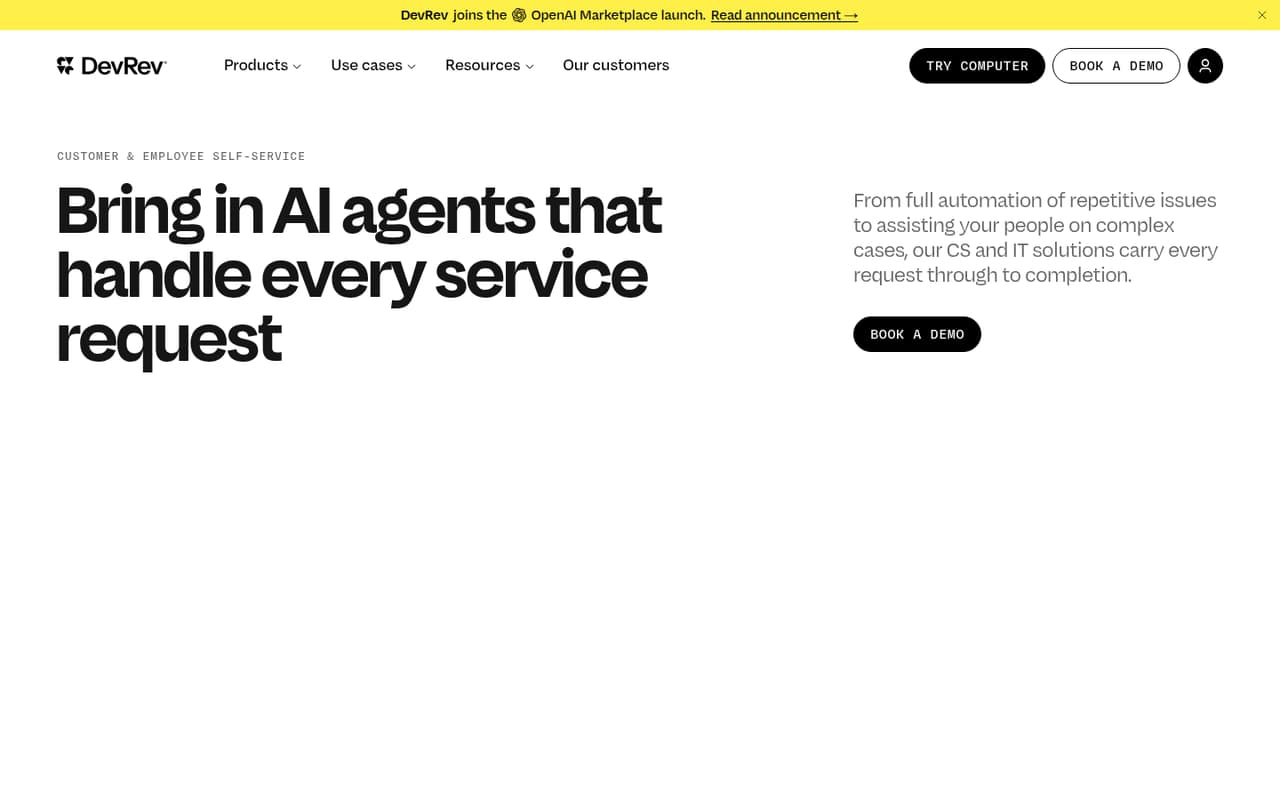
- Best free AI startDevRevDevRev
DevRev has a free plan and is aimed at teams testing AI service workflows, including teams already using Slack or Jira. That makes it worth considering if you want to explore a service workflow before paying. Paid pricing is not published, and usability is a consideration, so ask the vendor for a quote and verify the workflow suits your team before committing.
What works
- Mini plan is listed at $0 per month
- Search and basic task automation on Mini
- Connects with common work tools
What doesn't
- Pro and Max prices aren't published
- Seat limits for Mini aren't published
- Credit overage costs aren't published
- Best channel coverageLiveAgentLiveAgent
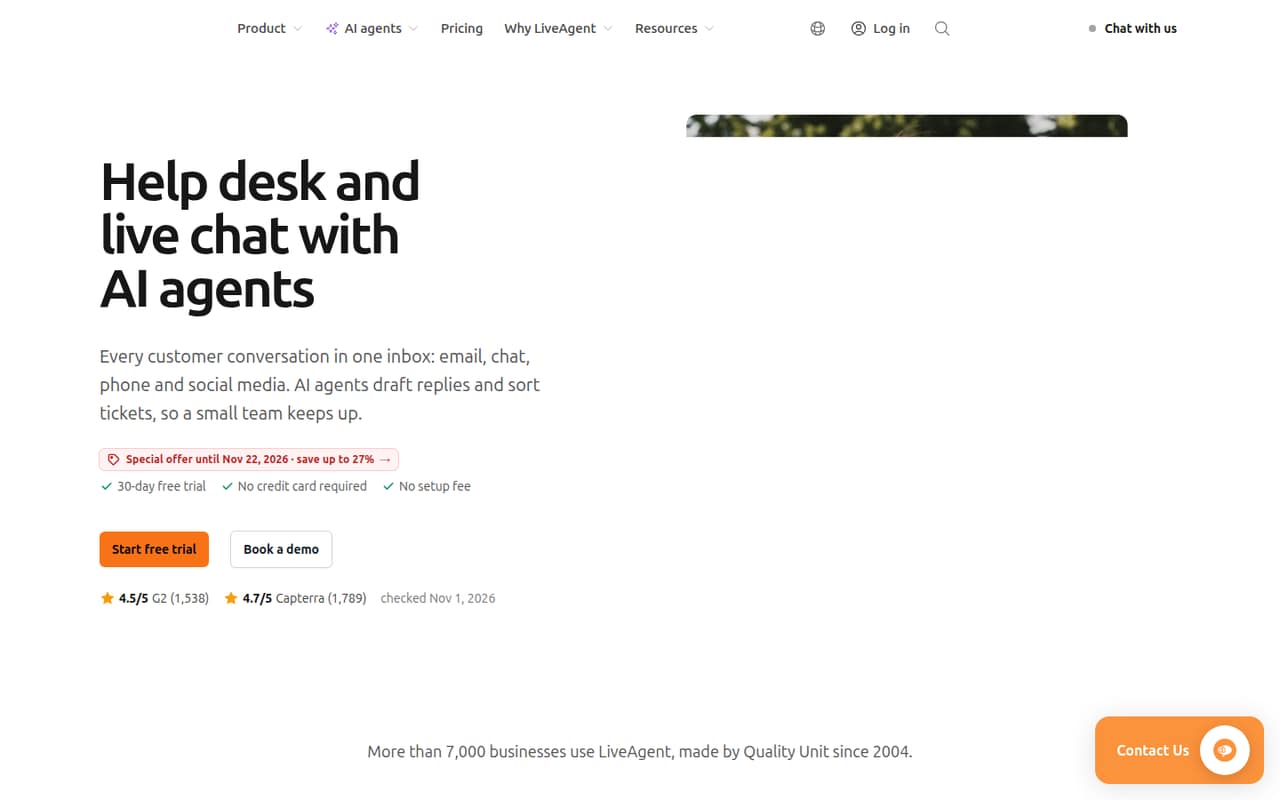
LiveAgent starts at $11 and is positioned for small teams handling several support channels, with ticket histories and support for up to five agents. That makes it a practical option if you need broader channel coverage without starting at a premium price. Budget separately for seats, AI usage, and knowledge-base add-ons, since those can change the real monthly total.
What works
- Email, chat, calls and social messages share an inbox
- Ticket histories can be assigned and tracked
- Starter supports up to five agents
What doesn't
- There is no free plan
- Monthly billing costs more per agent
- Starter allows only one AI agent
- Best AI ticketingHelpDeskHelpDesk
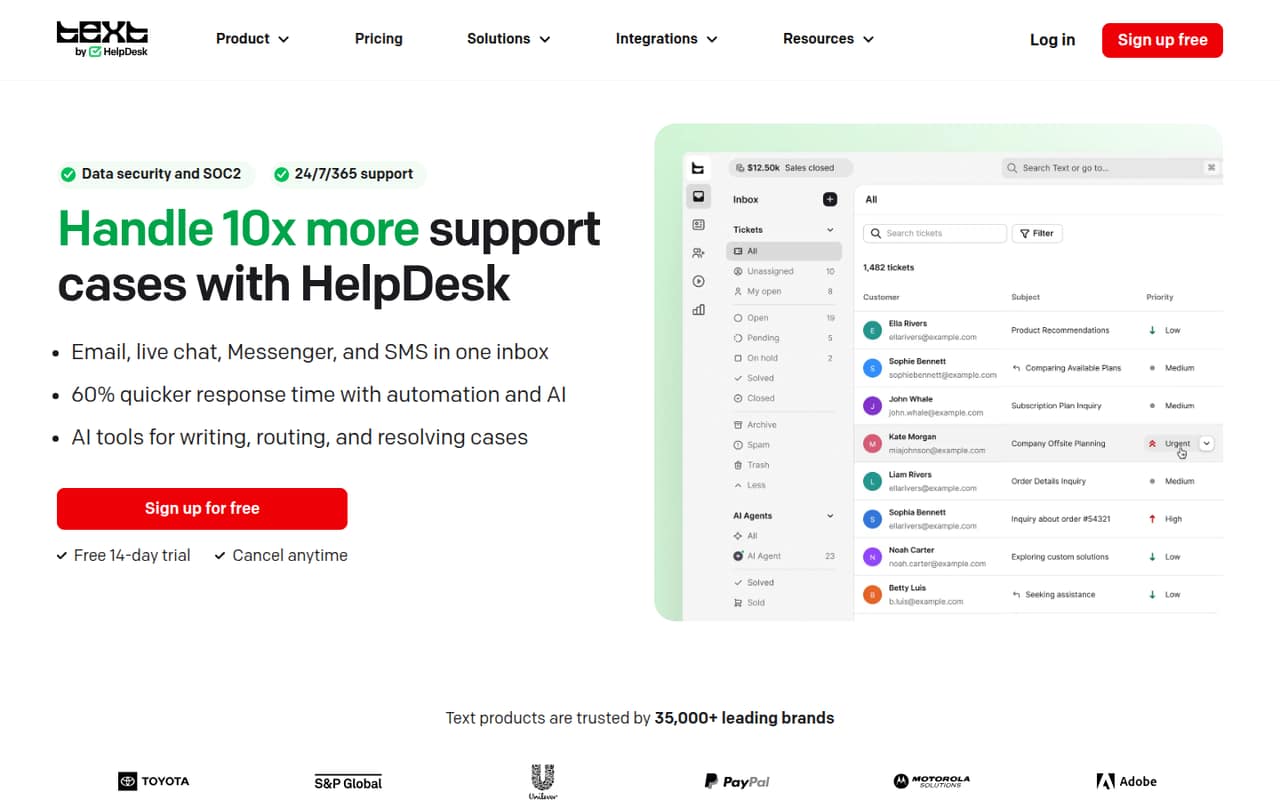
HelpDesk starts at $19 and combines shared ticketing with AI reply assistance and automated routing. It suits a small team that wants to organize requests across multiple channels rather than manage email alone. The pricing note flags per-seat charges and extra AI resolutions, so calculate both against your actual team size and expected AI use before choosing a plan.
What works
- Combines email, chat, Messenger, and SMS
- Private notes and collision detection support teamwork
- No-code rules automate ticket routing and follow-ups
What doesn't
- No free plan
- Essential includes only 10 AI resolutions monthly
- AI resolution add-ons cost $49.50 per 50
- Best email help deskFreshdeskFreshdesk
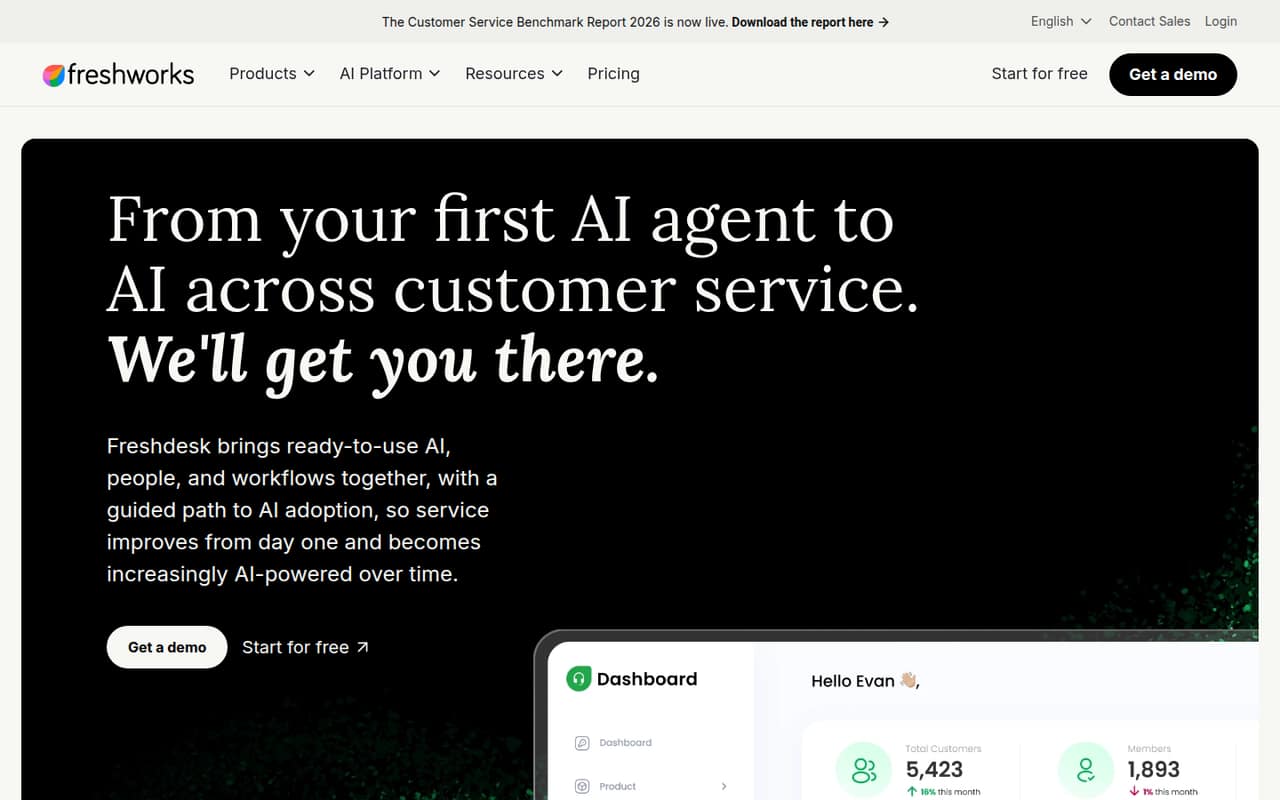
Freshdesk is a feature-rich option for small teams handling email support, with AI ticket workflows and shared customer history. Its listed starting price is $19, but there is no free plan, so even a small team needs to budget for paid seats. Compare the cost for all agents and confirm which AI features are included at the plan you choose.
What works
- Growth includes ticketing and a shared inbox
- Customer portal and knowledge base included on Growth
- AI agents are included on every listed plan
What doesn't
- No free plan
- Monthly-billing prices are not listed
- Extra AI Agent sessions cost more
- Best for ShopifyGorgiasGorgias
Gorgias is aimed at Shopify stores that want a shared support inbox for routine questions and social messages. Its listed starting price of $10 looks approachable for a small team, but ticket limits are tight. Check the included ticket allowance against your normal volume and ask what happens when you exceed it; a low starting price may not be the lowest-cost fit.
What works
- Shopify order context appears in support tickets
- Email, chat, SMS, and social in one inbox
- Starter includes three seats for $10 monthly
What doesn't
- No free plan or published free trial
- Starter is limited to 50 tickets monthly
- Ticket overages add $0.40 each on Starter

- Best email automationJitbit HelpdeskJitbit Helpdesk
Jitbit Helpdesk starts at $24.92 and focuses on email-first support and ticket automation, with cloud and on-premises options. That makes it a contender for a small team that wants a more structured email workflow. The pricing note warns that a small team may pay for more seats than it needs, so confirm the minimum seat count and billing terms before buying.
What works
- Converts forwarded support emails into tickets
- Supports IMAP, Exchange, POP3, SMTP and O365
- Automates replies, assignments and due dates
What doesn't
- No free plan is listed
- No trial duration is published
- A three-person team pays for four agents
- Best Gmail collaborationGmeliusGmelius
Gmelius starts at $19 and suits teams that work in Gmail and want shared inbox collaboration plus repeat-email automation. It may be a better fit than a standalone help desk if your team already handles requests in email. Check the per-seat cost and usage limits carefully; those details determine whether the price still works once everyone who needs access has a seat.
What works
- AI agents can take defined email actions
- Meli stores client and process context
- Shared inboxes and labels are available
What doesn't
- No free plan
- Trial lasts seven days
- Growth charges per user
- Best for five agentsHappyFox Help DeskHappyFox Help Desk
HappyFox Help Desk covers shared support across email, phone, and social tickets. Its listed starting price is $24, but the pricing note puts a five-agent team at $120 a month billed annually. That makes it easier to budget if you have five people, but less attractive for a smaller team. Confirm the annual commitment and the minimum seats that apply.
What works
- Combines email, phone, and social requests in one queue
- Includes ticket status, priority, category, and assignee organization
- Self-service center helps customers find common answers
What doesn't
- No free plan
- $24 starting rate requires annual billing
- Monthly billing rate is not published
- Best for handoffsFrontFront
Front organizes customer conversations and handoffs, making it a fit for teams coordinating more complex support work or using automation. Its listed starting price is $25, but small teams should budget for annual seats and add-ons. If you mainly need one shared inbox, compare the cost and extra features against simpler options before paying for a broader collaboration setup.
What works
- Shared inboxes support team handoffs
- Starter includes up to 10 seats
- Starter includes up to 10 automation rules
What doesn't
- No free plan
- Listed prices require annual billing
- Monthly billing prices are not published
- Best for Gmail supportHiverHiver
Hiver is built for Gmail-based customer service and teams handling complex support across channels. It starts at $25, which may be worthwhile if those workflows matter to your team. For a team that only needs a shared inbox, the price may be hard to justify. Check the per-seat total and compare it with a lighter email collaboration tool.
What works
- Ticketing and shared inbox in Growth
- Email, chat, and self-service support
- AI Agents and AI Copilot included in Growth
What doesn't
- No free plan
- Plans start at two seats
- Annual billing terms are not published
- Best for technical teamsRequest TrackerRequest Tracker
Request Tracker offers customizable workflows for technical teams managing support tickets. It starts at $15, but seat minimums and setup may make it too much for a very small team, especially if self-hosting is part of your plan. Ask the vendor about minimum seats and what installation and maintenance involve before comparing the headline price with hosted alternatives.
What works
- Open-source software with self-hosted and cloud options
- Email can connect directly to ticket workflows
- Custom lifecycles and configurable automation
What doesn't
- No free plan is listed
- Starter requires at least five paid seats
- Monthly plan prices are not published
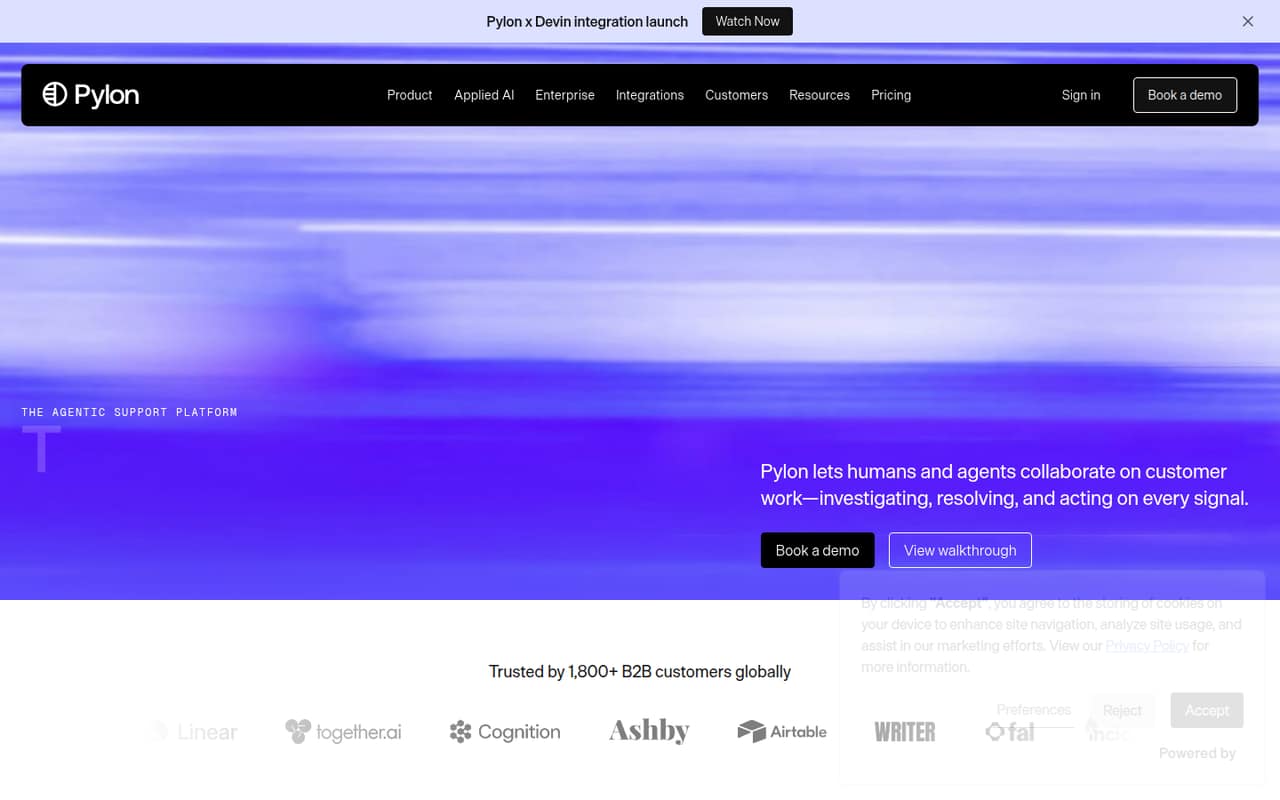
- Best for B2B supportPylonPylon
Pylon is designed for B2B teams supporting customers across channels, with repeatable workflows and AI that keeps a human involved. Its starting price is $89 per seat annually, a steep commitment for many teams of 1–10. Consider it when those B2B workflows matter enough to justify the cost, and confirm the annual billing terms before budgeting.
What works
- Brings support from several channels into one platform
- AI agents can investigate issues and take action
- People can review or direct AI work
What doesn't
- No free plan is listed
- No free trial is listed
- Professional requires an annual contract
- Best for tasks tooDoneDoneDoneDone
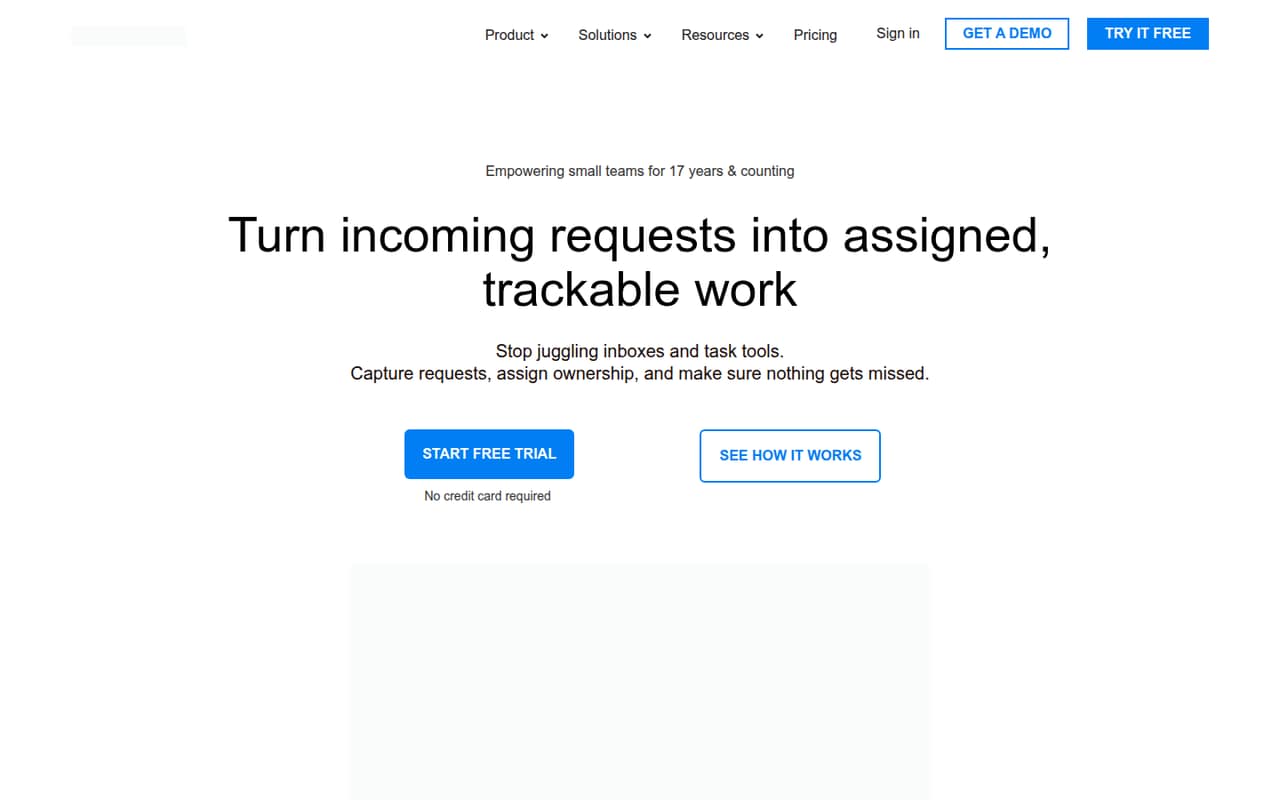
DoneDone combines incoming requests with tasks and projects, so it may suit a small team that wants those work items together. It starts at $45, and even one person needs a paid plan. That makes it harder to justify if you only want ticketing. Compare the bundled work tracking with a lower-cost help desk before committing.
What works
- Shared inbox, tasks, and projects in one product
- Starter supports up to four users
- Unlimited emails, tasks, and projects on Starter
What doesn't
- No free plan
- Starter includes only one shared mailbox
- A single user pays the full plan price
- Best for many channelsTrengoTrengo
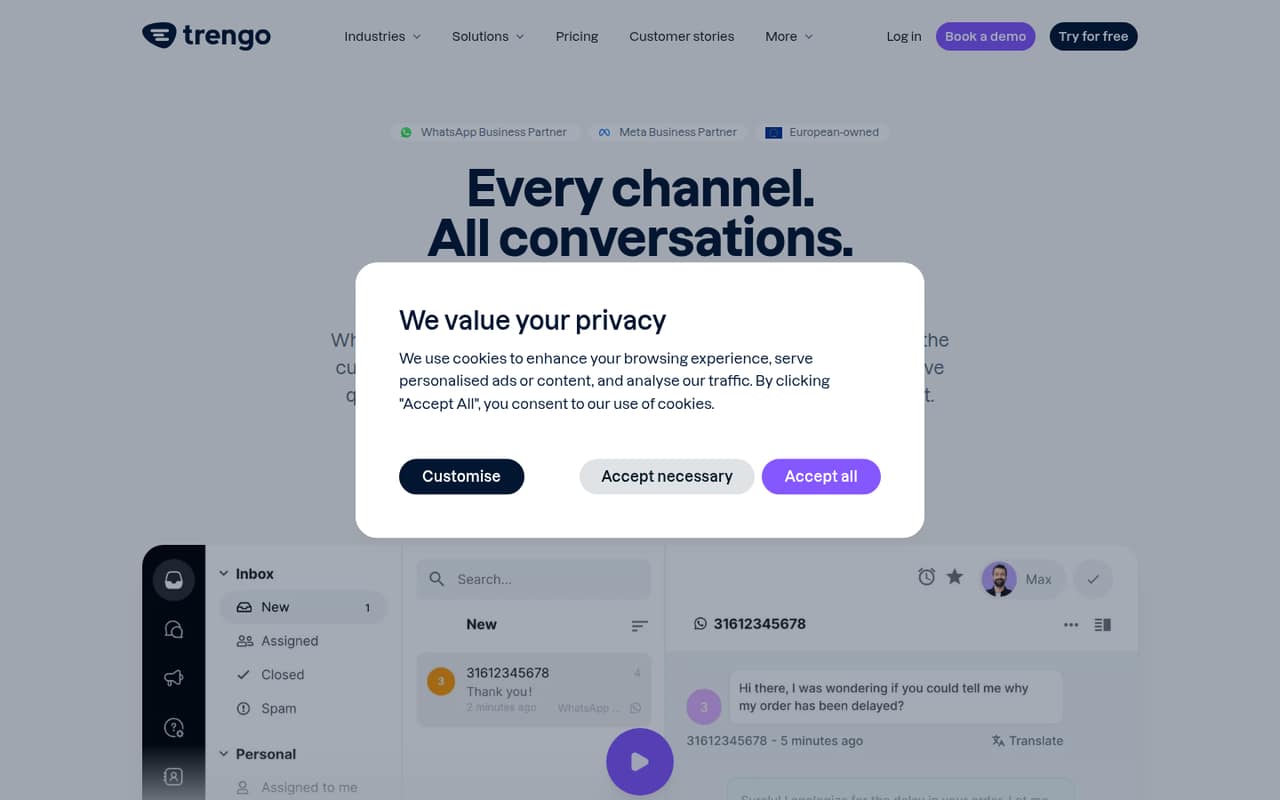
Trengo is for teams juggling customer channels and seeking AI automation; it also supports sales teams qualifying inbound leads. The pricing details make it difficult to budget: there is no free plan, and Base pricing is unclear. Ask for a quote that covers your seats, channels, and expected AI use before comparing it with tools that publish a starting price.
What works
- Combines WhatsApp, email, social, voice, and live chat
- Customer details appear alongside conversations
- AI agents handle repetitive questions around the clock
What doesn't
- No free plan is listed
- Base pricing differs between the pricing card and FAQ
- Base includes only 1,200 conversations per year
- Best for tool consolidationKustomerKustomer
Kustomer is aimed at teams consolidating support tools and running complex customer support operations. That breadth may suit a team with needs beyond a basic ticket queue, but the vendor does not publish pricing. A small team cannot judge the value from a starting price alone. Request a quote for your seat count and ask which capabilities are included.
What works
- Combines customer context and support tools
- Includes workflows and automation
- Offers reporting and analytics
What doesn't
- Starting price is not published
- No free plan is listed
- Free-trial availability is not published
- Best for contact centersCapacityCapacity
Capacity covers several contact-center channels and offers AI agent assistance, making it a better match for teams with broader support operations than a simple inbox. The vendor does not publish pricing, and custom pricing makes the budget harder to assess for a small team. Ask for a quote based on your channels, seats, and planned use before shortlisting it.
What works
- AI agents support voice, chat, SMS, email, and web
- Core includes a knowledge base and AI Agent Builder
- Agent assist offers guidance and customer context
What doesn't
- No free plan is listed
- No plan prices or starting price are published
- AI agent rates vary by channel and are unpublished
- Best for service workflowsOTRSOTRS
OTRS is designed for requests across departments and service teams tracking both assets and tickets. It could suit an organization trying to standardize work beyond customer support, but the vendor does not publish pricing. That leaves a small team unable to compare its cost with simpler ticketing tools. Request a quote and ask what setup and workflow changes are required.
What works
- Ticket management covers inquiries and service requests
- Workflow automation can handle repeatable processes
- Asset management sits alongside service work
What doesn't
- No free plan is listed
- The vendor doesn’t publish plan prices
- User seat limits aren’t published
- Best for Zendesk teamsZendesk AIZendesk AI
Zendesk AI is aimed at teams already standardizing on ticketing and wanting to automate common questions with human and AI support. The listed starting price is $19, but AI starts at $55 per agent monthly. That difference matters for a small team: confirm which price applies to the features you need and calculate the full cost for every agent.
What works
- Ticketing, routing, automations, and analytics in Support Team
- AI agents included with Suite Team
- Messaging and live chat included with Suite Team
What doesn't
- No free plan or free trial is listed
- AI agents start at $55 per agent monthly
- Monthly billing prices are not shown
- Best retail conceptGladlyGladly
Gladly is positioned for retailers combining shopping and support, with context-aware product guidance and ecommerce recommendations. That focus may be relevant if retail customer context is central to your support work. The vendor does not publish pricing, and setup details are unclear, making it difficult for a small team to forecast cost or effort. Ask for both before evaluating fit.
What works
- Combines shopping guidance and service in one AI experience
- Uses browsing and cart context to guide shoppers
- Remembers shopper interests across conversations
What doesn't
- Starting price and plan prices aren't published
- No free plan is listed
- Free-trial terms aren't published
03How we chose
We ranked these tools for a team of 1–10, weighing free access, the published starting price, likely seat costs, stated plan limits, and any setup signals such as self-hosting or minimum seats. A free tier can help a tiny team, but only if its limits fit the workload. We treated unclear pricing and setup as real buying risks, not as low-cost options. We did not claim hands-on testing. Before buying, we recommend checking the vendor’s current docs for plan details and setup steps, then looking for recent Reddit discussion about the same plan and use case; neither should replace a written quote when pricing is unclear.
04What will a few seats really cost?
Start with the number of people who need to answer, assign, or review tickets—not just the person who owns support. Multiply the listed per-seat price by that count, then check whether billing is annual. Front’s pricing note flags annual seats and add-ons; Pylon lists an $89-per-seat annual starting price. HappyFox Help Desk’s note puts five agents at $120 a month billed annually. Those are very different commitments from a low advertised starting price.
Ask which features are included in the plan you are pricing. HelpDesk flags extra AI resolutions, LiveAgent flags AI usage and knowledge-base add-ons, and Zendesk AI starts at $55 per agent monthly. For vendors with unpublished prices, request a quote for your actual seats, channels, and usage. Don’t compare a quote with a headline price until you know what both include.
05How much setup and support do you need?
A hosted inbox and a self-hosted ticket system ask different things of a small team. osTicket is a strong budget choice for teams with hosting skills; Request Tracker may also involve setup and seat minimums. If nobody on the team owns installation and maintenance, ask the vendor what setup requires before treating a free or low-cost option as a bargain. Zammad has a low per-seat starting price, but no free hosted plan.
Keep the first workflow simple: decide where requests arrive, who assigns them, and what counts as resolved. Then check the plan limits against your expected ticket volume and channels. For tools with unclear pricing or setup details, ask for a written quote and a setup outline. Revisit the choice when you add agents, outgrow a ticket allowance, or need workflows your current plan does not cover.
Questions people ask
Does a small team need help desk software?
Not always. If a few people can manage incoming customer email in a shared inbox, start there. A help desk becomes more useful when requests need assignment, ticket history, routing, or coverage across channels. Choose the simplest tool that fits your current workload, and avoid paying for features you do not need.
What is the best free help desk for a small team?
Help Scout offers a free plan for small support teams, while osTicket and DevRev also list free plans. Richpanel’s free plan covers up to three agents. Check each plan’s limits against your channels and ticket volume; “free” is only useful if it covers the work you actually need to manage.
How should we compare per-agent prices?
Multiply the per-agent price by everyone who needs access, then confirm billing frequency, minimum seats, and add-ons. Check whether AI usage, ticket volume, or knowledge-base features cost extra. A low starting price may not reflect the total for your team, so get a quote when the vendor does not publish full pricing.
When should we move to a paid plan?
Move when the free plan’s limits block your support work, you need additional agents, or the team needs features such as automation or broader channel coverage. Before upgrading, compare the next plan’s total cost with other tools. Confirm whether paid pricing is per seat and whether annual billing or usage fees apply.