
We may earn a commission if you buy through links on this page. It never changes a score or a ranking. How we make money
The bottom line
Good channel coverage for a small support team; budget for seats, AI usage and knowledge-base add-ons.
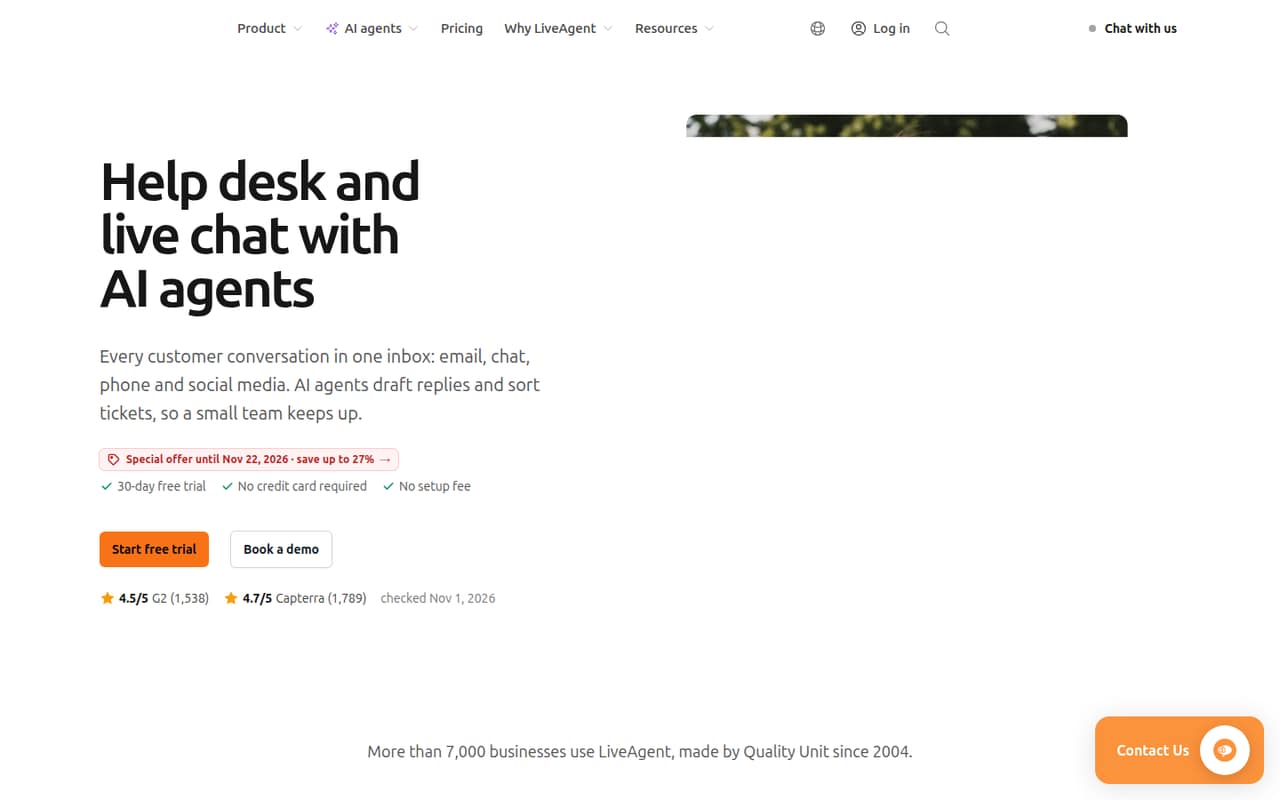
LiveAgent combines email, chat, calls and social messages in a ticketing inbox, with a knowledge base and AI agents. It suits teams that want those support channels together, but it has no free plan and its Starter tier stops at five agents.
The entry price is $11 per agent monthly with annual billing, or $15 with monthly billing. A Reddit thread we found discusses a different product, Level.io, so it doesn’t give us a sound read on LiveAgent users’ experience.
Good fit if
- Small teams handling several support channels
- Teams needing built-in ticket histories
- Support teams with up to five agents
Skip it if
- Teams that need a free help desk
- Teams seeking published setup estimates
- Teams wanting predictable AI costs
ScoresHow it rates
What works
- Email, chat, calls and social messages share an inbox
- Ticket histories can be assigned and tracked
- Starter supports up to five agents
- 30-day free trial is available
- LiveAgent adds no AI fee
What doesn't
- There is no free plan
- Monthly billing costs more per agent
- Starter allows only one AI agent
- AI providers typically charge per chat
- Extra knowledge bases cost $19 monthly
01Who LiveAgent is for
LiveAgent is a cloud help desk for small and growing customer-support teams. It turns email, chat, calls and social messages into tickets that staff can assign, answer and track. A shared inbox keeps those conversations together, while ticket histories give the team a record of each exchange.
It’s worth considering if a team of one to five people wants several support channels in one place, or if a larger team needs a more structured ticketing setup. The Starter plan is listed for up to five agents; Team covers up to 15. The pricing page positions Team for growing teams that need phone and social channels.
There’s more here than an email inbox: LiveAgent also offers a knowledge base, AI agents and a built-in call center. That breadth may be useful when a team is ready to manage support in one system. If you only need a basic shared mailbox, the extra capabilities may not justify a per-agent subscription.
02LiveAgent free plan and trial
LiveAgent does not offer a free plan. The cheapest way in is Starter, listed at $11 per agent per month with annual billing or $15 with monthly billing. Starter includes up to five agents, one AI agent, 10 departments, three email accounts and two live chat buttons.
There is a 30-day free trial, which gives a team a chance to evaluate the software before paying. The vendor does not list a permanent free tier, so the trial is a temporary way to try the product, not a long-term option for a team with no software budget.
Before the trial ends, check that the plan’s account and chat-button limits fit your setup. Also confirm which phone and social channels you need and whether your current provider works with LiveAgent’s call center, which uses your own provider and numbers.
03What a small team pays for LiveAgent
Starter costs $11 per agent per month with annual billing, or $15 with monthly billing. That puts one agent at $11 or $15 per month; three agents at $33 or $45; and five agents at $55 or $75. Annual offers are quoted and invoiced, so those lower figures are monthly equivalents, not a month-to-month annual-plan bill.
Starter includes up to five agents. For teams needing more seats, Team is listed at $22 per agent monthly with annual billing or $26 with monthly billing, and allows up to 15 agents. That’s $66 or $78 for three seats, and $110 or $130 for five. Business is $38 or $44 per agent monthly and allows any team size.
Watch the extras: an additional knowledge base costs $19 per month on Starter, Team and Business. AI provider charges are typically 2–4¢ per chat; LiveAgent adds no AI fee. The pricing page lists one AI agent on Starter, but does not publish a per-agent price for adding more AI agents.
04Getting started with LiveAgent
LiveAgent’s setup time and learning curve aren’t published, so we wouldn’t assume a team can switch over in a particular number of hours. The basic job is clear: bring support conversations into the inbox, turn them into tickets, and assign and track replies. Teams that want self-service can also publish help articles and FAQs in the knowledge base.
Make a short list of the email accounts, live chat buttons, social channels and call setup you need before choosing a plan. Starter lists three email accounts and two live chat buttons; Team lists 10 email accounts and five chat buttons. The built-in call center uses your own provider and phone numbers, so check compatibility with the vendor before committing.
LiveAgent’s published product details don’t give a named integration list or a step-by-step setup estimate. Ask the vendor about your email, social and phone connections, plus any migration work, during the trial.
05When small teams outgrow LiveAgent
The first clear limit is seats: Starter allows up to five agents, so a six-person support team needs another plan. Team raises the cap to 15 agents; Business is listed for any team size. Pricing moves from $11 to $22 per agent monthly with annual billing between Starter and Team, then to $38 for Business. Monthly billing is $15, $26 and $44 per agent, respectively.
Teams can also run into plan allowances before they hit the seat cap. Starter lists three email accounts, two live chat buttons, 10 departments and one AI agent. Team and Business allow more, but extra knowledge bases cost $19 per month, and AI provider usage typically adds 2–4¢ per chat.
We can’t use the Reddit discussion available as a reliable report on LiveAgent: the thread is about Level.io, not this help desk. Its comments mention setup concerns and feature requests, but they don’t establish when a LiveAgent team will outgrow the product. Confirm your own channel and seat needs with the vendor as you grow.
From the threadsWhat users say
The available Reddit thread is about Level.io, not LiveAgent, so it doesn’t establish LiveAgent user sentiment. Its comments touch on setup effort, feature gaps and confusion about whether chat agents are human; we treat those as general concerns, not LiveAgent reviews.
many solutions provided a complicated setup or requires a lot more time to learn then I am prepared to provide
the UI looks like it was created in the 1990s
Dude, it’s a good product, I just found it and am surprised how much I like it. You need 2 features sooner than later tho
I have to ask live agents in chat whether they are human now :D
Questions people ask
What does LiveAgent do?
LiveAgent is cloud help desk software that brings customer conversations into a shared inbox. It turns email, chat, calls and social messages into tickets that teams can assign, answer and track. It also offers a knowledge base, AI agents and a built-in call center.
Does LiveAgent have a free plan?
No. LiveAgent has no permanent free plan. It offers a 30-day free trial, then the cheapest listed option is Starter at $11 per agent monthly with annual billing or $15 per agent with monthly billing.
How much does LiveAgent cost for three agents?
Starter costs $33 per month for three agents with annual billing, shown as a monthly equivalent, or $45 with monthly billing. Starter allows up to five agents. Annual plans are quoted and invoiced.
Does LiveAgent include AI agents?
Yes. AI agents can draft replies, summarize ticket threads and answer chat questions using your content. Starter includes one AI agent, Team includes five and Business includes 50. AI provider charges are typically 2–4¢ per chat; LiveAgent adds no AI fee.
Can I use LiveAgent for phone support?
LiveAgent includes a built-in call center with phone menus, routing and recording. It uses your own provider and phone numbers, so check with LiveAgent that your provider works with the setup you need before signing up.