
We may earn a commission if you buy through links on this page. It never changes a score or a ranking. How we make money
The bottom line
A capable Gmail team inbox, if its per-seat cost and usage limits fit your budget.
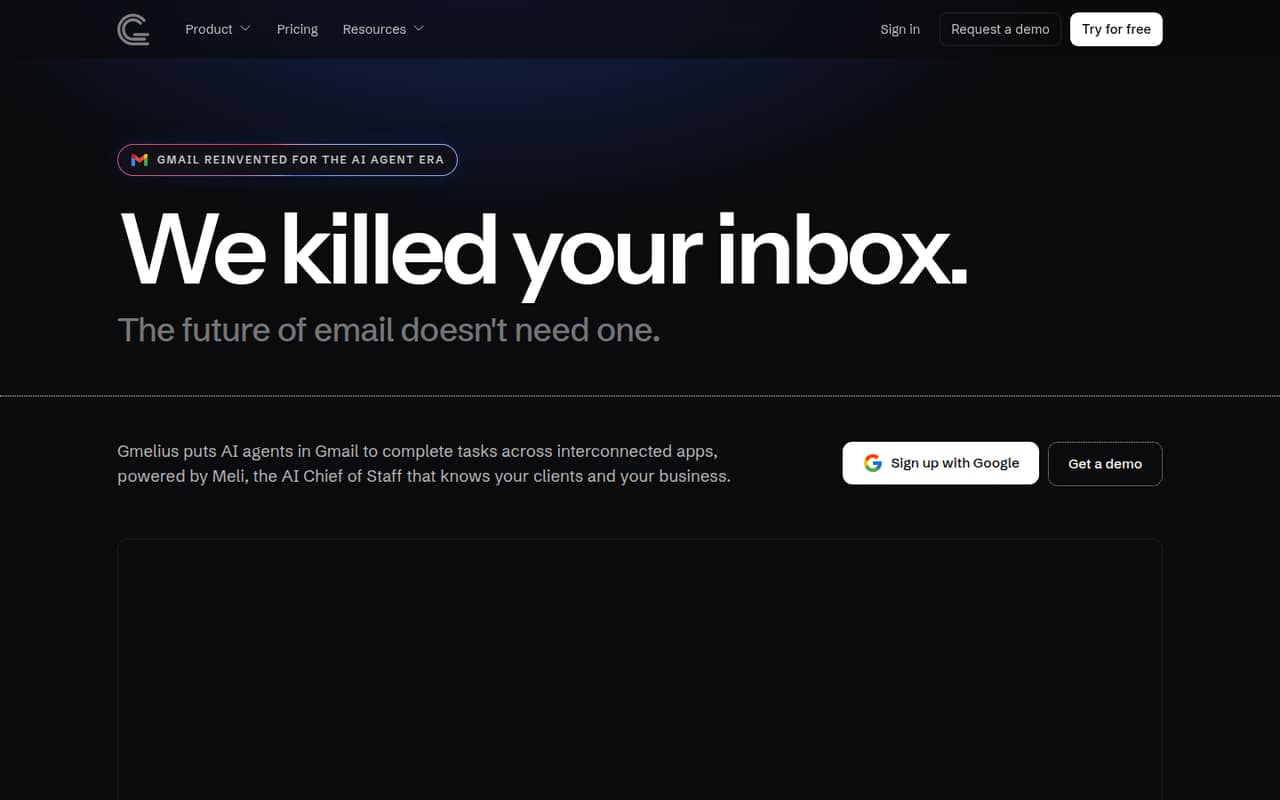
Gmelius adds AI email agents, shared inboxes, and collaboration tools to Gmail and Google Workspace. Its Meli assistant gives agents business and client context, while teams can set rules and review actions.
The trade-off for a small team is straightforward: there’s no free plan, and team features start with Growth at $25 per user per month with annual billing. A seven-day trial gives you a short window to assess the fit.
Good fit if
- Teams working in Gmail
- Shared inbox collaboration
- Automating repeat email tasks
Skip it if
- Teams that need a free plan
- Teams outside Google Workspace
- Organizations under Enterprise minimum
ScoresHow it rates
What works
- AI agents can take defined email actions
- Meli stores client and process context
- Shared inboxes and labels are available
- Team members can use notes and mentions
- Actions are logged and reversible
What doesn't
- No free plan
- Trial lasts seven days
- Growth charges per user
- Growth caps conversations and rule executions
- Enterprise requires at least 50 users
01Who Gmelius is for
Gmelius is for small teams that already work in Gmail and need more than a personal inbox. It adds shared inboxes, shared labels, notes, drafts, and @mentions so teammates can manage group email together. Its AI agents can sort and route messages, draft replies, and take defined actions across connected tools, with human approval when needed.
For a team of one, Meli is the entry plan. For a team of two to 10 sharing inboxes, Growth is the relevant option: it supports up to 50 users and includes unlimited shared inboxes and shared labels. That convenience comes with a per-person bill, not a flat team price. Gmelius is less suitable if you need a free help desk or work outside Gmail and Google Workspace. The vendor describes connected-app actions, but your team should confirm that its specific tools are supported before committing.
02Gmelius free plan and trial
Gmelius does not have a free plan. The pricing page lists a seven-day free trial, but the vendor does not publish the trial’s exact feature limits or usage caps. Confirm which plan the trial covers and whether its conversation and rule limits match your intended use.
The cheapest paid option is Meli at $19 per user per month with annual billing, or $21 per user per month with monthly billing. It includes up to 5,000 conversations per month, up to five users, and up to five custom AI labels, plus AI drafts, sorting, scheduling, and follow-ups. Meli is aimed at individuals needing an AI email assistant; teams that need shared inboxes should look at Growth instead.
03What a small team pays for Gmelius
Meli costs $19 per user per month with annual billing or $21 with monthly billing. That works out to $57 per month for three seats annually, or $63 month to month. Five Meli seats cost $95 or $105 per month, respectively. This plan is aimed at individuals and includes up to five users, but it does not list the unlimited shared inboxes included with Growth.
For team inboxes, Growth costs $25 per user per month annually or $33 monthly. Three seats come to $75 or $99 per month; five seats cost $125 or $165. Growth includes up to 10,000 conversations and 10,000 rule executions per month, plus unlimited shared inboxes and labels. Those usage caps are worth checking against your team’s email volume.
There are no add-ons listed. Pro costs $40 per user per month annually or $50 monthly, with higher usage caps. Enterprise is custom-quoted and requires at least 50 users, so it is not a small-team option.
04Getting started with Gmelius
Gmelius is built into Gmail and Google Workspace, so the product is designed for teams that already handle email there. That avoids asking staff to move their daily email work to a separate inbox. Before setting up agents, teams will need to decide what tasks to automate, what context to give Meli, and when a person should approve an action.
The vendor does not publish a setup-time estimate or a step-by-step onboarding outline. It describes agents working across connected apps, but does not name the specific integrations here; ask whether your existing tools are supported before choosing a plan. A Reddit thread about Gmelius mentions shared thread visibility, notes, scheduled sending, and multiple signatures as desired email workflows. It does not offer setup guidance. Budget time for configuring rules and reviewing agent actions rather than assuming the initial setup is automatic.
05When small teams outgrow Gmelius
The first pressure point is usage. Growth tops out at 10,000 conversations and 10,000 rule executions per month; Pro raises both limits to 100,000 and costs more per seat. Pro also has unlimited users, while Growth is capped at 50. Enterprise offers unlimited conversations and rule executions, but its 50-user minimum makes it a poor fit for most small teams.
A growing team may also find that Gmelius does not replace every collaboration tool. In one Reddit post, a Gmelius user said the team added Discord and Zoom to support remote team culture. Another thread describes needs such as partner visibility, private notes, send-later, and multiple signatures, but commenters did not provide a clear recommendation. These discussions offer limited evidence about broad user satisfaction. If you need more than email collaboration or have to leave Gmail, reassess before increasing seat counts.
From the threadsWhat users say
The Reddit material is mixed and too limited to show a clear pattern of satisfaction. One thread lists specific collaboration needs, while another Gmelius-related post says the team added other tools for remote culture.
Tagging partners (with other email addresses) to a thread
Notes on the side of the email thread where we can tag each other
Send later (much quicker than gmail's built in send later
we had to add other tools - mainly to maintain team culture
Questions people ask
Does Gmelius have a free plan?
No. The pricing page lists a seven-day free trial, but no ongoing free plan. The vendor does not publish the trial’s exact feature limits, so confirm what it includes before relying on it to evaluate a particular workflow.
How much does Gmelius cost for a small team?
Meli is $19 per user per month with annual billing or $21 monthly. Growth, which lists unlimited shared inboxes and labels, is $25 per user per month annually or $33 monthly. Three Growth seats cost $75 or $99 per month, respectively.
What is the difference between Meli and Growth?
Meli is aimed at individuals needing an AI email assistant and includes up to 5,000 conversations monthly and up to five custom AI labels. Growth is for teams sharing inboxes and automating email; it includes up to 10,000 conversations and rule executions per month, plus unlimited shared inboxes and labels.
Can Gmelius AI agents take actions without approval?
Gmelius describes agents that take defined actions across connected tools, with human approval when needed. It also says action logs show reasoning, sources, and context, and that actions are reversible. Ask the vendor how approval rules work for the tasks your team plans to automate.
Does Gmelius work with tools outside Gmail?
Gmelius adds features to Gmail and Google Workspace, and its agents can work across connected apps. The vendor does not publish a specific connected-app list here. Check whether your tools are supported before you choose a plan.