We may earn a commission if you buy through links on this page. It never changes a score or a ranking. How we make money
A team of 1–10 probably doesn’t need to buy an IDE for everyone: several capable options have a free plan, and developers can use different tools. Visual Studio Code is our best all-round pick for cost-conscious teams, while Apache NetBeans and VSCodium offer free starting points for more specific needs. Paid options can make sense when your team wants a focused IDE, but the listed starting prices don’t always spell out billing terms or whether charges are per seat. Check those details before multiplying the price across your team.
Quick picksThe shortlist
 Visual Studio CodeVisual Studio CodeBest overall · Free
 Apache NetBeansApache NetBeansBest free Java · Free
 VSCodiumVSCodiumBest free alternative · Free
 SpyderSpyderBest for scientific Python · Free
 PyCharmPyCharmBest for Python · $10.90/mo
 IntelliJ IDEAIntelliJ IDEABest for Java · $16.58/mo
 WebStormWebStormBest for JavaScript · $6.58/mo
 ZedZedBest for collaboration · $10/mo
 CodeSandboxCodeSandboxBest for browser work · $9/mo
 Eclipse IDEEclipse IDEBest free for C++ · Free
01Compared at a glance
| Tool | Score | From | Free plan | Trial |
|---|---|---|---|---|
| Visual Studio CodeVisual Studio Code | 7.6 | Free | Yes | — |
| Apache NetBeansApache NetBeans | 8.0 | Free | Yes | — |
| VSCodiumVSCodium | 8.0 | Free | Yes | — |
| SpyderSpyder | 7.8 | Free | Yes | — |
| PyCharmPyCharm | 8.0 | $10.90/mo | Yes | 30 days |
| IntelliJ IDEAIntelliJ IDEA | 8.0 | $16.58/mo | Yes | 30 days |
| WebStormWebStorm | 8.0 | $6.58/mo | Yes | 30 days |
| ZedZed | 7.8 | $10/mo | Yes | 14 days |
| CodeSandboxCodeSandbox | 7.2 | $9/mo | Yes | — |
| Eclipse IDEEclipse IDE | 6.5 | Free | Yes | — |
02The picks, in detail
- Best overallVisual Studio CodeVisual Studio Code
Visual Studio Code is a sensible default for a small team that wants to keep editor costs at zero: its listing shows a free plan and highlights JavaScript and web developers and teams using multiple operating systems. Budget for setup and debugging work, which may take more effort than choosing a dedicated IDE. It’s a good starting point if your developers have varied needs.
What works
- Free download, with $0 monthly and annual prices listed
- Downloads are listed for Windows, macOS, and Linux
- Extensions support just about any programming language
What doesn't
- The pricing page does not list a paid team plan
- The vendor does not publish free-plan usage limits on the listing
- Some C++ users report extra work for debugging
- Best free JavaApache NetBeansApache NetBeans
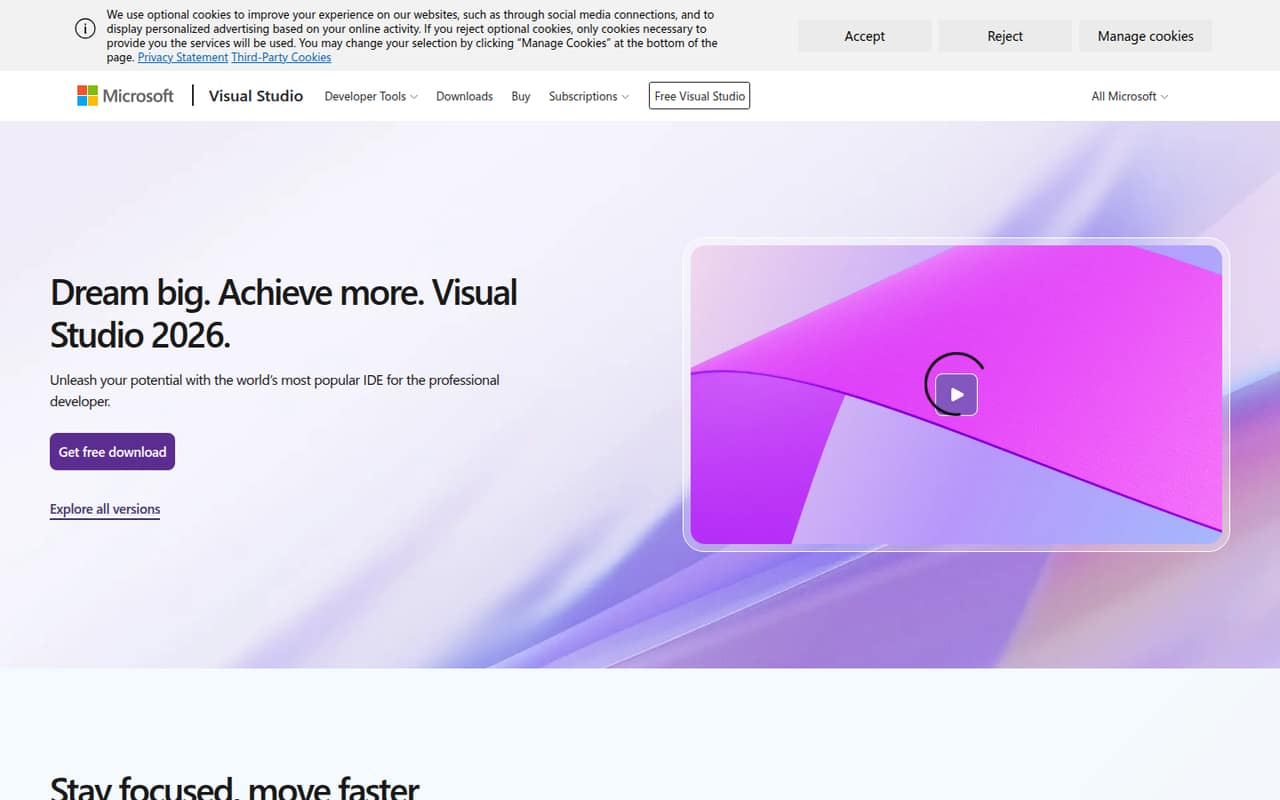
Apache NetBeans is a free, capable choice for a small Java team, particularly if you use Maven projects. There’s no listed starting price to budget for, so it can keep software costs down as you add teammates. It is less compelling if your team needs a different language focus; choose around the projects you build, not just the $0 entry point.
What works
- Free and open source under Apache License 2.0
- Editors cover Java, PHP and other languages
- Includes code highlighting and refactoring tools
What doesn't
- No paid tiers or add-ons are listed
- Annual billing details aren't published
- Vendor doesn't publish seat limits
- Best free alternativeVSCodiumVSCodium
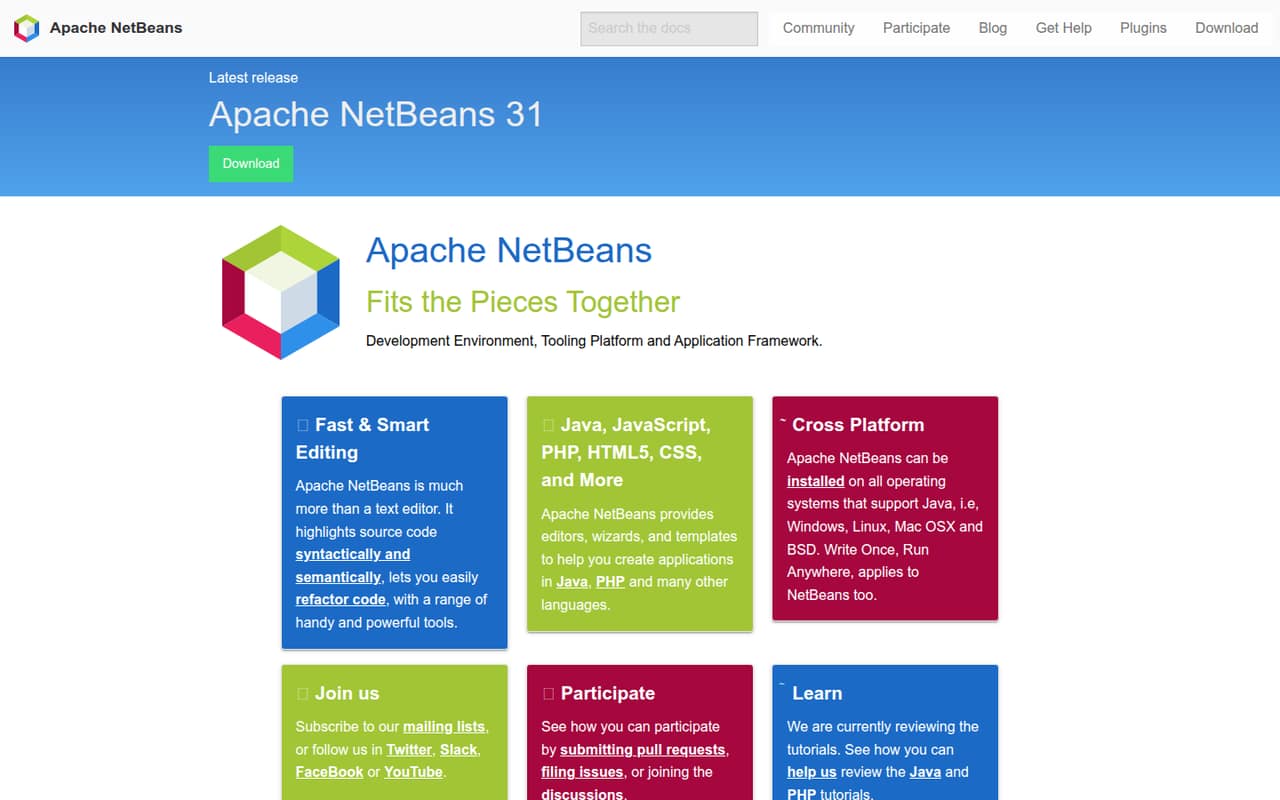
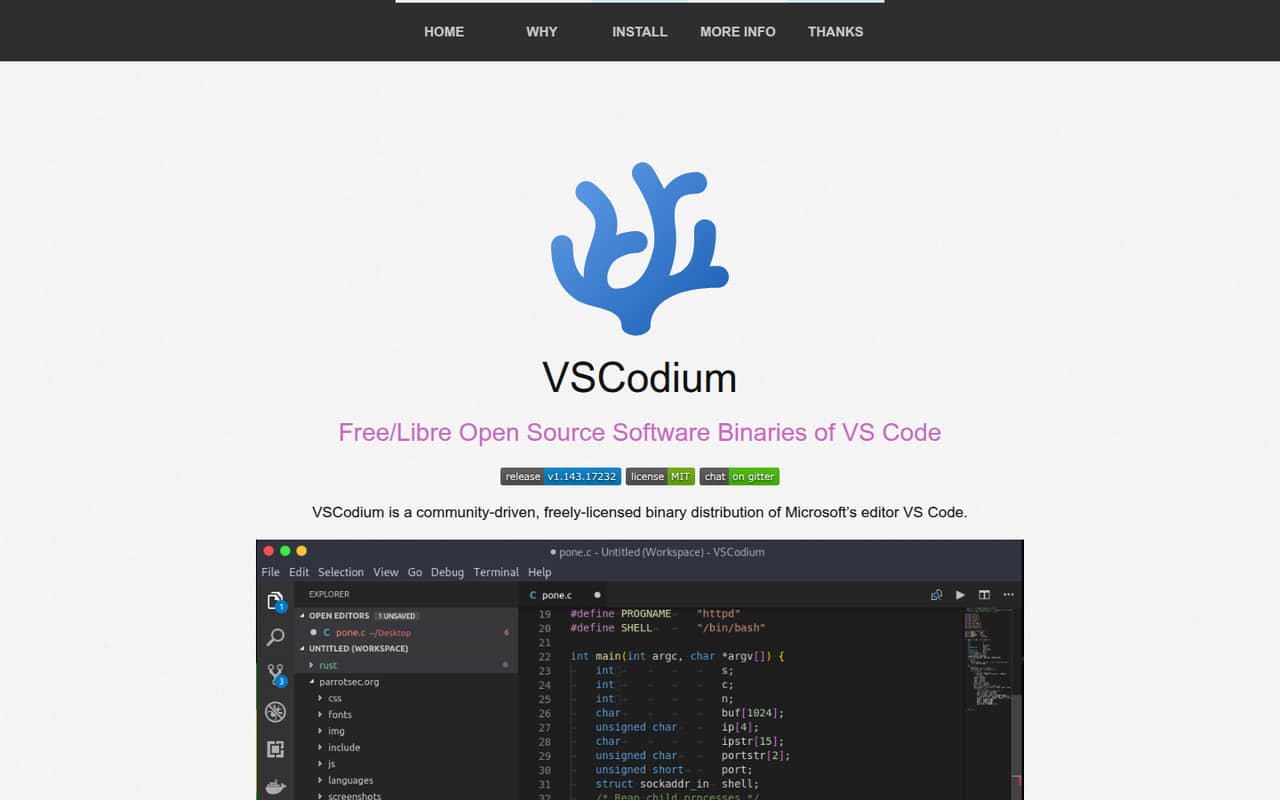
VSCodium is a free, MIT-licensed VS Code build, with telemetry disabled, according to its listing. It suits cost-conscious teams that are comfortable managing extensions. That extension caveat matters: check that the tools your developers rely on work with your chosen setup before standardizing. With no listed starting charge, its main budget trade-off is team time spent on setup and compatibility.
What works
- Free project with no commercial tiers listed
- Published binaries carry the MIT license
- Telemetry is disabled in published binaries
What doesn't
- No paid support or response terms published
- Some extensions may need manual installation
- A Reddit user flags an outdated Live Server library
- Best for scientific PythonSpyderSpyder
Spyder is a free scientific Python IDE aimed at small teams doing data analysis or algorithm prototyping. Its listing favors teams willing to let each teammate choose their own workflow, rather than enforcing one shared editor. That flexibility can help avoid subscription costs, but decide whether consistent setup matters more than letting people pick their preferred tools.
What works
- Free and open source
- No published seat or usage limits
- Variable Explorer handles NumPy and Pandas data
What doesn't
- No monthly or annual pricing is published
- No paid support tier is listed
- Team collaboration details are not listed

- Best for PythonPyCharmPyCharm
PyCharm is a feature-rich Python IDE with a free edition and built-in debugging, according to its listing. The listed starting price is $10.90, so check the vendor’s current paid-seat terms before budgeting for a team. It’s worth comparing the free edition with the features your commercial project needs; solo developers can start free, but don’t assume that covers every team use.
What works
- Free Community Edition with core features
- Run, debug and test in the IDE
- Code navigation uses project context
What doesn't
- Community Edition feature limits aren't published
- Organization Pro costs $29.90 per user monthly
- Individual Pro seats aren't transferable

- Best for JavaIntelliJ IDEAIntelliJ IDEA
IntelliJ IDEA suits Java and Kotlin teams that want built-in debugging and code navigation. Its listing shows a free plan and a starting price of $16.58. That paid starting point deserves a closer look before you roll it out to several developers. Compare the free tier with your team’s actual needs, then confirm the billing unit and term with the vendor.
What works
- Free tier permits commercial and non-commercial use
- Built-in tools run, debug, and test applications
- Code-aware navigation and relevant suggestions
What doesn't
- Organization licenses are priced per developer
- Free-tier seat and usage limits are not published
- Personal Ultimate licenses cannot be reimbursed

- Best for JavaScriptWebStormWebStorm
WebStorm is a dedicated JavaScript and TypeScript IDE, with a free option for hobby and open-source projects. The listed starting price is $6.58, but commercial teams should confirm the applicable price and billing terms before adding seats. It’s a stronger fit when your team wants a focused IDE than when everyone needs a general-purpose editor.
What works
- Free for non-commercial use
- Code-aware navigation and suggestions
- Run, debug, and test in the IDE
What doesn't
- Free plan excludes commercial work
- Non-commercial use requires anonymous telemetry
- Commercial organization seats cost $19.90 monthly

- Best for collaborationZedZed
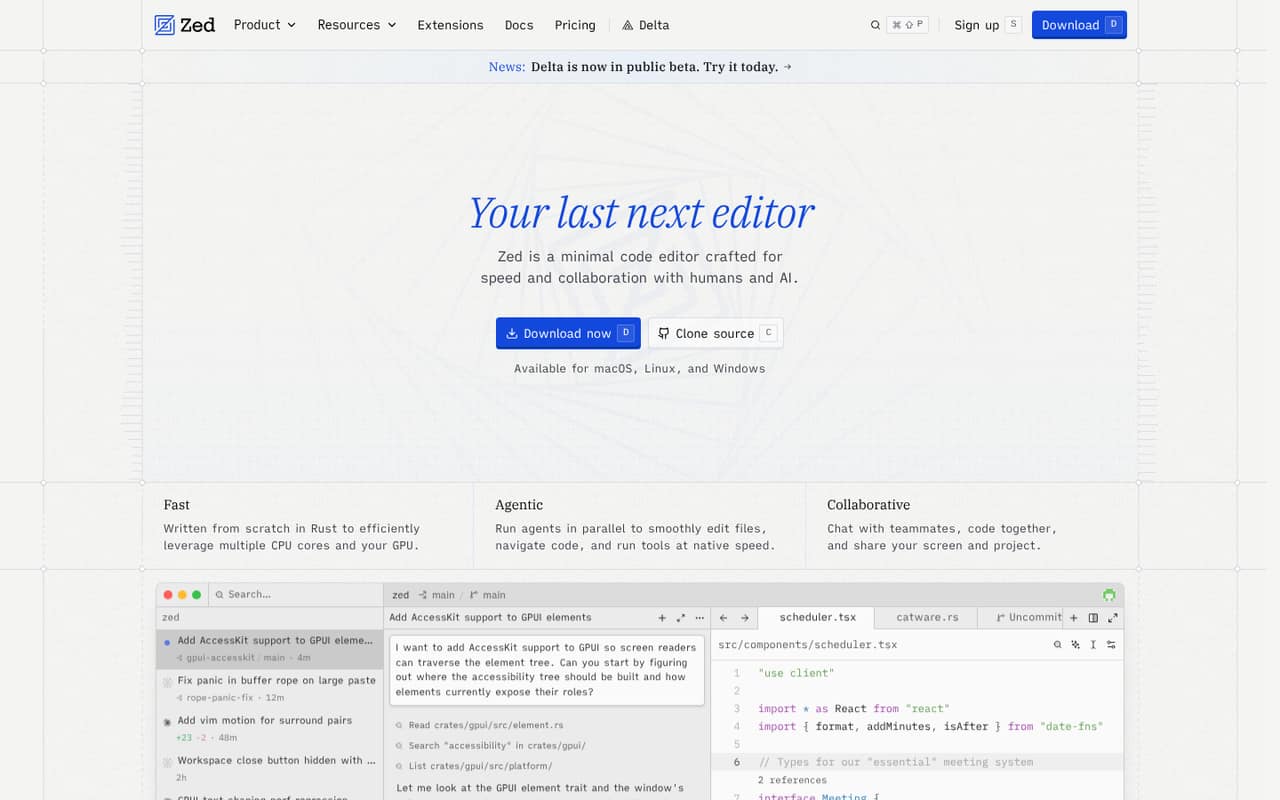
Zed offers a free plan, built-in collaboration, optional AI, and a listed starting price of $10. Its listing says hosted AI and team controls are paid, so check which features your team actually needs before counting on the free option. It may suit teams that bring their own AI keys, but verify the paid plan’s billing unit before estimating a multi-person total.
What works
- Personal plan is free forever
- Multiplayer collaboration appears across plans
- AI features can be disabled
What doesn't
- Hosted AI costs extra
- Pro usage above $5 is billed separately
- Business costs $30 per seat monthly
- Best for browser workCodeSandboxCodeSandbox
CodeSandbox has a free tier for small teams testing code, with shared VM sandboxes among its listed use cases. Its starting price is $9 per workspace rather than per seat, so don’t multiply that figure by your headcount. Check what the free tier covers and how many workspaces your projects need before comparing its total with seat-priced IDEs.
What works
- Free plan includes up to five members
- Free plan includes 40 monthly VM-credit hours
- Unlimited Browser and VM Sandboxes on Build
What doesn't
- Free plan caps teams at five members
- Build allows up to 10 concurrent VMs
- Pro VM-credit hours start at 100 monthly
- Best free for C++Eclipse IDEEclipse IDE
Eclipse IDE costs nothing to start and is listed for teams working with C++ or embedded code. It uses a workspace model, and some users find its interface and workflow dated, so include onboarding comfort in your decision. For a small team, its free entry point is appealing if your developers are comfortable with that setup.
What works
- The listed IDE price is $0
- No user or seat limits are published
- A user praises Eclipse CDT's editing features
What doesn't
- Some Reddit users describe the interface as dated
- Users report slow or unresponsive behavior
- Some users dislike the workspace concept

03How we chose
We prioritized tools that can work for a team of 1–10 without requiring a large software budget: free plans, listed starting prices, and whether the price is described as per seat or per workspace. We also weighed setup effort, fit for common team needs, and any stated free-plan caveats. Vendor documentation is useful for checking current plan rules and setup steps; Reddit sentiment can flag points to investigate, but it isn’t a substitute for confirming pricing with the vendor. We did not claim hands-on testing.
04Check the free plan before buying seats
Start with what your team needs the editor to do: build, edit, debug, and manage code. Then check whether the free plan covers that work for your project type. The listings include free options such as Visual Studio Code, Apache NetBeans, and Spyder, but a free entry point does not tell you every plan limit or whether a paid feature is needed for your workflow.
For a paid tool, don’t assume the listed starting price is the total for your team. Confirm whether it is per seat or per workspace, how often it is billed, and what features the free plan excludes. CodeSandbox is listed as workspace-priced, unlike tools where the listing calls out paid seats. Ask the vendor for a quote based on your actual number of developers and workspaces before standardizing.
05Match setup effort to your team
A free editor can still cost your team time. Visual Studio Code’s listing flags setup and debugging work; VSCodium asks teams to be comfortable managing extensions. A focused tool may be easier to match to a particular job: PyCharm for Python, WebStorm for JavaScript and TypeScript, or IntelliJ IDEA for Java and Kotlin. Pick around your codebase and the skills already on your team, not a long feature list.
Before rollout, check the vendor’s docs for installation, project setup, and the workflow your developers will use. If you’re considering a tool with a stated caveat—such as extension compatibility or a workspace model—ask one or two developers to verify it against your real project needs. As your team grows, revisit the choice when paid seats, shared setup, or consistent workflows matter more than keeping the editor bill at zero.
Questions people ask
What is the 80/20 rule in coding?
Treat it as a planning rule of thumb: a small number of tasks may account for much of a project’s value or effort. Use it to decide what to build or fix first, not as a guaranteed ratio. The right priorities depend on your product, users, and current bottlenecks.
What is the best IDE code editor for Python?
For a general Python-focused IDE, PyCharm is a strong option; its listing highlights built-in debugging and a free edition. Spyder is aimed at scientific Python, data analysis, and algorithm prototyping, and is free. Choose based on your team’s work, then check whether the free plan covers your needs.
Is Xcode or VS Code better?
There isn’t one best choice for every team. Match the editor to your target platform, language, and project workflow, and check each vendor’s current requirements and pricing. Visual Studio Code has a free plan and is listed for web developers and cross-operating-system teams; compare Xcode against your specific project needs.
What are the common features of an IDE?
An IDE or code editor helps developers build, edit, debug, and manage code. The exact tools vary, so check whether a product supports the languages and workflow your team needs. For a small team, also consider setup effort, free-plan limits, and the cost of adding seats.