
We may earn a commission if you buy through links on this page. It never changes a score or a ranking. How we make money
The bottom line
A free, MIT-licensed VS Code build for teams that can live with some extension caveats.
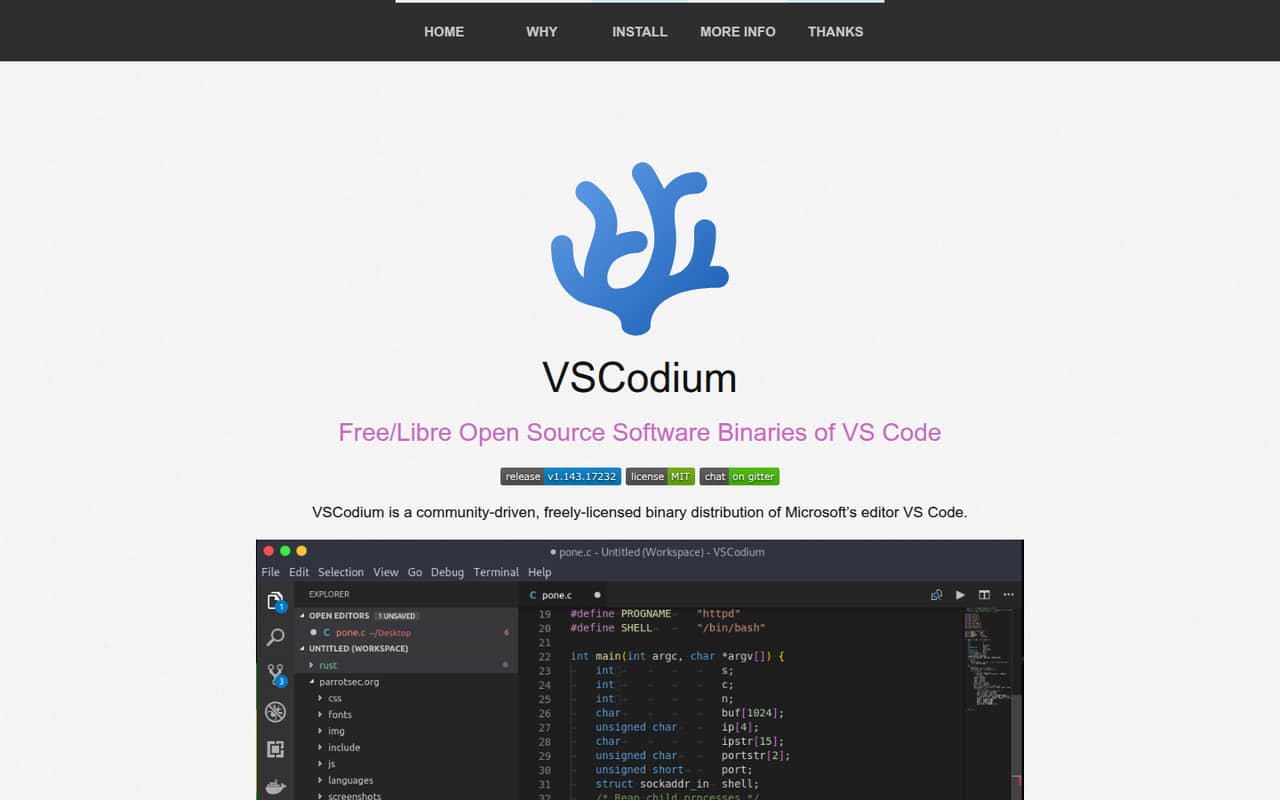
VSCodium is a community-built distribution of VS Code with telemetry disabled and MIT-licensed binaries. The project publishes free downloads for Windows, Mac OS, and Linux, with several package-manager options.
For a small team watching its software budget, the price is hard to beat: the listed project is free, with no paid tiers or seat charges published. The trade-off is that extension availability and support expectations deserve a check before everyone relies on it.
Good fit if
- Budget-conscious development teams
- Teams wanting telemetry disabled
- People comfortable managing extensions
Skip it if
- Teams needing published support terms
- Teams relying on specific extensions
- People avoiding Microsoft-derived code
ScoresHow it rates
What works
- Free project with no commercial tiers listed
- Published binaries carry the MIT license
- Telemetry is disabled in published binaries
- Downloads cover Windows, Mac OS, and Linux
- Homebrew, WinGet, Snap, and Flatpak options
What doesn't
- No paid support or response terms published
- Some extensions may need manual installation
- A Reddit user flags an outdated Live Server library
- Still based on Microsoft's VS Code source
- No published monthly or annual billing details
01Who VSCodium is for
VSCodium suits a solo developer or a small team of up to 10 people that wants a familiar code editor without adding another software bill. It is a community-built binary distribution of Microsoft’s VS Code editor: the project’s build scripts clone the VS Code repository and create binaries, so users do not have to compile the editor themselves.
The published binaries are MIT-licensed and have telemetry disabled, according to the project details. That makes VSCodium a fit for teams that want those characteristics and are comfortable with a community project rather than a paid vendor plan. It runs on Windows, Mac OS, and Linux, and the homepage lists package-manager installation options including Homebrew, WinGet, Snap, and Flatpak.
It is less suitable if your team wants to avoid software based on Microsoft’s source code altogether. One Reddit commenter makes that distinction directly: VSCodium and VS Code share the same underlying source.
02VSCodium free plan and trial
VSCodium is a free project, not a free tier that leads into paid seats. The pricing information lists an MIT license, no commercial tiers, and no monthly or annual billing. The project’s published binaries have telemetry disabled, and downloads are available for Windows, Mac OS, and Linux.
There is no paid plan listed to trial, and no free-trial terms are published. For a small team, the free download is the cheapest way in; the project does not list a higher tier for extra users or features. That keeps the subscription cost simple, but it also means buyers should not expect a published support package or paid upgrade path. Check whether the extensions your team depends on are available in the way you need before adopting it across everyone’s machines.
03What a small team pays for VSCodium
The pricing page lists VSCodium as a free, open-source project with no commercial tiers. It does not publish monthly or annual billing, a starting price, or per-seat rates. For the listed free project, the cost is $0 for one person, $0 for three people, or $0 for five people; there is no published seat-price calculation to apply. Monthly versus annual billing does not change that: neither billing schedule is listed.
The project also lists no paid add-ons. Its published build scripts and binaries are the core offering, rather than separate paid packages for small teams. The project homepage lists installation options such as Homebrew, WinGet, Snap, Flatpak, and Linux package repositories.
Treat $0 as the cost of the listed project, not a quote for support or a service agreement. The vendor does not publish paid support or response-time terms in the published pricing details, so ask about those needs before making them part of your team’s plan.
04Getting started with VSCodium
Setup should be straightforward for someone who already knows VS Code: VSCodium publishes ready-to-use binaries, so users do not need to run the project’s build scripts themselves. Choose a Windows, Mac OS, or Linux download, or use one of the homepage’s listed package-manager routes, including Homebrew, WinGet, Snap, and Flatpak.
The learning curve is likely to be less about the editor itself and more about confirming your team’s extension setup. A Reddit commenter says some extensions not available by default can be downloaded manually. Another describes changing the extension marketplace setting in a product file, but says that change is needed after every update; that is a user report, not an official setup recommendation.
For day one, list the extensions your team relies on and check their availability before rolling VSCodium out. One Reddit thread also raises a concern about an outdated Live Server option, so teams depending on that workflow should verify it first.
05When small teams outgrow VSCodium
VSCodium has no published seat ceiling or paid tier that a team can upgrade into. A growing team is more likely to outgrow its fit than its pricing: the triggers are extension compatibility, support expectations, and a desire to move away from Microsoft-derived source code. Those are worth checking before standardizing on the editor across a larger group.
Reddit feedback is mixed on extensions. One commenter says they have not found an extension they could not use, while another says extensions missing by default may need a manual download. A commenter also describes a marketplace workaround that has to be repeated after updates. In a separate thread, the original poster worries that the available Live Server library is out of date.
If your team needs guaranteed extension access, formal support terms, or a different codebase, compare alternatives before adoption. VSCodium does not publish a paid plan to solve those needs, so moving tools may be the practical next step.
From the threadsWhat users say
Reddit comments include users who say VSCodium works just like VS Code, alongside concerns about extension access and Live Server. Sentiment is mixed, with some commenters also noting that it remains based on Microsoft’s source code.
Indeed, I've been using it for a while, it works just the same
I only use VSCodium and I haven't found any extension I couldn't use
You only need to know how to manually download those that are not available by default
the library for VSCodium is not as maintained in that area
Questions people ask
What is VSCodium?
VSCodium is a community-built binary distribution of Microsoft’s VS Code editor. Its build scripts create and publish MIT-licensed binaries, so users can download a ready-made build instead of compiling from source. The published binaries have telemetry disabled, and downloads are available for Windows, Mac OS, and Linux.
Is VSCodium free for a small team?
Yes. The pricing information lists VSCodium as a free, open-source project with no commercial tiers and no monthly or annual billing. That means the listed project costs $0 whether one person or a small team uses it. Paid support or service terms are not listed, so ask about those separately if your team needs them.
Is VSCodium trustworthy?
The project publishes its binaries and says its build scripts clone Microsoft’s VS Code repository and run the build commands. Its published binaries are MIT-licensed and have telemetry disabled. Those details can help you assess whether it fits your requirements, but teams with specific security or compliance needs should review the project’s build process and policies before adoption.
Can I use VS Code extensions with VSCodium?
Reddit users report that extensions can work, though one commenter says some extensions not available by default may need manual downloads. Another describes changing an extension marketplace setting in a product file, with the change needed again after updates. Treat those as user reports and verify the extensions your team depends on before rollout.
Is VSCodium different from VS Code?
VSCodium is a community-built distribution of VS Code binaries, with telemetry disabled and MIT-licensed binaries. It is still based on Microsoft’s VS Code source code, so it is not a separate codebase for people trying to avoid Microsoft-derived software altogether. The project publishes its own builds and releases.
Sources
- VSCodium homepage
- VSCodium pricing, compiled via web search from bestproductivityresources.com, vscodium.com, aiidelist.com
- Reddit: Is VSCodium a viable replacement for VSCode?
- Reddit: Alternative la VS Code mai "simple"?
- Reddit: VSCodium or Code OSS
- Reddit: What do y'all use for linux (mint), vs code or vscodium, and why