
We may earn a commission if you buy through links on this page. It never changes a score or a ranking. How we make money
The bottom line
A free, capable IDE for small teams, especially those building Java applications.
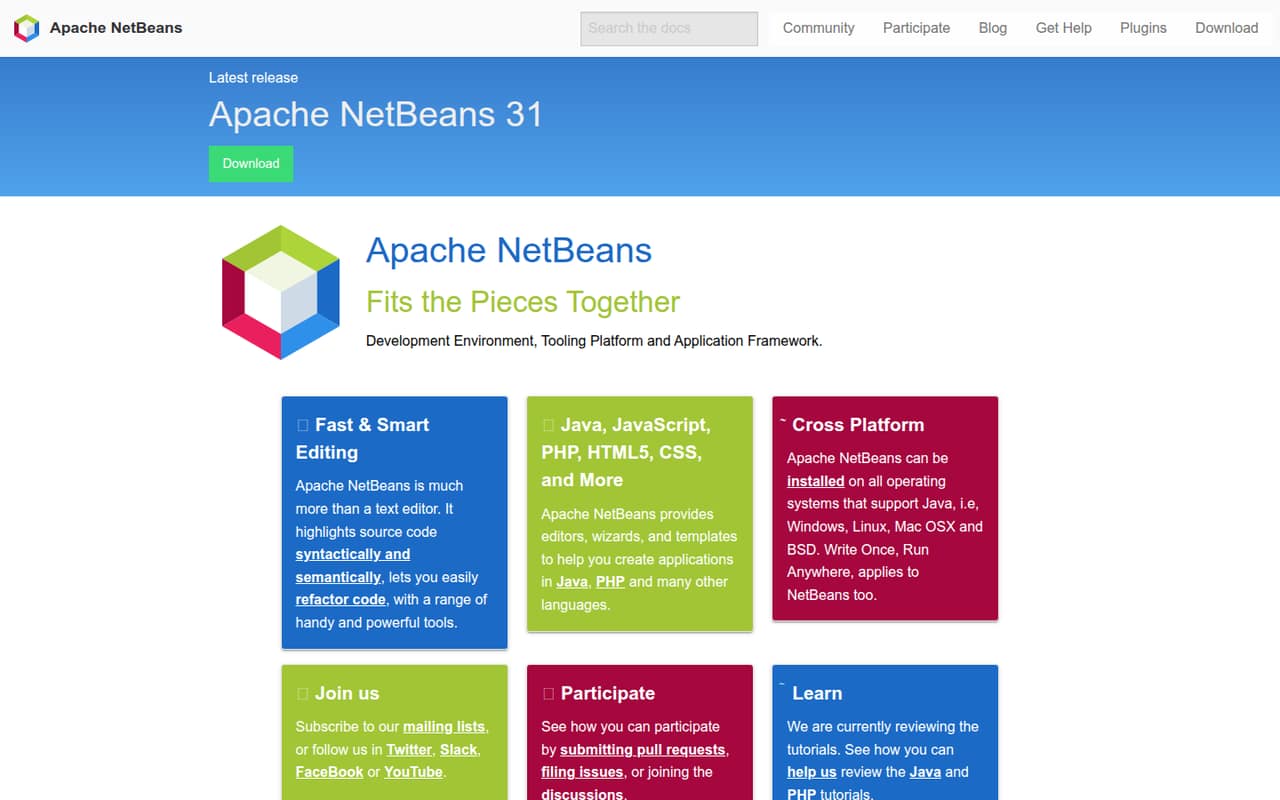
Apache NetBeans gives small teams code editors, refactoring tools, syntax highlighting, wizards and templates for Java, PHP and other languages. The listed price is $0, so a few seats do not add software costs.
It looks like a good fit for budget-conscious teams that want a full development environment, not a paid team-management or support service. Reddit users praise its Java workflow and Maven support, while some report concerns about the debugger and editing experience.
Good fit if
- Small Java development teams
- Teams that need a free IDE
- Developers using Maven projects
Skip it if
- Teams seeking paid vendor support
- Teams needing published seat pricing
- Developers who prioritize debugger polish
ScoresHow it rates
What works
- Free and open source under Apache License 2.0
- Editors cover Java, PHP and other languages
- Includes code highlighting and refactoring tools
- Wizards and templates help create applications
- Users praise its Maven project support
What doesn't
- No paid tiers or add-ons are listed
- Annual billing details aren't published
- Vendor doesn't publish seat limits
- Some users criticize the debugger experience
- Copy-paste issue reports are mixed
01Who Apache NetBeans is for
NetBeans suits a solo developer or a small team of one to ten people that wants a capable development environment without adding an IDE subscription to the budget. It is an IDE: a place to edit code and use development tools, rather than a project-management system. The feature list covers Java, PHP and other languages, with code highlighting, refactoring, editors, wizards and templates.
For a team building Java applications, that is a practical set of basics at a $0 listed price. It can also make sense for mixed-language work, though the exact language coverage beyond Java and PHP is not specified. Reddit users describe the interface as intuitive and call out Maven support. NetBeans is a sensible shortlist option if those workflows fit your work; teams that need a particular integration or a formal support arrangement should confirm that need before adopting it.
02Apache NetBeans free plan and trial
The pricing information lists Apache NetBeans as free and open source under the Apache License 2.0, with a monthly price of $0. It does not list a separate paid plan, add-ons or a free trial. The free software includes the development environment, editors and tools described for Java, PHP and other languages.
There is no published free-tier seat cap or feature limit in the pricing information, so we would not budget for a per-user charge based on the listed price. That does not tell us what support or service commitments are available; the vendor does not publish those as plan details there. For a small team deciding whether the free option is enough, check that your required language and project workflow are supported before rolling it out.
03What a small team pays for Apache NetBeans
The listed Apache NetBeans price is $0 per person per month. On that basis, one person costs $0 monthly, while three people cost $0 and five people cost $0. Those are simple per-seat totals using the listed free price; no separate seat limit is published. The pricing information does not list an annual price or annual billing option, so there is no annual rate to compare with monthly billing.
The listed plan is free and open source under the Apache License 2.0. No add-ons or paid tiers are listed, so the published software cost stays at zero for these team sizes. The pricing information also does not set out paid support, onboarding or other services as add-ons. If your team needs those, ask the vendor what is available and whether it carries a cost. The price is a straightforward budget win, but it is not a full picture of any support or service commitments.
04Getting started with Apache NetBeans
Setup effort is not published as a time estimate. NetBeans can be installed on operating systems that support Java, including Windows, Linux, Mac OS X and BSD. The feature list describes editors, wizards and templates, but does not give a step-by-step setup guide or list particular integrations.
For Java projects, Maven is the clearest workflow signal from users: commenters say Maven is native, and one says they point NetBeans at a pom file to get started. Another notes that Maven and Ant files are understood directly as IDE project files. Treat those as user reports, not a promise about every project configuration. A Java commenter describes the interface as intuitive, though any IDE still takes time to learn. Before rollout, have one developer check your project's build setup and confirm the languages and tools your team relies on.
05When small teams outgrow Apache NetBeans
A team is more likely to outgrow NetBeans because of workflow needs than because of the listed price: there is no paid tier to upgrade to in the pricing information. The vendor does not publish seat limits, team pricing, or plan-based feature boundaries. If you need a formal support commitment, centralized team workflows or a specific integration, ask the vendor what is available before making NetBeans a team standard.
User feedback is positive overall but not unanimous. One Java commenter says the debugger is not as good to use as alternatives, and another says editing content is not as nice. A release discussion includes a complaint about a copy-paste bug, while another commenter says they have never encountered it. That disagreement is a reason to check your own workflows before standardizing. If debugging, editor preferences or support expectations become a daily frustration, your team may prefer a different IDE, even though NetBeans does not add a per-seat software bill.
From the threadsWhat users say
Reddit sentiment is largely positive, particularly around the Java workflow, usability and Maven support. Some users raise concerns about the debugger, editing experience and a reported copy-paste issue.
the most intuitive Java IDE
Netbeans maven support is hard to overstate
The debugger is not as good to use as either IntelliJ or Eclipse
NO, the copy paste bug still hasn't been fixed
Questions people ask
Can I use Apache NetBeans for Java?
Yes. NetBeans is a development environment with Java editors and tools, including code highlighting and refactoring. Reddit users also describe using it for Java projects and praise its Maven workflow. Check that your project's specific build setup and required tools fit before making it your team's standard IDE.
How much does Apache NetBeans cost?
The pricing information lists Apache NetBeans as free and open source under the Apache License 2.0, with a monthly price of $0. That makes the listed software cost $0 for one person or a small team. Annual billing details and paid support options are not published there.
Which operating systems support Apache NetBeans?
NetBeans can be installed on operating systems that support Java. The listed examples are Windows, Linux, Mac OS X and BSD. Check that your team's operating system supports Java and that the NetBeans version you plan to use fits your environment.
Does Apache NetBeans support PHP?
Yes. NetBeans offers editors and development tools for PHP as well as Java and other languages. Its feature list also includes code highlighting, refactoring tools, wizards and templates. The specific languages and workflows your team needs should be confirmed before adoption.
Can I open a Maven project in Apache NetBeans?
Reddit users report that Maven support is built into their workflow: one says they point NetBeans at a pom file, and another says Maven files are understood directly as IDE project files. Those are user reports, so check your own project's configuration and build process before rolling the IDE out.