We may earn a commission if you buy through links on this page. It never changes a score or a ranking. How we make money
Most small teams need a link-in-bio tool only if social profiles send people to several destinations—or if you sell from those profiles. For a basic page, start with a free plan: AllMyLinks lists unlimited links at no cost, while Lnk.Bio starts at $0.99 and has a free plan. For a few seats, don’t assume the starting price is the team price: published seat costs are limited, and some vendors don’t publish team details. We’d shortlist by the work you need, then confirm seat pricing, selling fees, and analytics before paying.
Quick picksThe shortlist
 Lnk.BioLnk.BioBest low-cost links · $0.99/mo
 AllMyLinksAllMyLinksBest free plan · Free
 MilkshakeMilkshakeBest phone-first page · $2.99/mo
 TaplinkTaplinkBest for lead collection · $4/mo
 Mssg.meMssg.meBest compact storefront · $2.50/mo
 BeaconsBeaconsBest for creator sales · $8.33/mo
 LinktreeLinktreeBest quick link hub · $8.75/mo
 LaterLaterBest for campaign teams · $18.75/mo
 Stan StoreStan StoreBest for social selling · $25/mo
 LinkfireLinkfireBest for music campaigns · $21/mo
 Bio.linkBio.linkBest branded landing page · $7.49/mo
 ShorbyShorbyBest tracked links · $12/mo
01Compared at a glance
| Tool | Score | From | Free plan | Trial |
|---|---|---|---|---|
| Lnk.BioLnk.Bio | 7.8 | $0.99/mo | Yes | — |
| AllMyLinksAllMyLinks | 7.0 | Free | Yes | — |
| MilkshakeMilkshake | 7.3 | $2.99/mo | Yes | — |
| TaplinkTaplink | 7.1 | $4/mo | Yes | — |
| Mssg.meMssg.me | 7.2 | $2.50/mo | Yes | — |
| BeaconsBeacons | 7.2 | $8.33/mo | Yes | — |
| LinktreeLinktree | 7.0 | $8.75/mo | Yes | 7 days |
| LaterLater | 7.1 | $18.75/mo | No | 14 days |
| Stan StoreStan Store | 7.0 | $25/mo | No | 14 days |
| LinkfireLinkfire | 6.8 | $21/mo | Yes | — |
| Bio.linkBio.link | 6.6 | $7.49/mo | No | 7 days |
| ShorbyShorby | 6.5 | $12/mo | No | — |
02The picks, in detail
- Best low-cost linksLnk.BioLnk.Bio
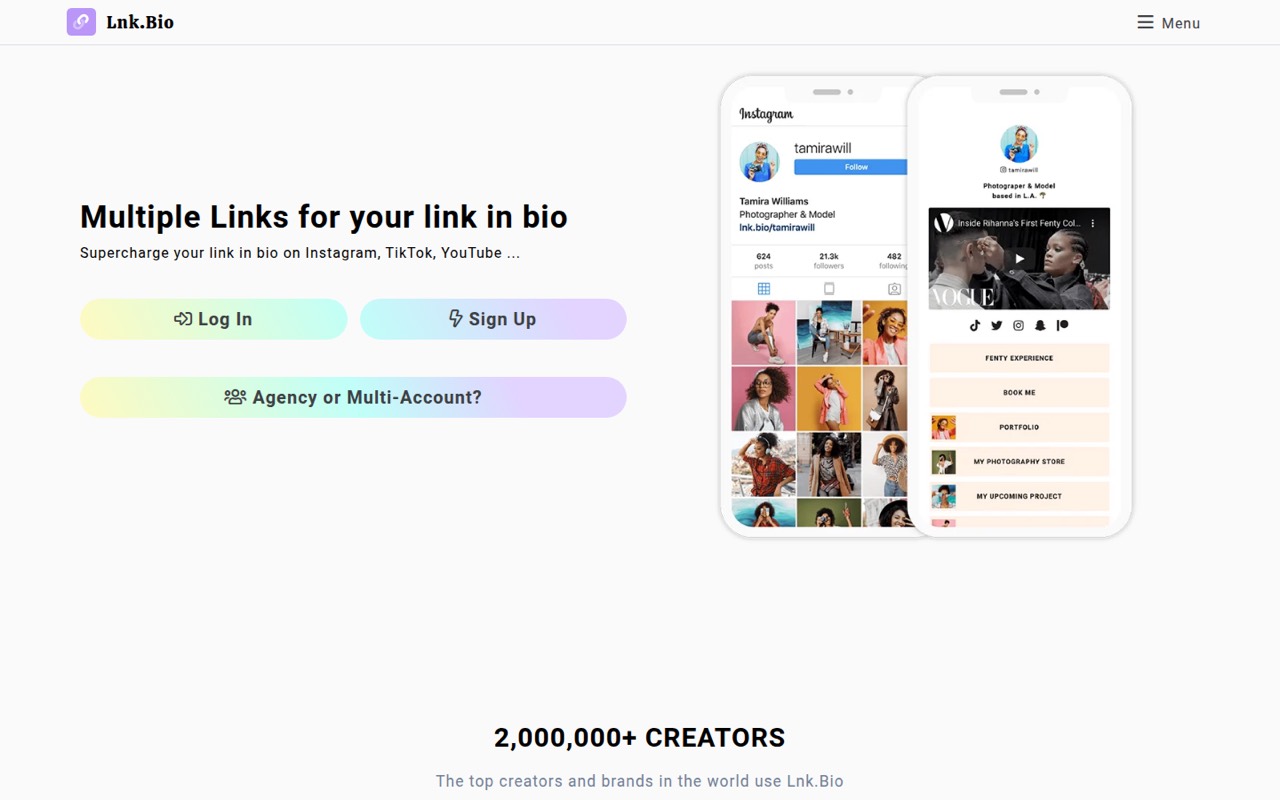
Lnk.Bio is our budget pick for creators and small teams that need several bio links without adding much subscription cost. The listed starting price is $0.99, and it has a free plan. The vendor also lists agencies managing client profiles among its best-fit users. Confirm whether that price covers your needed profiles and team access before moving client work onto it.
What works
- Free plan includes unlimited links
- Mini has a $9.99 lifetime option
- Free plan includes three pages
What doesn't
- Individual plans include only one account
- Mini still displays Lnk.Bio branding
- Unique domain renews at $75
- Best free planAllMyLinksAllMyLinks
AllMyLinks is the clearest $0 option in this group: its free plan includes unlimited links, according to the pricing page. That suits a small team sharing one profile when a shared workflow is not a requirement. The trade-off is exactly that workflow caveat; if multiple people need access or approvals, ask the vendor what team features are available before relying on it.
What works
- Free plan lists unlimited links
- One profile gathers social and website links
- Link analytics show popular links
What doesn't
- No paid plans or billing options published
- No team seats or roles published
- Reddit users report profile-link errors
- Best phone-first pageMilkshakeMilkshake
Milkshake fits creators or small teams that want to build and update a bio site from a phone. Its listed starting price is $2.99, and it has a free plan. The vendor does not publish team-seat details on the pricing page, so get a quote for everyone who needs access. It’s a sensible shortlist option when phone-first updates matter more than documented team controls.
What works
- Free hosting and unlimited links and Cards
- Build and update the site from a phone
- Lite removes Milkshake branding for $2.99 monthly
What doesn't
- Team seats and shared access rules are not published
- Free Insights data lasts 30 days
- Free and Lite plans charge a 12% selling fee
- Best for lead collectionTaplinkTaplink
Taplink is a useful option for a small business collecting leads or selling through social profiles. The listing gives it a free plan and a $4 starting price, while noting that team costs depend on how many profiles you need. That makes profile count a key budgeting question. Confirm the total for your pages, the available analytics, and any selling fees before choosing a paid plan.
What works
- Free plan includes unlimited links
- Page statistics and QR code on Basic
- Supports images, videos, and music
What doesn't
- One profile per rate plan
- No published per-seat pricing
- Pro and Business require at least three months
- Best compact storefrontMssg.meMssg.me
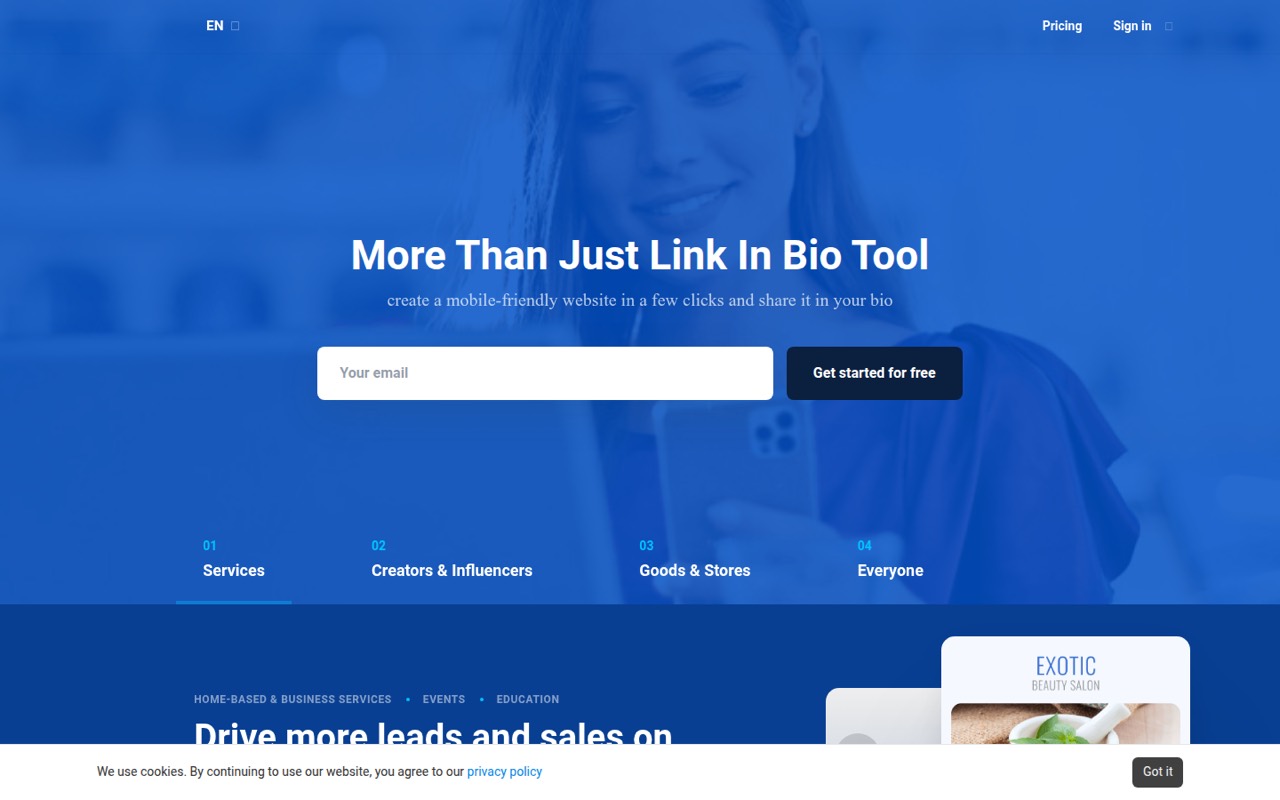
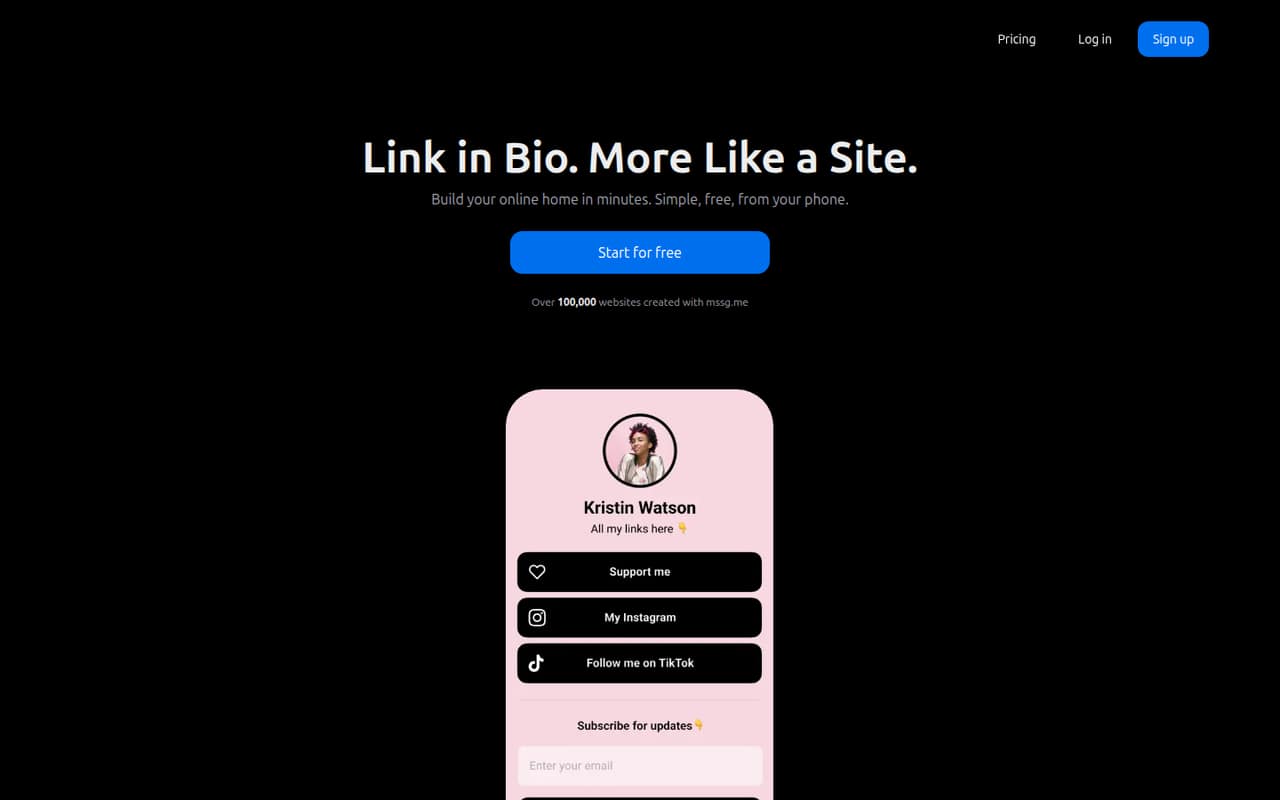
Mssg.me combines links, a landing page, and a small store, according to its listing, and starts at $2.50 with a free plan. That combination may suit a small team that wants more than a directory of links without paying for a broader social platform. Before committing, check how many people and profiles the price covers, plus the terms for selling through the store.
What works
- Free plan includes one website and one page
- Free tier allows up to 10 products
- Paid Pro plan includes unlimited products
What doesn't
- Free plan limits blocks, themes, and pages
- Seat pricing is not listed
- Payment methods are not specified
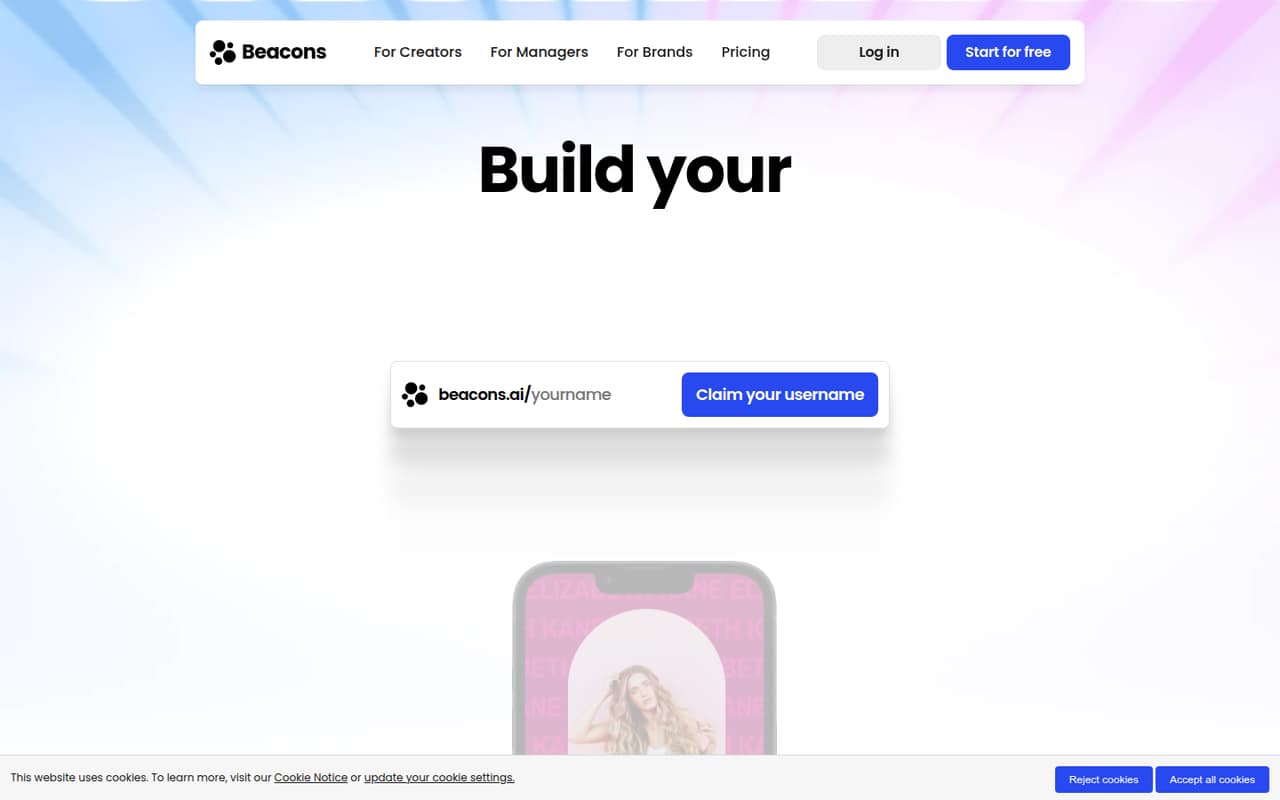
- Best for creator salesBeaconsBeacons
Beacons has a free plan and a listed starting price of $8.33. It’s aimed at creators selling digital products and small teams managing creator partnerships, so it belongs on the shortlist if sales matter more than a bare link page. Watch the email caps and seller fees, and check support reports before buying. Ask for the exact limits and total cost for your team.
What works
- Free plan includes unlimited digital products
- Free plan includes a daily-updating media kit
- One hub for links, sales, and audience marketing
What doesn't
- Free plan charges 9% seller fees
- Free plan allows 50 email sends monthly
- Creator still charges 9% seller fees
- Best quick link hubLinktreeLinktree
Linktree is a practical fit for creators sharing several social links or a business that wants a quick link hub. It has a free plan and a listed starting price of $8.75. The listing cautions that team access and paid features can raise the bill. Before selecting it, confirm which features require payment and what access costs for everyone who will manage the page.
What works
- Free plan includes unlimited basic links
- Email and phone sign-ups on Free
- QR codes can send offline traffic
What doesn't
- Free plan does not list analytics
- Monthly billing costs more than annual
- Team and Agency pricing is custom

- Best for campaign teamsLaterLater
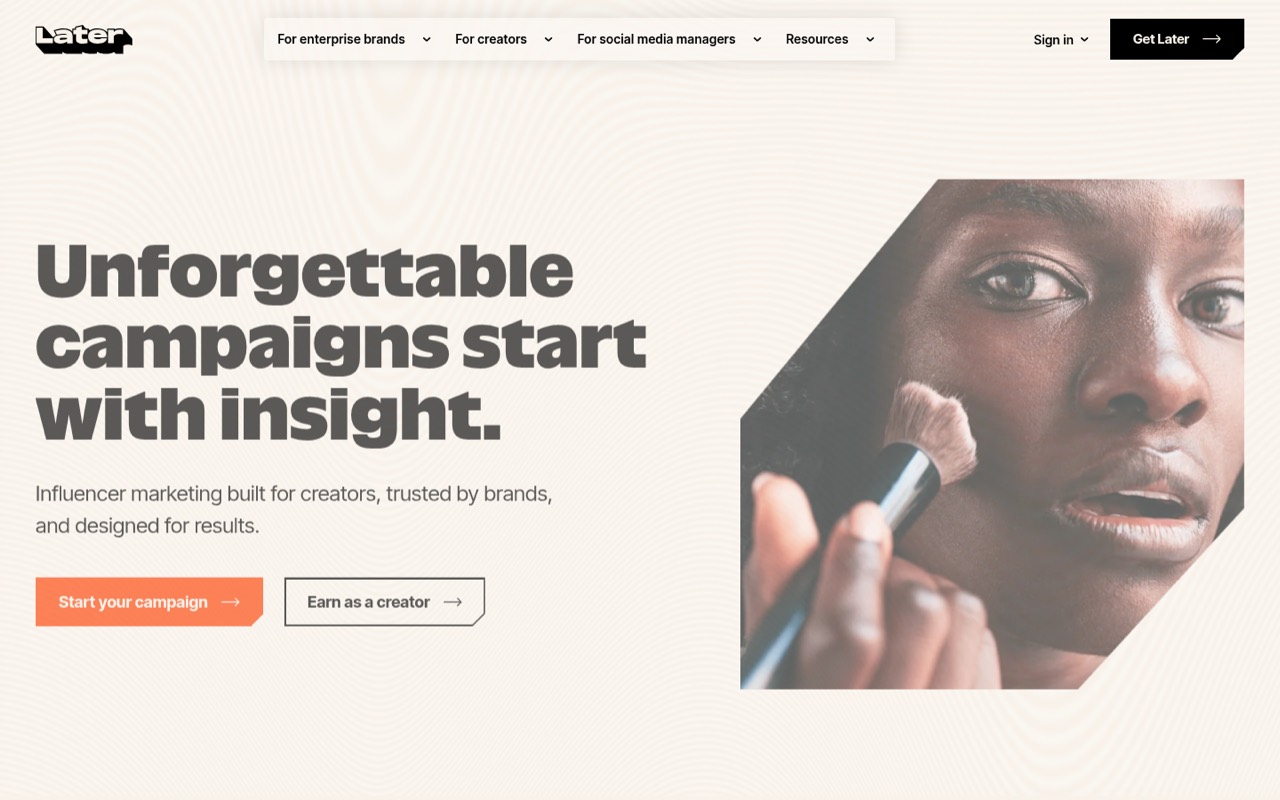
Later is the stronger fit here when the link page is part of creator campaigns or social approvals, rather than a standalone bio page. The listed starting price is $18.75, and the listing says small teams must budget for paid seats from day one. That makes it a bigger commitment than the low-cost options. Check the seat total and whether your team needs its wider social and influencer capabilities.
What works
- Combines social scheduling with influencer marketing tools
- Starter includes eight social profiles
- Growth adds approval workflows and a social inbox
What doesn't
- No ongoing free plan
- Starter allows only one user
- Starter caps scheduling at 30 posts per profile monthly
- Best for social sellingStan StoreStan Store
Stan Store targets creators selling through social media and small businesses that want one storefront. Its listed starting price is $25, and the listing flags the lack of free access and clear team-seat pricing as drawbacks. It may suit a team already committed to selling from its bio, but ask for written seat pricing and selling terms before comparing it with cheaper link-page tools.
What works
- Sells downloads, courses, memberships and bookings
- Combines storefront and link-in-bio tools
- Includes a 14-day free trial
What doesn't
- No free plan
- Creator starts at $29 when billed monthly
- Seat and usage limits aren’t published

- Best for music campaignsLinkfireLinkfire
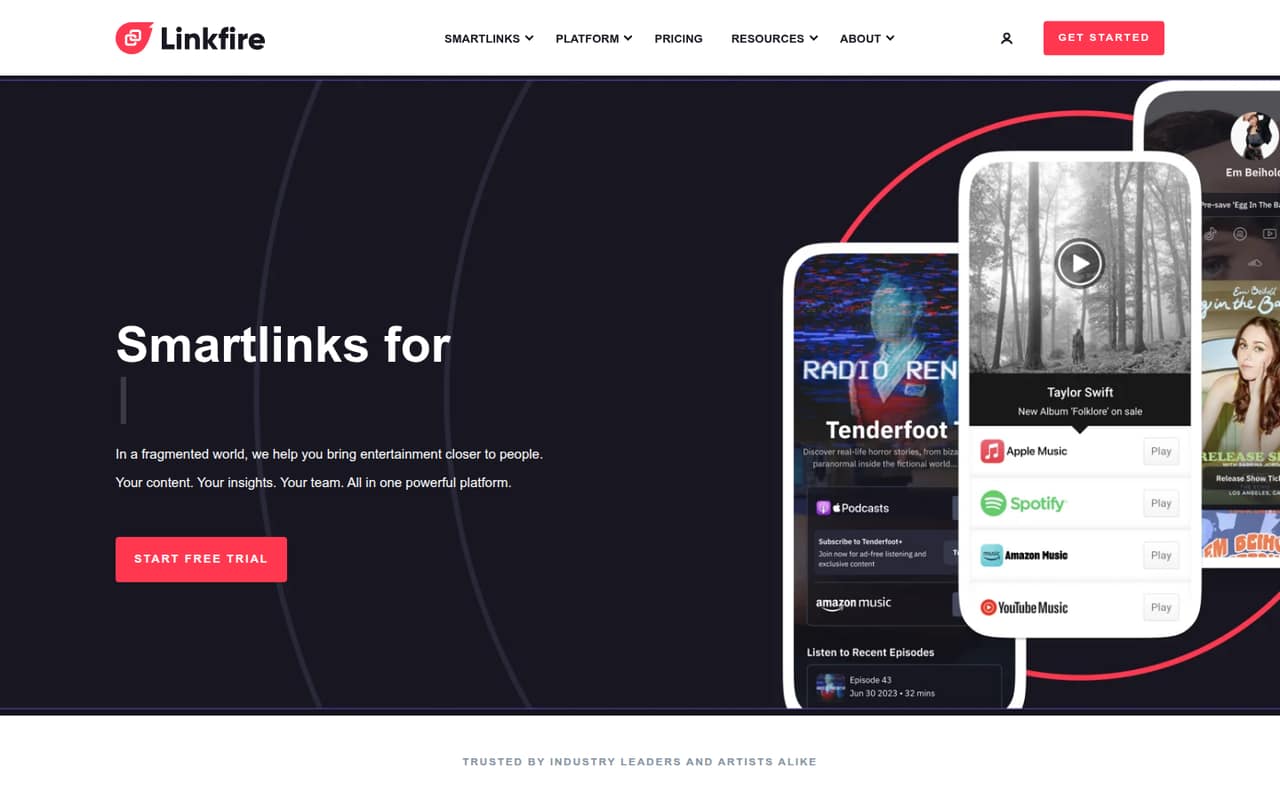
Linkfire is the niche pick for independent artists promoting releases, labels managing several artists, and music campaigns needing smart links. Its listed starting price is $21, and it has a free plan. The key caveat is to verify free-plan limits and team access first. For a general small-business bio page, its music-campaign focus may be more than you need.
What works
- Supports music, podcast, ticket and content links
- Unlimited links listed on paid plans
- Unlimited widgets and QR codes on paid plans
What doesn't
- Free-plan features and limits aren't published
- No per-seat pricing is listed
- Pro is limited to one artist workspace
- Best branded landing pageBio.linkBio.link
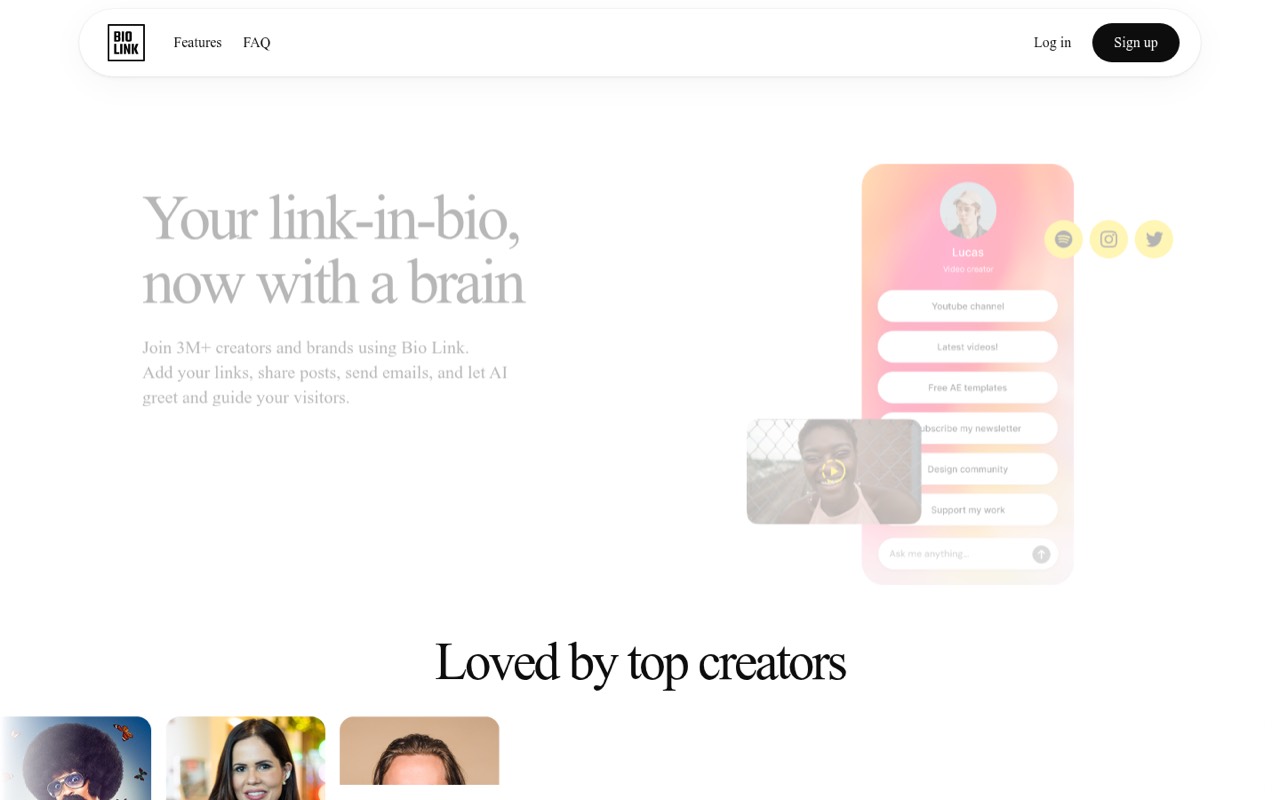
Bio.link is aimed at creators building a branded landing page, small teams publishing posts and email signups, and brands wanting AI visitor assistance. The listed starting price is $7.49, and the listing says there is no free plan. That makes it harder to justify if all you need is a simple page. Check its analytics and publishing features against the cost before signing up.
What works
- 15+ themes plus font, color and section customization
- Links, embeds, posts and email list tools in one site
- AI assistant answers visitors using site content
What doesn't
- No free plan
- Monthly billing costs $14.99
- Seat pricing is not published
- Best tracked linksShorbyShorby
Shorby suits creators who need tracked bio links, small agencies managing client pages, or businesses using messenger buttons. It starts at $12, and the listing warns that costs rise once you need team seats. That makes seat pricing especially important for agencies and shared accounts. Ask what tracking is included at the starting price and get the full team total before choosing it.
What works
- SmartPages combine links, buttons, and content feeds
- Supports multiple messenger button types
- Dynamic feeds include YouTube, Shopify, and RSS
What doesn't
- No free plan is listed
- Team collaboration requires the Agency plan
- Agency costs $99 month to month
03How we chose
We ranked these for a team of 1–10, not for the broadest feature list. We gave priority to a free starting point, a low listed price, and a clear fit for the work a small team actually needs. We also considered whether the listing flags seat costs, profile-based pricing, or plan limits. We don’t assume a solo starting price covers several people. Setup effort, analytics, and selling terms should be checked in vendor documentation; seek recent Reddit reports for support or workflow concerns rather than treating unverified details as settled.
04What will a few seats really cost?
A listed starting price is not necessarily your team’s monthly total. Later’s listing says small teams should budget for paid seats from day one; Taplink says costs depend on how many profiles you need; Milkshake does not publish team-seat details on the pricing page. Other entries also flag questions about team access or seat costs.
Before you choose, ask the vendor for a price that matches how your team will work:
- How many people can edit or manage the page at the listed price?
- Are extra profiles, client pages, or seats charged separately?
- Which features require a higher plan?
- Is the quote monthly or tied to a longer billing term?
Compare the total for everyone who needs access, not just the lowest “from” price. If seat pricing is unclear, get it in writing before setup.
05Check fees, analytics, and setup needs
A bio page can be a simple list of destinations or part of a storefront, campaign, or lead-generation flow. Pick the smallest setup that fits the job. If you only share links, a free plan may be enough. If you sell digital products, compare seller fees and the plan terms that apply to sales; Beacons’ listing specifically says to watch seller fees. Don’t assume tools charge the same way.
Also confirm what you can measure. Ask which analytics are included on the free and paid plans, whether link tracking costs extra, and how long data is kept. For setup, check whether your team can make the page on the device and workflow it prefers; Milkshake is described as phone-first. Finally, review the vendor’s docs and recent user comments for limits or support issues that could add work later.
Questions people ask
What is the most popular link-in-bio tool?
We can’t identify a popularity leader from the available product and pricing details. Linktree is described as a handy, quick link hub, but that is not evidence that it is the most widely used. For a small team, compare free-plan coverage, access costs, and the work you need the page to do.
What are some good links to put in my bio?
Choose destinations that match what you want visitors to do: your main site, a product or storefront, a signup page, or relevant social profiles. Keep the page focused on the next step rather than adding every possible destination. If you sell, check the tool’s fees and analytics before sending customers there.
Is link in bio outdated?
Not necessarily. A single bio link can still help when a social profile gives you limited space or when you need to direct visitors to several destinations. It may be unnecessary if your profile already has the links and actions your audience needs. Use one when it makes the next step clearer.
Which is better, Linktree or Bio.link?
Linktree has a free plan and starts at $8.75 in the listing; Bio.link starts at $7.49 and has no free plan. Linktree is described as a quick link hub, while Bio.link targets branded pages, posts, and email signups. Choose based on those needs, then confirm feature and team-access costs.