We may earn a commission if you buy through links on this page. It never changes a score or a ranking. How we make money
A small team doesn’t need an LLM API until it has an app, workflow, or internal tool that benefits from one. If you’re still exploring, start with a provider that offers a free entry point, but check whether that covers API use or only another product tier. For a team of 1–10, OpenAI is our best all-around starting point; Mistral AI and NanoGPT are worth comparing for low-cost entry. Before choosing, confirm how API usage is billed: listed starting prices don’t tell you what a few people’s actual usage will cost.
Quick picksThe shortlist
 OpenAIOpenAIBest starting point · $8/mo
 Mistral AIMistral AIBest low-cost entry · $5.99/mo
 NanoGPTNanoGPTBest model choice · $12/mo
 Gemini APIGemini APIBest free API start · Free
 AnthropicAnthropicBest for Claude · $17/mo
 MiniMaxMiniMaxBest for speech APIs · $4/mo
 DeepSeek APIDeepSeek APIBest for token value · Custom
 xAI APIxAI APIBest for Grok apps · $8/mo
 Gemini Live APIGemini Live APIBest for live voice · Free
 Ask SageAsk SageBest for government · $30/mo
 CohereCohereBest for AI search · Free
 Amazon BedrockAmazon BedrockBest for AWS teams · Custom
 Azure OpenAI ServiceAzure OpenAI ServiceBest for Azure apps · Custom
 ZenMuxZenMuxBest for multiple providers · Custom
 Upstage AIUpstage AIBest for documents · $100/mo
 AI21 LabsAI21 LabsBest for specialized tasks · Custom
01Compared at a glance
| Tool | Score | From | Free plan | Trial |
|---|---|---|---|---|
| OpenAIOpenAI | 7.2 | $8/mo | Yes | — |
| Mistral AIMistral AI | 7.2 | $5.99/mo | Yes | — |
| NanoGPTNanoGPT | 7.2 | $12/mo | Yes | — |
| Gemini APIGemini API | 7.1 | Free | Yes | — |
| AnthropicAnthropic | 7.2 | $17/mo | Yes | — |
| MiniMaxMiniMax | 6.5 | $4/mo | No | — |
| DeepSeek APIDeepSeek API | 7.6 | Custom | No | — |
| xAI APIxAI API | 7.0 | $8/mo | Yes | — |
| Gemini Live APIGemini Live API | 7.2 | Free | Yes | — |
| Ask SageAsk Sage | 6.3 | $30/mo | No | 30 days |
| CohereCohere | 6.8 | Free | Yes | — |
| Amazon BedrockAmazon Bedrock | 5.0 | Custom | No | — |
| Azure OpenAI ServiceAzure OpenAI Service | 6.2 | Custom | No | 30 days |
| ZenMuxZenMux | 5.6 | Custom | No | — |
| Upstage AIUpstage AI | 6.3 | $100/mo | No | — |
| AI21 LabsAI21 Labs | 6.1 | Custom | No | 7 days |
02The picks, in detail
- Best starting pointOpenAIOpenAI
OpenAI is our first pick for a small team that wants to explore AI without immediately committing to a large subscription. It has a free plan, a listed starting price of $8, and options spanning ChatGPT and API access. Check which plan includes the features and shared workspace your team needs, and budget API use separately if its pricing is usage-based.
What works
- Free ChatGPT plan offers a low-cost starting point
- ChatGPT, Business, API Platform, and research in one product family
- Business Standard offers monthly and annual billing
What doesn't
- Free plan has limited daily quotas
- Business workspace requires at least two seats
- Business flexible-credit per-unit rates are not published
- Best low-cost entryMistral AIMistral AI
Mistral AI offers a free starting point and a listed starting price of $5.99, with a Team plan listed at $24.99 per seat. It suits teams interested in private deployment, AI agents, or adapting open-weight models. The Team plan can add up quickly across several seats, so compare it with the API costs and deployment options you actually need.
What works
- Free plan includes 100+ connectors
- Open-weight models can be adapted
- On-premises, VPC, and hosted deployment options
What doesn't
- Free messages, searches, and coding sessions are limited
- Team costs $24.99 per user monthly
- Annual billing is not published
- Best model choiceNanoGPTNanoGPT
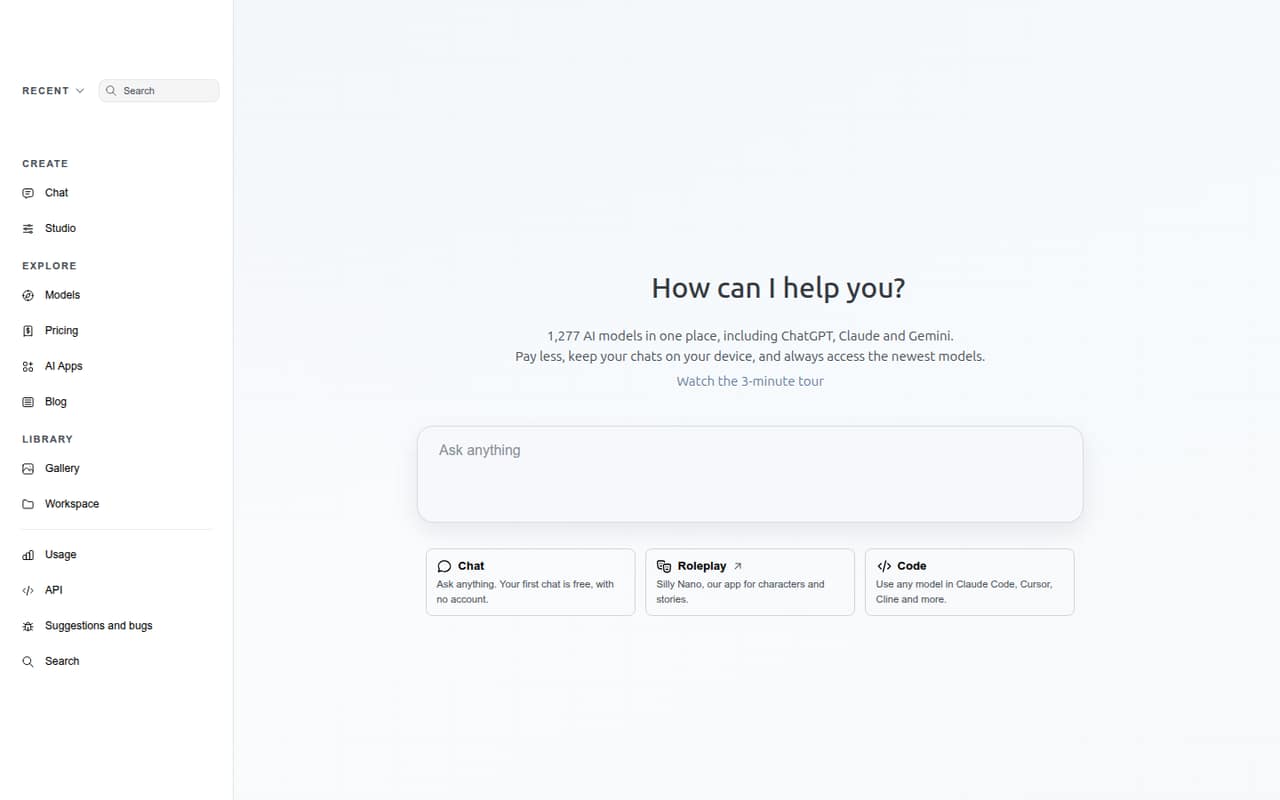
NanoGPT gives teams a free entry point, a listed starting price of $12, and access to a broad range of AI models through an OpenAI-compatible API. That makes it a practical candidate for developers comparing providers without building around a single model. Its reliability trade-off matters: check whether the service fits the needs of anything customer-facing or business-critical.
What works
- Lists 1,277 models, including ChatGPT, Claude, and Gemini
- First chat is free and requires no account
- Pay-as-you-go access avoids a required subscription
What doesn't
- Reddit users report slow or inconsistent provider routing
- Paid models outside Pro draw from your balance
- Provider selection adds 5% when manually pinned
- Best free API startGemini APIGemini API
Gemini API has a free starting point and is aimed at developers building AI features or prototyping multimodal apps. Its starting price is not published, and API demand can vary, so a free entry point is not a promise of predictable ongoing costs. Check the usage rates and security requirements before connecting it to sensitive company data.
What works
- Free plan offers free input and output tokens
- Works with text, images, audio, video and documents
- Includes function calling and sandboxed code execution
What doesn't
- Paid token and request prices vary by model and usage
- The vendor does not publish a universal team cost
- Free plan has limited model access and rate limits
- Best for ClaudeAnthropicAnthropic
Anthropic is a fit for small teams exploring Claude, using Claude Code, or looking for centralized billing. It has a free plan and a listed starting price of $17. The key budgeting question is how team costs and usage limits work for your intended setup; don’t assume the entry price covers API usage or every team member.
What works
- Free plan includes web, desktop, and mobile access
- Free plan includes projects, web search, and code execution
- Pro supports Claude Code and Projects
What doesn't
- Free usage limits are not stated as exact numbers
- Team plans require at least two seats
- Premium seats cost substantially more than Standard
- Best for speech APIsMiniMaxMiniMax
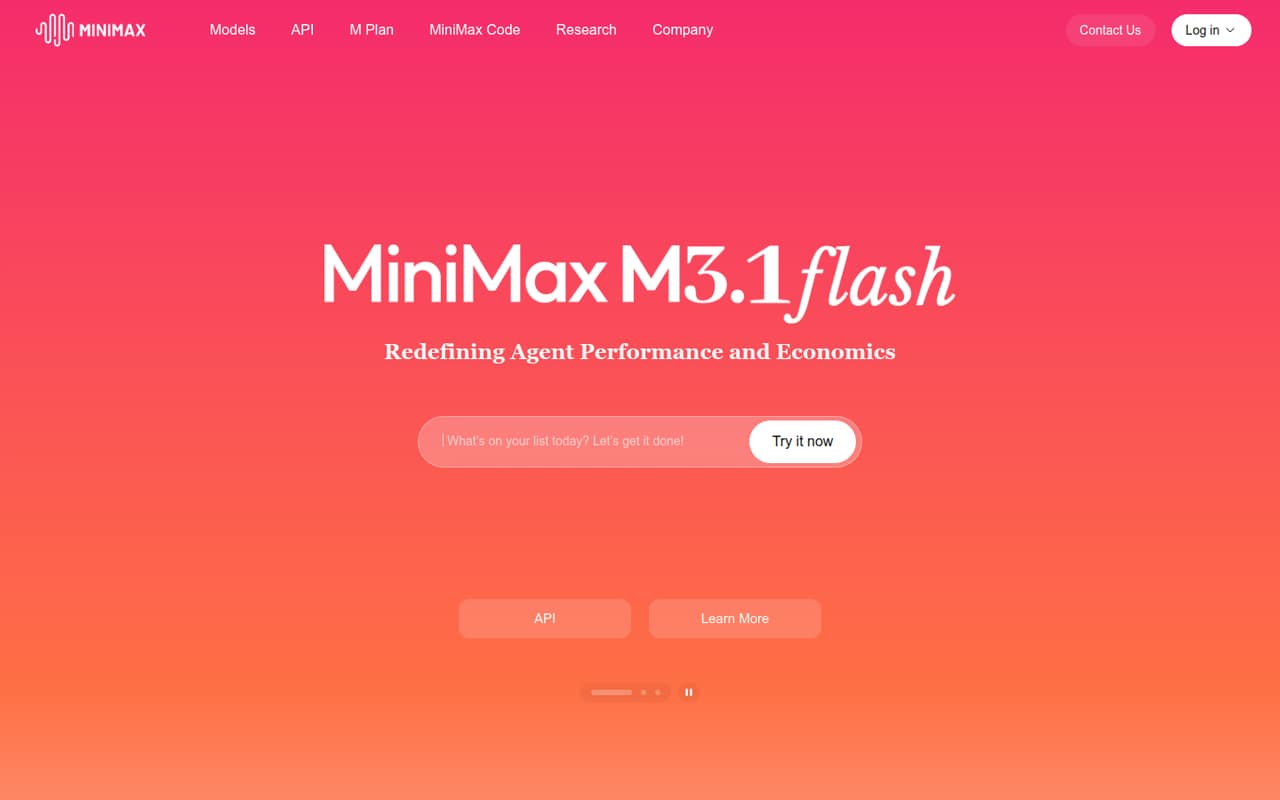
MiniMax is worth a look if your product needs speech APIs or multimodal models. Its listed starting price is $4, but the service has no free plan and small teams pay for usage rather than seats. That can work for a developer-led project with flexible demand; estimate likely usage first, because a low starting price alone won’t predict the bill.
What works
- Audio Starter costs $5 monthly
- Annual audio billing is 20% cheaper
- Speech plans support all speech models
What doesn't
- No free plan or trial is listed
- Published prices focus on audio and video
- Video Standard costs $1,000 monthly
- Best for token valueDeepSeek APIDeepSeek API
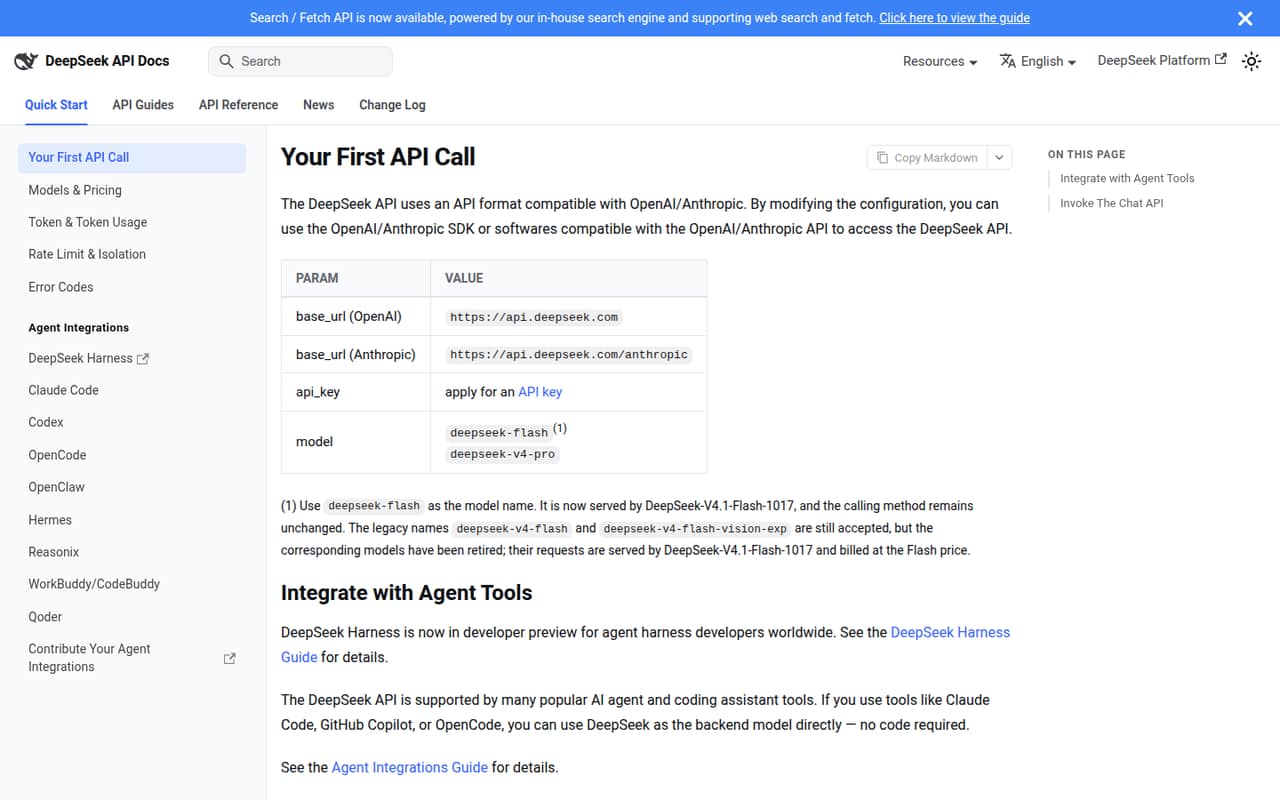
DeepSeek API suits developers building API-powered apps who can monitor token use and estimate demand. Its token-rate value is a draw, but there is no free plan or seat pricing, and a starting price is not published. Ask for current rates and model details, then forecast costs using your expected traffic before making it a core dependency.
What works
- OpenAI- and Anthropic-compatible formats
- Two models with different listed rates
- Flash supports thinking and non-thinking modes
What doesn't
- No free plan or published free trial
- Usage costs depend on token volume
- Peak rates are higher than off-peak
- Best for Grok appsxAI APIxAI API
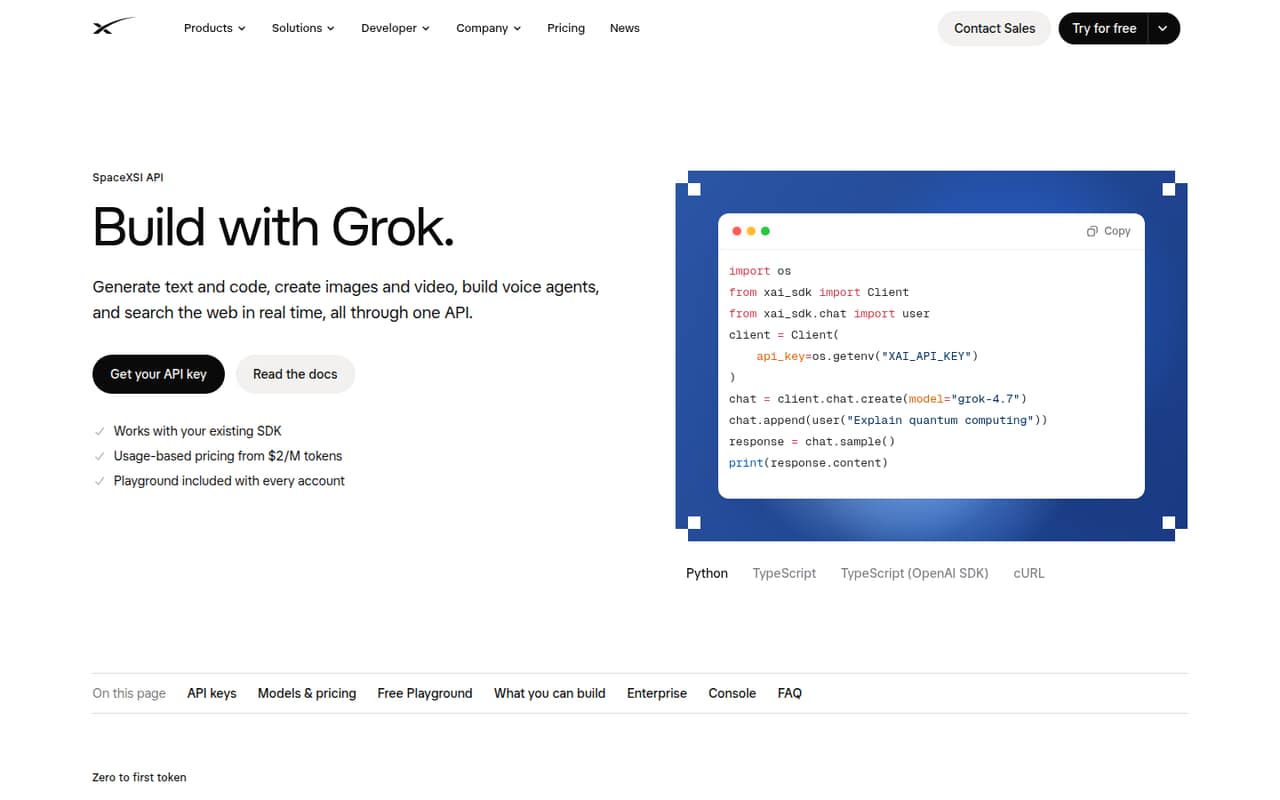
xAI API is designed for teams building Grok-powered products and apps that need text, media, or live web and X search. It has a free plan and a listed starting price of $8, but free API access is unclear and API usage charges are separate. Verify what the free plan covers and how usage is billed before prototyping at scale.
What works
- Text, code, image, video, voice, and search APIs
- Usage-based billing instead of mandatory API seats
- Console includes a Playground
What doesn't
- API usage is billed separately from seat plans
- Free plan lists no specific API allowance
- Media and voice pricing uses different units
- Best for live voiceGemini Live APIGemini Live API
Gemini Live API is aimed at developers building live voice agents and apps with streaming audio and video. It has a free starting point, but a starting price is not published and usage needs careful tracking. This is a specialized choice, not the easiest default for a team without developer capacity or a way to monitor variable API costs.
What works
- Streams audio, images, video frames, and text
- Returns streaming audio and text responses
- Supports interruptions and voice activity detection
What doesn't
- Requires engineering work to build an application
- Free access has limited model availability
- Free quotas and paid rate limits are not published
- Best for governmentAsk SageAsk Sage
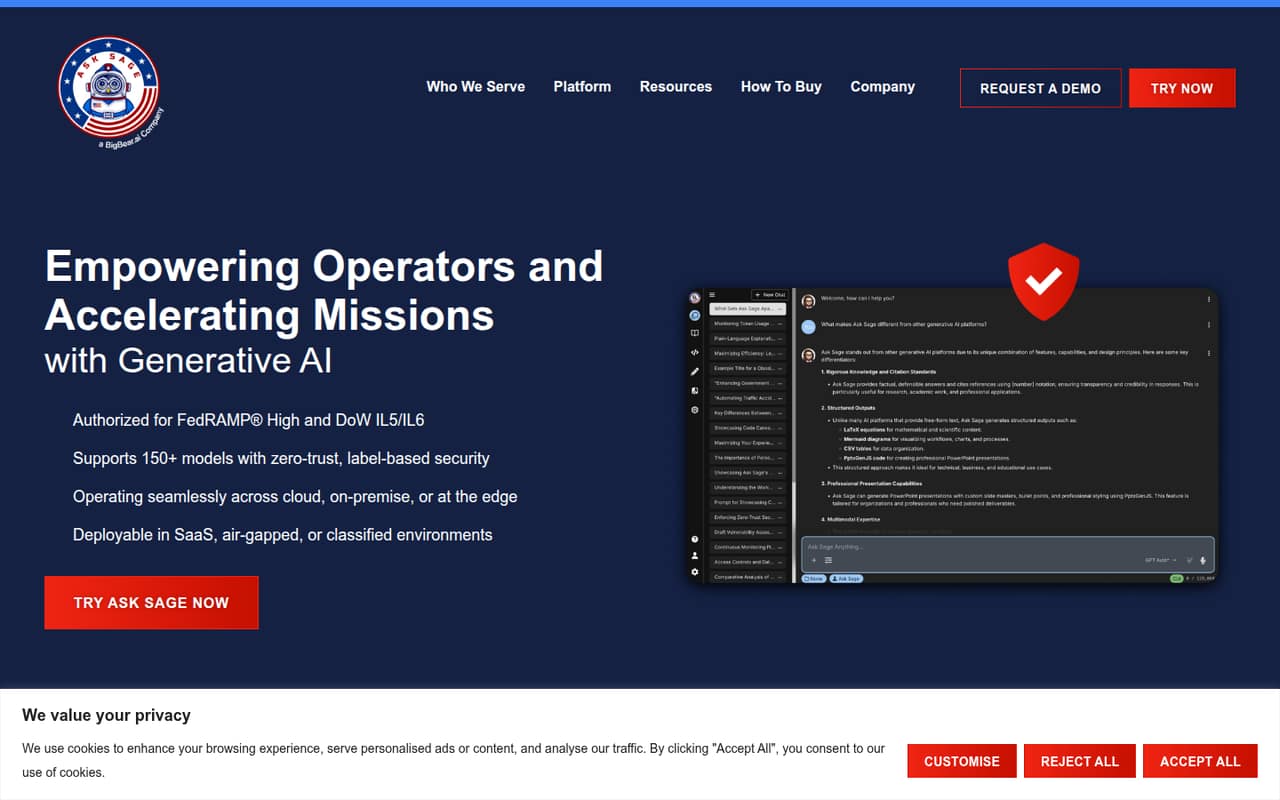
Ask Sage is the clearest fit here for government and defense teams, sensitive-data work, or teams that need several AI models. Its listed starting price is $30, making it a more expensive starting point for a small team simply testing AI. Ask the vendor what security, deployment, and usage terms are included at the price you’re quoted.
What works
- Access to 150+ models
- Supports text, image, video, and audio
- Offers air-gapped and classified deployments
What doesn't
- No free plan
- Starter costs $30 per user monthly
- Most annual prices are not published
- Best for AI searchCohereCohere
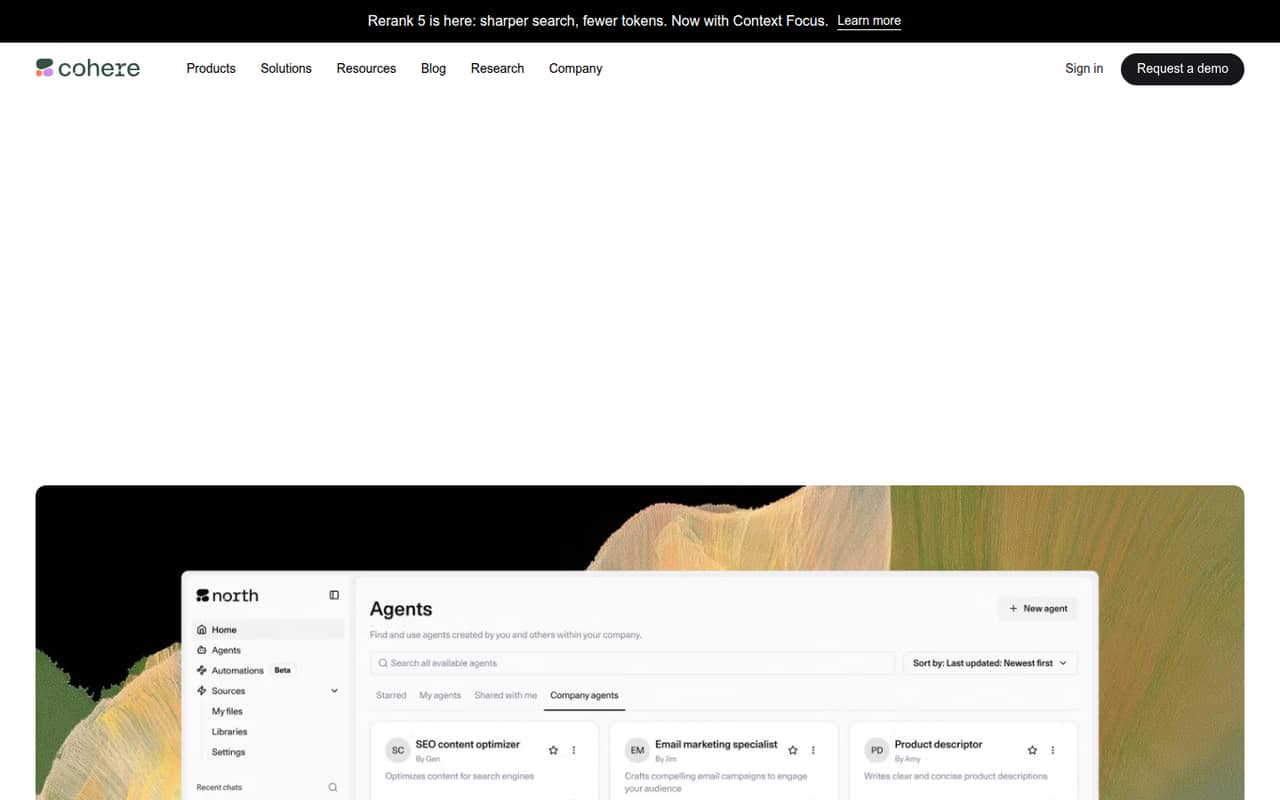
Cohere is a candidate for businesses building AI-powered search, teams with private deployment needs, and developers prototyping with its models. It has a free plan, but a starting price is not published. Its deployment options may suit specific business requirements, though teams seeking simple, predictable pricing should ask for a quote and clarify usage costs first.
What works
- Free, rate-limited API key for prototyping
- Models cover generation, search, speech, and documents
- Private on-premises and isolated VPC deployment options
What doesn't
- Trial API key is not for production or commercial use
- Current production API model rates aren't published here
- North and Compass require custom enterprise pricing
- Best for AWS teamsAmazon BedrockAmazon Bedrock
Amazon Bedrock makes the most sense for teams already working in AWS that have real inference needs, want to build agents, or need bulk inference with flexible timing. A starting price is not published, and it is not positioned as a free, predictable seat plan. Ask how your expected workload is billed before comparing it with per-seat tools.
What works
- Supports inference and agent building
- On-demand pricing follows actual usage
- Batch mode lists a 50% discount
What doesn't
- No free plan or trial is listed
- No monthly or annual subscription price
- Usage totals depend on workload
- Best for Azure appsAzure OpenAI ServiceAzure OpenAI Service
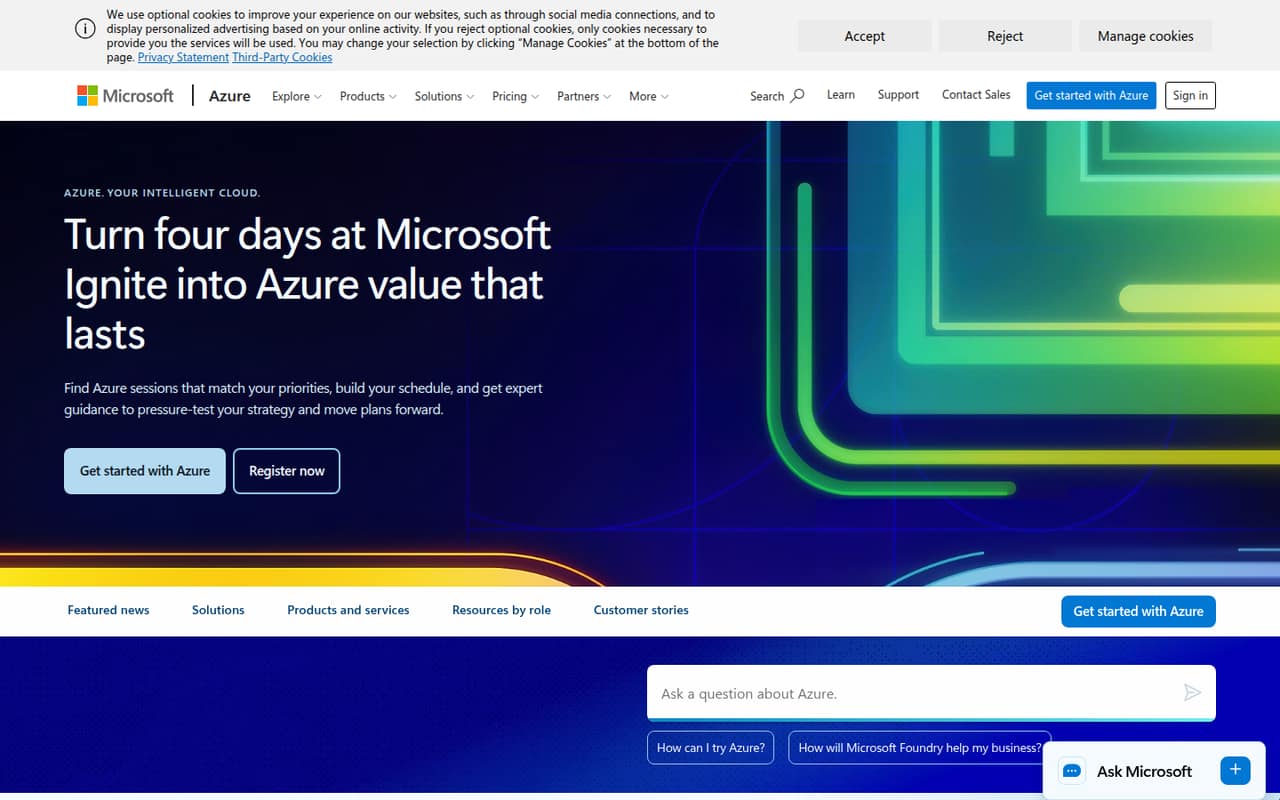
Azure OpenAI Service is worth considering when your team is building AI into apps and already uses Azure or needs developer support. A starting price is not published, and workloads are variable and usage-based rather than priced by seats. It is a more natural fit for a project with a technical owner than for a team shopping for a simple shared subscription.
What works
- Standard billing is based on token usage
- Batch API offers a 50% Global Standard discount
- Provisioned throughput has monthly and annual reservations
What doesn't
- No dedicated free plan
- Starting prices are not published
- Standard requests can be throttled
- Best for multiple providersZenMuxZenMux
ZenMux brings several AI providers and generation tools together through one API, which may help a small team working across models. A starting price is not published, and usage is metered, so budget carefully rather than treating one API as a fixed monthly bill. Check what usage visibility is available and how each model affects your costs.
What works
- One account and API for models from official providers or authorized partners.
- Supports OpenAI, Anthropic, and Google Vertex AI protocols.
- GUI includes chat, image, and video generation.
What doesn't
- No monthly or annual subscription prices are listed.
- Per-call metering can make costs harder to forecast.
- No free plan or trial is confirmed in the pricing details.

- Best for documentsUpstage AIUpstage AI
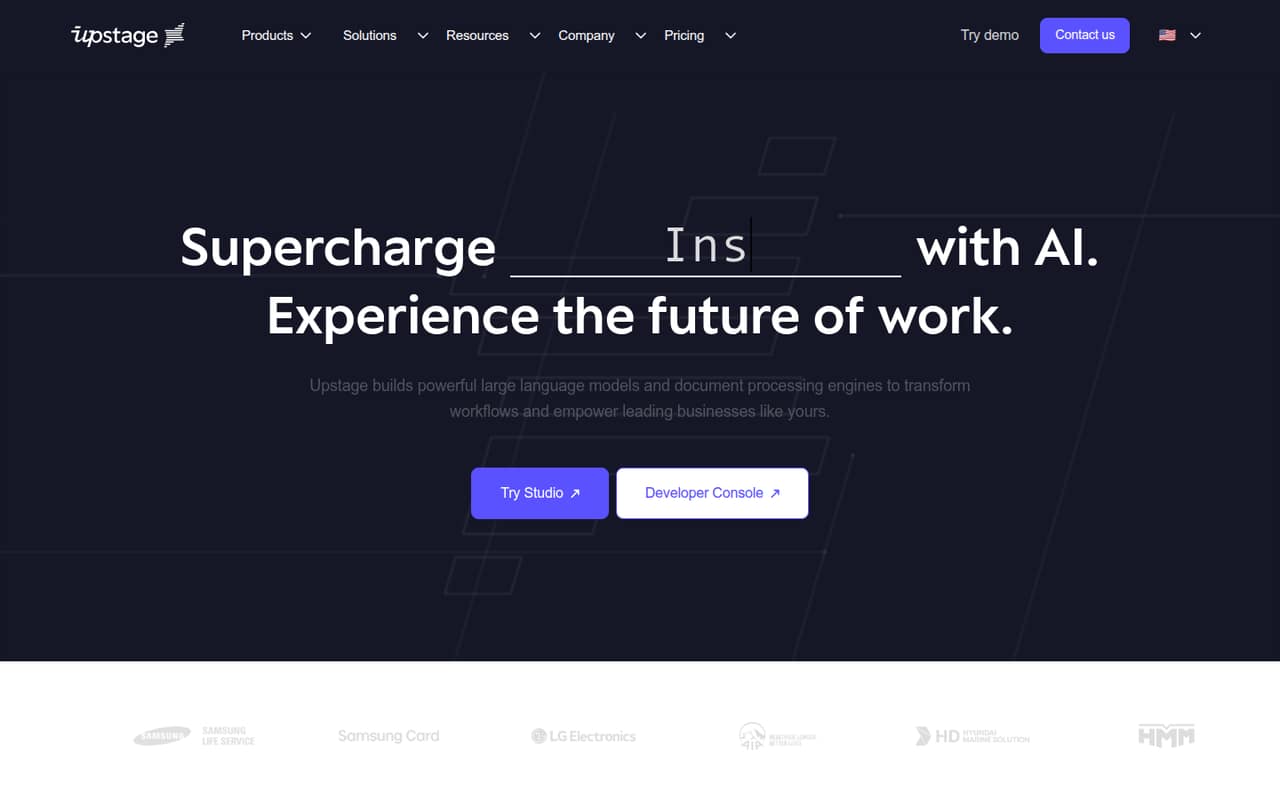
Upstage AI is aimed at teams processing business documents, building AI agents, or needing on-prem deployment. Its listed entry commitment is $100 per month, and there is no free plan. That is a substantial starting point for a small team still exploring. Confirm the included capacity and deployment terms with the vendor before deciding whether the commitment fits.
What works
- Document parsing handles PDFs, scans, and emails
- Extract turns unstructured text into key-value data
- Agent-building tools are included in the product lineup
What doesn't
- No free plan or published free trial
- Cheapest commitment is $100 per month
- Pricing is prepaid credits, not per-seat
- Best for specialized tasksAI21 LabsAI21 Labs
AI21 Labs is worth exploring for specialized AI tasks, proprietary task data, or private deployment needs. A starting price is not published, and custom work can be difficult to budget without a quote. This makes it harder to compare on a small-team budget alone. Ask for pricing tied to your use case, expected volume, and deployment requirements.
What works
- Unlimited seats on the Pay As You Go plan
- Published token rates for Jamba Mini and Large
- Custom model and harness training
What doesn't
- No free plan is listed
- Custom training prices are not published
- Trial details beyond price and duration are unclear

03How we chose
We ranked providers for teams of 1–10, weighing whether there is a free entry point, what the listed starting price says about getting started, and whether costs are per seat or tied to usage. We also considered the likely setup burden, fit for common small-team needs, plan limits, documentation, and user-reported sentiment. A free plan does not necessarily mean free API access, and an entry price is not a forecast of your monthly bill. Where pricing is not published, ask the vendor for a quote.
04Check what “free” actually covers
For a small team, a free plan is useful only if it lets you try the part of the product you plan to use. Some providers list a free plan alongside API access, but that does not establish that API calls are included at no cost. Check the provider’s docs and pricing page for the API’s free allowance, model availability, usage limits, and what happens when you reach a limit.
Also separate seats from usage. A per-seat plan can be easier to budget when several colleagues need a shared workspace; API billing can vary with demand. Mistral AI lists a $24.99-per-seat Team plan, while several providers in this list bill small teams by usage or do not publish an entry price. Ask for a few-seat estimate and a sample cost based on your expected API traffic before choosing.
05Match the setup to your team’s capacity
An API provider is a better fit when someone on the team can connect it to an app or workflow and keep an eye on usage. For a team without developer time, a product with a shared workspace may be a more practical place to explore first. For technical teams, compare API compatibility, documentation, model options, and any deployment requirements before building around one provider.
Specialized needs can narrow the choice: the listed options include speech APIs, live audio and video, AI search, document processing, private deployment, and AWS- or Azure-based services. Don’t pay for those capabilities unless your project needs them. Before a launch, confirm the provider’s security terms, usage limits, and billing method, and decide who will monitor costs. If the vendor doesn’t publish pricing or limits, ask for those details in writing.
Questions people ask
Which LLM API provider is best for a small team?
OpenAI is our best starting point for a team exploring AI on a budget, with a free plan, a listed $8 starting price, and ChatGPT and API options. If your project has a specific need—such as private deployment, speech, or live voice—compare providers that focus on it and verify the API costs.
Do free LLM API plans include free API usage?
Not necessarily. A free plan may refer to a product or tier rather than free API calls. Check the provider’s pricing page and docs for the API allowance, model access, and limits. For xAI, free API access is unclear, so confirm directly before planning a prototype around it.
How much does an LLM API cost for a small team?
There isn’t one reliable total: some options charge by usage, while others list seat plans. Mistral AI lists a $24.99-per-seat Team plan; many providers here don’t publish a starting price. Ask for an estimate based on your team size and expected API demand.
When should a small team switch providers?
Revisit your choice when usage becomes hard to predict, a provider’s limits no longer fit, or your security, deployment, or model needs change. Compare the cost and setup of alternatives before switching, and check whether your app depends on provider-specific features or API formats.